How could it be otherwise when you handle a lot of hardware? Particularly low-priced devices tend to end up sooner rather than later at their final destination—with me.
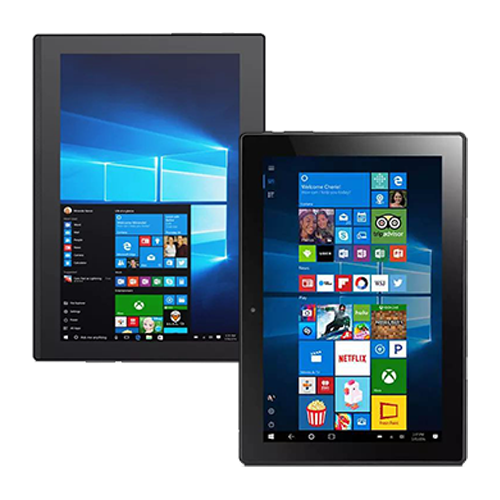
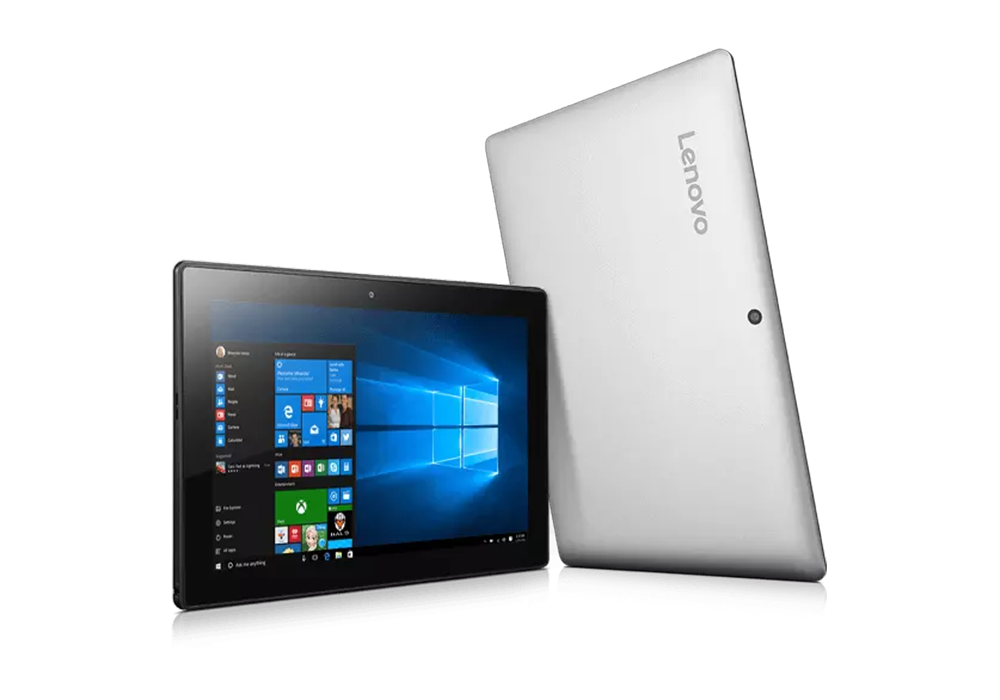
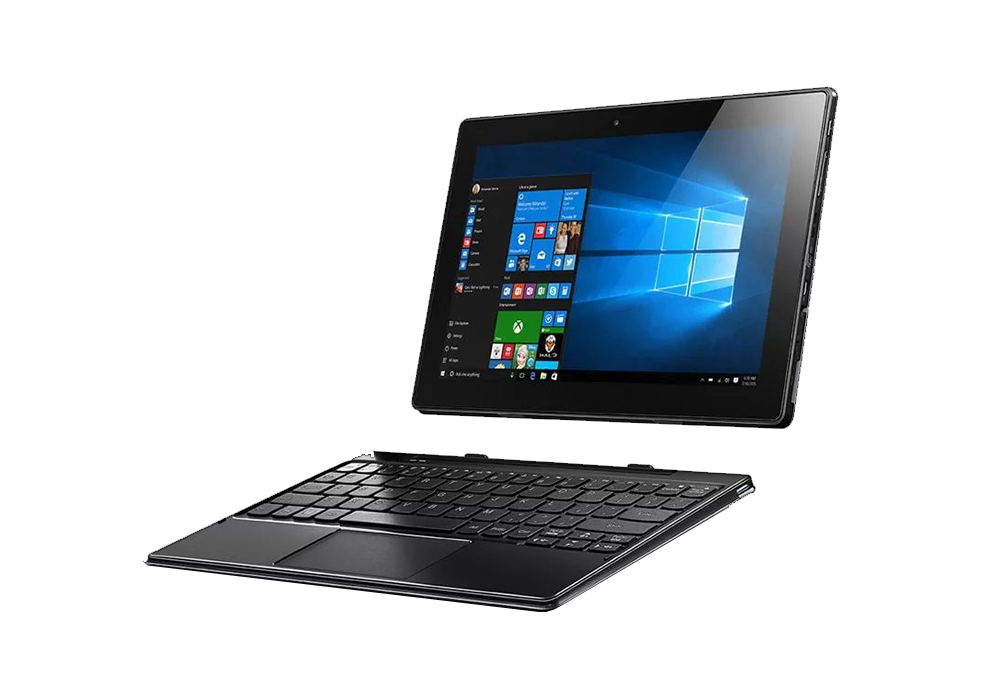
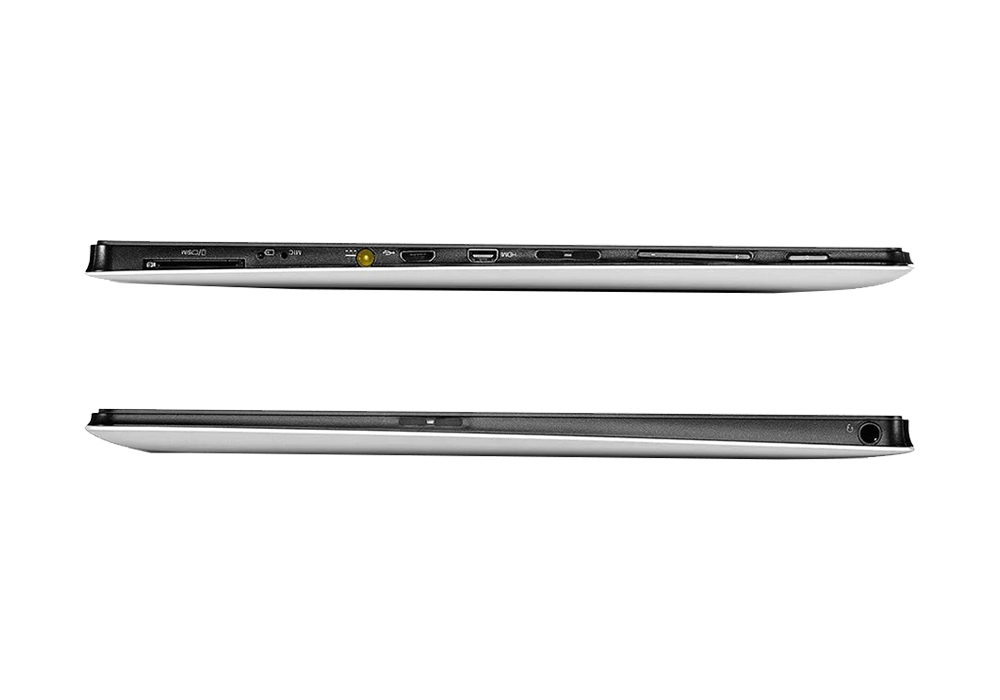
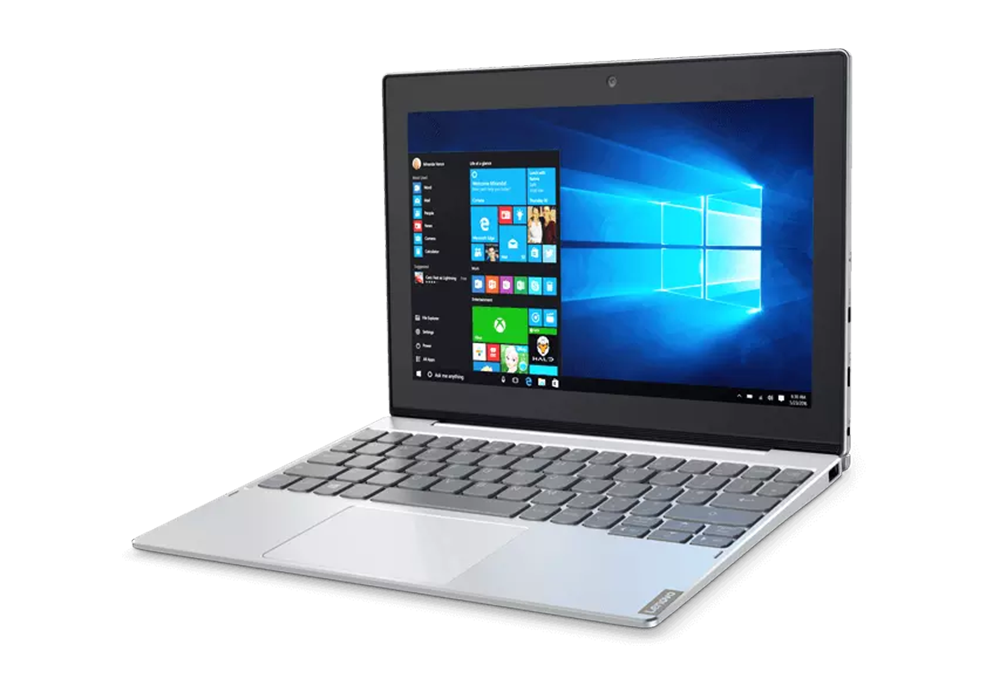
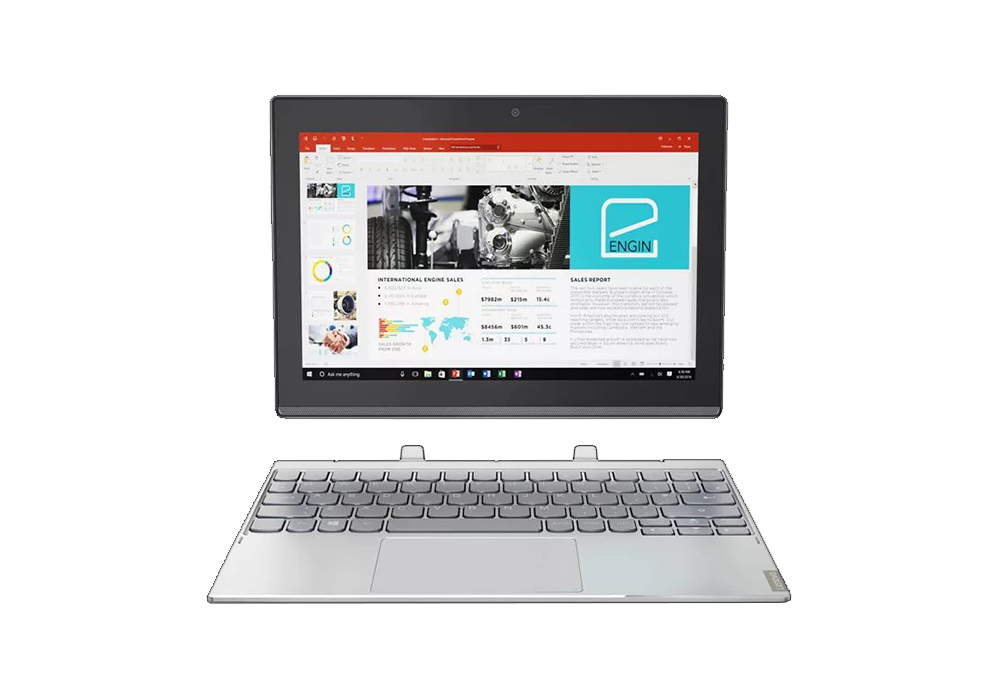
The combination of mobile, inexpensive, battery life, and x86 rarely bodes well. Add “convertible” to the mix, and well… Such is the case with Lenovo’s “Miix” series. Two tablets from this series found their way into my hands, one after the other, with a little time in between. One was the Lenovo Ideapad Miix 310-10ICR and the other was its direct successor, the Lenovo Ideapad Miix 320-10ICR. Both are equipped with a 10.1″ display.
 ⧉ Lenovo
 ⧉ Lenovo
 ⧉ Lenovo
 ⧉ Lenovo
 ⧉ Lenovo
 ⧉ Lenovo
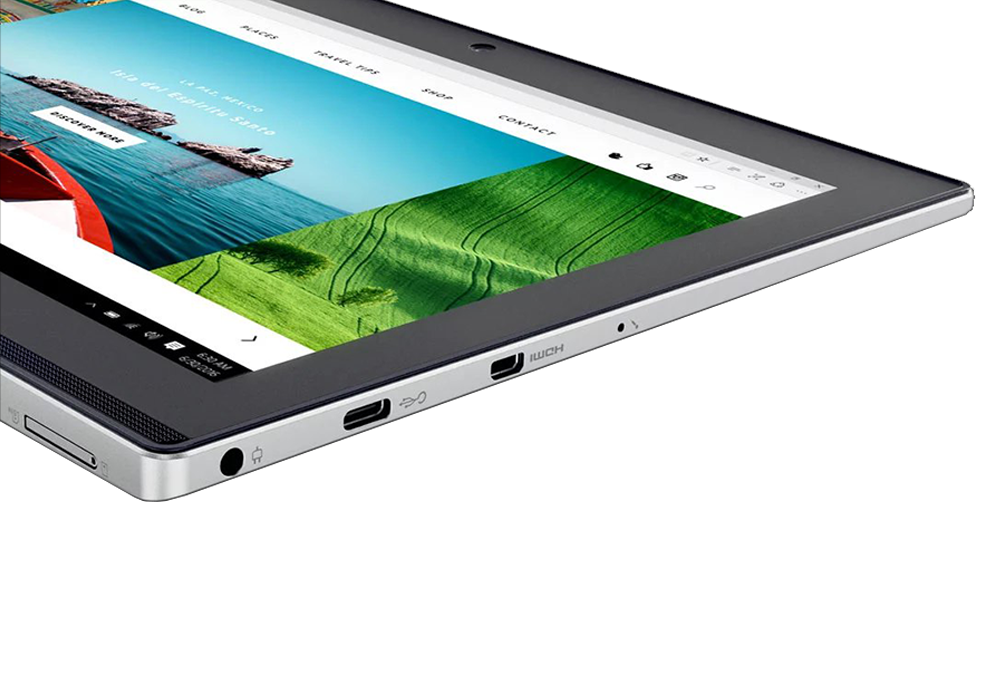
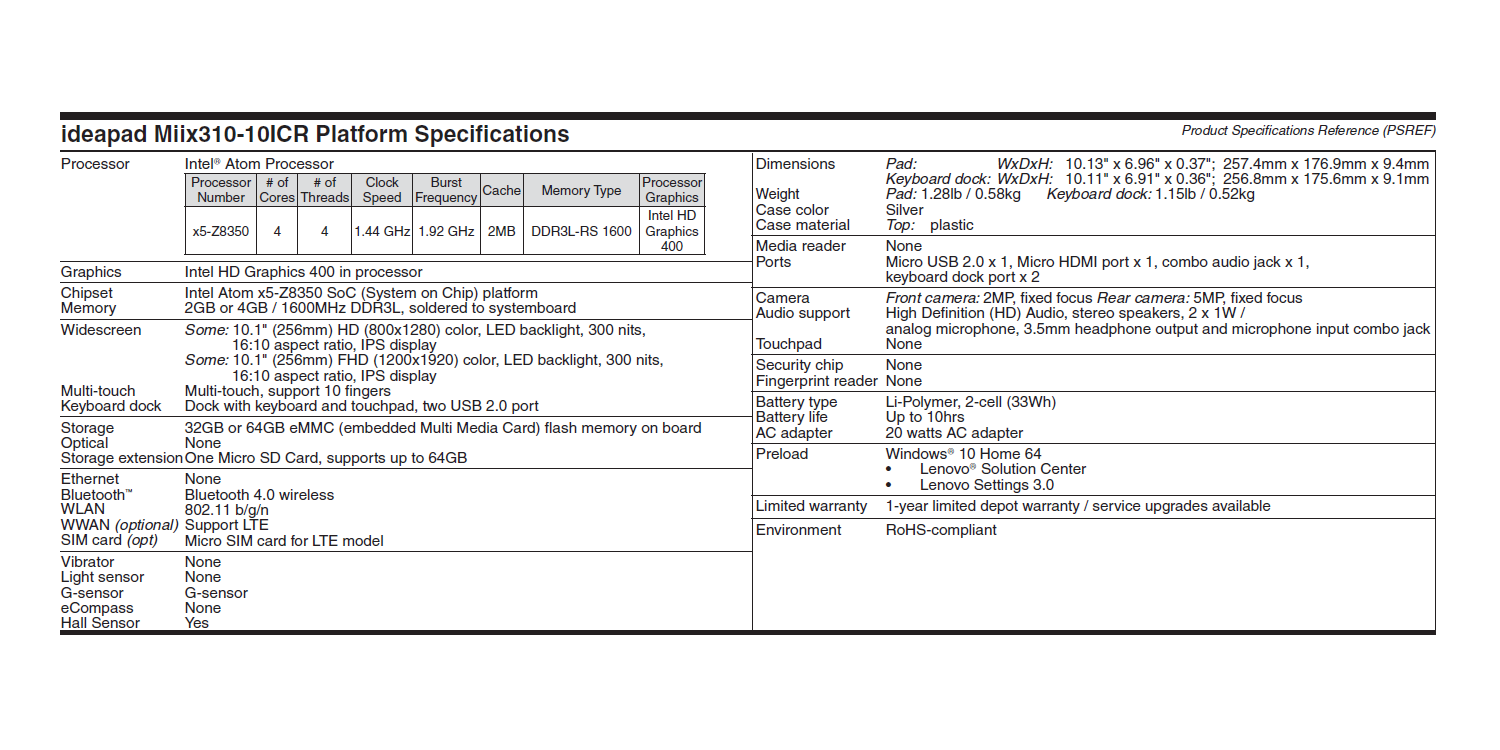
The first impression when switched off is really not bad. Glass display, the keyboard is securely docked, the workmanship is high quality. After switching it on, disillusionment sets in – the data sheets didn’t lie. Intel Atom with 2 watts TDP in combination with an embedded multimedia card as mass storage is simply very slow – but cheap. Just like the whole device, bought by different people in various Mediamarkt bargain bins on special offer.
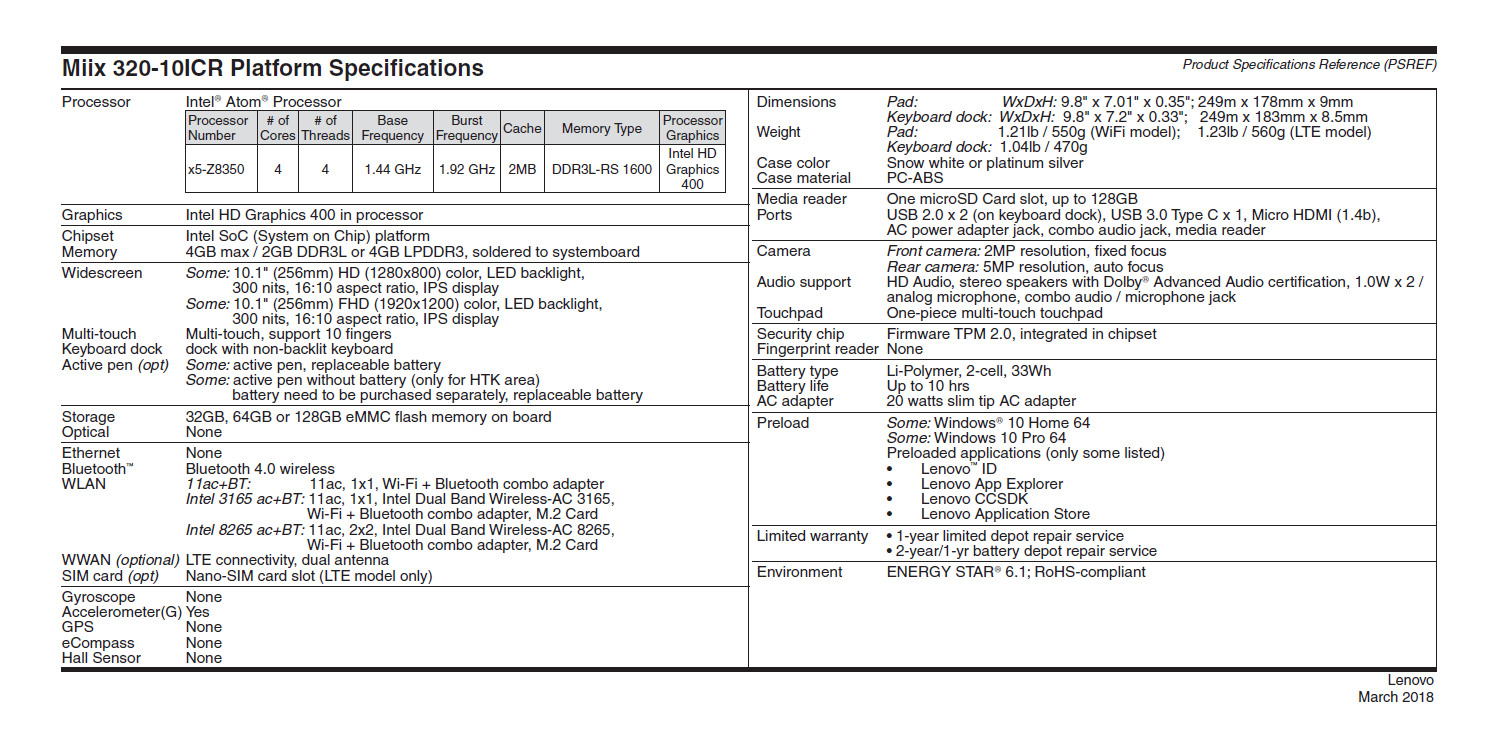
At least both have the maximum RAM expansion, even back then (2016/2017) with 4 GB LPDDR3, which was already very small. With 2 GB of RAM, which was also available, these devices would be completely unusable with Windows 10, regardless of the version. Constant swapping to the slow eMMC simply cannot run well.
Upgrade…?
No way. As a classic ultra-mobile device, there is really nothing that can be upgraded in terms of hardware (without special equipment and soldering tools). So the only option is to try to improve the performance of the software. My somewhat hopeful attempt to improve responsiveness by replacing the factory-installed Windows 10 Home with Windows 8.1 Pro failed miserably: There are simply no working drivers, especially for the processor’s iGPU (however, the 64-bit version of 8.1 could be installed without any problems).
It’s a shame, because 8.1 works really well with a touchscreen and, although it is now less widely supported, it is also a less bloated operating system. Only ~700 MB of RAM were in use on the desktop. All it would need is a reasonably up-to-date browser.
Incidentally, 64-bit Windows 7 Ultimate with integrated SP1 does not boot even with Secure Boot disabled; it freezes with a pink stripe at the edge of the screen when attempting to do so. 32-bit operating systems generally cannot be booted; they are not even displayed in the boot menu. The UEFI only wants to load x64 EFI files.
Even Windows 10 probably runs noticeably better on such limited hardware in the 32-bit version than the preinstalled 64-bit edition. Well, well.
So Windows what?
I have gradually tested the following systems on the slightly newer Miix 320-10ICR, all 64-bit:
- Windows 10 Home (21H2)
- Windows 10 Pro (22H2)
- Windows 10 Enterprise 1607 LTSB (2016)
- Windows 10 Enterprise 1803 LTSC (2019)
- Windows 11 Pro (22H2, 23H2, 24H2)
- Windows 11 Enterprise IoT 2024
This took a really long time due to the very limited performance. With all these systems, everything ran smoothly with the drivers provided by Lenovo for “Windows 10 64-bit”. It is very important to install the driver for the “Intel Power Management IC (PMIC)” first, as some devices, such as the GPU, will only appear after this has been done.
Windows 10 Home was preinstalled and, due to certain preloaded programs, noticeably slower than the subsequent fresh installation of Windows 10 Pro. Windows 11 Pro, which was installed shortly thereafter, ran for a total of four years and was repeatedly updated with in-place upgrades. The speed of everything slowed down significantly each time until it became almost unbearable with 25H2:
In the end, it was the significantly aged Windows 10 Enterprise 1607 LTSB N from 2016. It runs best and comes debloated in the standard configuration. Even Windows Defender can be completely disabled with three clicks via group policy, and Edge is not even present. The .NET Framework in the still fairly current version 4.8 runs on it—this is a prerequisite for some applications.
Intended use
What do you do with such undersized hardware?
In this case the obvious: control, monitor, and regulate.
Both tablets run at different locations with different tasks, with the software stripped down to a minimum with Ungoogled Chromium in full-screen mode. In this configuration, it’s not as bad as you might think. I do have some concerns about “continuous power supply operation,” which can’t be good for the tablets’ relatively large batteries, but so far everything is OK.
Nevertheless, the best thing to do is simply not to buy hardware manufactured as “Day One electronic waste”. These tablets never ran well, even when brand new. Probably even worse, due to a lot of pre-installed software from Lenovo.
Technically good hardware simply has its price, and an x86-based tablet that cost less than €180 new at the time can’t be any good, no matter how you look at it. Even modern Microsoft Office runs rather poorly on it; when Windows 11 was still installed, even Cinebench R23 crashed due to a lack of free RAM. At least it can run under Windows 10 1607 LTSB N. However, there will be no more updates for this version of Windows 10 from mid-2026, so it is not recommended for everyday use. However, the two devices will probably remain in use as “monitoring screens” for a long time to come.