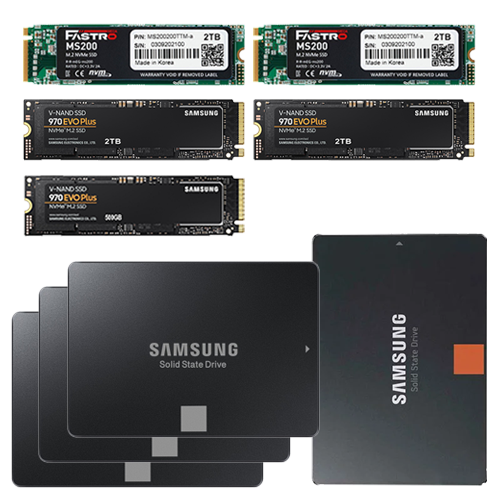
Thanks to the many available 3.0 lanes, an above-average number of NVMe SSDs with full bandwidth can be used. Due to the high prices at the upper end of the capacity range, I was keen to experiment with two SSDs and, when I saw a very good offer from Mindfactory at the time of purchase, I was tempted to buy something that was quite unfamiliar to me:
Two MS200s from Mega Electronics (MS200200TTM), a South Korean manufacturer like Samsung that uses Micron or Intel NAND. These PCIe 3.0 NVMe SSDs with 2 TB capacity were repeatedly offered at bargain prices for a while, and the data sheets look good: fast DDR4 DRAM cache, high TBW, good write and read performance – everything as desired.
I’ve read quite a few comments about “Mega Fastro Kaputto,” and the 1 TB version is said to have been prone to failure – but I haven’t noticed anything unusual with my model so far.
It’s important to mention that the MS200 is double-sided and therefore doesn’t fit into every M.2 slot. You have to be careful with mobile devices or expansion cards, and this also plays a role in the compatibility of passive heat sinks. For example, only single-sided M.2 SSDs fit on the expansion card I use.
NVMe-SSDs
- Two MS200 with 2 TB each from Mega Electronics, on the motherboard under the passive heat sinks of the board
- Two Samsung 970 Evo Plus with 2 TB each*, on an x8 expansion card (x4x4 bifurcation*) including JEYI passive heat sinks
- One Samsung 970 Evo Plus with 500 GB*, also on the motherboard
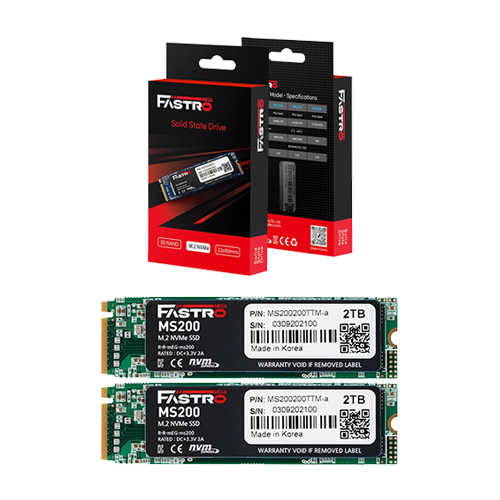 ⧉ MEGA Electronics
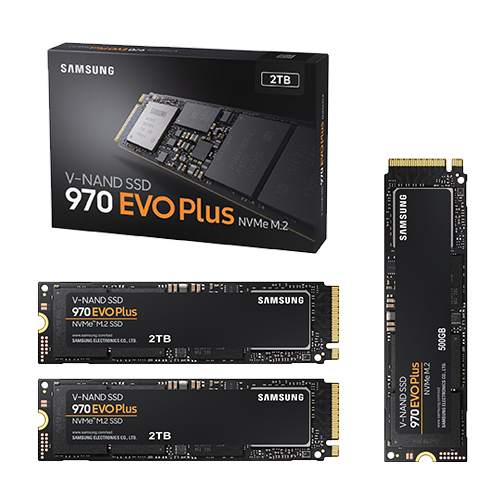 ⧉ Samsung
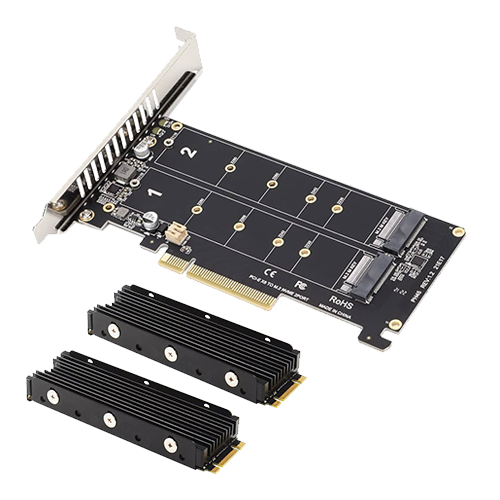 ⧉ JEYI
SATA-SSDs
- Three Samsung SM863a Enterprise SSDs, each with a capacity of 480 GB
- One Samsung 840 with 250 GB for a parallel installation of Windows 11 Professional
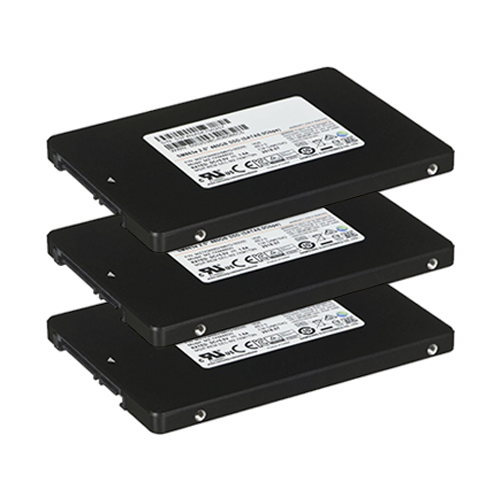 ⧉ Samsung
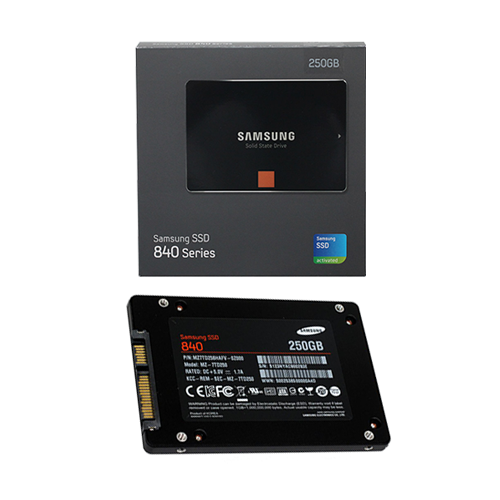 ⧉ Samsung
HDDs
- Two WD Red drives, each with 4 TB*, 3.5″, SATA – RAID1
- Two Toshiba drives, each with 2 TB*, 3.5″, SATA – RAID1
- One Seagate Barracuda with 500 GB, 2.5″, USB 3.0 internal data HDD for Windows 11
- One Toshiba with 1 TB, 2.5″, USB 3.0 internal – Images and SMB
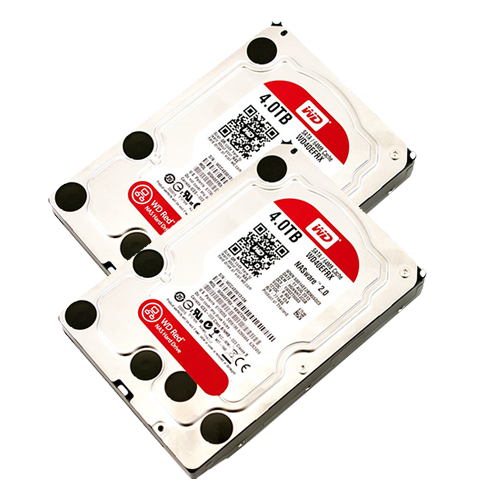 ⧉ WD
⧉ WD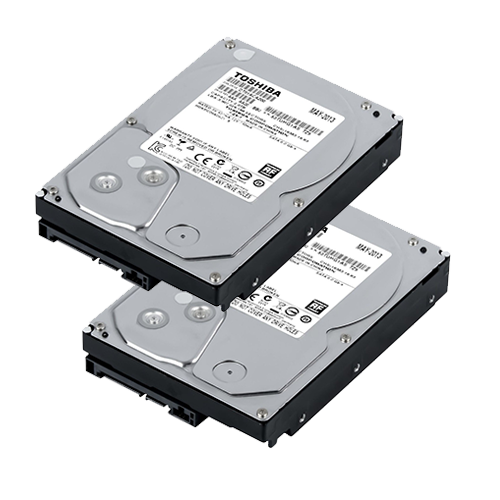 ⧉ Toshiba
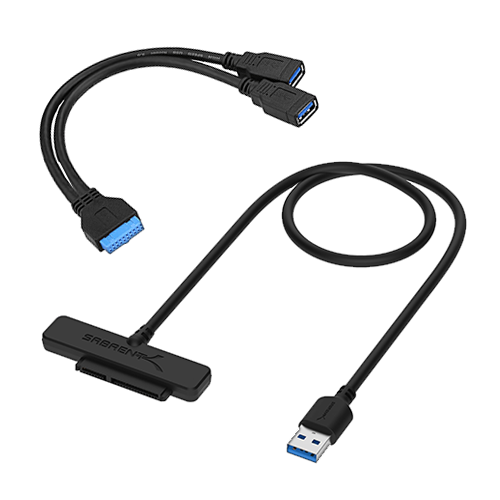 ⧉ Sabrent