As with the RetroBooks, I have also implemented a Windows quad boot here, consisting of:
- Windows XP Professional, SP3 (32-Bit)
- Windows 7 Ultimate SP1 (64-Bit)
- Windows 10 Professional 22H2 (64-Bit)
- Windows 11 Professional 25H2 (64-Bit)
All systems in German and unchanged. This also means that the maximum number of MBR has been reached, four primary partitions. Here, too, the installation was carried out from old to new, on suitable partitions previously created with Live Linux.
However, I have also installed the following Linux distributions on a second 500 GB SSD* in dual boot mode:
- Linux Mint Cinnamon “Zara” v22.2 (64-Bit)
- Solus Budgie “Endurance” v4.7 (64-Bit)
I can only boot from this second SSD via the boot manager, and the selection is then made via GRUB 2. Six operating systems in one PC should be sufficient.
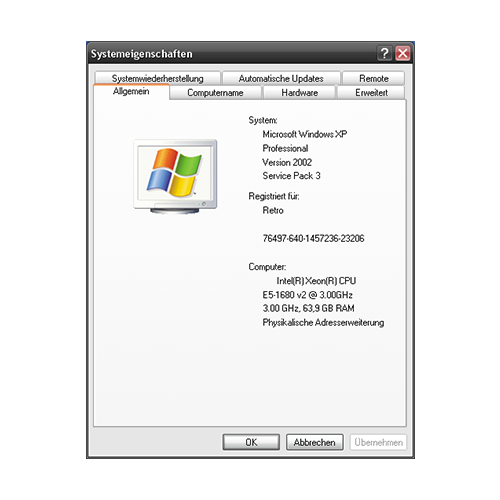
64 GB RAM and 32-Bit…
Of course, it is annoying that Windows XP can only address a maximum of 4 GB RAM. After the system was built and all operating systems were installed, unexpected new problems arose:
- SLI does not work under Windows XP, but all cards are recognized (due to the modified driver or simply never SLI?).
- Each card reserves some RAM from the system depending on the VRAM. Each card has 12 GB of VRAM, which was very large at the time, resulting in an extreme loss of usable RAM under Windows XP!
After extensive research, I managed to boot Windows XP using components from Windows Server 2003 by making changes to the “boot.ini” file. The system itself is stable once it has booted up, but the boot process fails from time to time, which I suspect is due to the four GPUs.
Still, it’s crazy to see what’s possible:
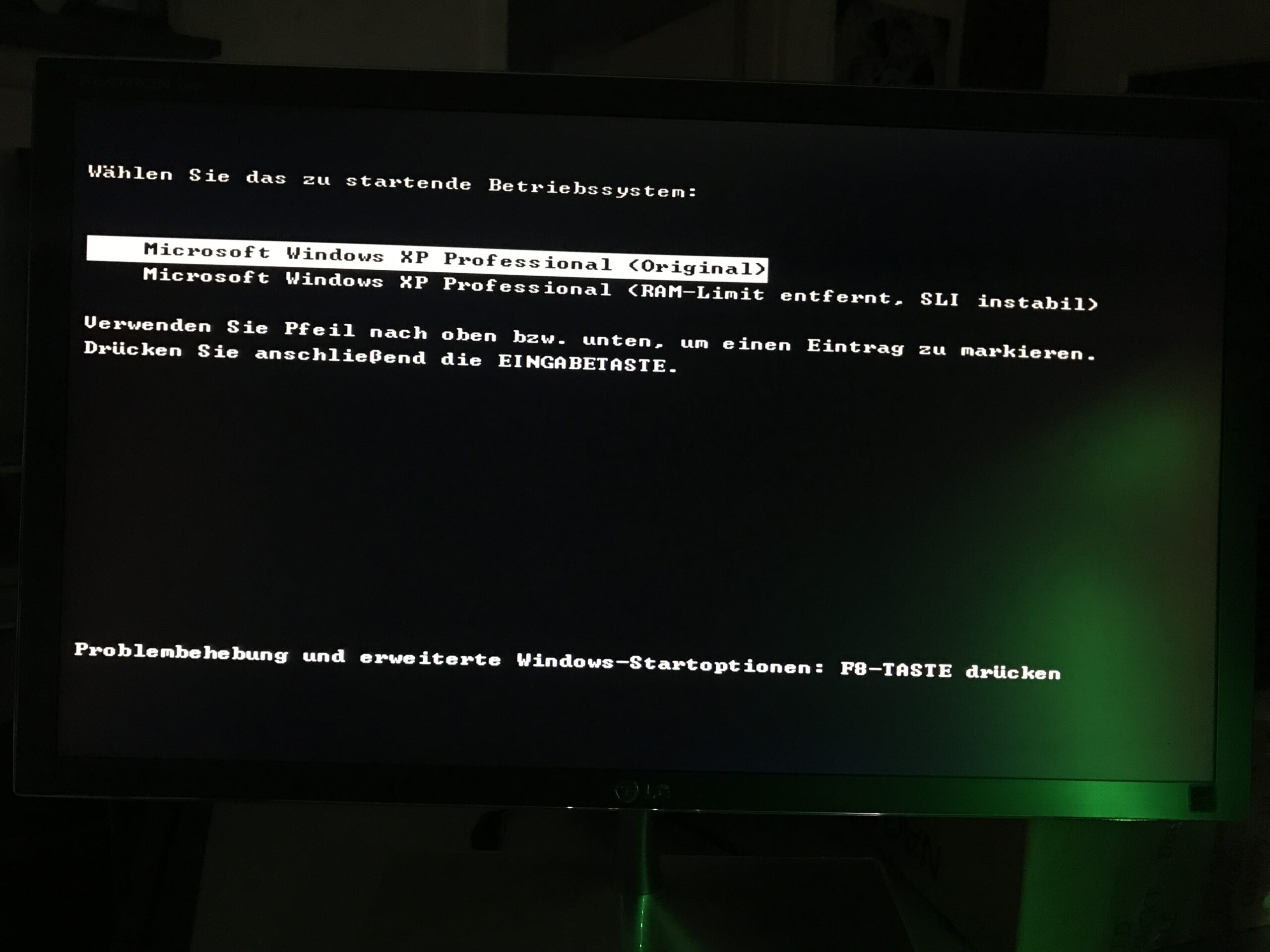
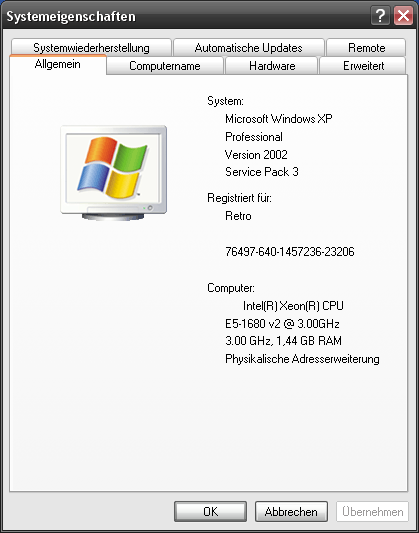
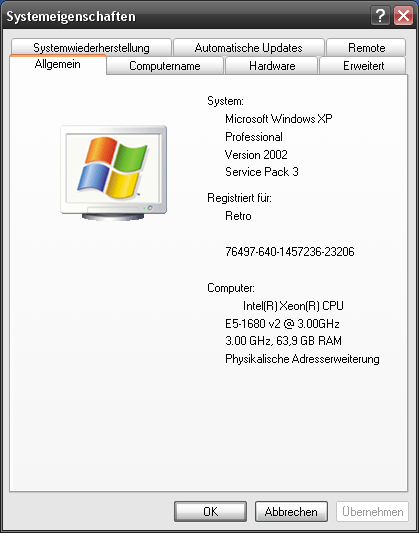
The original 1.44 GB of RAM available is not particularly generous, but interestingly, it is mostly sufficient for software from the XP era. The minimum requirements at that time were in the megabyte range, and XP is very economical with RAM.