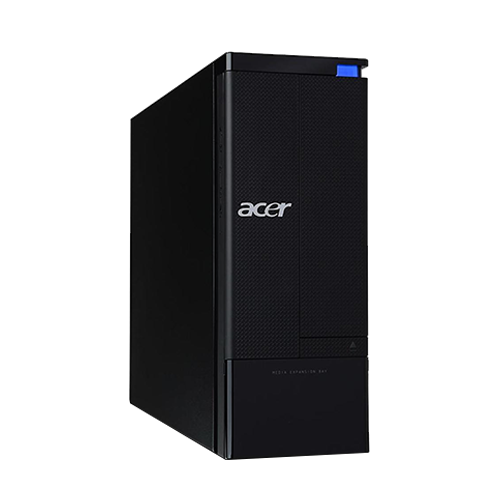
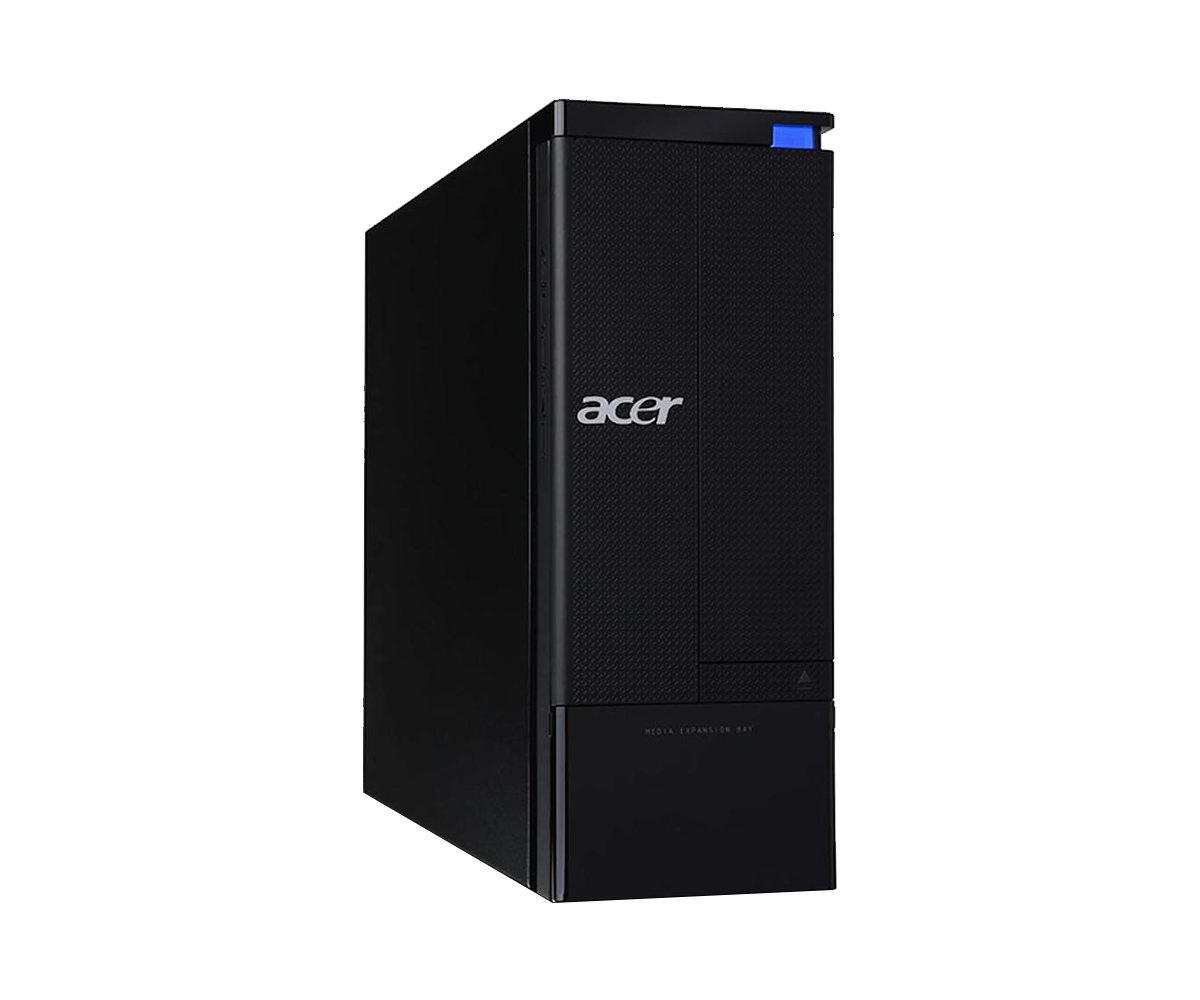
During a previous refurbishment project, I had purchased several identical models of an OEM SFF PC from Acer at a bargain price. One of these remained unused and had been gathering dust for months.
 ⧉ Acer
After the workshop was built and an SFF or mini PC was planned for it, I decided on the spot to use this old Acer Aspire. If it’s no longer sufficient one day, it can always be replaced. The requirements for this “workshop PC” are clear:
- Two digital image outputs, each with at least Full HD at 60 Hz
- Compact design
- Not particularly susceptible to or sensitive to dirt
- Inexpensive or free
- Windows 11 Pro should run, even indirectly
The PC can meet these requirements as it came from the factory, but I decided to upgrade the hardware as cost-effectively as possible. The original configuration was as follows:
| Component | Built in |
|---|---|
| Processor | Intel Core i3-540 Clarkdale 32 nm 2 Cores, 4 Threads 3.067 GHz, 73 Watts TDP |
| Mainboard | Custom Acer OEM H57 Express Socket LGA 1156 |
| Memory | 4 GB DDR3-1333 (2 x 2 GB) 2 of 4 Slots used |
| Storage | 3.5″ Seagate HDD with 320 GB |
| Graphics card | ATI Radeon HD 5450 with 512 MB DDR3 VRAM |
| Network | Realtek GbE Onboard, no Wifi or Bluetooth |
At that time, Windows 10 Pro 1909 was running on the PC, which, to put it mildly, wasn’t performing particularly well. The hard drive is loud, gets warm, and is slow—you can feel it with every click. The two cores without Turbo Boost, with their 4 GB DDR3, are not exactly lavishly equipped with reserves either. At least the RAM is dual-channel – that doesn’t save anything in modern times, but I think it’s worth mentioning. Nowadays, ready-made PCs often use single bars with, for example, 8 GB of DDR4, which costs a few percent in performance right from the start.
The first thing I did was update the BIOS to P01.A3 (from May 5, 2010).
Time for an upgrade
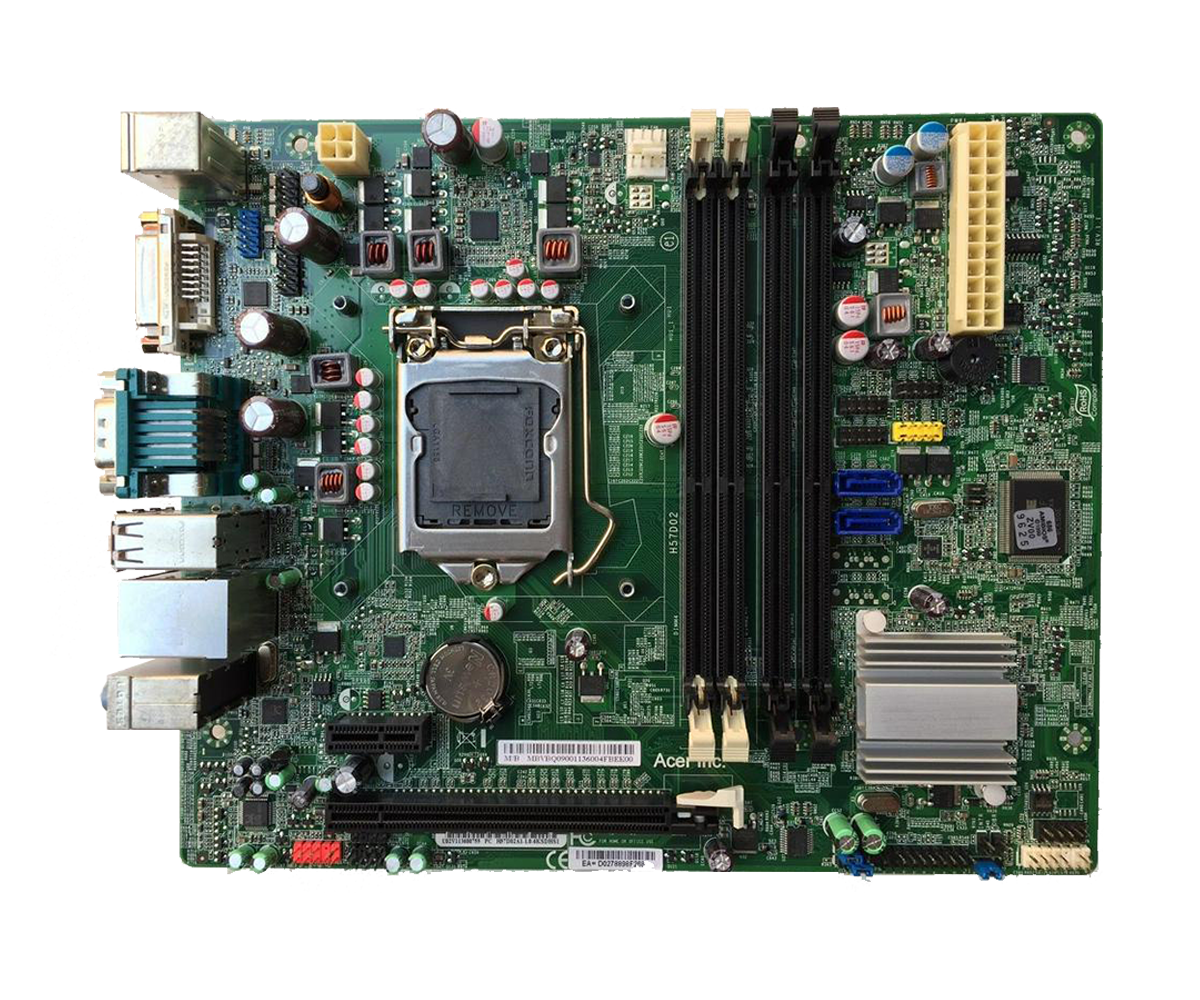
If you look at the built-in OEM motherboard from Acer, you can clearly see what should be possible. I’m simply assuming that there are no artificial limitations:
 ⧉ Acer
After doing some research into what was available, I decided on the following new configuration:
| Component | Upgraded to |
|---|---|
| Processor | Intel Core i7-860 (SLBJJ) 4 Cores, 8 Threads Nehalem – Lynnfield, 45 nm Base clock: 2.80 GHz Cores / max. Turbo-Boost: 1 – 3.46 GHz 2 – 3.33 GHz 3 – 2.93 GHz 4 – 2.93 GHz Caches: L1 : 256 KB L2: 1 MB L3: 8 MB TDP: 95 Watts |
| Memory | 32 GB DDR3-1600* @ 1333 MHz by Envinda (4 x 8 GB) 4 of 4 Slots used |
| Storage | SSD Samsung 870 Evo* with 500 GB @ SATA-II HDD HGST 2.5″ with 1 TB @ USB 3.0 Internal HDD WD Black 2.5″ with 320 GB @ USB 3.0 Internal |
| Graphics card | Nvidia GT 710 Low Profile by MSI* with 2 GB DDR3 VRAM |
| Network | Wifi and Bluetooth additionally via USB adapter |
I had the graphics card in its original packaging, I bought the RAM new at a very low price on AliExpress, and I bought the CPU used on eBay. I already had the SSD and HDDs, and the USB card and adapter also came from AliExpress. The USB 3.0 to SATA adapters are from Sabrent*, and these were also already there – they were recently available at a good price, so I bought several right away. I haven’t had good experiences with the cheap Chinese ones.
Is it working?
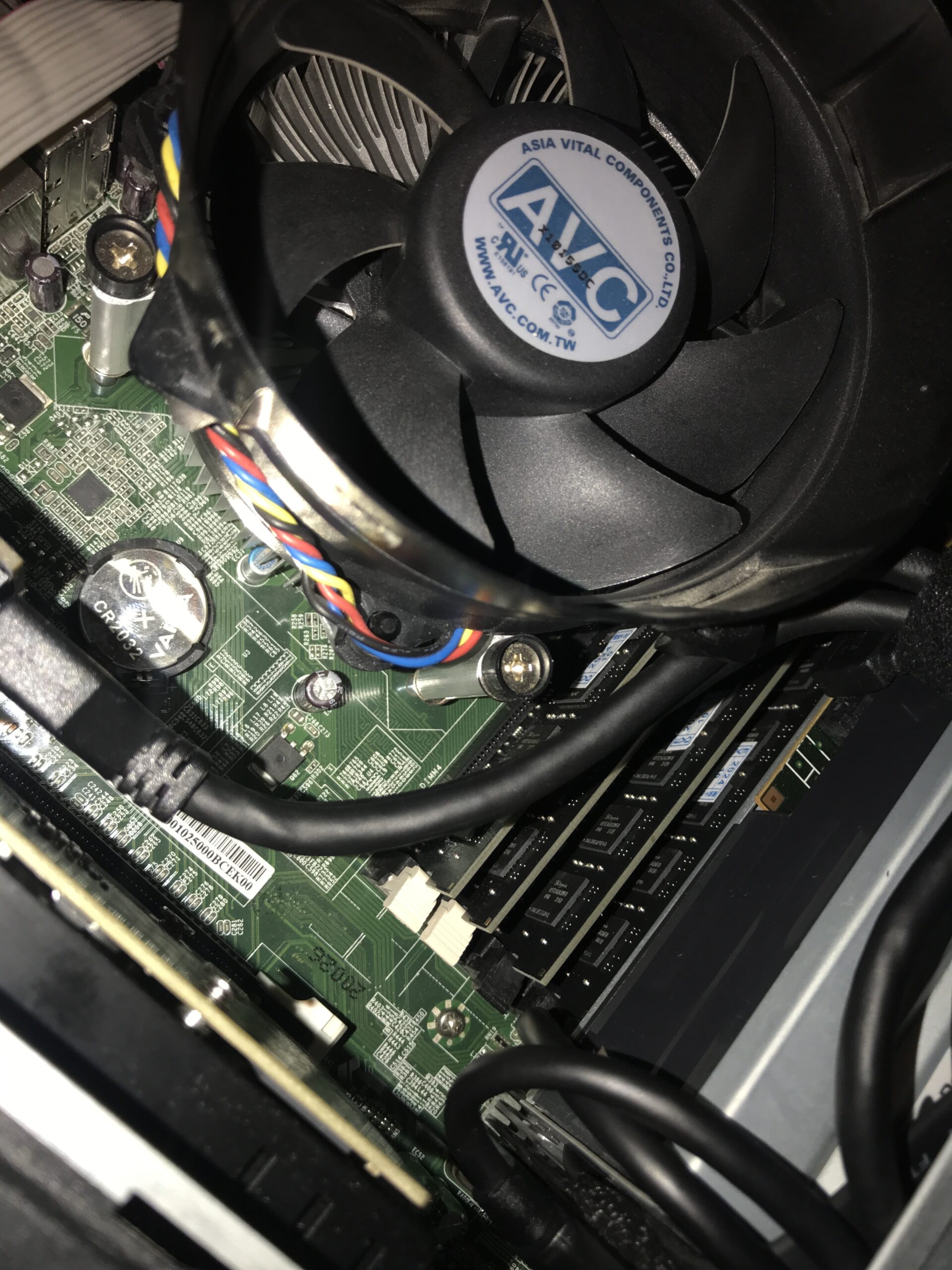
The first observation is that only 16 GB of RAM is displayed in the BIOS, regardless of how much more has been installed. Fortunately, the RAM is recognized correctly elsewhere; Ubuntu Desktop and Windows 10/11 report the correct 32 GB at 1333 MHz.
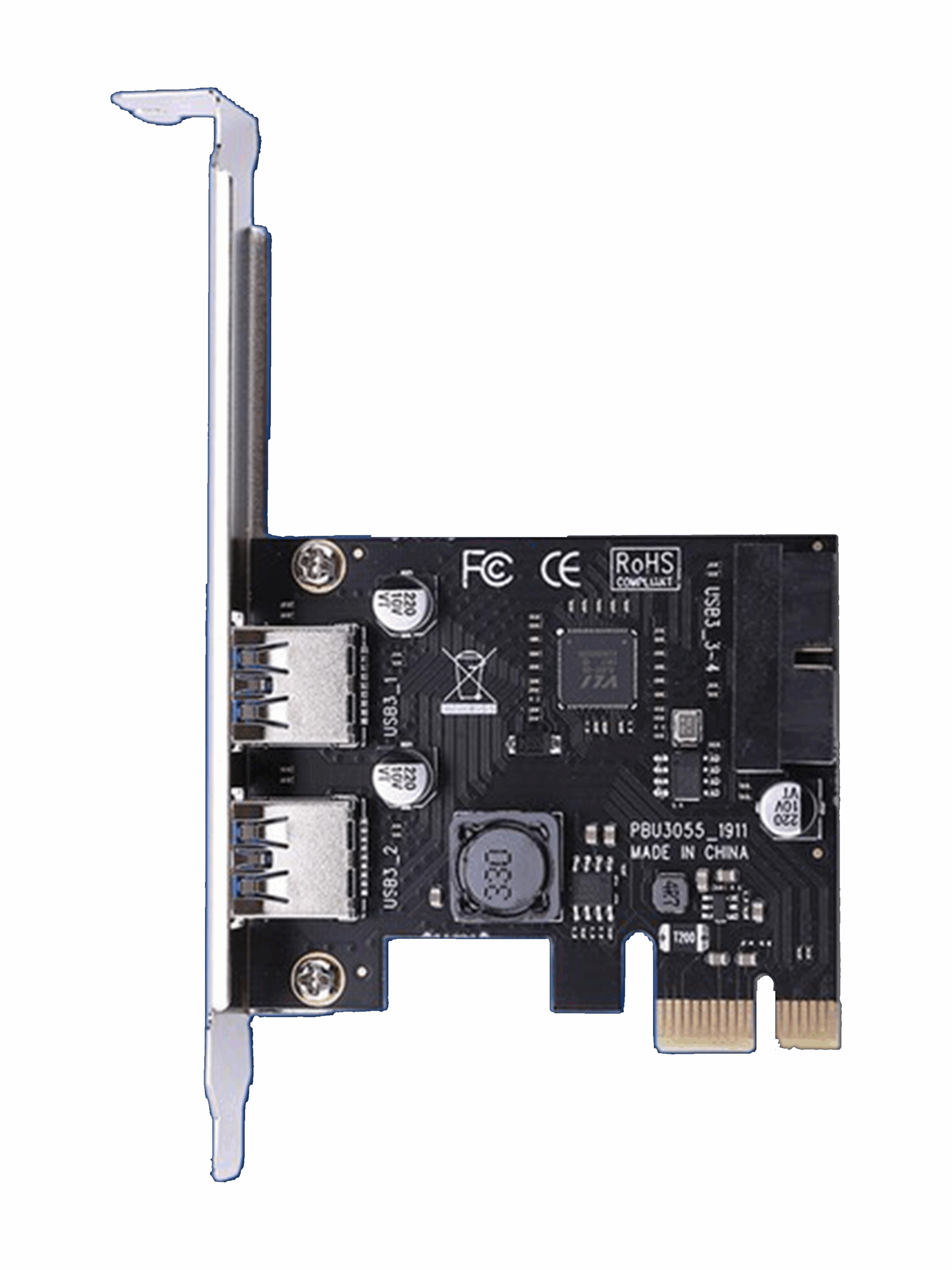
To be able to connect additional internal storage devices, I installed a low-profile USB 3.0 expansion card* together with a “USB 3.0 header to 2x socket*” adapter. I left the internal DVD drive installed, and the Samsung SSD is connected to SATA-II instead of the original hard drive. I 3D-printed adapters for all 2.5″ data carriers so that they could be securely attached.
 ⧉ SSU
⧉ SSU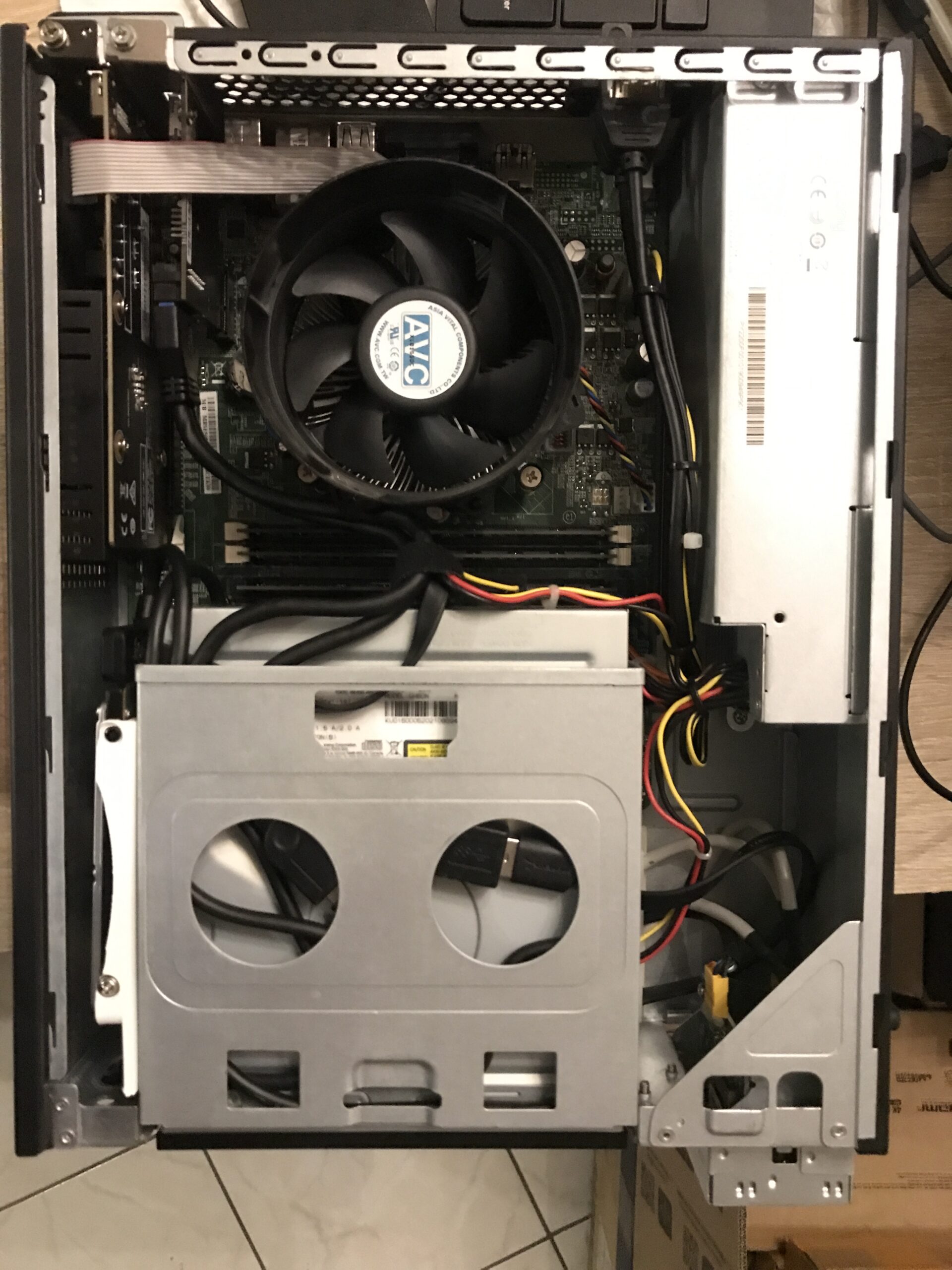
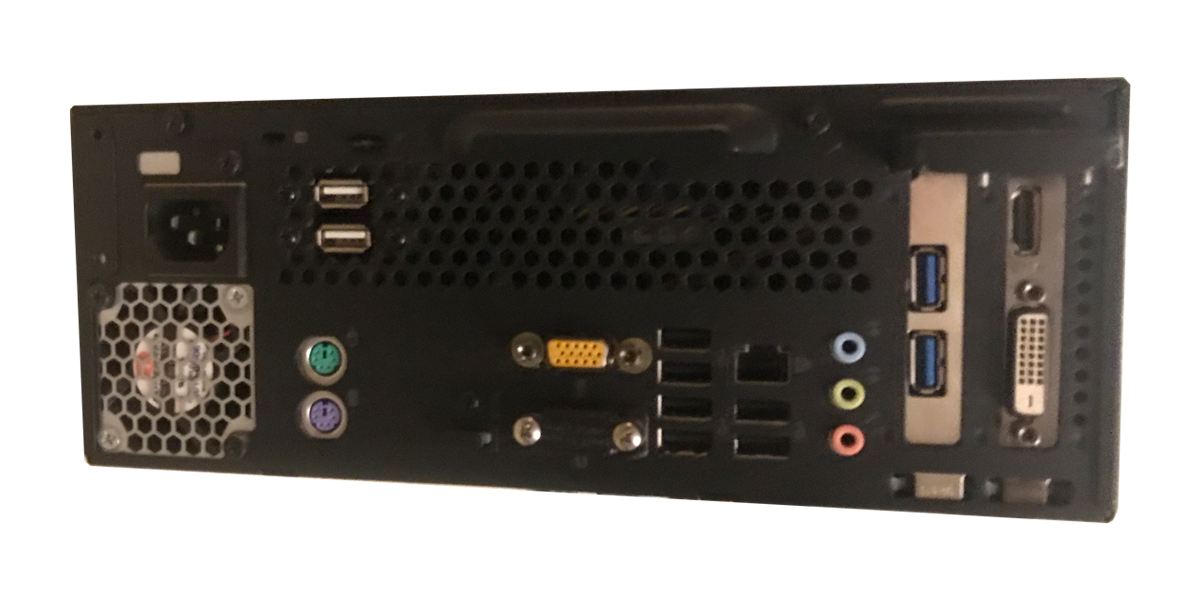
The variety of connections has increased somewhat:
Conclusion
The PC now runs much better; even under Windows 11 Pro, I would describe it as “smooth” to “very smooth.” There are no hiccups anywhere, not even in the usual places such as the rendered start menu or settings app surfaces. I also overclocked the new graphics card, which is still weak, to its limit. This is very noticeable when playing 4K videos, where decoding previously generated 80-90% load. Now the load is in the range of 60%. Not that 4K material would be played here, but as a test it was quite helpful to see the limits.
This PC is used to operate a Full HD TV via a DVI-D to HDMI adapter* and a 21.5″ touch screen, also with Full HD resolution, directly via HDMI. The PC handles this surprisingly well.
The internal hard drive with 1 TB storage capacity is used for media files, while the smaller 320 GB drive is used for downloads and as a cache drive. The expansion card was chosen as USB 3.0 instead of SATA in order to have two external USB 3.0 ports. Theoretically good, practically not so much: Next time, I would simply expand 2-4 additional SATA data ports internally and operate them with the 2.5“ HDDs using a power adapter. The adapter card occasionally (rarely) disconnects and the two drives disappear from Windows, audibly with the usual ”USB disconnected” sound from Windows. Only a “real” restart or deactivating/reactivating the corresponding USB controller in Device Manager helps. Attaching a small passive heat sink to the controller chip had no effect. I suspect that the hard drives draw too much power at times, causing the controller to shut down (a VL805 from VIA).
Windows 11 was chosen mainly because of its better touch operation compared to Windows 10. An alternative would be Windows 8.1, which would have run super fast on this PC but unfortunately offers hardly any software support, not to mention updates.
All in all, a successful endeavor. This PC will probably continue to serve its purpose for a long time to come when it comes to playing web radio, other music, or media files.