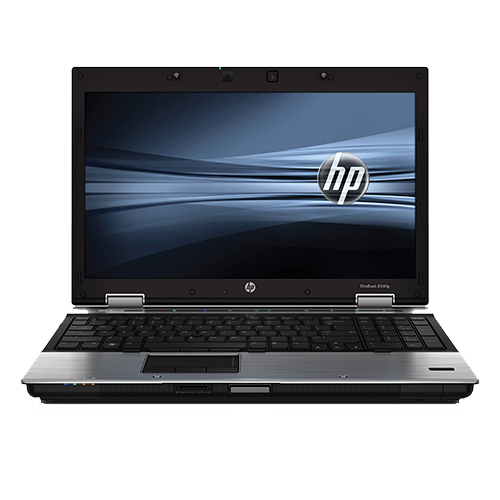
We currently use two now rather old HP EliteBook 8540p laptops as retro notebooks, which I was able to purchase second-hand in large quantities a few years ago. Originally, I was looking for two usable retro notebooks, as older software and games are increasingly less well supported on modern operating systems and more modern hardware.
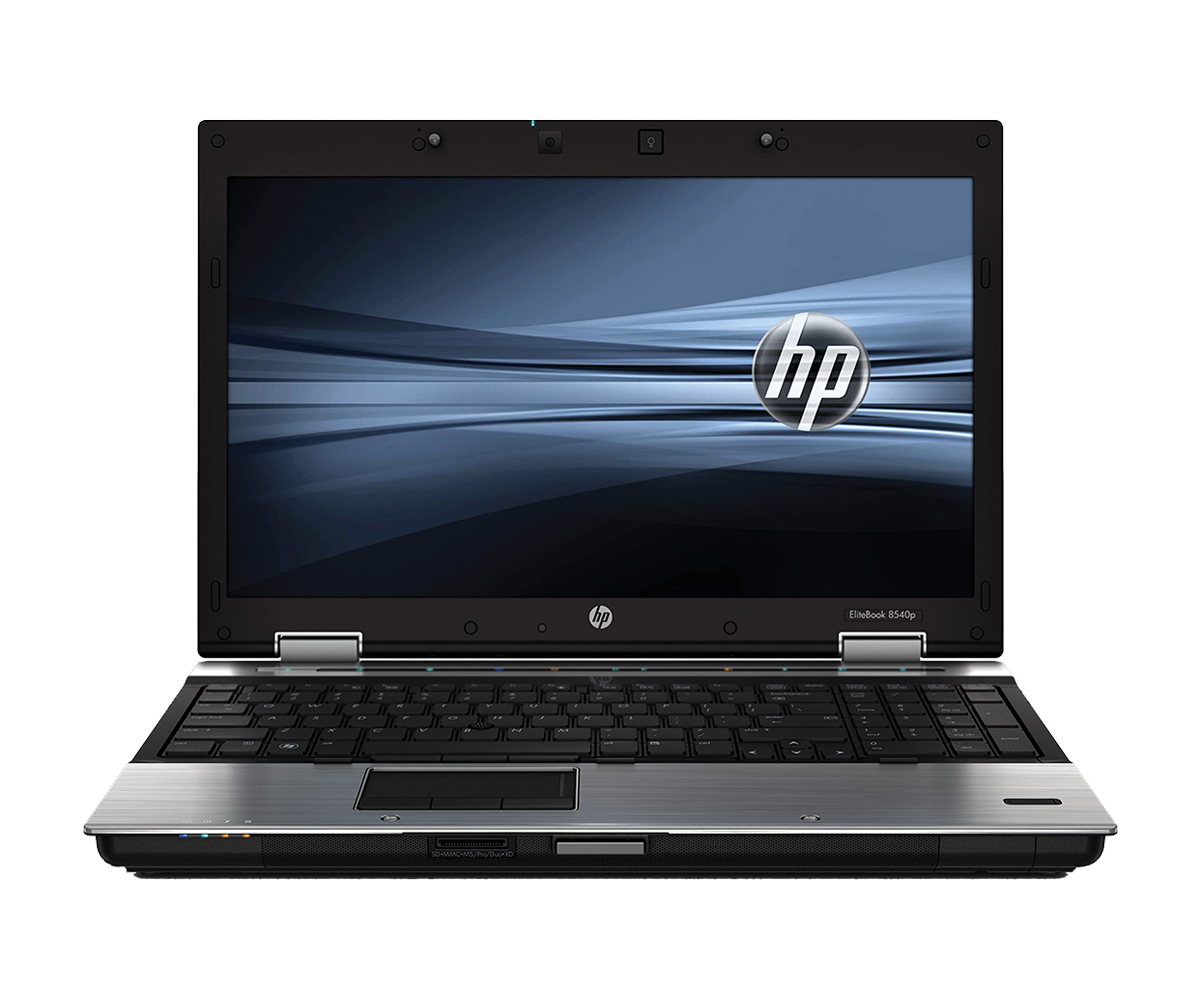 ⧉ HP
⧉ HPI was then offered a few more, which I passed on to friends and acquaintances at a low price after servicing them, installing an SSD, etc. Regardless of this, they are always available second-hand at low prices on the usual platforms. Many companies have long used these notebooks as good, robust devices – after all, they are former high-end business devices.
Especially now and in the near future, when these models will no longer offer official Windows 11 support and will therefore understandably be sold or disposed of by many, especially from October 2025 (end of support for Windows 10).
Most of the remaining models are likely to fall victim to this circumstance.
In addition, the hardware has not been “fast” in the sense of ‘elite’ for some time, especially when running Windows 10. With Windows 11, the lack of performance is even more noticeable when circumventing the “incompatibilities.”
This hardly detracts from the overall retro notebook concept, as the modularity and repairability of these devices is exceptionally good, especially when compared to consumer notebooks and even more modern mobile workstations.
It’s very pleasant to disassemble a notebook that has hardly any plastic clips – with every screw and every cover, you can tell that this device was designed to be maintained, repaired, or upgraded.
There are two closely related models:
The EliteBook 8540p, just like its almost identical workstation equivalent, the 8540w, is based on Intel’s Ibex Peak-M QM57 chipset. Officially, only the “w” model was available with an optional Full HD display and a choice of Nvidia Quadro graphics cards (plus other features such as UMTS modems or a Blu-ray combo drive instead of a DVD combo drive).
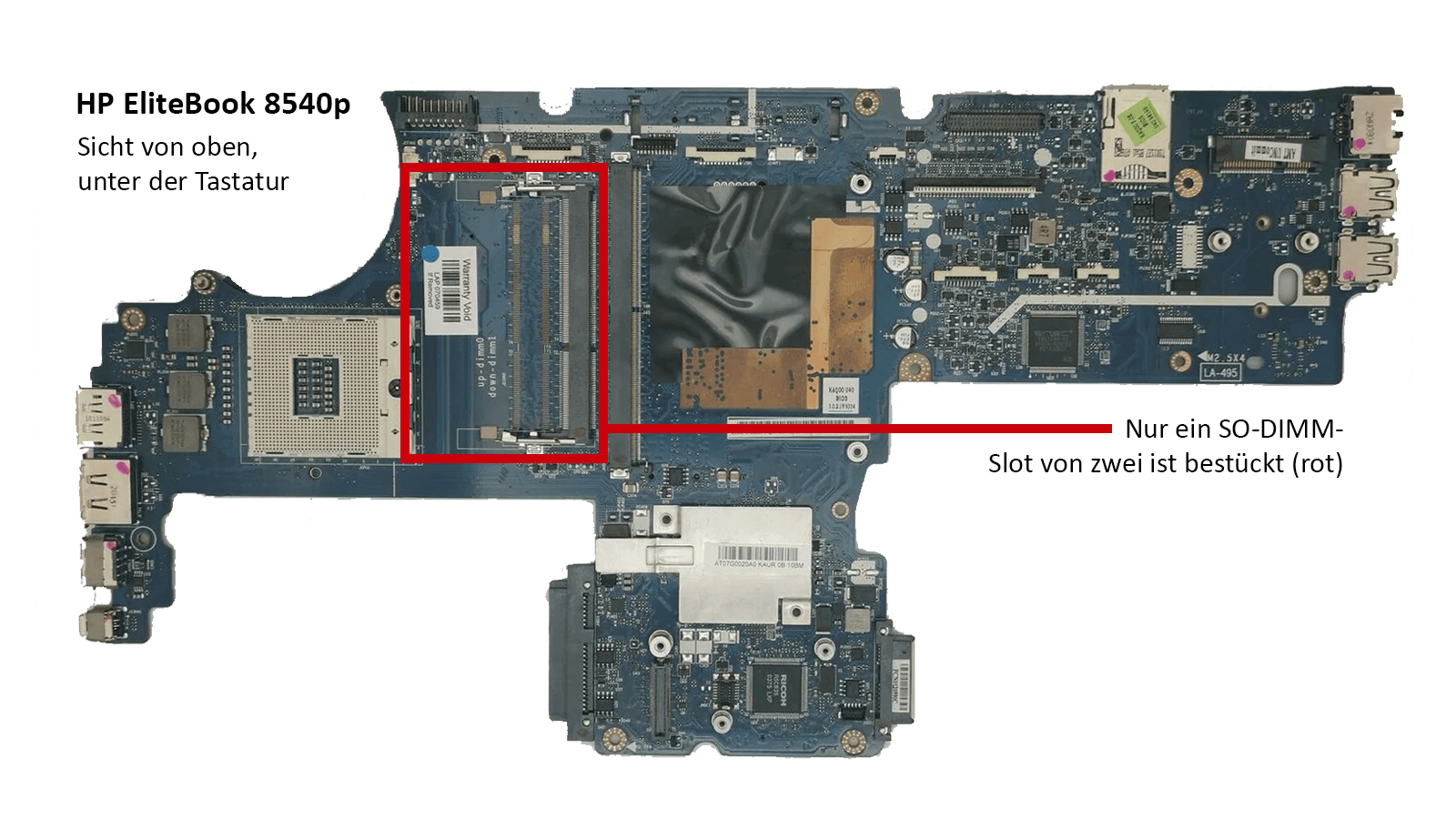
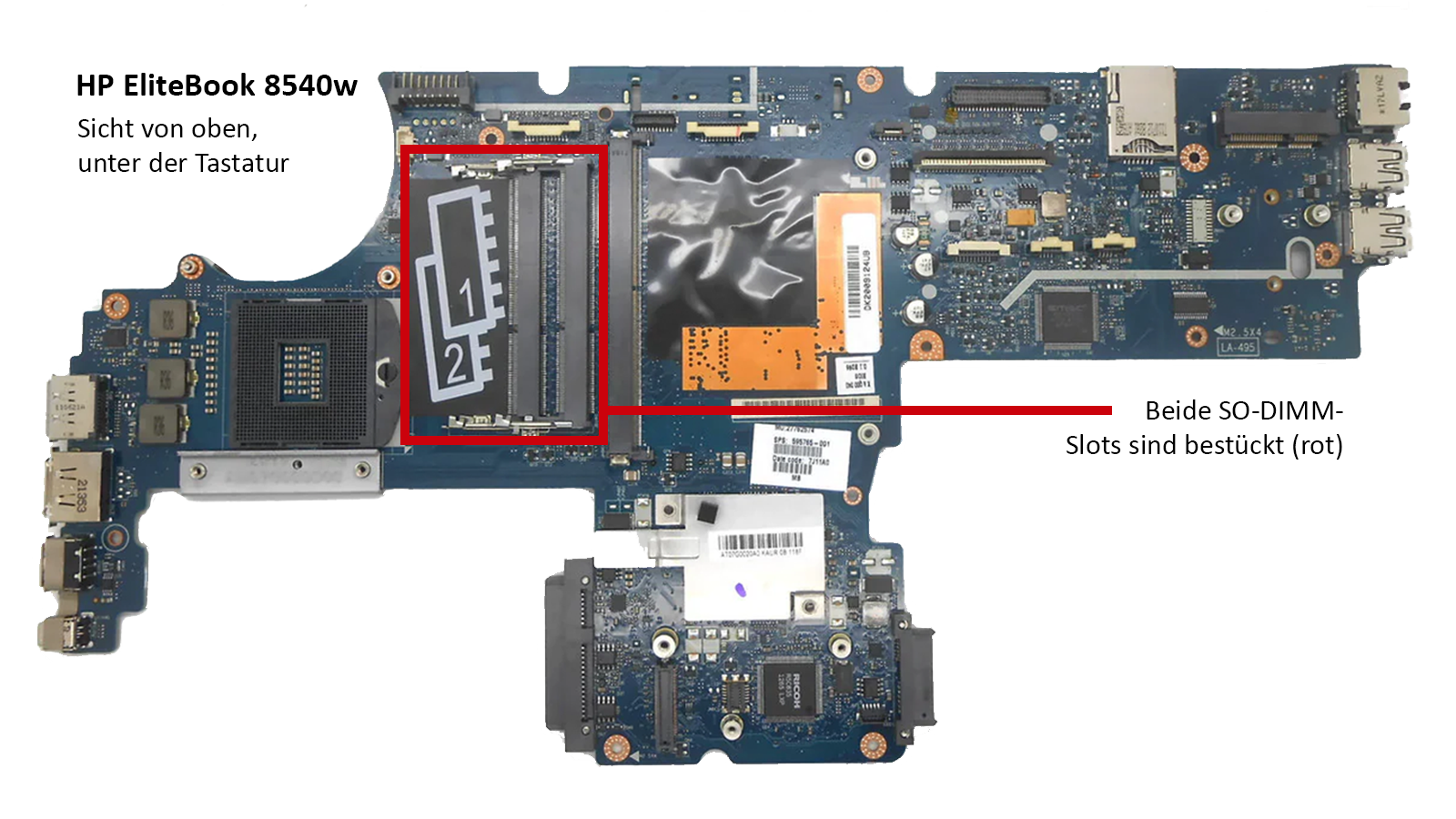
The main difference between the two models seems to be that the “w” was offered as a ‘workstation’ variant with quad-core processors and always has four SO-DIMM slots on the motherboard, while the “p” variant (Professional?) only has two SO-DIMM slots, despite four being technically possible.
Here you can see the top of the motherboard of each model:
Here is the underside of the respective motherboard:
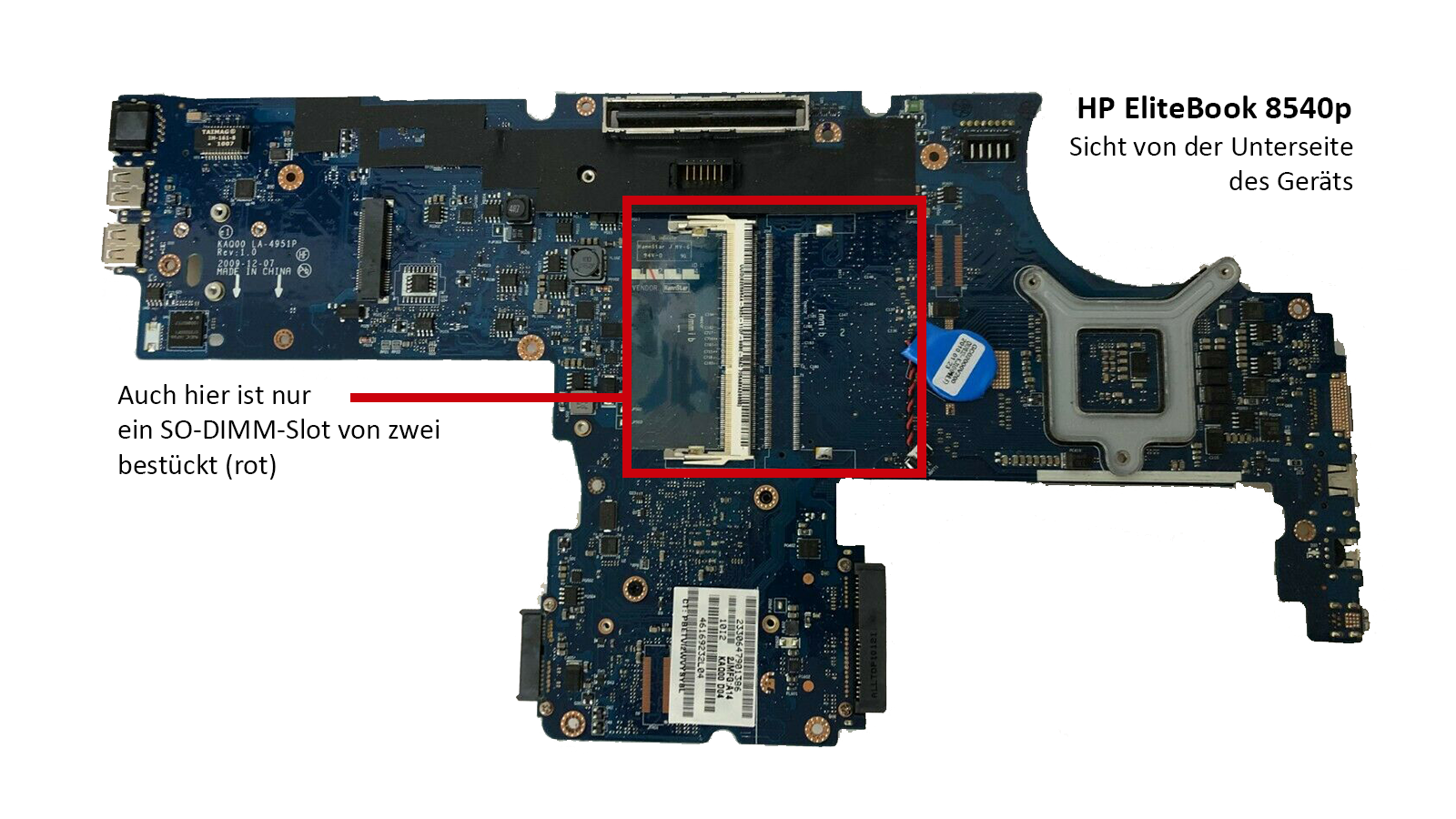
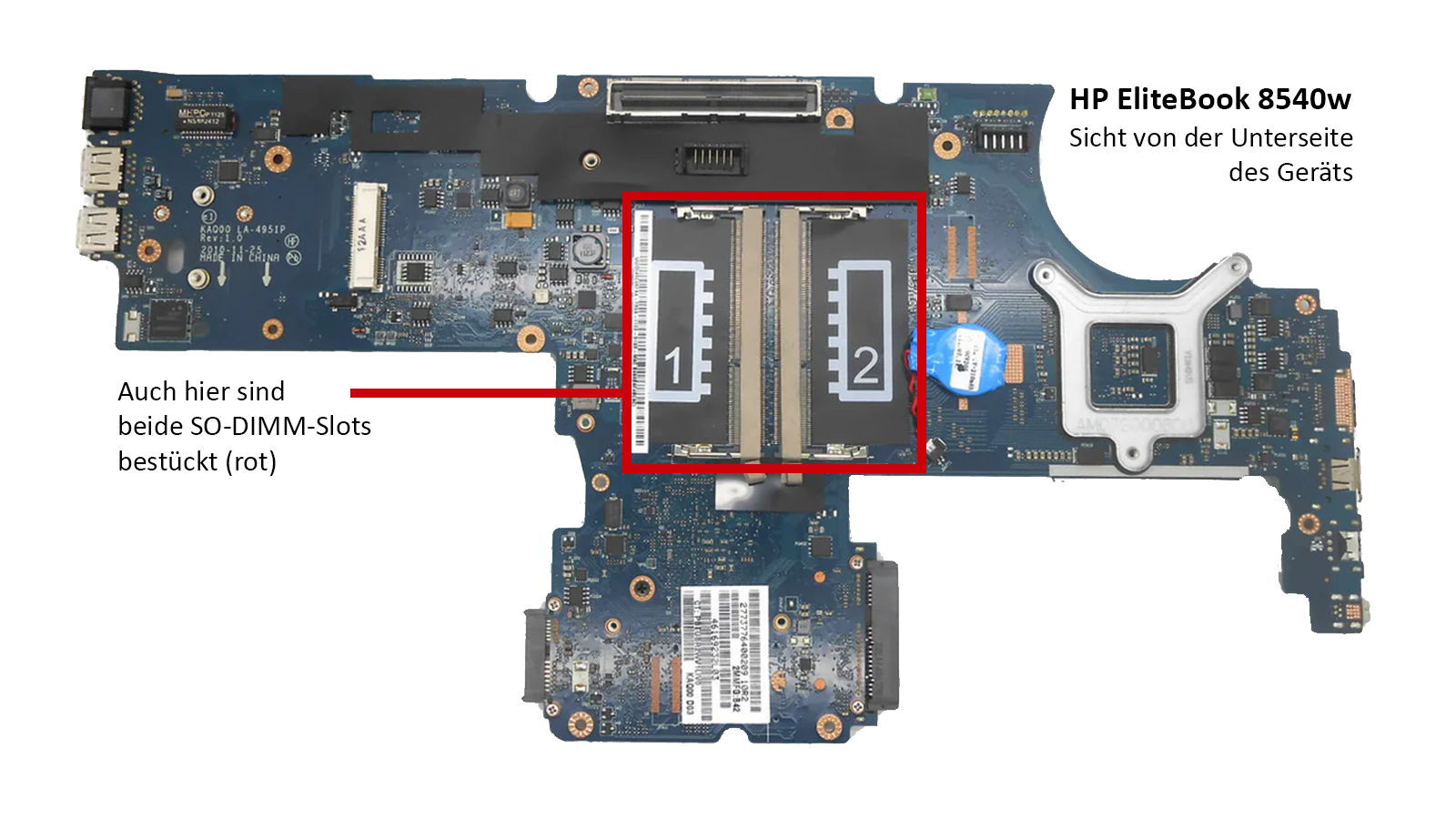
This means that apart from the empty RAM slots on the motherboard, everything should be upgradeable.
With the right equipment and the other “double slots” on the larger model, even these would probably be upgradeable, but I don’t think that’s reasonable.
Somehow, it’s still questionable that a “full” upgrade has been artificially prevented here.
The goal:
- Compatibility with Windows XP
- Not too big/too heavy – “mobile”
- Acceptable performance and tolerable temperatures/noise levels
- Affordable and as robust and durable as possible
In my opinion, the 8540p meets these requirements quite well, even if it is far from perfect.
The 8540w would be even better, but we already have two 8540ps.
Finally, here is a review of the workstation model, which provides a very good overview of the hardware and, in some cases, the (few) differences to the “p” model: https://www.notebookcheck.com/Test-HP-Elitebook-8540w-Notebook.32163.0.html (archive.org)
The next article will discuss the advantages and disadvantages of the 8540p when used as a retro notebook.