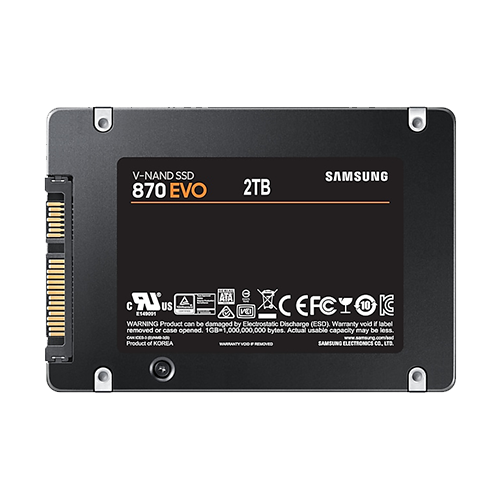
If the notebook still has a hard disk drive (HDD) installed, then this is by far the most performance-enhancing upgrade (provided that the RAM is not so small that it constantly fills up and slows everything down).
There is nothing specific to HP to consider here—like all notebooks from this era, the original model has a 2.5-inch hard drive that is screwed into a metal cage with PH1 Phillips screws and inserted into a SATA connector. In rare cases, the HDD is also located in plastic or rubber mounts, but the principle is always the same.
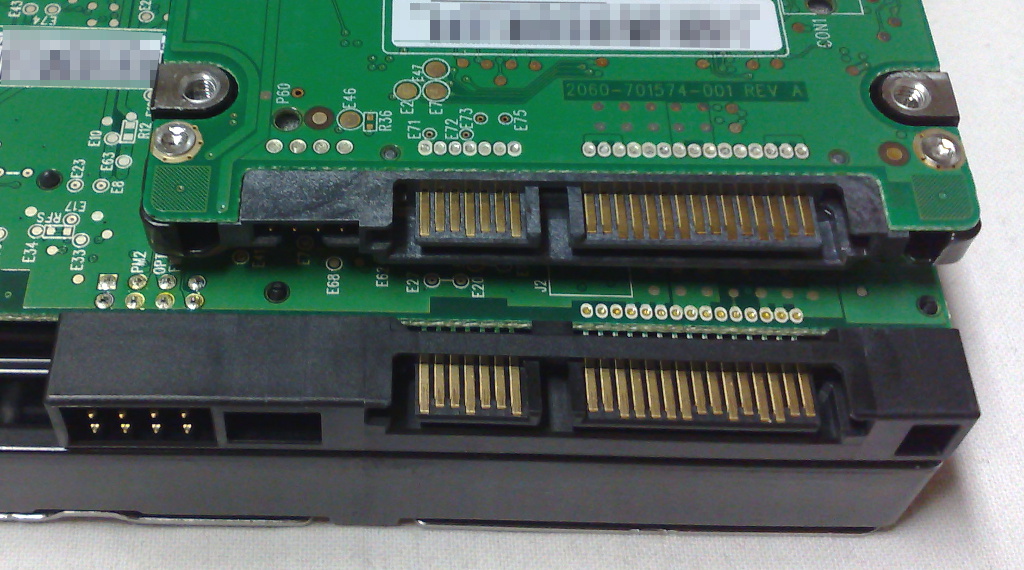 ⧉ Dsimic
Unfortunately, due to its age, the 8540p only has SATA-II connections. The implications of this in terms of potential performance can be seen in this table:
| SATA I | SATA II | SATA III | |
|---|---|---|---|
| Year | 2003 | 2004 | 2009 |
| Maximum theoretical speed in megabits per second | 1500 Mbps | 3000 Mbps | 6000 Mbps |
| Maximum realistic speed in megabits per second (with overhead) | 1200 Mbps | 2400 Mbps | 4800 Mbps |
| Maximum realistic speed in megabytes per second | 150 MB/s | 300 MB/s | 600 MB/s |
An SSD despite SATA II?
This notebook is not ideally suited for a SATA III SSD, as most SSDs come close to the limit of the SATA III interface and potentially lose a lot of performance due to throttling to SATA II speeds.
More modern SSDs in particular are actually significantly faster than the 300 MB/s sequential read speeds offered by SATA II, at least when it comes to reading.
These standards were originally developed for hard drives, which still do not even reach SATA II speeds, let alone SATA III speeds, especially in the slower 2.5“ form factor, which has to make do with only 5 volts (3.5” is generally more powerful).
The difference between even an inexpensive SSD and the mechanical latencies of an HDD is incomparable; the responsiveness is much better, even if SATA-II throttles. Not to mention the avoided heat and significantly lower power consumption.
It is important to mention that Windows XP does not support the so-called “TRIM” command. However, I consider this to be acceptable.
More recently, SATA has been replaced by NVMe as the protocol and M.2 as the mechanical slot standard for SSDs, which now allows for much faster and more efficient communication via PCI Express (there are also SATA SSDs that fit into M.2 slots, but that is a different, dying or extinct topic).
Which SSD model, there are so many?
Since SATA is also becoming an increasingly less used protocol and the hardware I use for upgrading may end up being used in another device in the future, I decided on what I consider to be the best SATA SSD on the consumer market:
A Samsung 870 EVO with an impressive (and expensive) 2 TB of storage space*.
This is also available in a much more expensive version with 4 TB of storage space* and as a QVO – then, instead of more durable TLC with QLC memory, which I really dislike, even with 8 TB, which would be the absolute maximum SATA SSD that would fit in this notebook at the moment.
I only recently carried out this upgrade because I found a really good deal on this 2 TB version. Previously, I had been using Samsung 860 Evo SSDs with “only” 500 GB for years (price/performance!).
Samsung has a pretty good reputation and proven durability, also thanks to the more durable TLC technology of this specific model (870 EVO). At the same time, it has a so-called DRAM cache, which further increases performance. I have only good things to say about Samsung SSDs, even with the newer NVMe models.
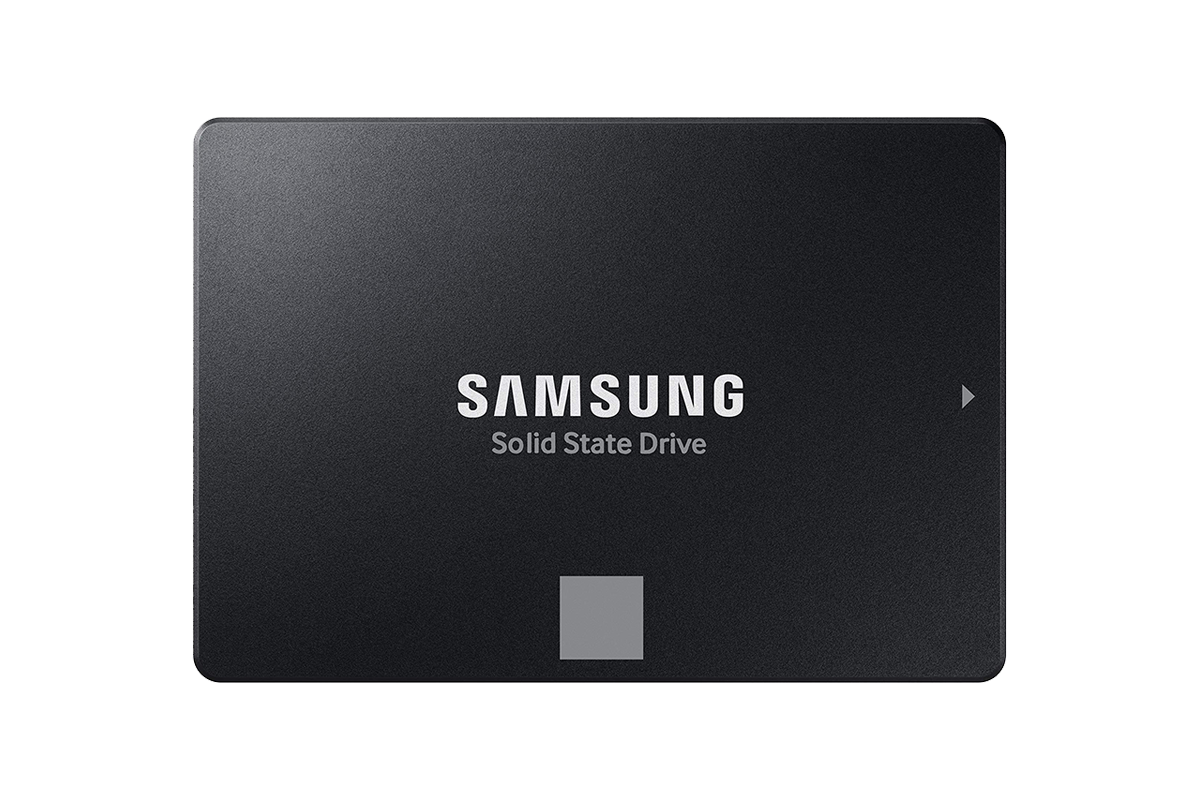 ⧉ Samsung
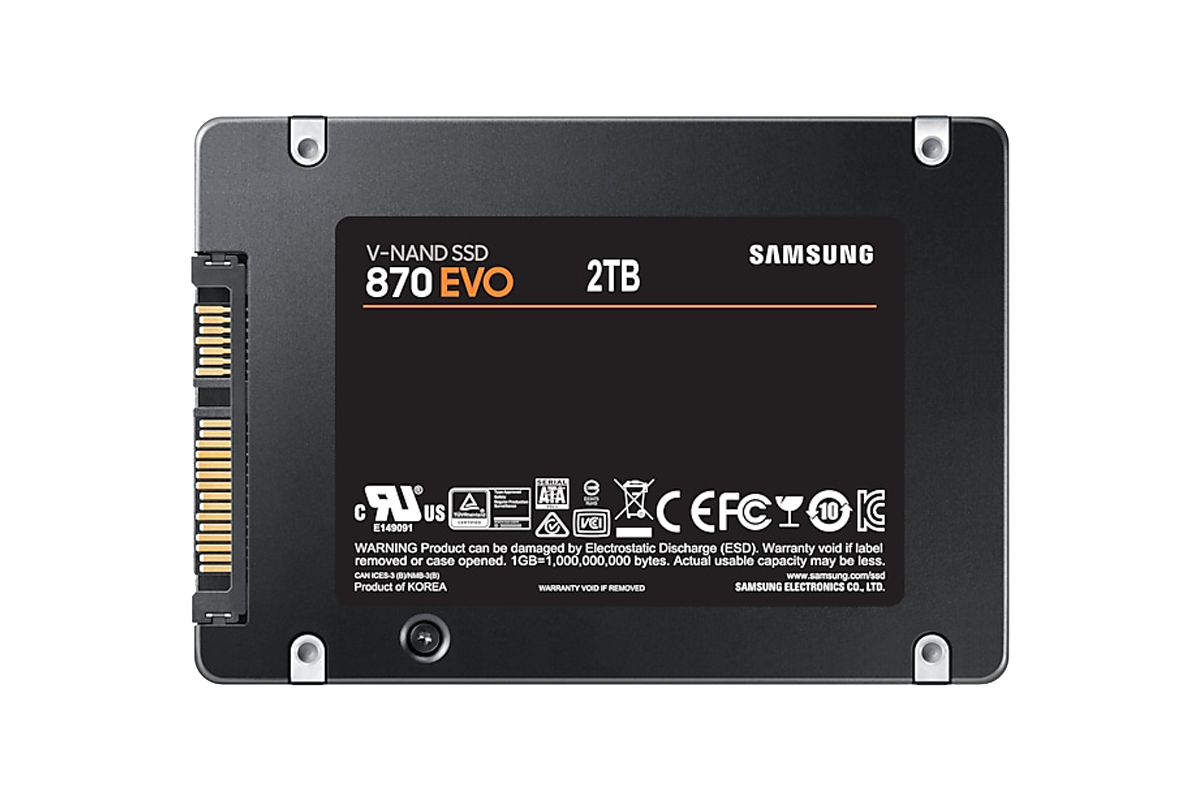 ⧉ Samsung
This raises the question: Why 2 TB and not 4 TB or even 8 TB? Financial rationality aside?
The goal was at least Windows XP compatibility and that can only be achieved with MBR.
Newer operating systems use GPT, which is significantly more sophisticated, robust, and considerably less limited.
The technical limit of MBR is 2 TiB, hence the choice of a 2 TB SSD – that is the maximum in terms of calculation.
MBR also leads to further restrictions when multi-booting operating systems; more on this in later posts about the software.
There is a very good explanation of this topic at heise:
https://www.heise.de/tipps-tricks/Festplatten-Partitionen-MBR-oder-GPT-4351715.html (archive.org)
Now let’s move on to the GPU.