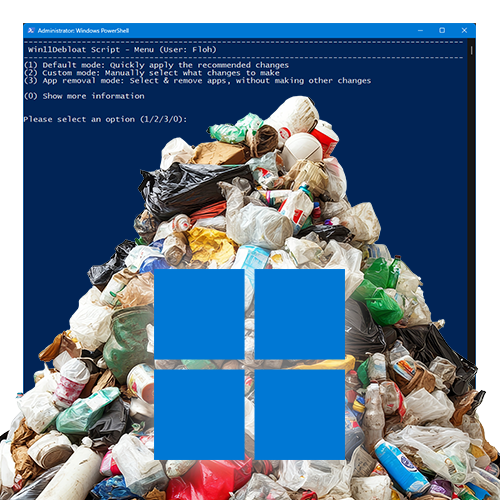
It’s no secret that Windows 11 is mercilessly overloaded, constantly collecting data and sending it home. You can tinker with many parts of the system, use group policies, make registry changes, and so on. Or you can use Raphire’s very convenient script on GitHub:
https://github.com/Raphire/Win11Debloat
The easiest way is to open a PowerShell or terminal window as an administrator, paste this command, and execute it:
& ([scriptblock]::Create((irm "https://debloat.raphi.re/")))A really good solution. The GitHub page also describes in detail what each parameter does and what capabilities the script offers.
The best option would be not to use Windows 11 at all. However, for some applications, such as gaming, this is only a limited option at the moment. Apart from that, there is a lot of software that only works on modern Windows, especially the various Adobe applications. The alternative, macOS, is out of the question for me.