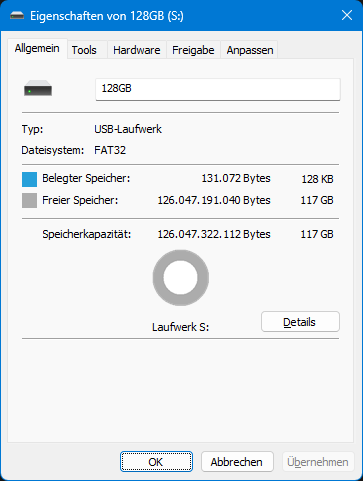
FAT32 is essentially the “standard file system” for many devices, especially embedded and older ones. The Nintendo Wii, for example, only supports FAT32-formatted SD cards, just as many media players (car radios) can only read USB sticks with the FAT32 file system. It has been supported by Microsoft operating systems since Windows 95, but with some limitations – Wikipedia lists these very nicely.
One of these limitations is that Windows only allows formatting with the FAT32 file system for drives with a storage capacity of up to and including 32 GB when formatting via the GUI (context menu in Explorer). Above this, only NTFS or exFAT are offered, both of which are incompatible file systems for many devices.
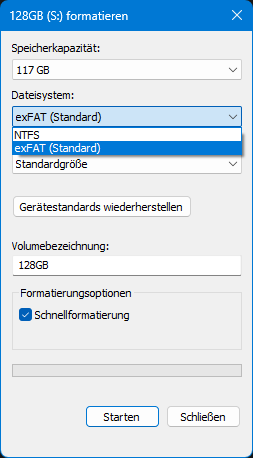
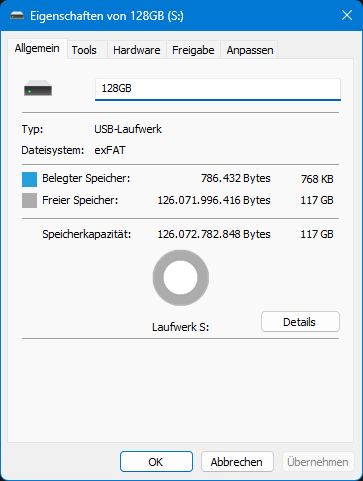
This is incomprehensible, as significantly larger volumes are supported depending on the selected sector size (up to 2 TiB with the universally compatible standard sector size of 512 bytes!). However, the limitation of individual files to a maximum of 4 GiB cannot be circumvented.
There are several ways…
…to format a drive as FAT32 in Windows anyway. For example, using the command line, where there is no 32 GB limitation:
format S: /FS:FAT32 /QThe most convenient way for me so far has been to use a small program from “Ridgecrop Consultants Ltd“: small, free, standalone, and available with or without a GUI.
A description of the application can be found here, and you can download it directly from the developer as a console version here (archive.org). My preferred GUI version is described here (direct download of the EXE, archive.org).
Usage
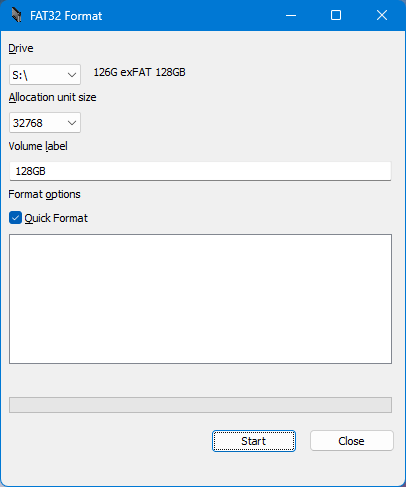
The application is very easy to use – connect the drive to the computer, ensure that there is only one main partition (Control Panel -> Administration -> Disk Management) and run “guiformat.exe” (as administrator, like requested).
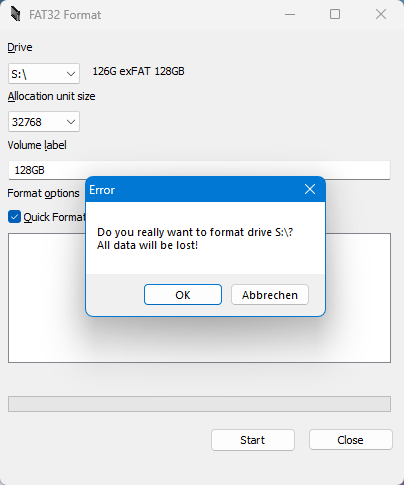
Select the appropriate letter from the drop-down list, set the sector size (for a total size of less than 2 TiB, select 512 bytes to ensure maximum compatibility) and format.
Done!
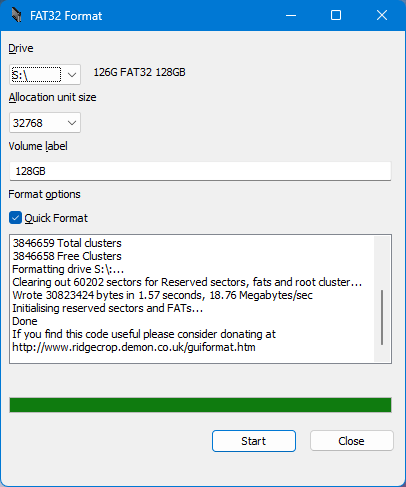
The file explorer also displays everything correctly as expected: