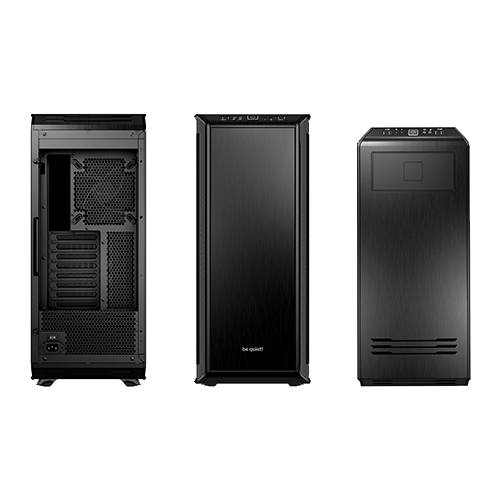
What’s still missing is a suitable case for all the components. Here, too, the sheer number of parts and their respective dimensions greatly limit the selection. The motherboard […]
Retro-XP-PC #8:
Storage
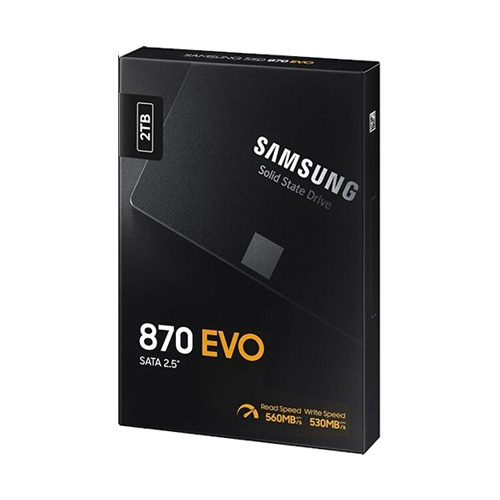
Since Windows XP can only handle MBR partitions, the boot drive is pretty obvious: it has to be a SATA SSD with 2 TB capacity, which is the […]
Retro-XP-PC #7:
Power comes from fuel
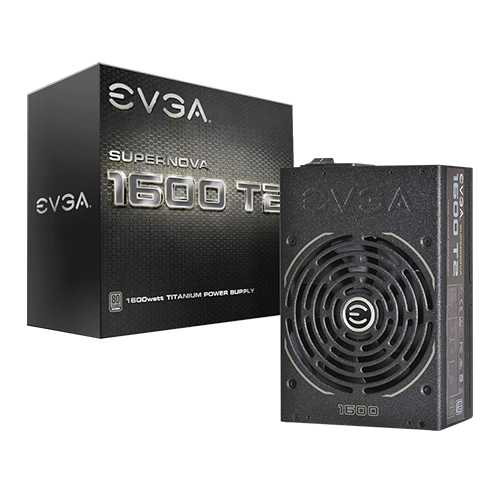
With all this powerful hardware, it’s time to think about which power supply should power the PC. Basically, you can simply use the known performance specifications to get […]
Retro-XP-PC #6:
Modify the graphics driver
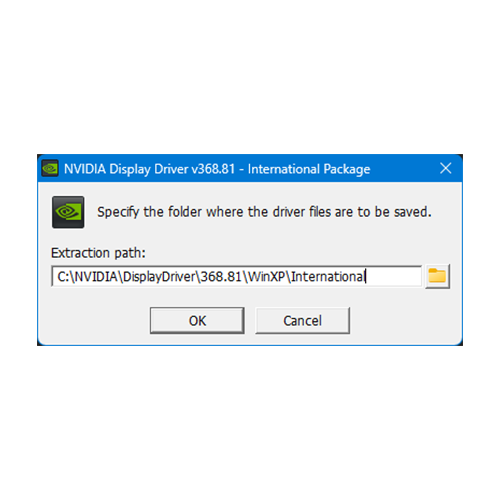
This modification only needs to be carried out on Windows XP, as the GTX TITAN X was not natively supported by Nvidia there. Compared to the RetroBooks driver […]
Retro-XP-PC #5:
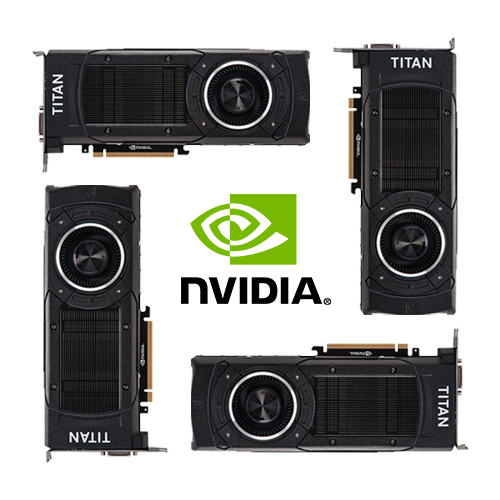
Graphics, or – The Sky is the Limit
How much can a standard 3 x 1.5 mm² NYM installation cable withstand on a B16A LS? 3680 watts? The layout of the PCI Express slots on the […]

Retro-XP-PC #4:
RAM?
As a 32-bit operating system, Windows XP can only handle a maximum of 4 GB of RAM. So far, so clear – but, similar to the RetroBooks, the […]

Retro-XP-PC #3:
A good Board is crucial
The choice of CPU poses a real problem: the most powerful processor for which the appropriate workstation boards were developed at the time had “only” 6 cores. However, […]
Retro-XP-PC #2:
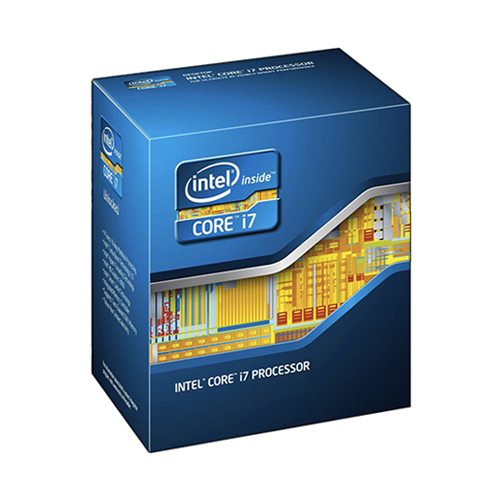
Four Ivy Bridge Cores?
As previously determined in the RetroBook project, the maximum Intel processor generation officially supported by Windows XP is the third generation, codenamed Ivy Bridge. This represents a slight […]
Retro-XP-PC #1:
Perhaps the most powerful Windows XP PC in the world
After the successful RetroBook project, it was only natural that a desktop PC with exaggerated specifications would follow, but unlike the notebooks, it would really be at the […]