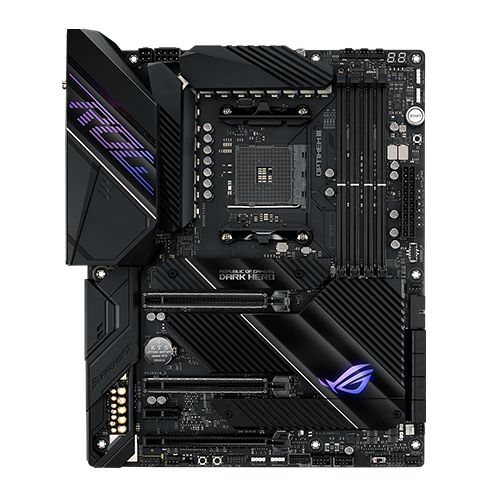
The ASUS ROG Crosshair VIII Dark Hero is one of the highest quality and most expensive AMD X570 motherboards available. This is especially true if you ignore the […]
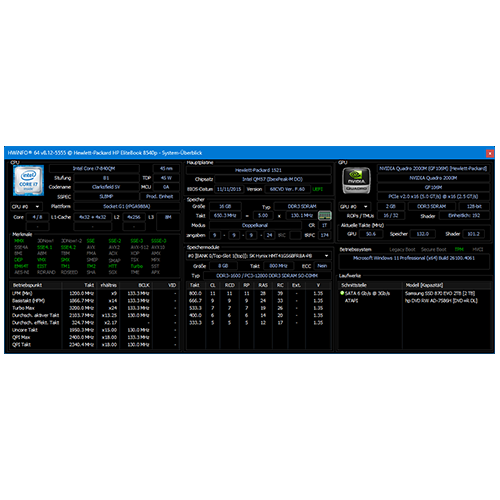
Setup:
RetroBook
As described in detail beforehand, our two HP EliteBook 8540p laptops are equipped with the following components, some of which differ significantly from the standard configuration. Both are […]

RetroBook 8540p #12:
Conclusion and thoughts
Based on everything I now know about the 8540p, if I were to tackle a similar project again, or if I were to come across another model like […]
RetroBook 8540p #10:
Other hardware
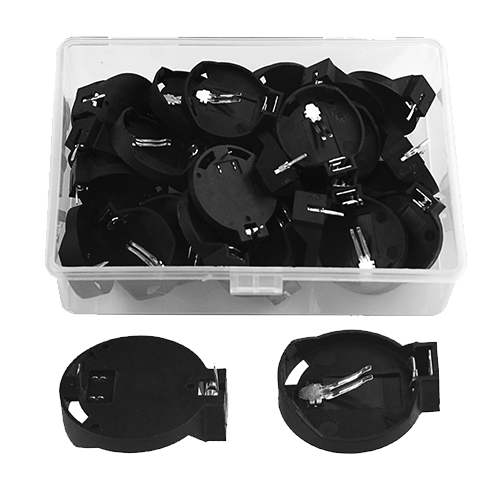
I would also like to mention here that the BIOS CMOS battery that is installed at the factory is unnecessarily complicated and proprietary in design. But it could […]
RetroBook 8540p #9:
Overclocking the GPU
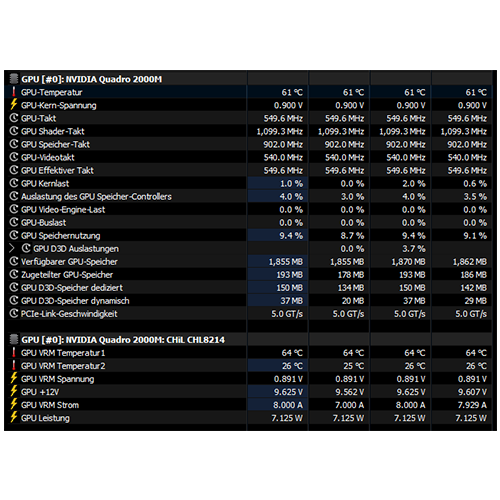
After successfully installing the drivers, I first installed Unigine Heaven (a DirectX 11 benchmark) to see if the 3D acceleration really runs smoothly and also how the power-hungry […]
RetroBook 8540p #8:
GPU drivers
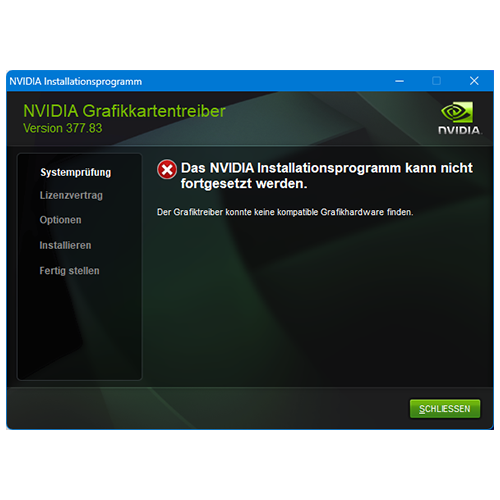
Since the Quadro 2000M now appears to be running on the hardware side, the previously downloaded Nvidia graphics drivers must now be installed, matching the respective operating system. […]
RetroBook 8540p #7:
Upgrading – MXM GPU – Additional options
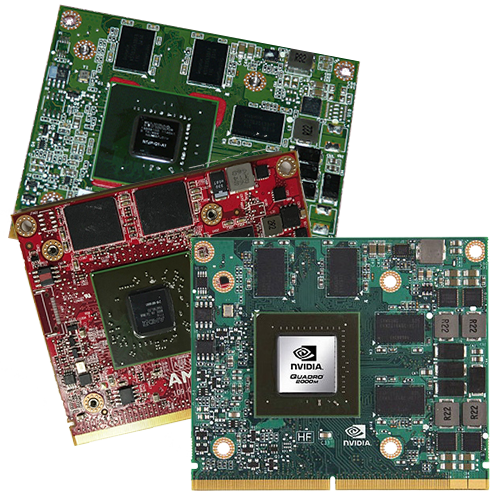
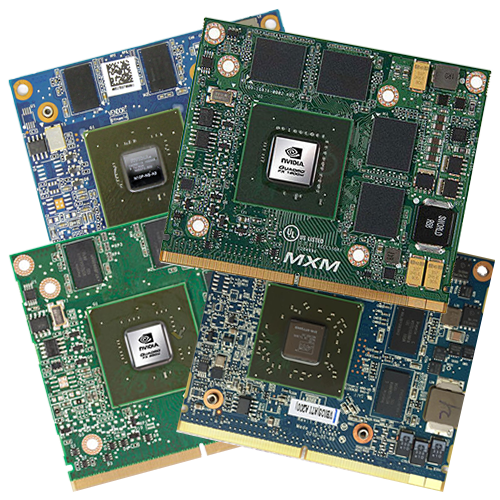
After extensive research and many comparisons, I was able to find some newer GPUs in MXM-A 3.0 format in addition to those intended by HP for the 8540p […]
RetroBook 8540p #6:
Upgrade – MXM GPU
The familiar service manual also helps, at least in part, with this latest “major” hardware upgrade: https://www.levnapc.cz/ProductsFiles/hp-elitebook-8540p-8540w-manual-en.pdf (archive.org). On page 80, there are some interesting things to say […]
RetroBook 8540p #5:
Upgrade – SSD
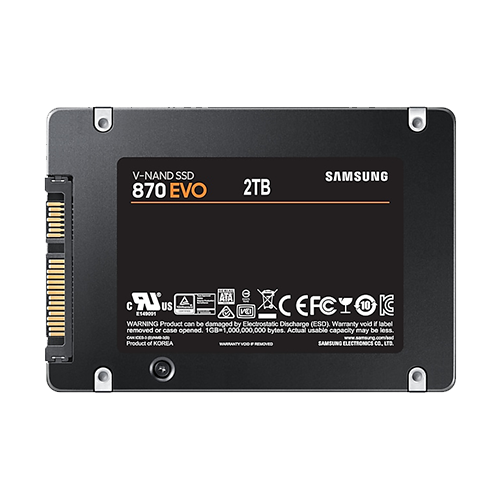
If the notebook still has a hard disk drive (HDD) installed, then this is by far the most performance-enhancing upgrade (provided that the RAM is not so small […]