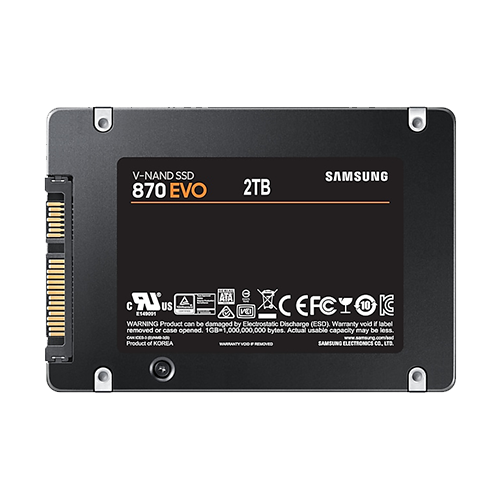
If the notebook still has a hard disk drive (HDD) installed, then this is by far the most performance-enhancing upgrade (provided that the RAM is not so small […]
RetroBook 8540p #4:
Upgrade – RAM
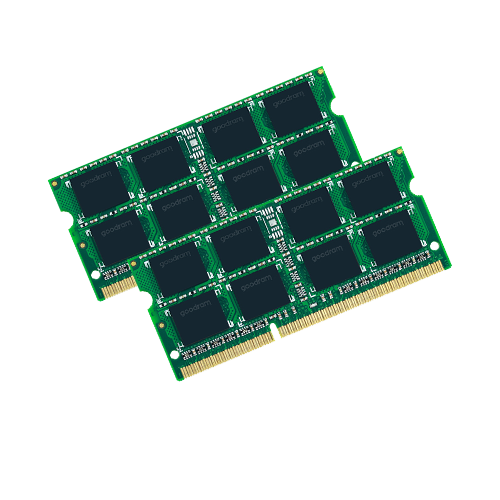
As with the previous processors, the documents from HP provide some assistance. The original service and maintenance manual for both models can also be found here:https://www.levnapc.cz/ProductsFiles/hp-elitebook-8540p-8540w-manual-en.pdf (archive.org) On […]
RetroBook 8540p #3:
Upgrade – CPU
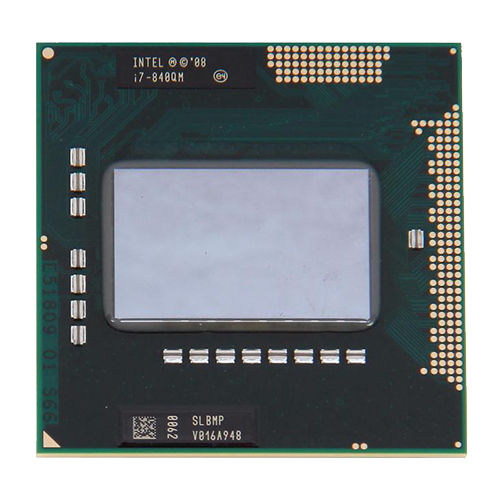
To get an overview of the ordering options that were available at the time and are therefore guaranteed to be compatible, the documents from HP are helpful: The […]
RetroBook 8540p #2:
Imperfections and compatibility
This is about general information on how closely this model meets my requirements. That mainly concerns compatibility with Windows XP—partly for nostalgic reasons, partly because of its very […]
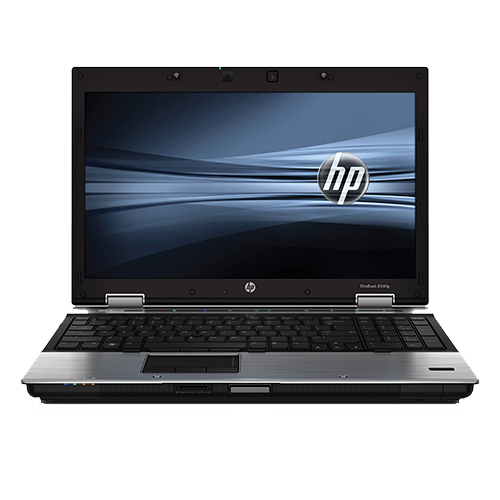
RetroBook 8540p #1:
Presentation
We currently use two now rather old HP EliteBook 8540p laptops as retro notebooks, which I was able to purchase second-hand in large quantities a few years ago. […]
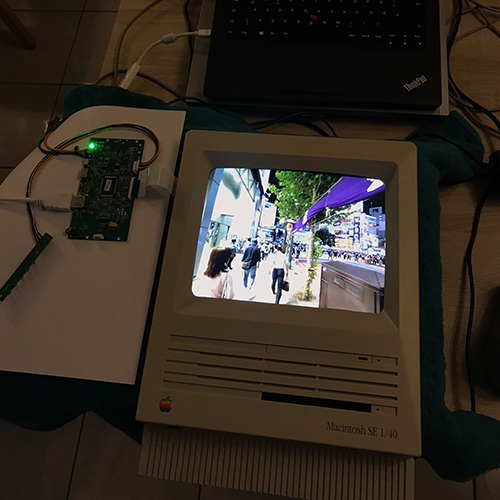
Macintosh SE, or: Digital picture frame with history
A few years ago, I came across a Macintosh SE 1/40. After a quick inspection, it was clear that at least the motherboard was beyond repair due to […]

i7-7700K OC #9:
Conclusion and thoughts
Does it make sense to build a system around Kaby Lake processors in 2024, especially when you know that Windows 11 could cause problems in the future? No. […]
i7-7700K OC #8:
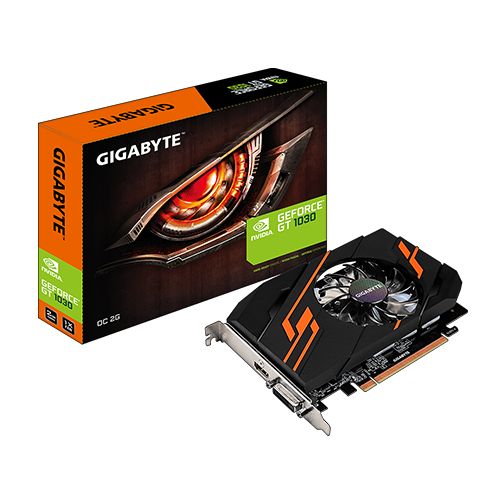
What about the GPU?
The reason for overclocking the graphics card in this system was purely out of curiosity to see what could be achieved. Almost any GPU less than five years […]
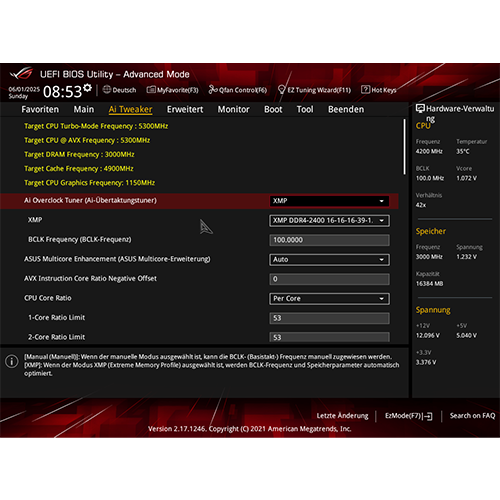
i7-7700K OC #7:
Now the overclocking can finally begin
The following procedure has proven to work well, regardless of the newly built system:First, check whether there are any BIOS/UEFI updates available from the motherboard manufacturer, in my […]