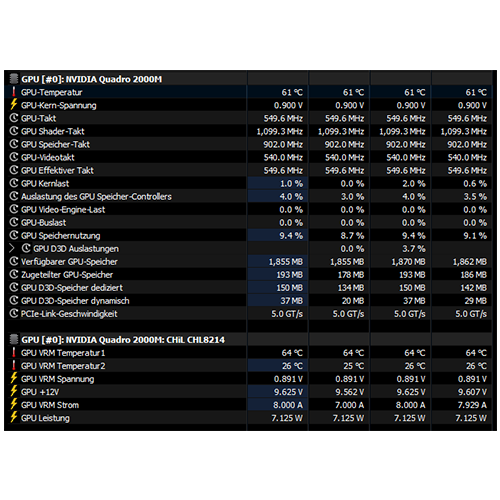
After successfully installing the drivers, I first installed Unigine Heaven (a DirectX 11 benchmark) to see if the 3D acceleration really runs smoothly and also how the power-hungry […]
RetroBook 8540p #8:
GPU drivers
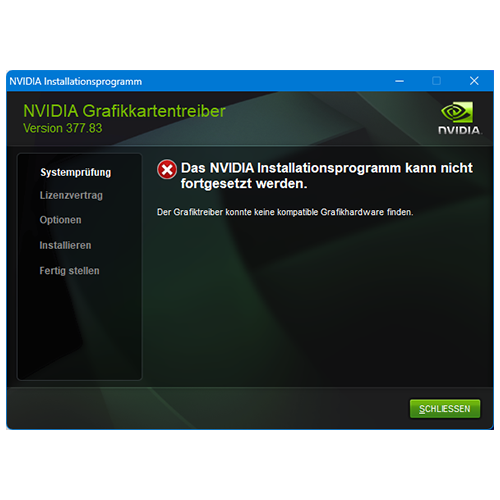
Since the Quadro 2000M now appears to be running on the hardware side, the previously downloaded Nvidia graphics drivers must now be installed, matching the respective operating system. […]
RetroBook 8540p #7:
Upgrading – MXM GPU – Additional options
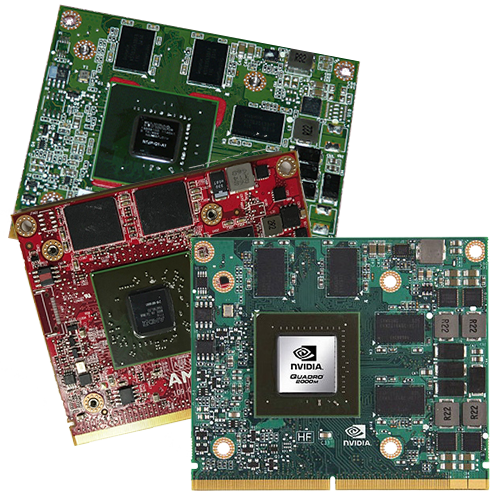
After extensive research and many comparisons, I was able to find some newer GPUs in MXM-A 3.0 format in addition to those intended by HP for the 8540p […]
RetroBook 8540p #6:
Upgrade – MXM GPU
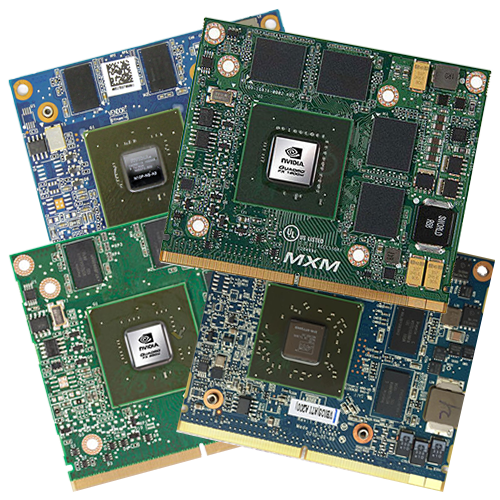
The familiar service manual also helps, at least in part, with this latest “major” hardware upgrade: https://www.levnapc.cz/ProductsFiles/hp-elitebook-8540p-8540w-manual-en.pdf (archive.org). On page 80, there are some interesting things to say […]
RetroBook 8540p #5:
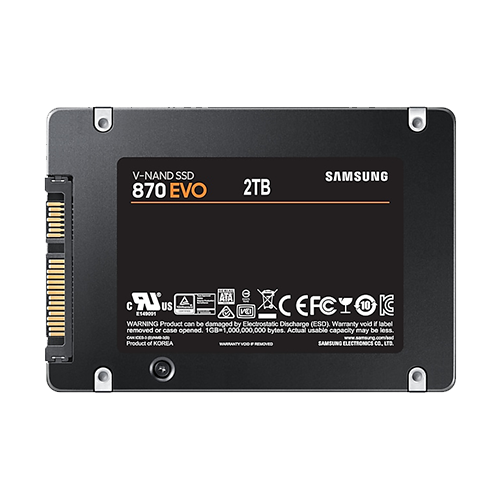
Upgrade – SSD
If the notebook still has a hard disk drive (HDD) installed, then this is by far the most performance-enhancing upgrade (provided that the RAM is not so small […]
RetroBook 8540p #4:
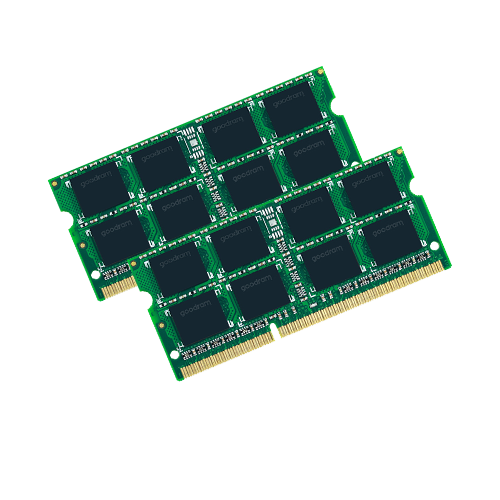
Upgrade – RAM
As with the previous processors, the documents from HP provide some assistance. The original service and maintenance manual for both models can also be found here:https://www.levnapc.cz/ProductsFiles/hp-elitebook-8540p-8540w-manual-en.pdf (archive.org) On […]
RetroBook 8540p #3:
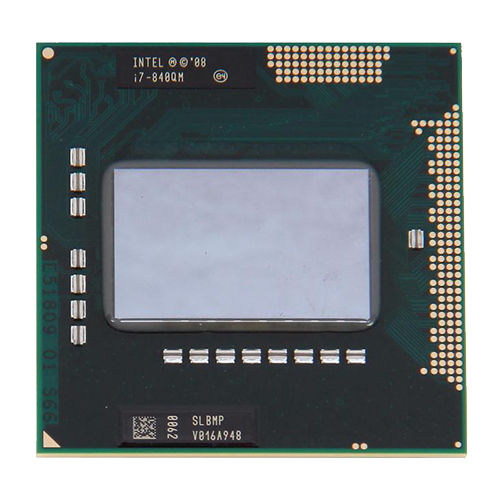
Upgrade – CPU
To get an overview of the ordering options that were available at the time and are therefore guaranteed to be compatible, the documents from HP are helpful: The […]
RetroBook 8540p #2:
Imperfections and compatibility
This is about general information on how closely this model meets my requirements. That mainly concerns compatibility with Windows XP—partly for nostalgic reasons, partly because of its very […]
RetroBook 8540p #1:
Presentation
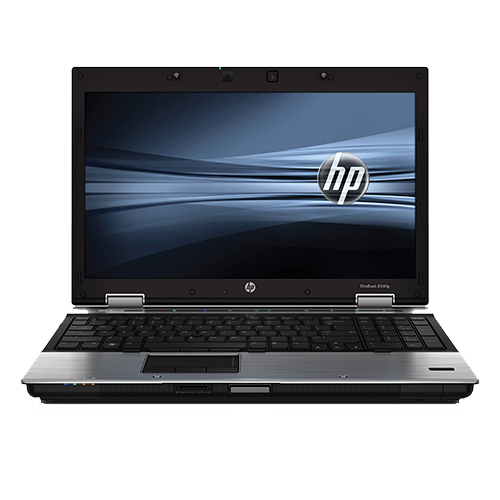
We currently use two now rather old HP EliteBook 8540p laptops as retro notebooks, which I was able to purchase second-hand in large quantities a few years ago. […]