Our largest Synology NAS, a DS1819+, is equipped with a PCIe 3.0 x8 expansion slot (electrically connected with four lanes), which, along with its eight 3.5-inch hard drive bays, was one of the reasons we chose this specific model at the time. We purchased our unit right after its release in mid-2019. That was almost seven years ago.
Since then, the RAM has been upgraded from the factory configuration of a single 4 GB DDR4-2133 module to 2 x 8 GB DDR4-2133* modules for a total of 16 GB of memory and dual-channel operation and the storage configuration has been changed several times. Currently, eight 18 TB drives from Western Digital* are installed, which originally came from external 3.5″ WD Elements* hard drives.
By chance, I’ve finally carried out the long-overdue network upgrade:
The original plan was to use one of the compatible Intel network cards as an alternative to the very overpriced Synology-rebranded cards, since these are inexpensive and widely available in used condition. Typical candidates with 10 Gbps over RJ45 (copper) would be the X540-T2* with two ports or the X540-T1* with just one port, or the significantly better but also more expensive X550-T2* or X550-T1*. Both have the well-known issue of running warm to hot. With the X540, instability and crashes are not uncommon without active cooling, especially since it only supports 10, 100, 1,000, or 10,000 Mbps; 2,500 and 5,000 Mbps are missing. The chip is too old for that (these intermediate speeds were only introduced later).
Given these circumstances and the fact that more than 1 Gbit is currently more of a “nice-to-have” than an absolute necessity for us, I have postponed the network upgrade indefinitely.
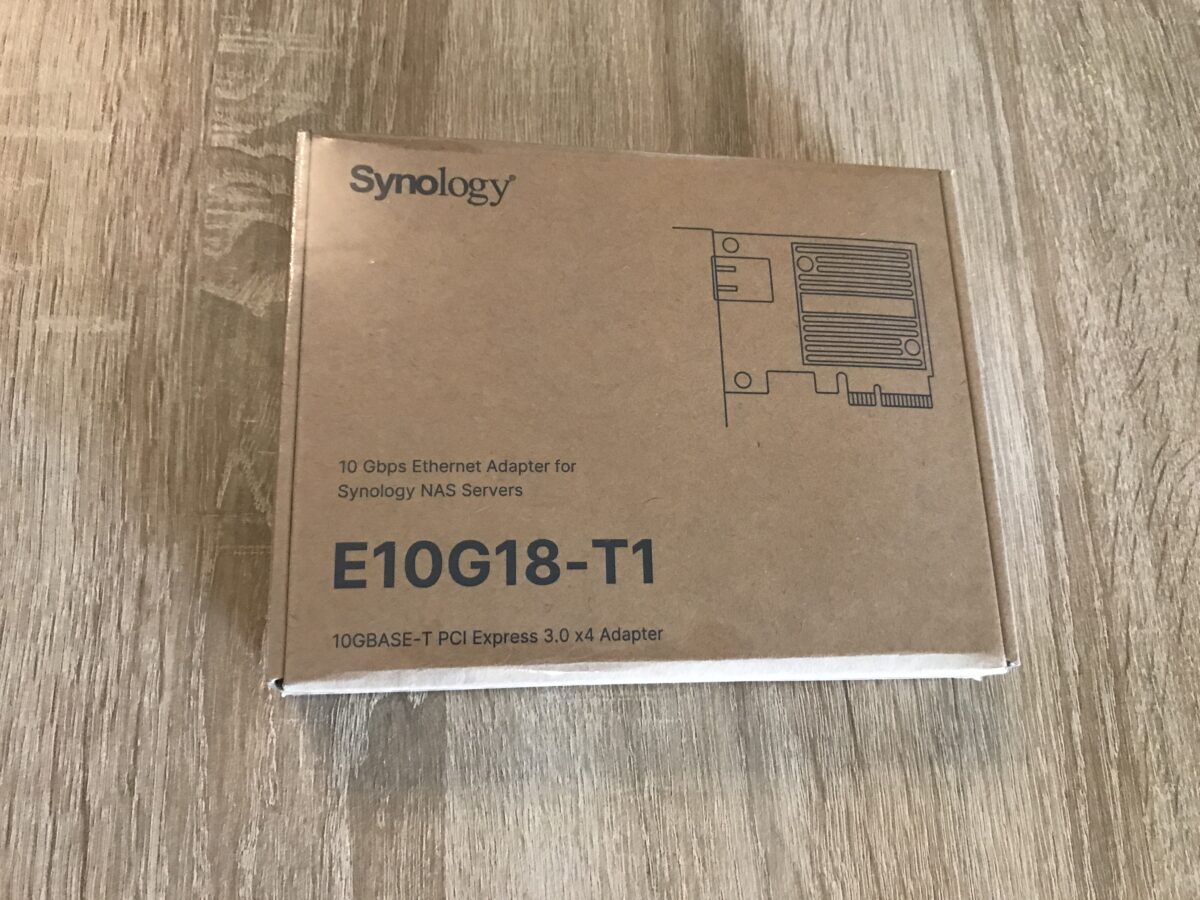
Until a few days ago, when I spotted the Synology “E10G18-T1*” network card at the bottom of Mindfactorys “Mindstars” section, a single unit for €99 including shipping (Review). Since I’d also had a €50 Mindfactory gift card sitting around for a while, it was clear: €99 for a network card guaranteed to be compatible without any tinkering or issues isn’t a bad deal; the standard price for this model has hovered around €150 since it hit the market. The fact that I ended up paying €49 for it instead made the deal even more irresistible to me. So off I went and bought the card.
It arrived today, fast as expected in its original packaging:
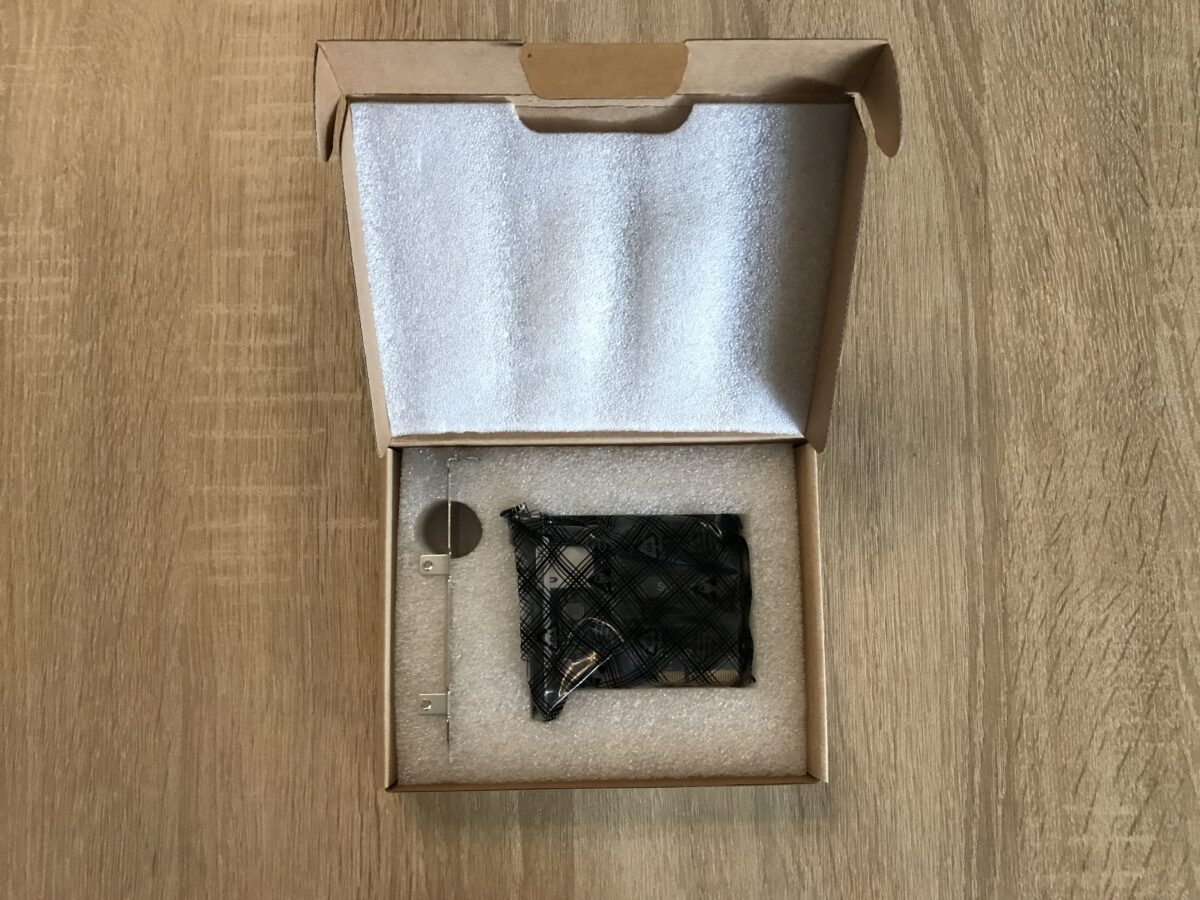
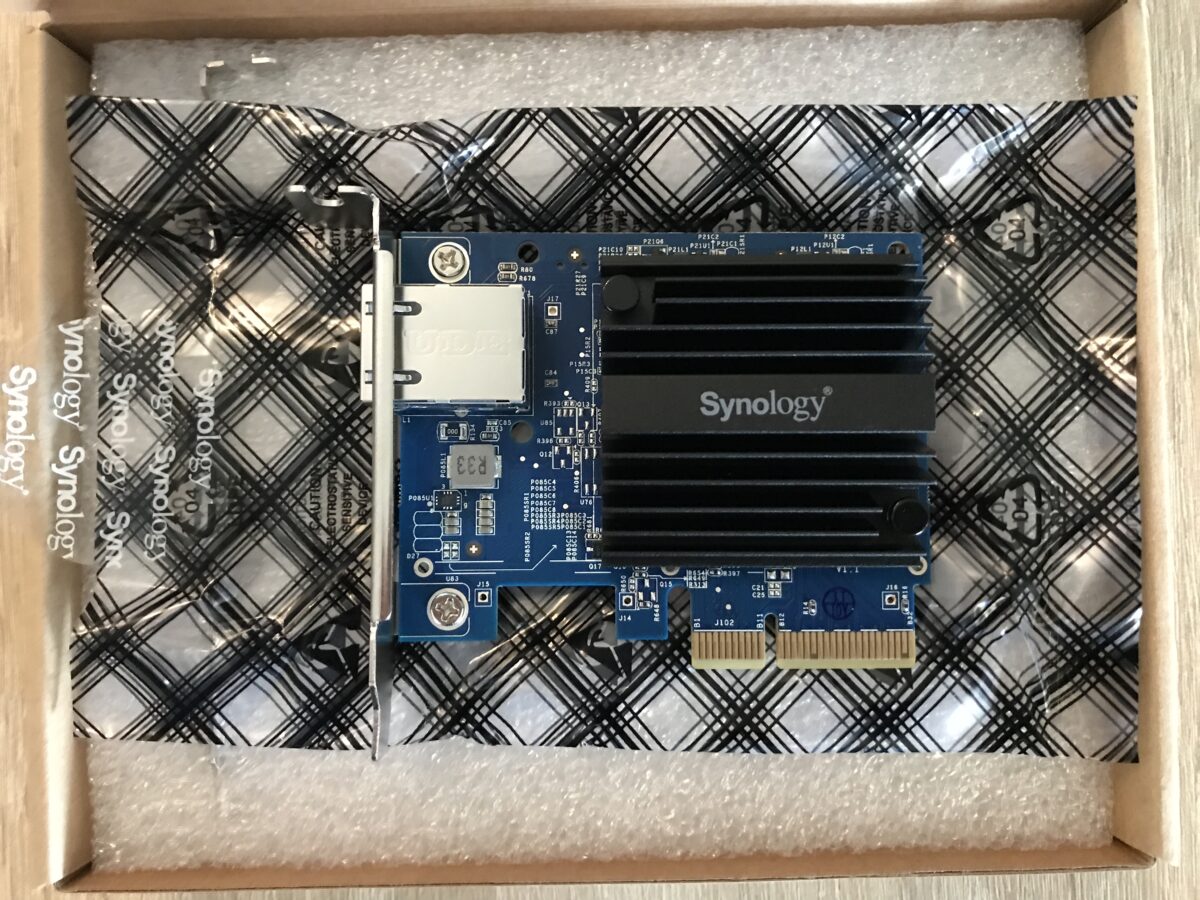
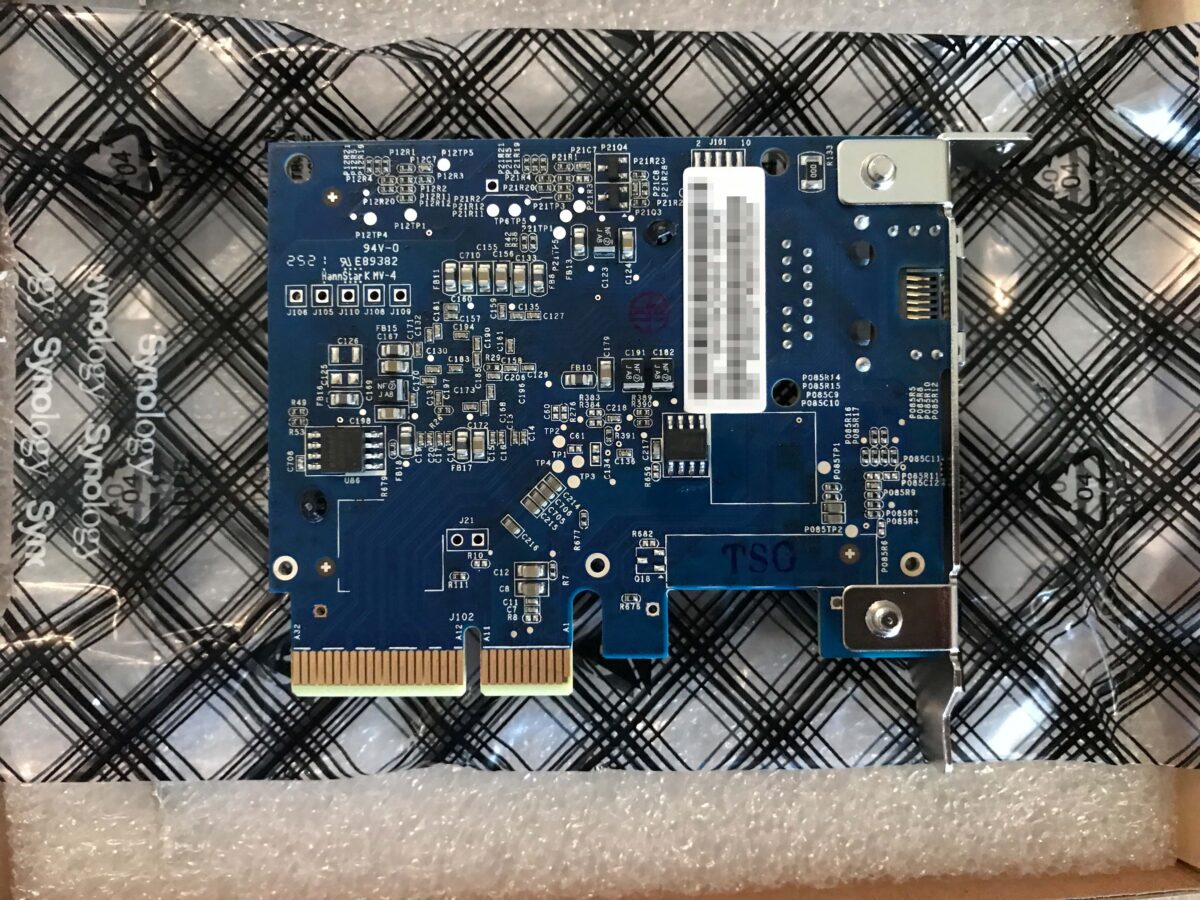
This card is based on the “AQC107” from Aquantia (a networking equipment manufacturer that has since been acquired by Marvell). Compared to older Intel chips, this is a very energy-efficient network controller (~6 watts). However, an even more energy-efficient successor from the same manufacturer is already available: the “AQC113” (~3.5 watts).
100 / 1,000 / 2,500 / 5,000, and 10,000 Mbit are supported, everything you could possibly want.
Overview and RAM
Fully equipped, the DiskStation 1819+ weighs a few pounds, so it’s a good idea to remove the hard drive bays (which are almost prohibitively expensive right now) along with the drives. I combined the upgrade with a cleaning since NAS devices run continuously, they tend to get dusty quickly, and it was time to do it again:
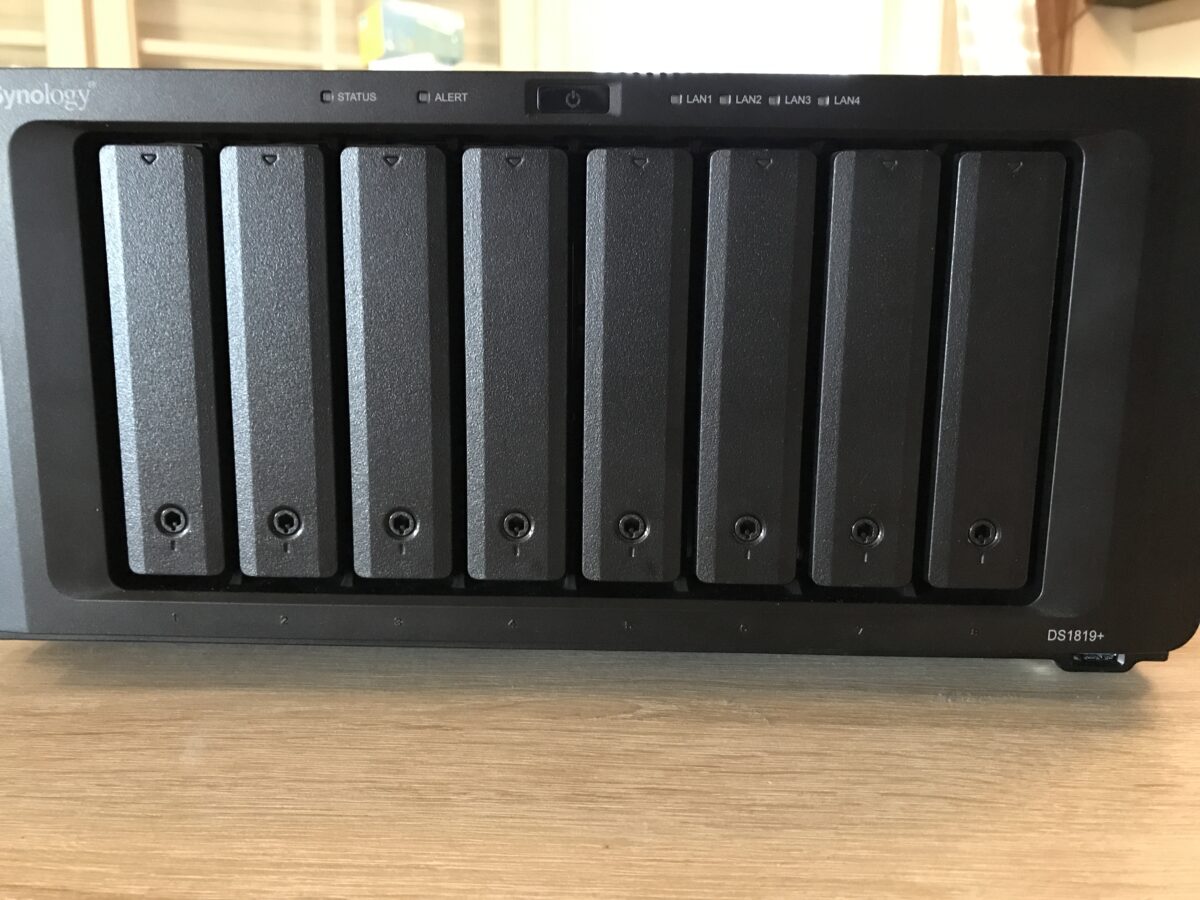
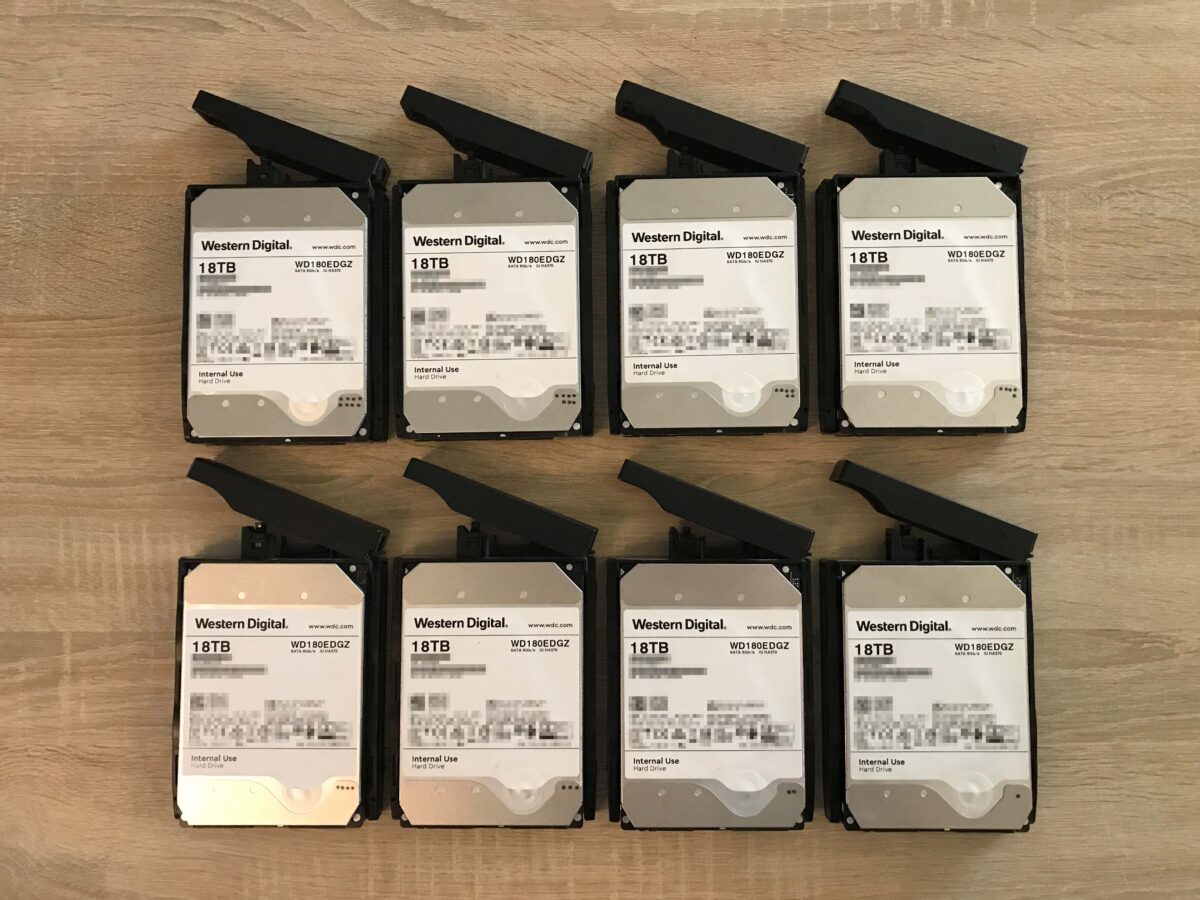
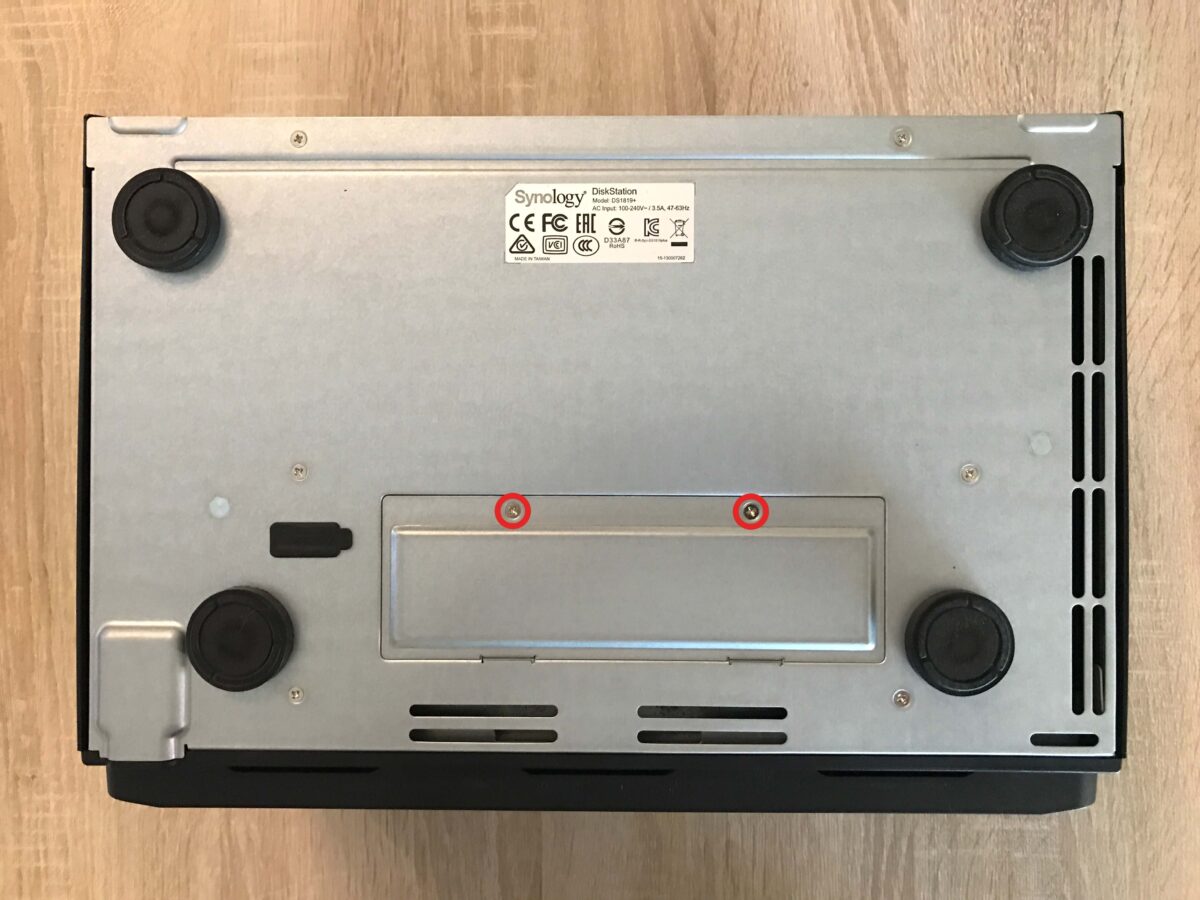
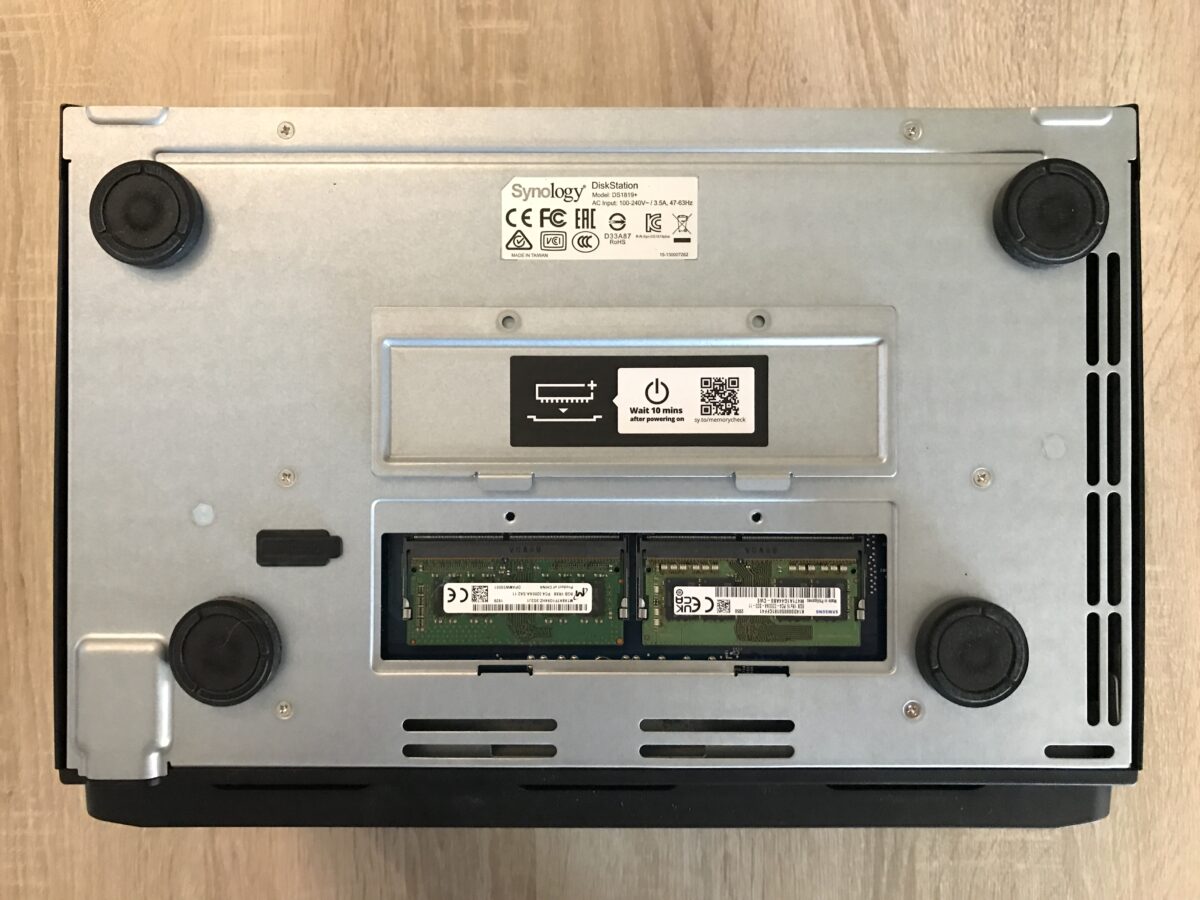
To access the RAM (in my case, for cleaning), you need to turn the DS1819+ upside down. Then, remove two PH2 Phillips-head screws to open the compartment:
Install the expansion card
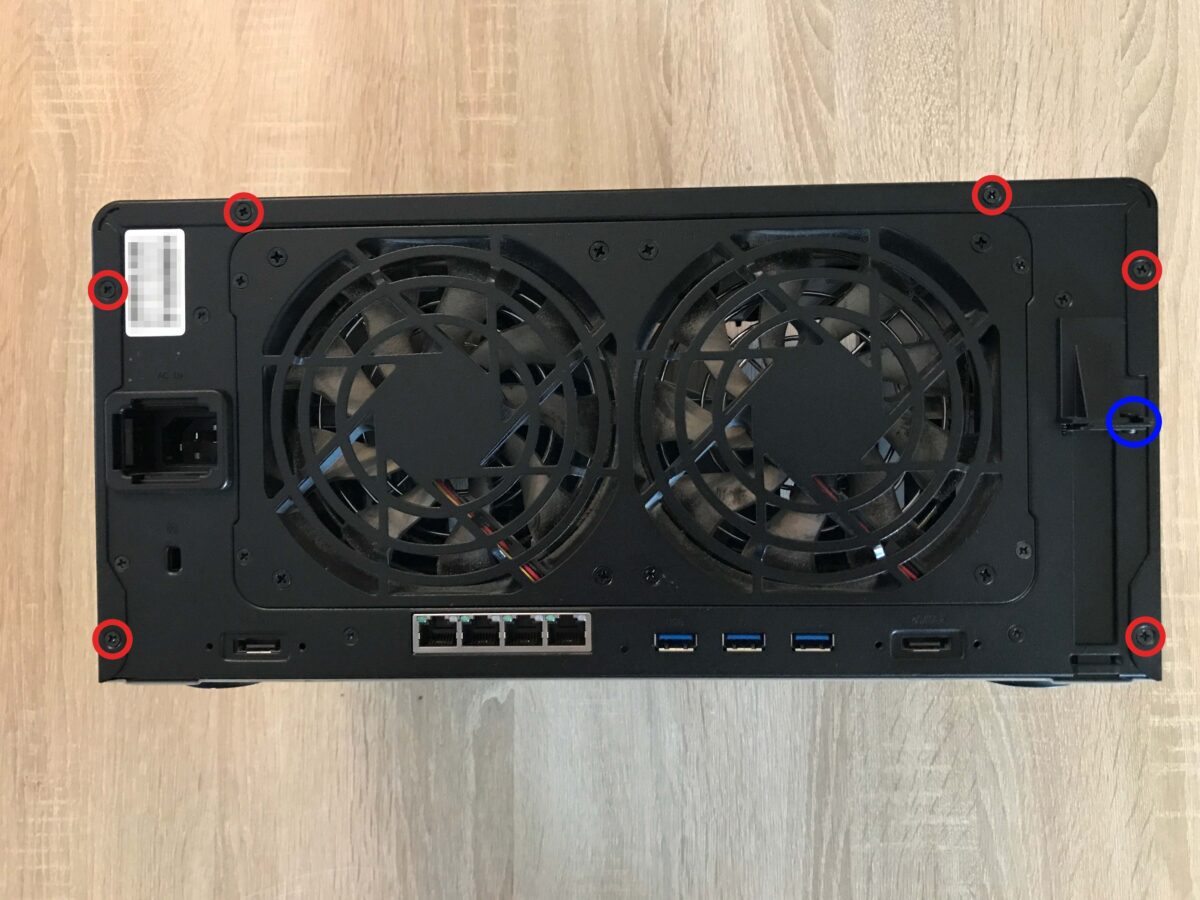
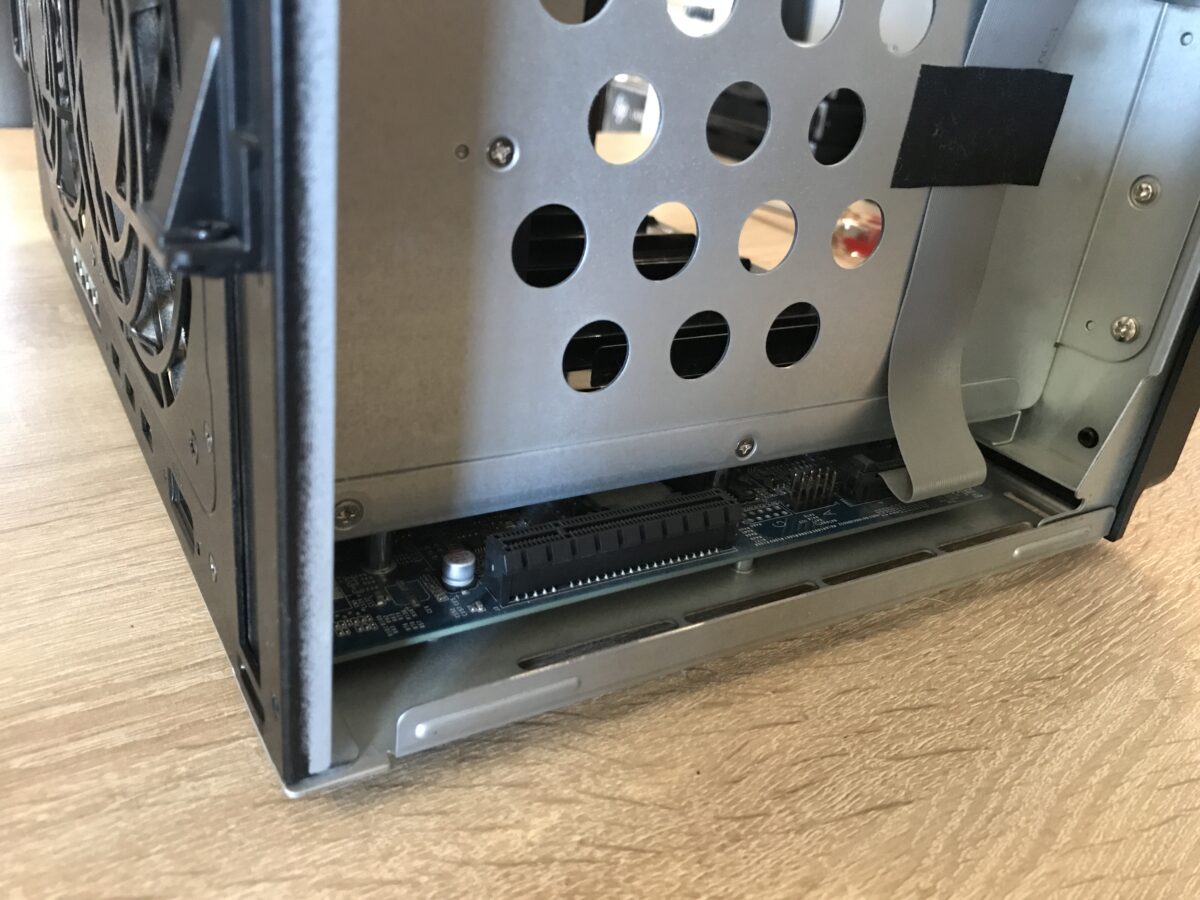
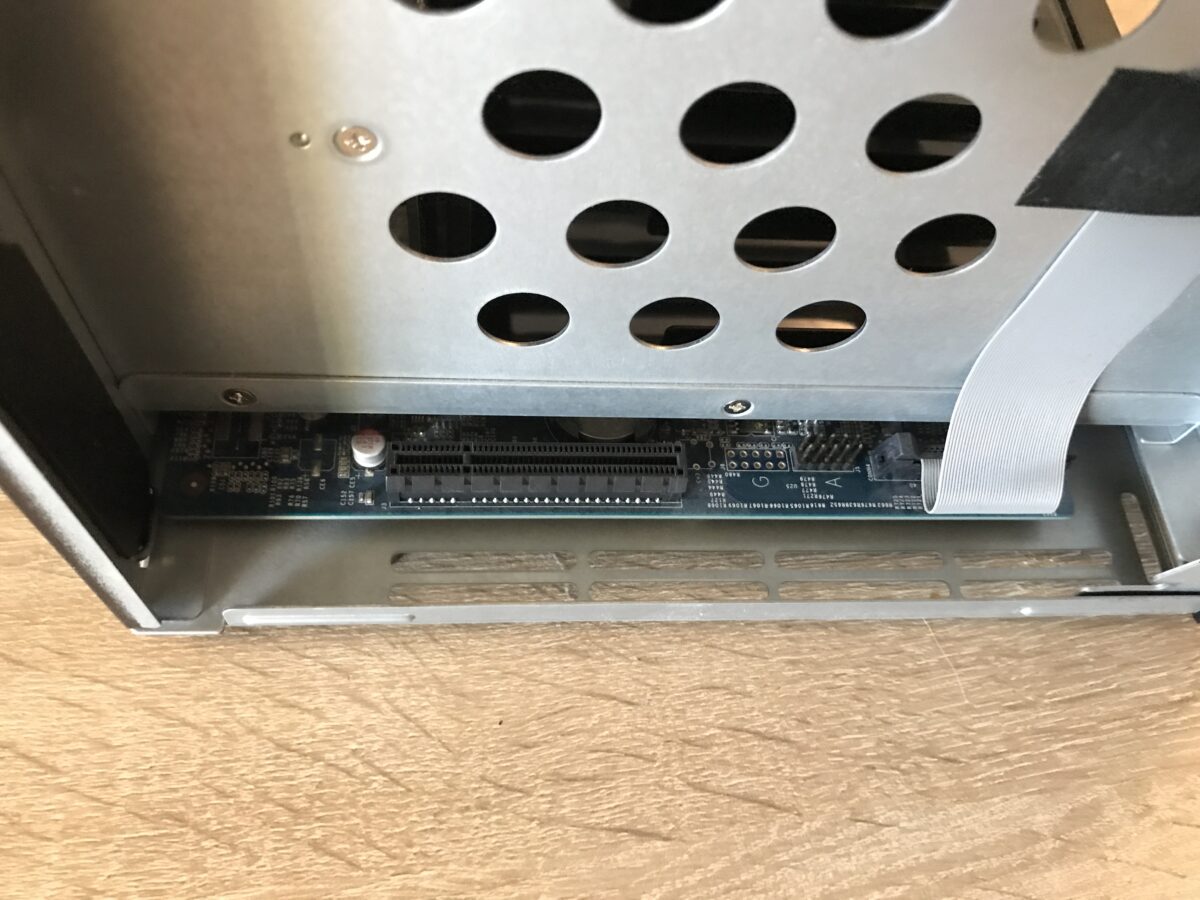
To access the PCIe slot, the metal cover must be removed. To do this, remove all the PH2 Phillips-head screws circled in red; then slide the metal cover toward the back to unhook and carefully remove it. The Phillips-head screw circled in blue secures the card/slot bracket:
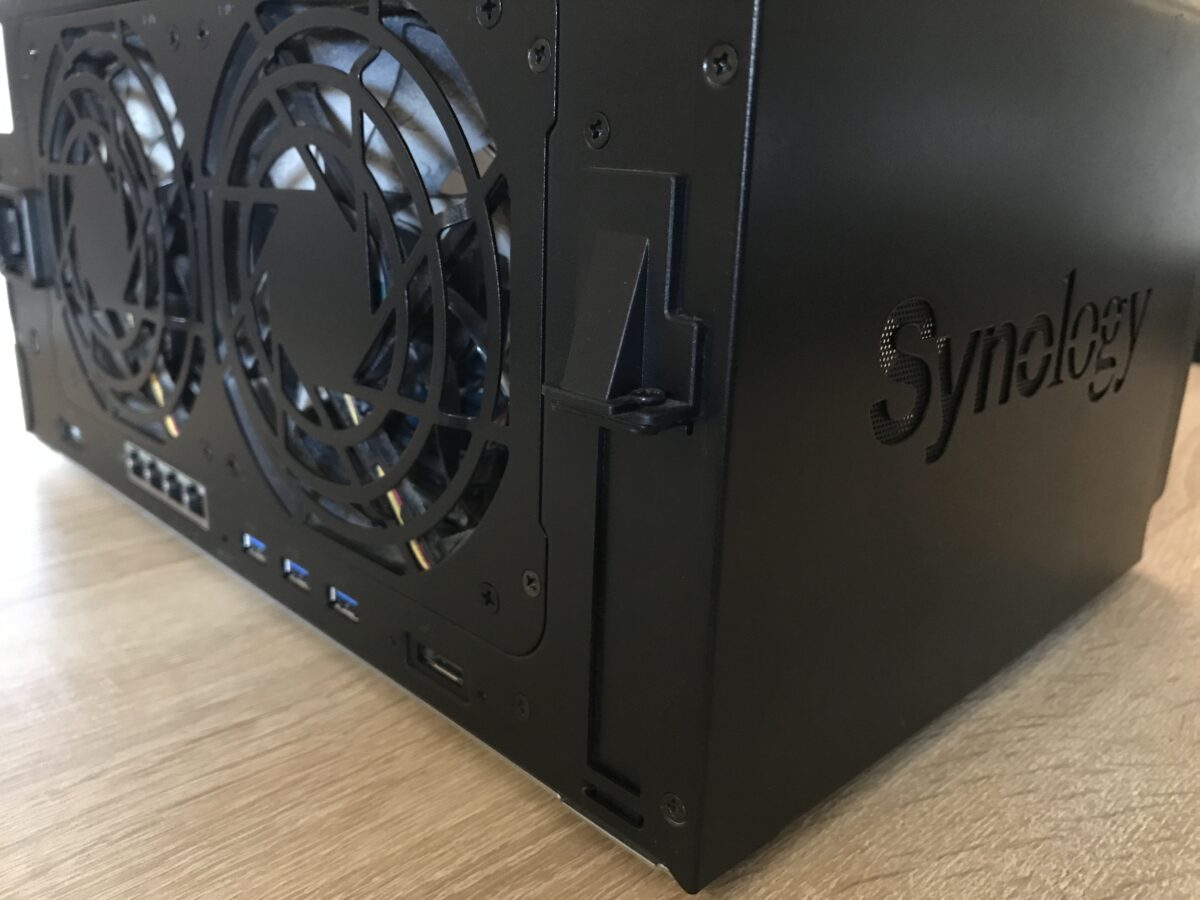
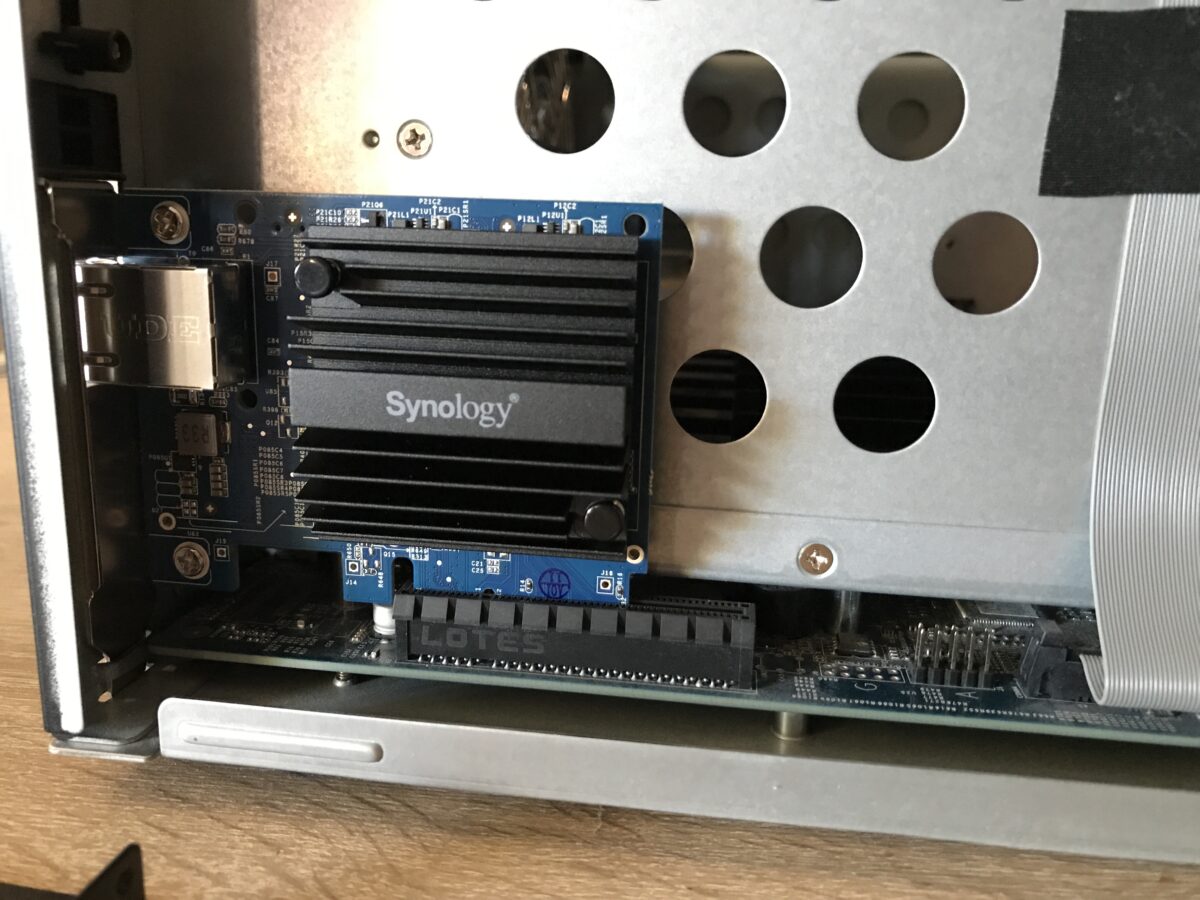
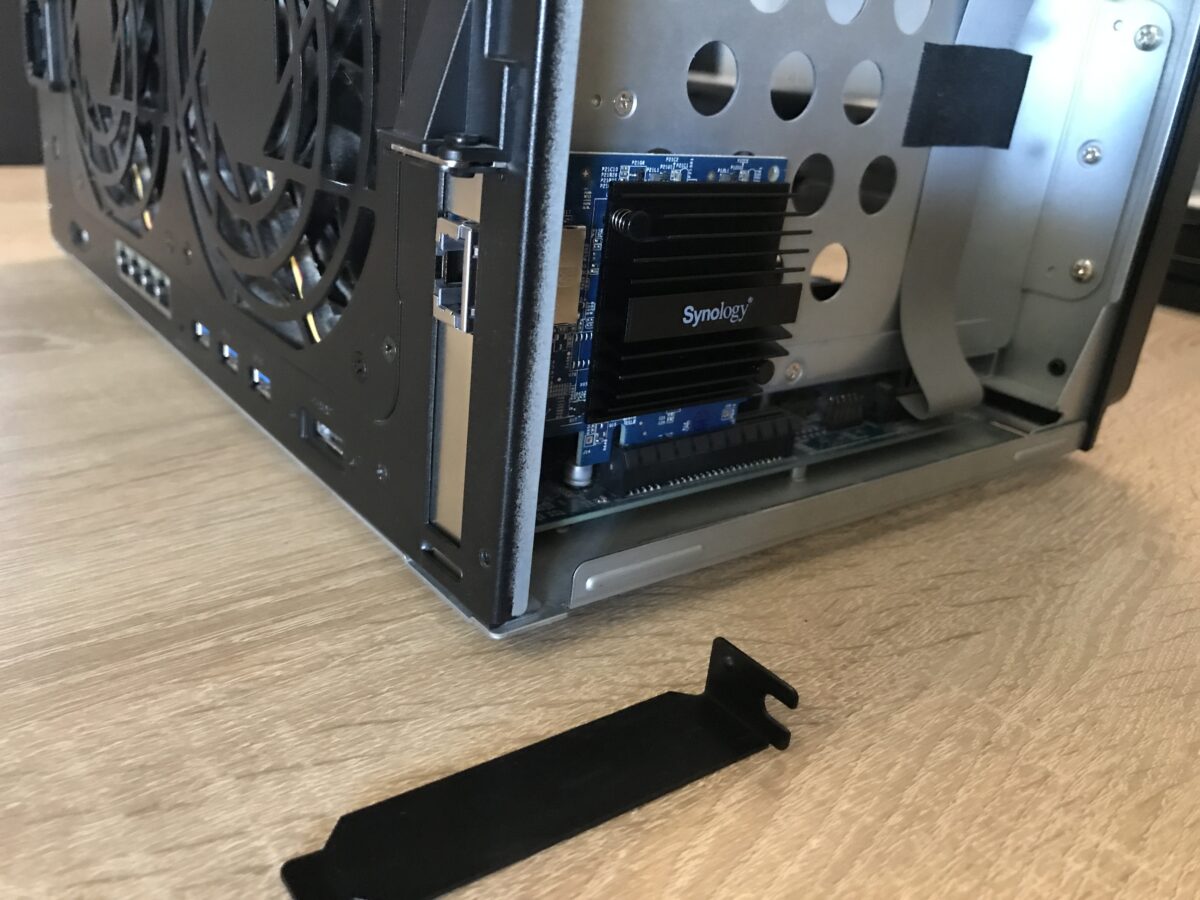
Now the card can be installed very easily:
Finished?
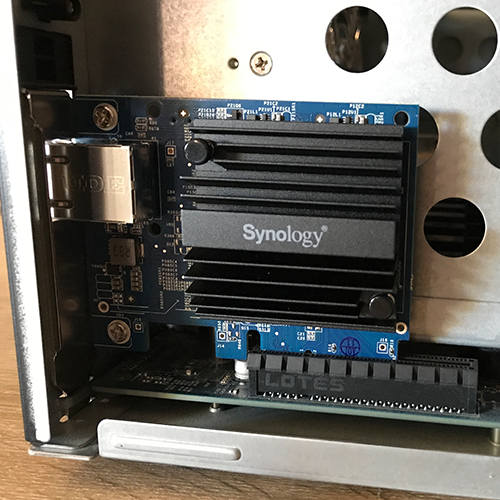
Yes, that’s all there is to it. Now just put everything back together in reverse order, and there you go:
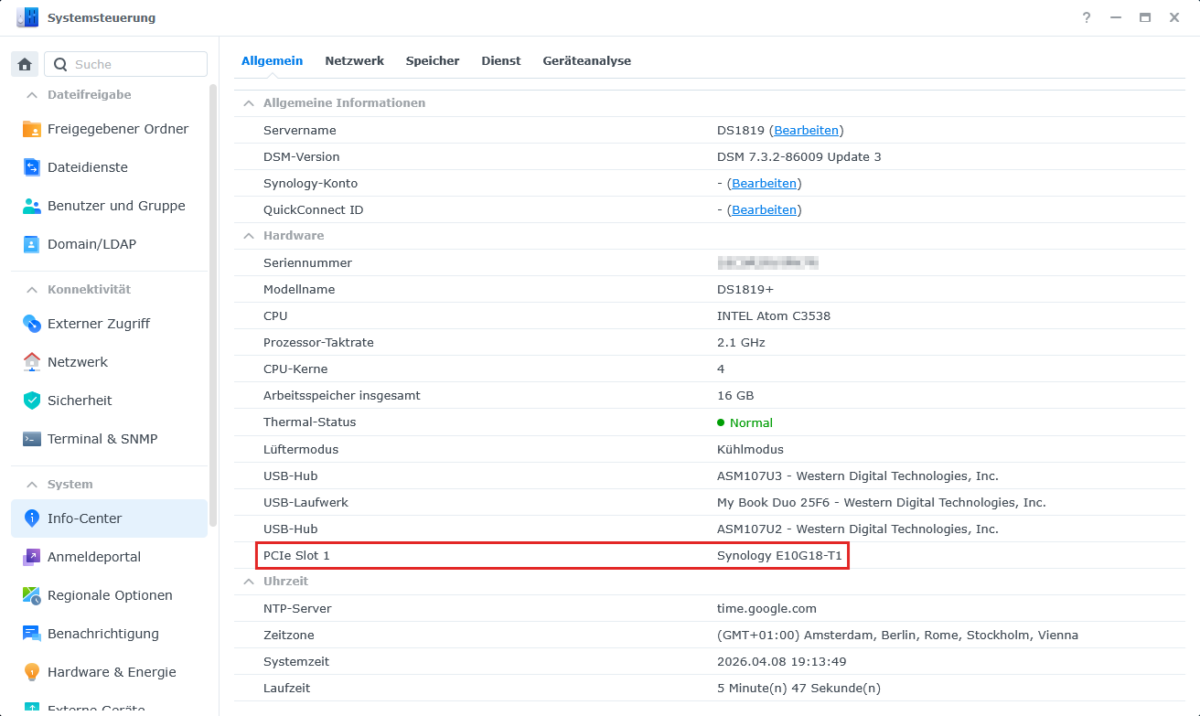
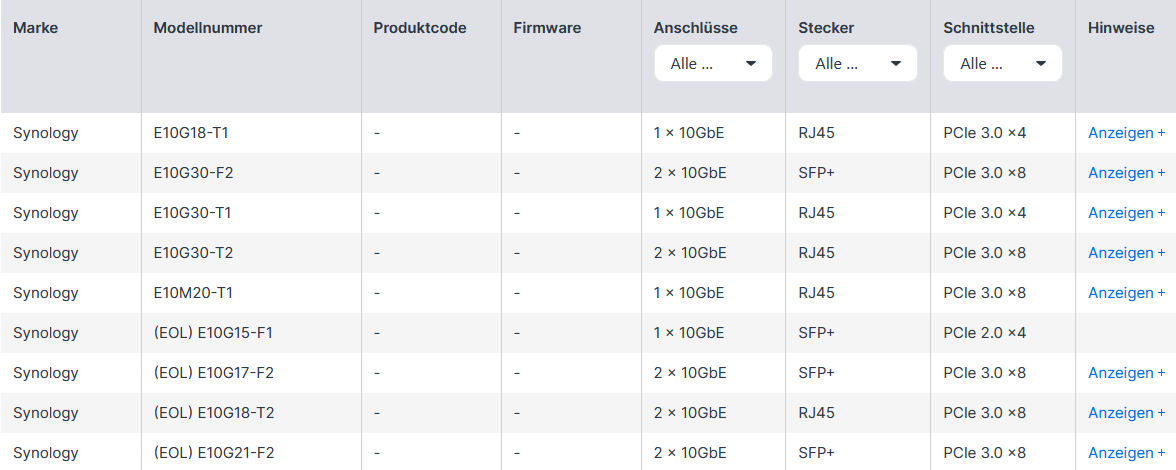
In the network configuration, the additional RJ45 port is now correctly displayed as “LAN 5.” That is the strength of the expansion options offered by Synology itself: plug and play. As an alternative to the model I installed, there are also other options: