A few weeks ago, a friend asked me what the problem might be when all browsers stop working. More specifically: Whenever they tried to launch either Microsoft Edge or Mozilla Firefox, they only got an error message saying they didn’t have sufficient permissions. It was a strange error – why would permissions suddenly be missing after years of trouble-free operation?
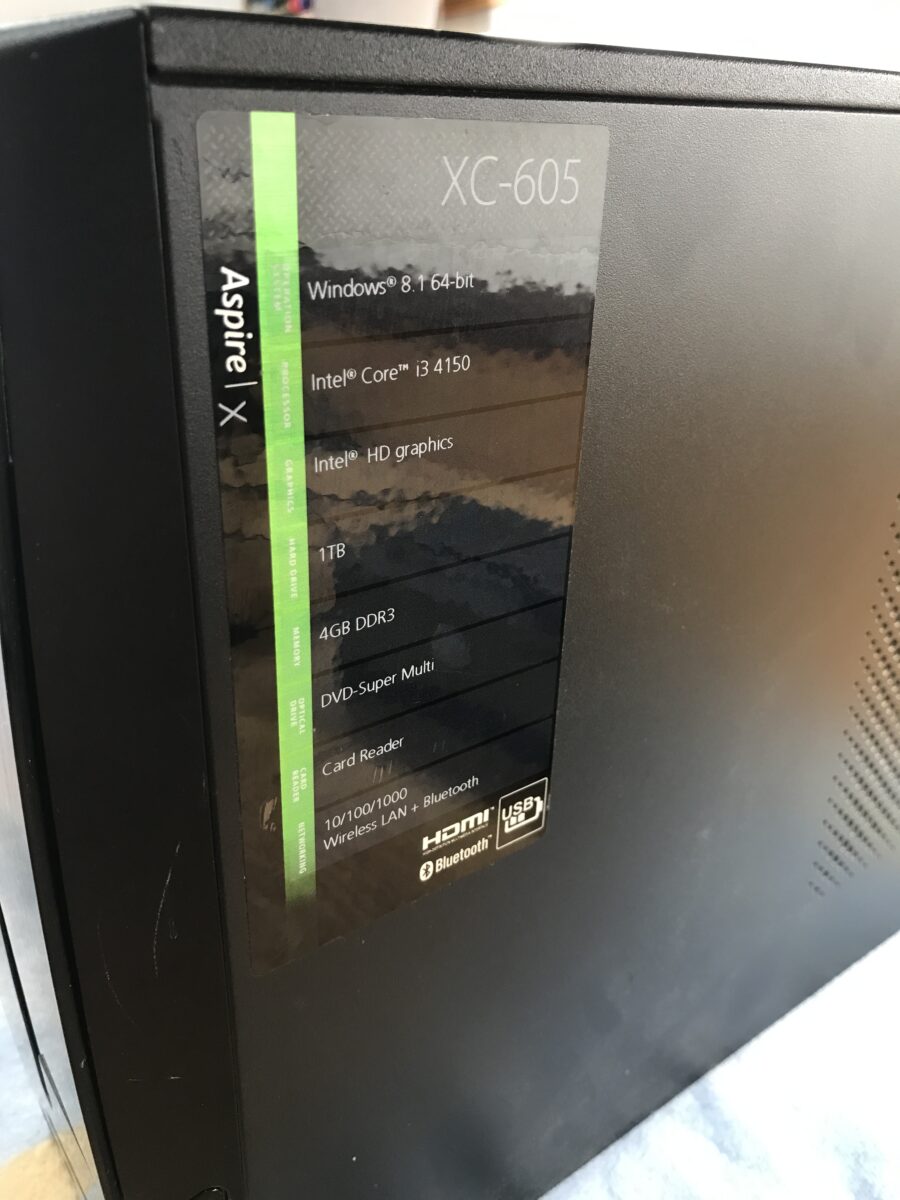
After some back-and-forth, we managed to install a new version of Mozilla Firefox with step-by-step phone instructions and finally installed AnyDesk using a working browser, which allowed me to take a look at the problem myself. That’s when a surprise came to light: The PC has been running Windows 8.1 Home, 64-bit, just as it always has!
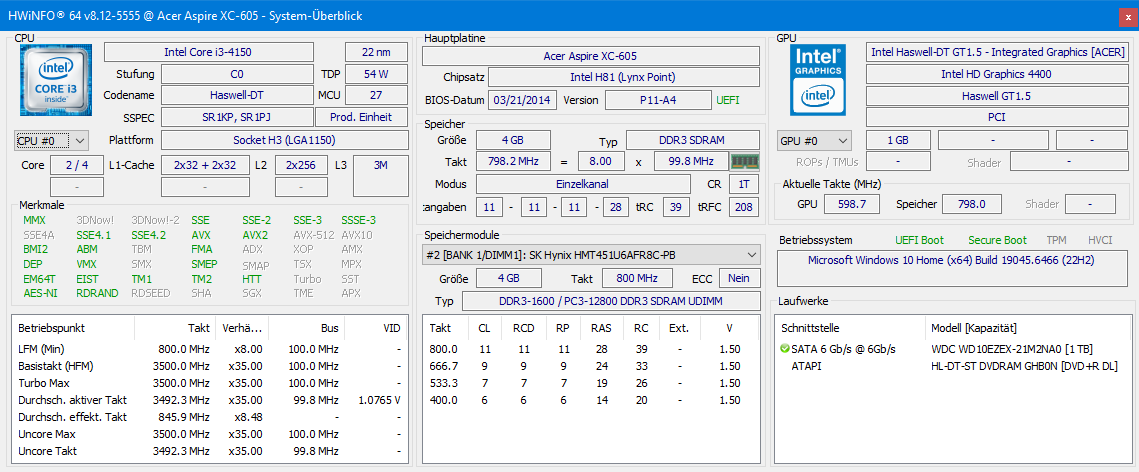
Having gone without any updates for quite some time (end of life was on January 10, 2023!), the problem ultimately came down to expired root certificates. Continuing to run 8.1 wasn’t a viable option anyway, so I performed an in-place upgrade to Windows 10 22H2 remotely via AnyDesk. That took hours because the factory-installed 3.5″ WD hard drive with 1 TB capacity* is still the boot drive. The already very underpowered fourth-generation dual-core i3 is further severely hampered by the now very limited 4 GB of DDR3 RAM in the form of a single memory module. All in all, a significantly outdated system, but one with the potential to be upgraded very cost-effectively. That’s exactly what I did today, a few days later.
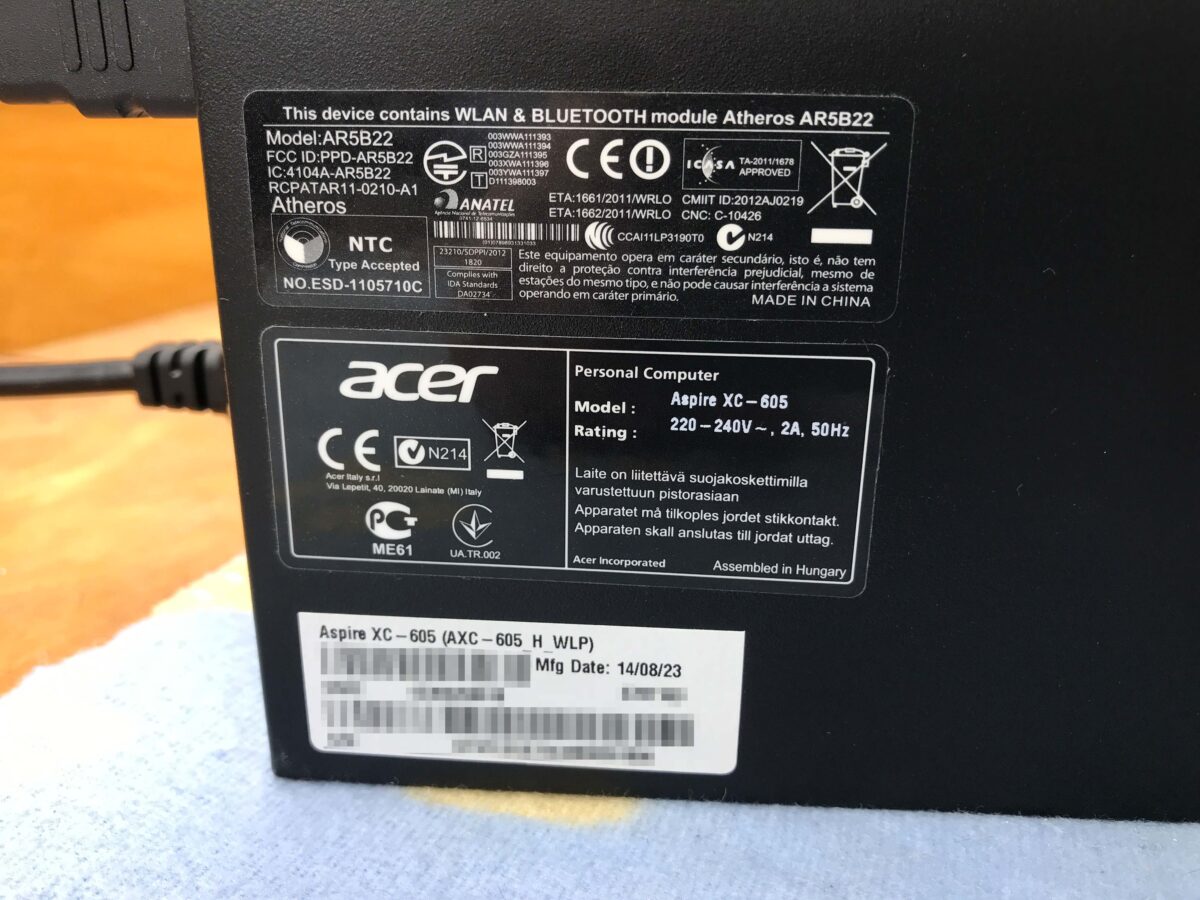
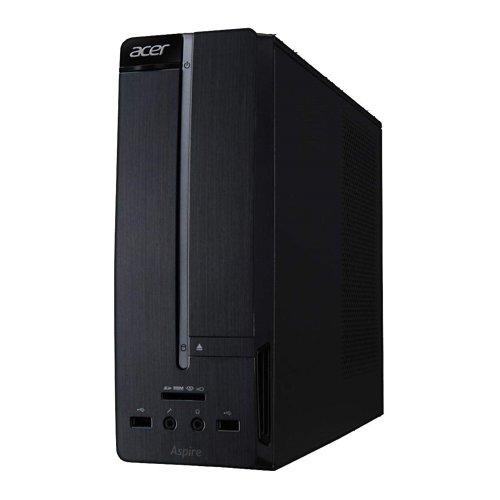
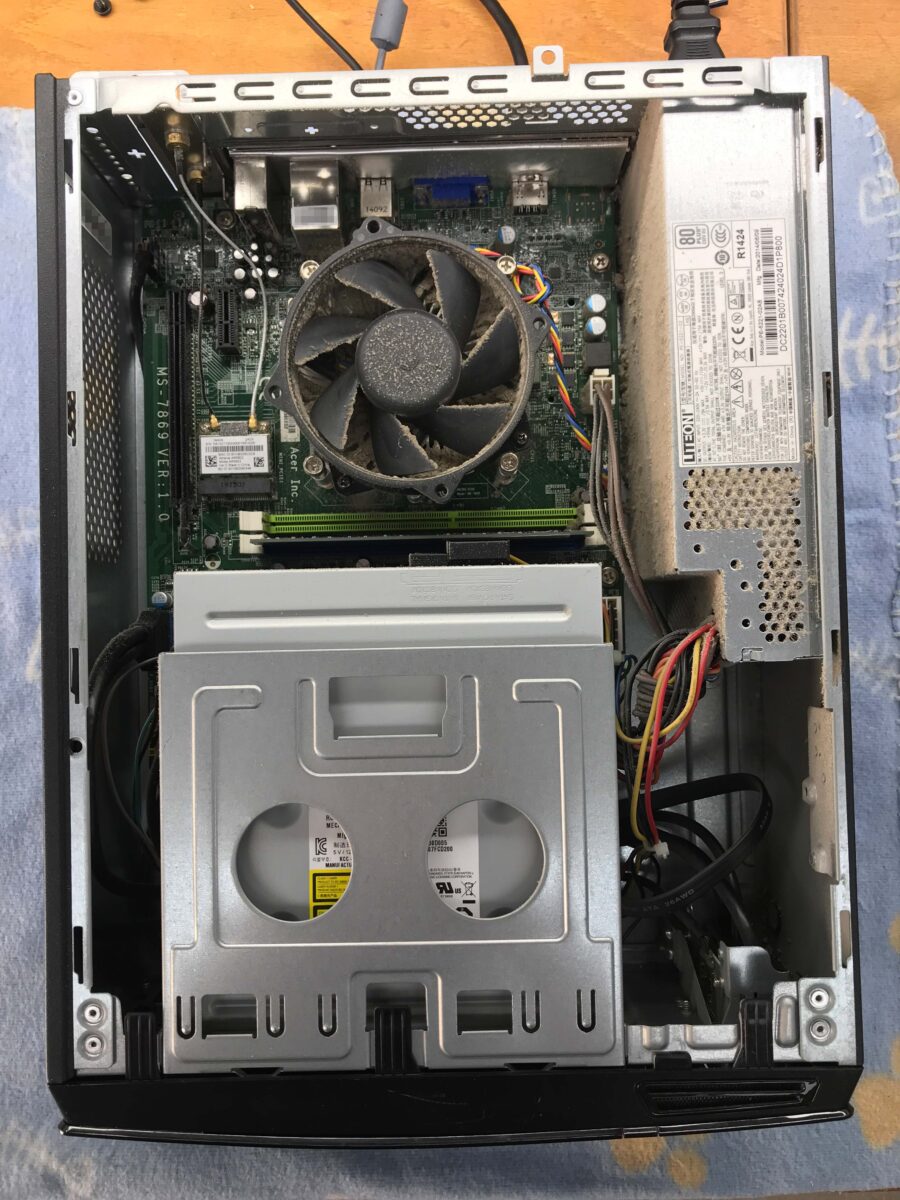
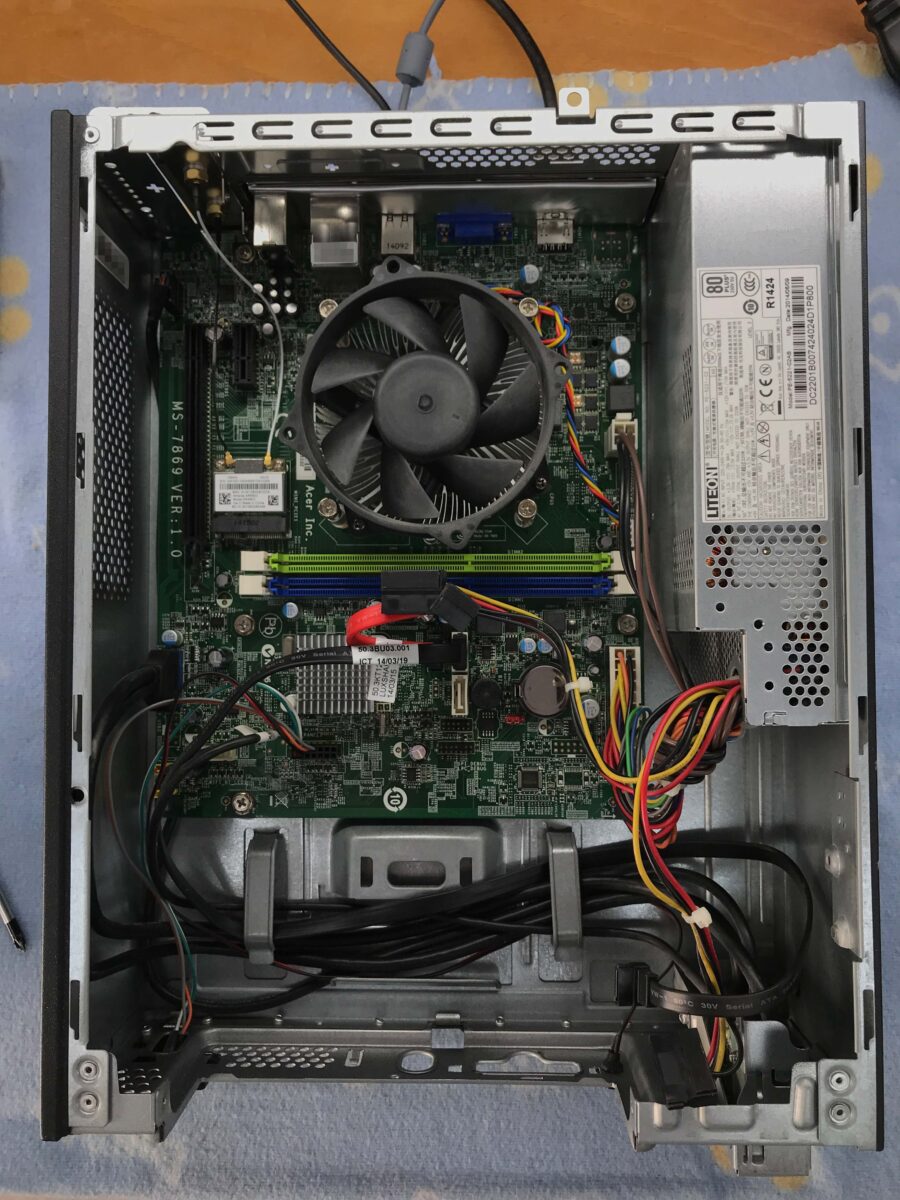
After a deep clean, everything looks so much brighter:
Upgrades
The PC is used solely for viewing photos and occasional web browsing. So there’s no reason to switch to the very latest and most expensive hardware. For a reasonable price, you can still get a lot out of this 2014 Acer Aspire, here’s a comparison of the current components and the planned upgrade:
| Original | Planned | |
|---|---|---|
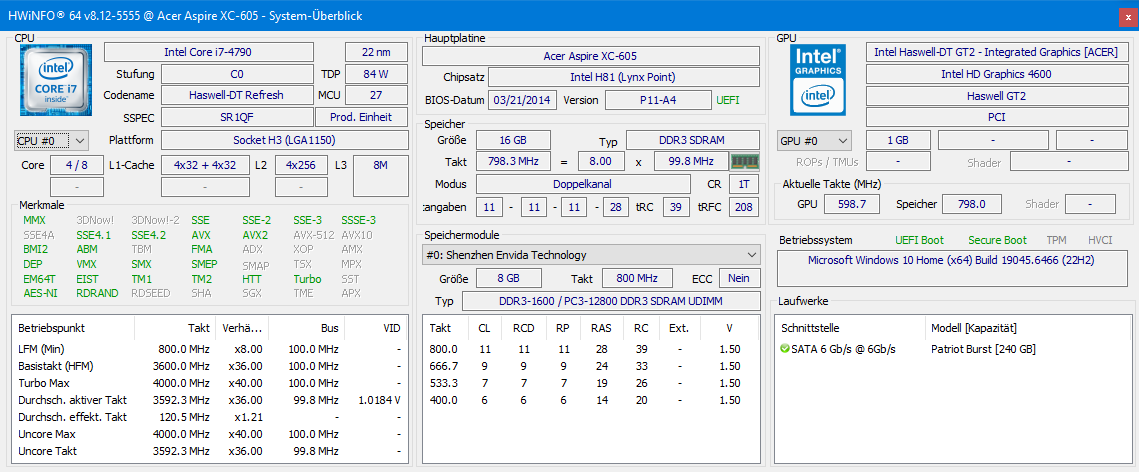
| Processor | Intel Core i3-4150 (SR1PJ) Haswell → DT (22 nm) Stepping C0 2 Cores, 4 Threads Base clock 3.50 GHz Cores / No Turbo Boost: 1 – 3.50 GHz 2 – 3.50 GHz Caches: L1 : 128 KB L2: 512 KB L3: 3 MB 54 Watts TDP | Intel Core i7-4790 (SR1QF) Haswell → DT Refresh (22 nm) Stepping C0 4 Cores, 8 Threads Base clock 3.60 GHz Cores / max. Turbo-Boost: 1 – 4.00 GHz 2 – 4.00 GHz 3 – 3.90 GHz 4 – 3.80 GHz Caches: L1 : 256 KB L2: 1 MB L3: 8 MB 84 Watts TDP |
| Graphics | Intel HD Graphics 4400 GT 1.5 350 – 1150 MHz | Intel HD Graphics 4600 GT 2 350 – 1200 MHz |
| RAM | 4 GB SK Hynix (1 x 4 GB) DDR3-1600, 11-11-11-28 1T (1.5 Volts) Single-Channel DIMM (Unbuffered) 1 of 2 Slots used | 16 GB Envinda / Crucial (2 x 8 GB) DDR3-1600, 11-11-11-28 1T (1.5 Volts) Dual-Channel DIMM (Unbuffered) 2 of 2 Slots used |
| Boot device | HDD WD Blue (1 TB) WD10EZEX-21M2NA0 7200 rpm / 64 MB Cache SATA-III 3.5″ | SSD Patriot Burst (240 GB) PBU240GS25SSDR 32 MB DRAM-Cache, TLC SATA-III 2.5″ |
| Storage device | – | HDD WD Blue (1 TB) WD10EZEX-21M2NA0 7200 rpm / 64 MB Cache SATA-III 3.5″ |
| Operating system | Microsoft Windows 8.1 Home (x64) | Upgrade to Windows 10 Home, then subsequently to Windows 11 Home (x64) |
The UEFI was already up to date; I checked that before taking anything apart. The reason is that newer processors within the same generation are usually only supported by updated microcode in the form of a newer BIOS or UEFI version. The planned i7-4790 is actually a refresh within Haswell-DT, so it’s even newer than the original i7 release models and incompatibilities cannot be ruled out.
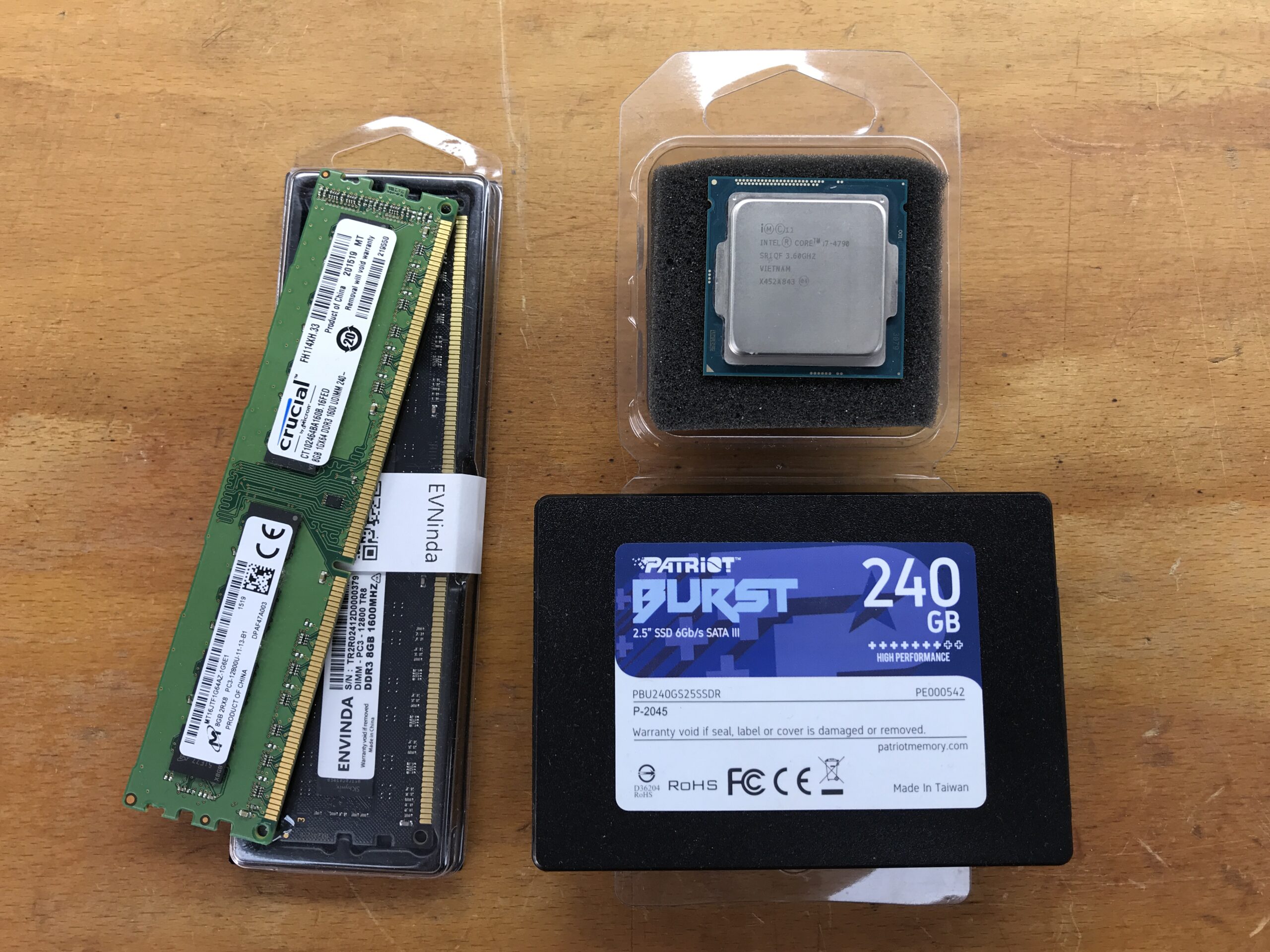
Here are the components; everything except the CPU is from my own stash:
Processor replacement
This is incredibly easy thanks to the FC-LGA 1150 socket:
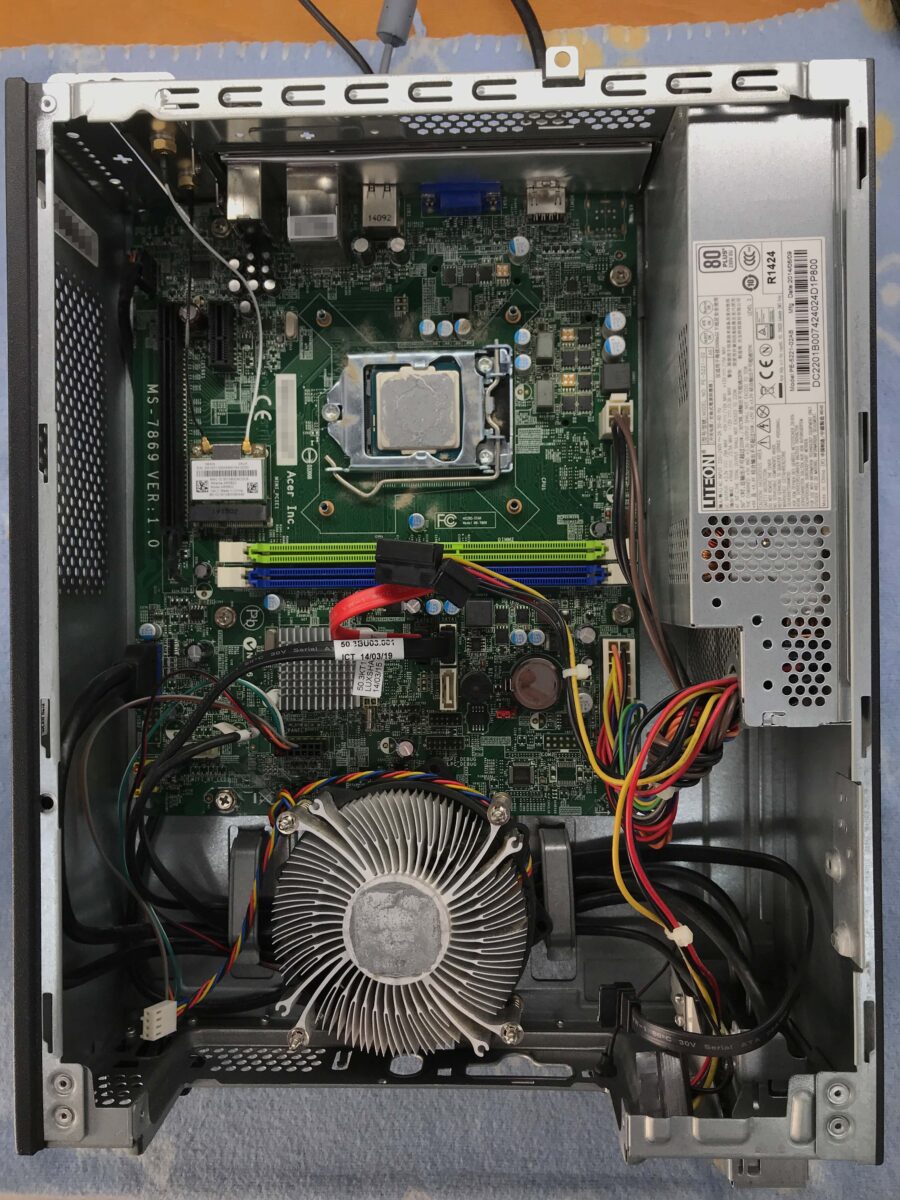
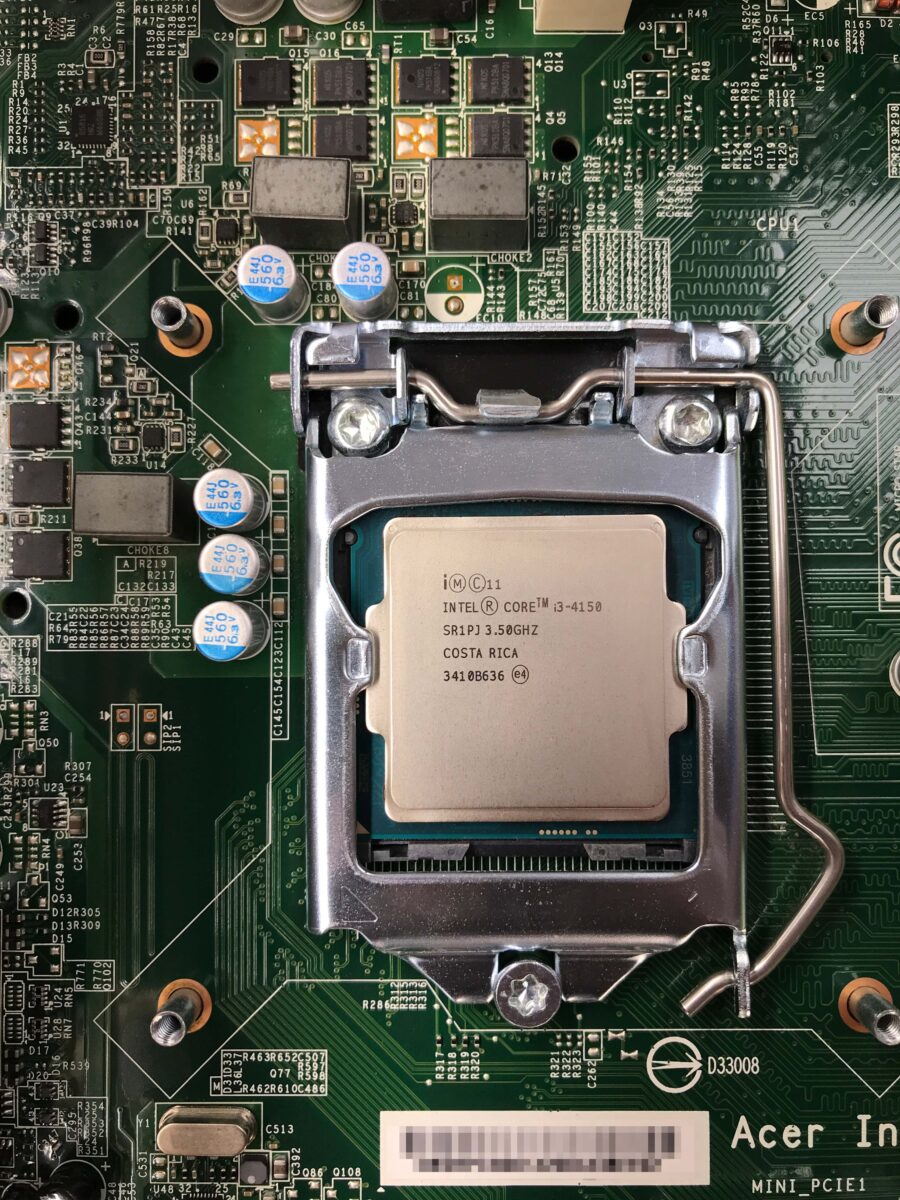
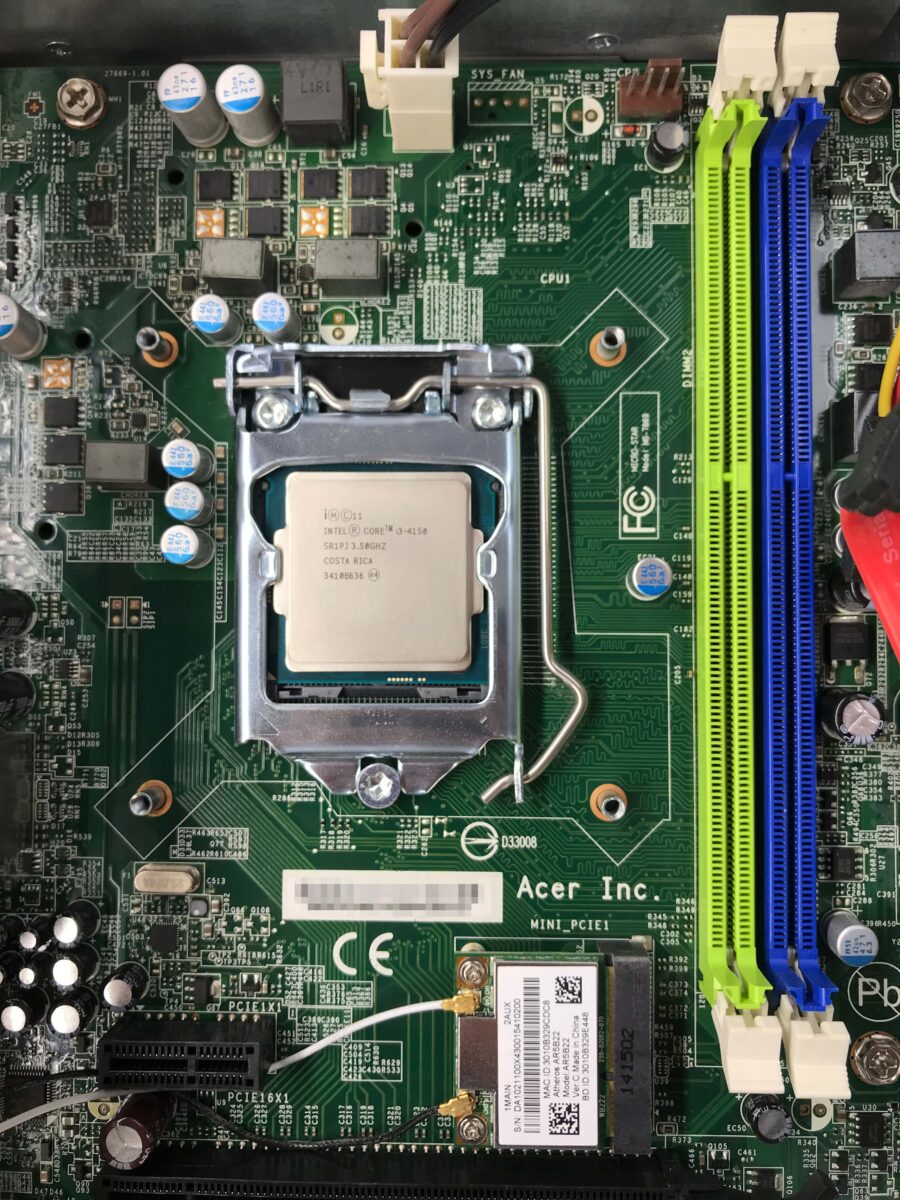
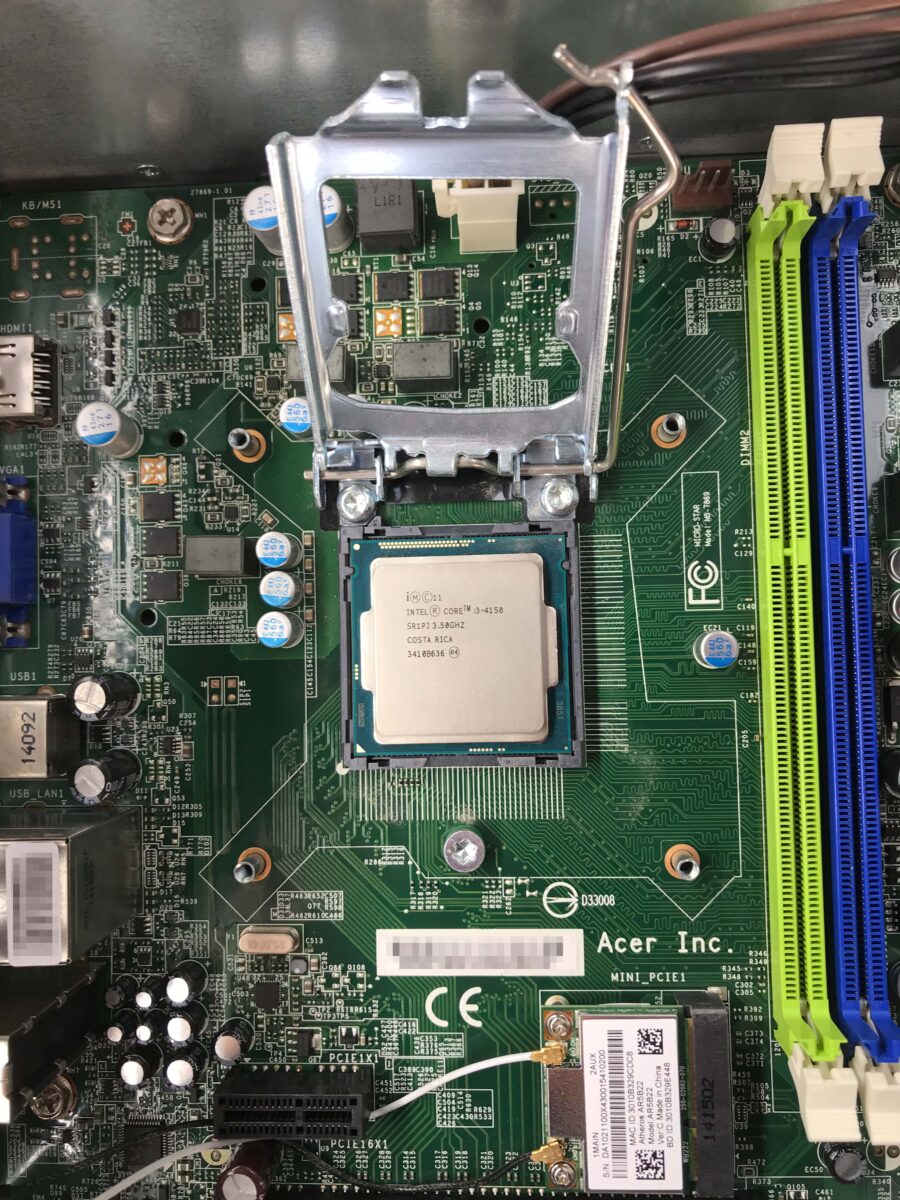
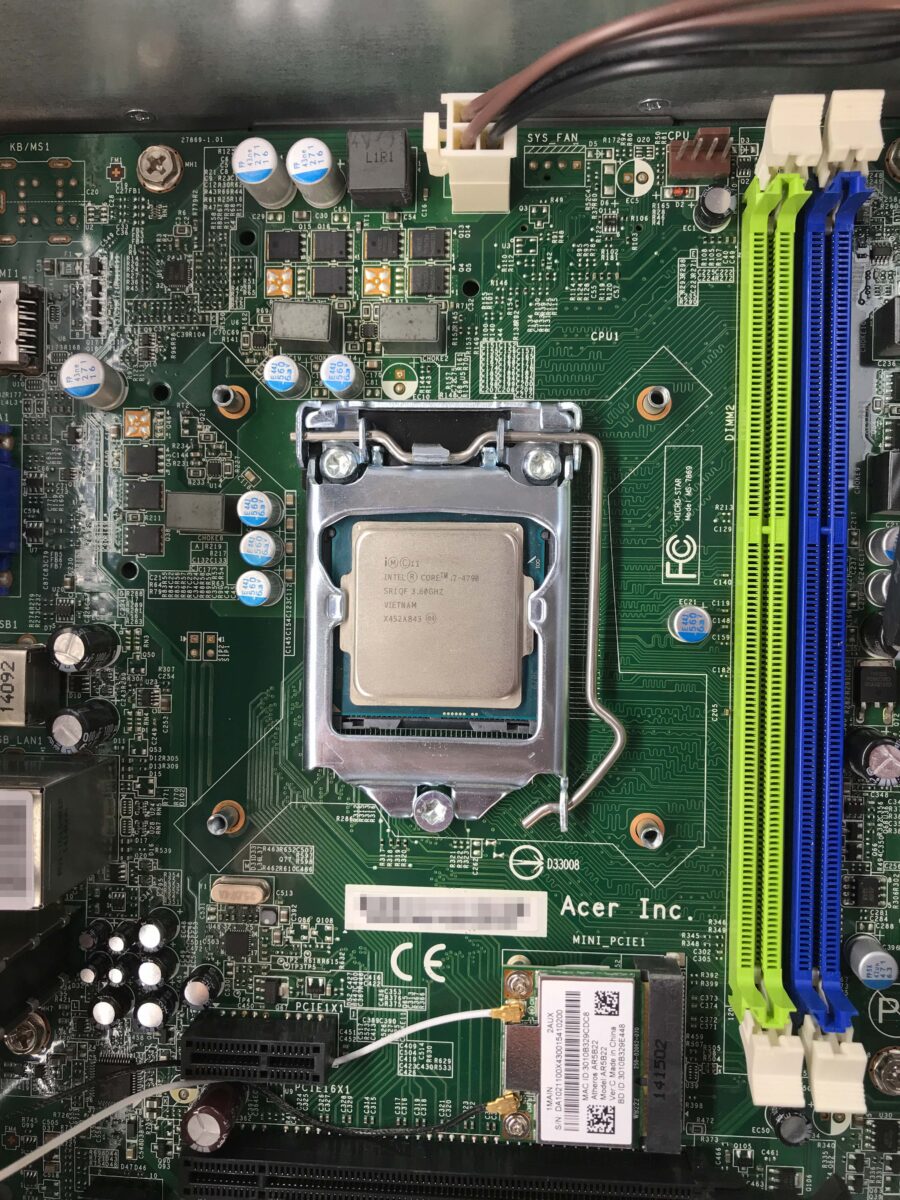
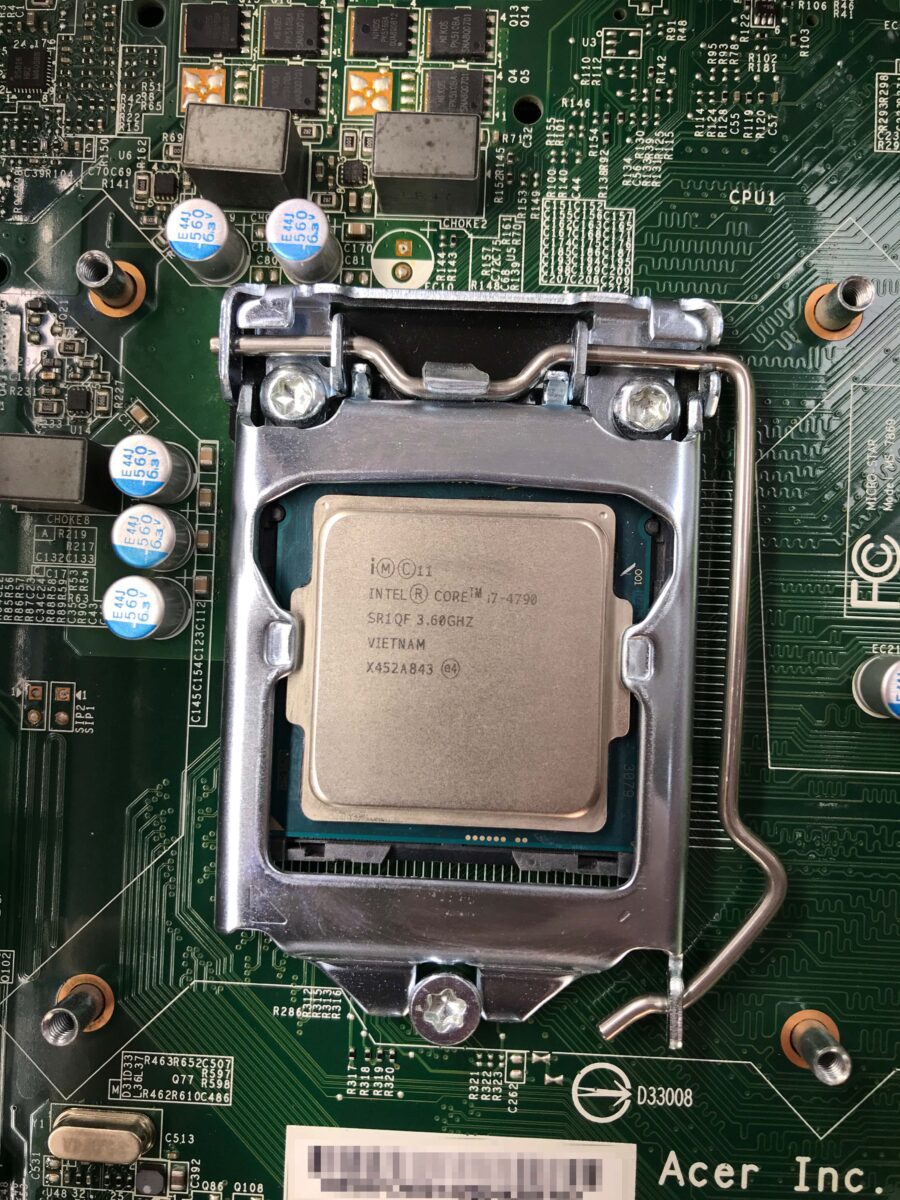
For thermal paste, I used the tried-and-true MX-4 from Arctic* and 99.9% isopropyl alcohol* to clean the components. I added the two new RAM modules, and lo and behold: POST was successful, and it’s running. Everything is recognized correctly in the UEFI. Now I just need to shrink the partitions, clone the hard drive to the SSD, and put everything back together.
Success?
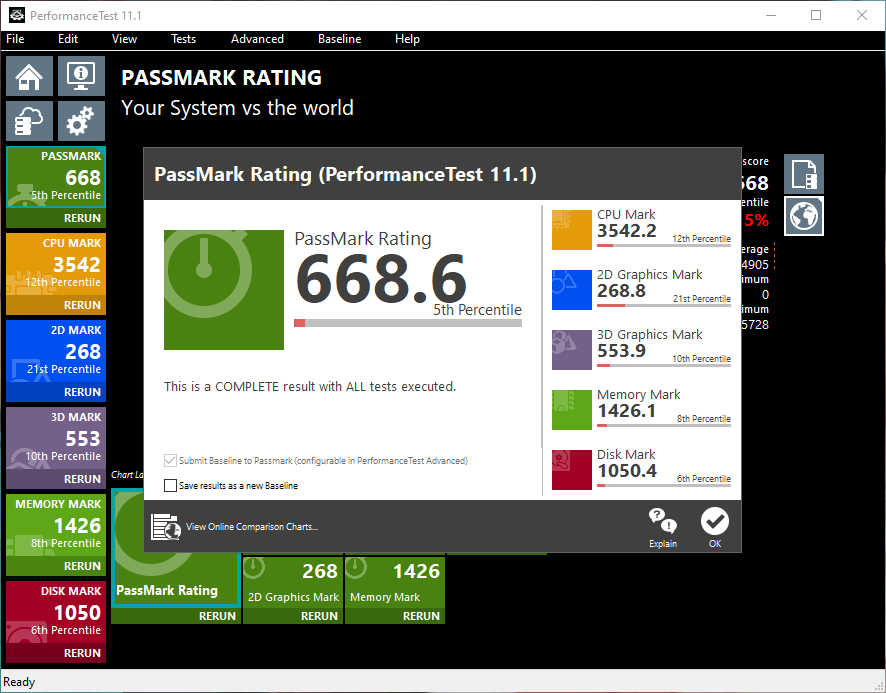
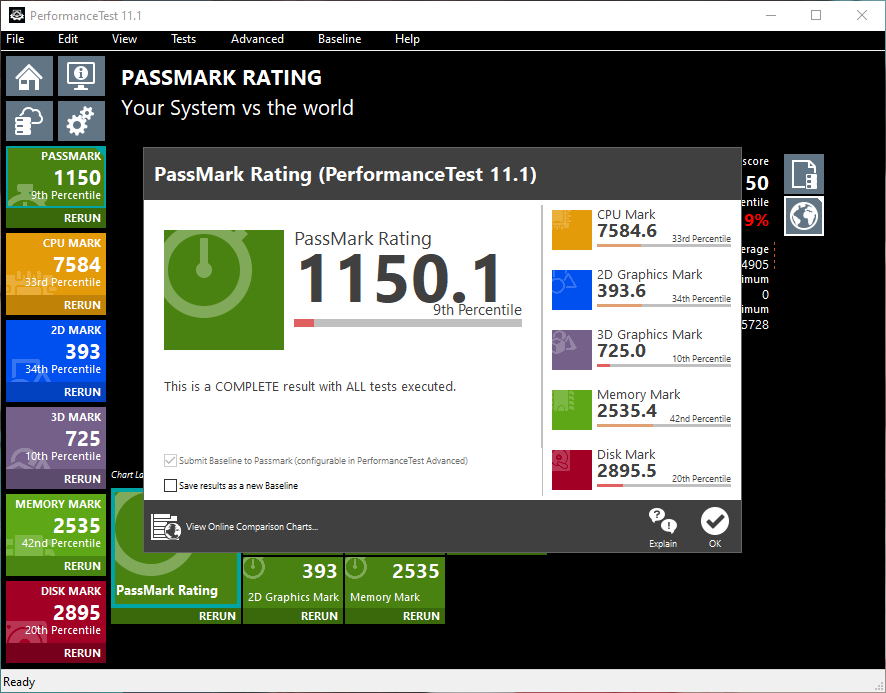
For comparison purposes, I ran Cinebench R23 and the PassMark Performance Test v11.1 on the original hardware at the beginning and then again after the upgrade. Both tests were run on the same Windows 10 Home 64-bit system. This makes it easy to see the performance gains:
| Original i3, 4 GB DDR3, HDD | Upgraded i7, 16 GB DDR3, SSD | Difference | |
|---|---|---|---|
| PassMark Rating | 668.6 Points | 1150.1 Points | +72,02 % |
| PassMark CPU | 3542.2 Points | 7584.6 Points | +114,12 % |
| PassMark 2D Graphics | 268.8 Points | 393.6 Points | +46,43 % |
| PassMark 3D Graphics | 553.9 Points | 725.0 Points | +30,89 % |
| PassMark Memory | 1426.1 Points | 2535.4 Points | +77,79 % |
| PassMark Disk | 1050.4 Points | 2895.5 Points | +175,66 % |
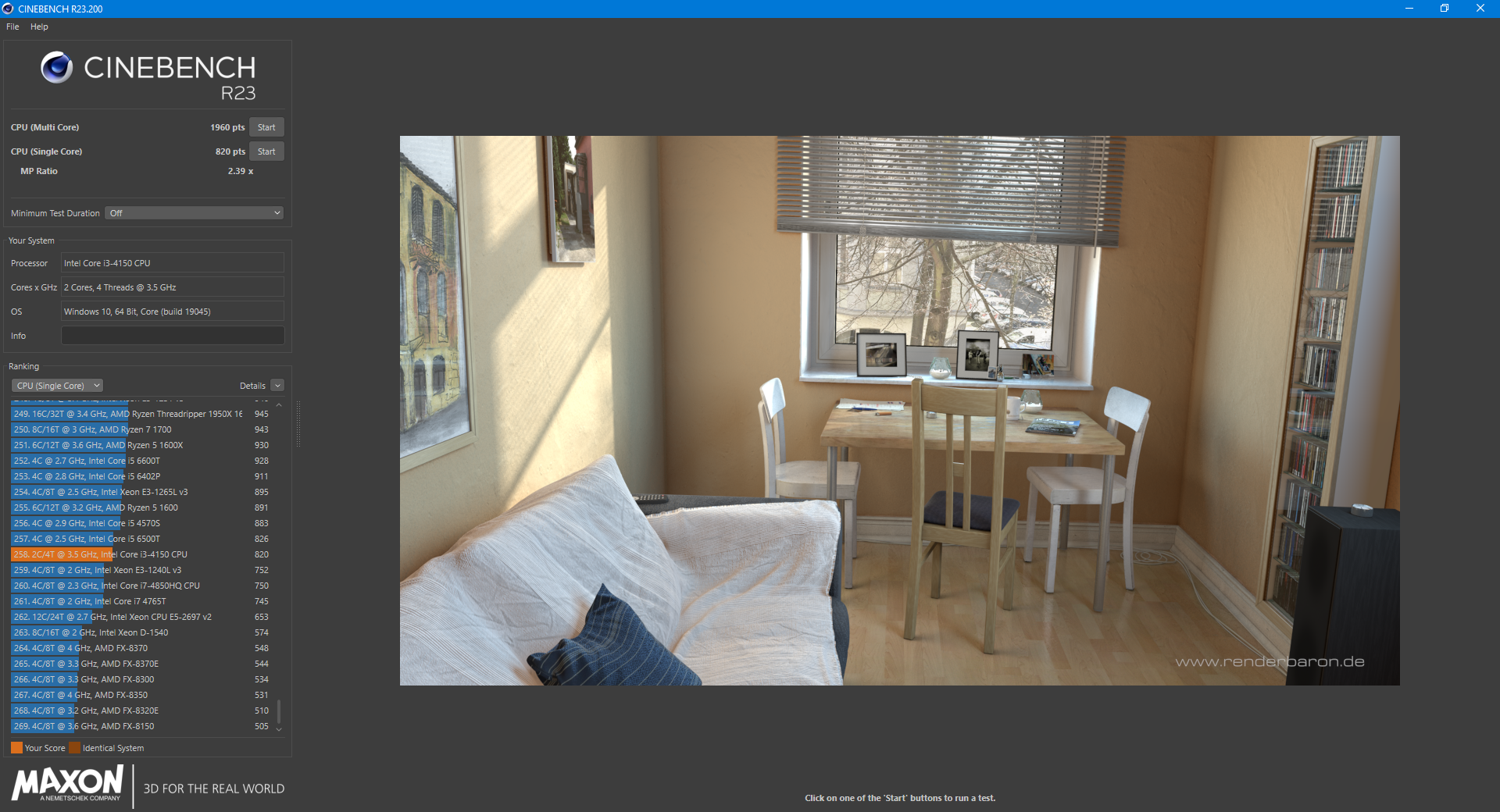
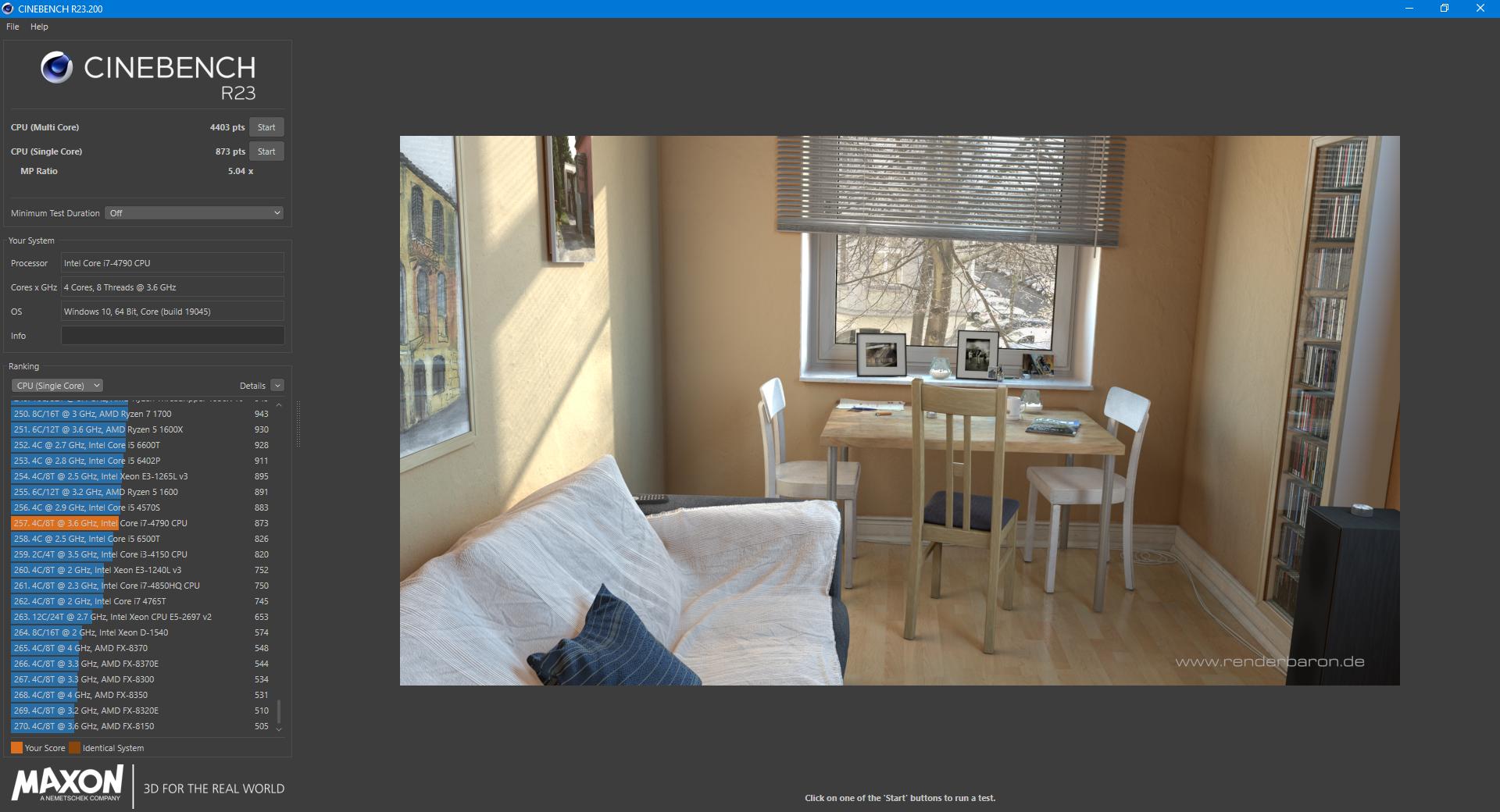
| Cinebench R23 Single | 820 Points | 873 Points | +6,46 % |
| Cinebench R23 Multi | 1960 Points | 4403 Points | +124,64 % |
The performance gains are consistently very substantial and extremely noticeable. In particular, the integrated graphics unit – which is slightly more powerful in the i7 than in the i3 – benefits further from dual-channel operation with two memory modules (instead of just one as before). However, due to the patches addressing Spectre and Meltdown as well as other factors, the results do not quite match the reference scores. Here are the Cinebench screenshots:
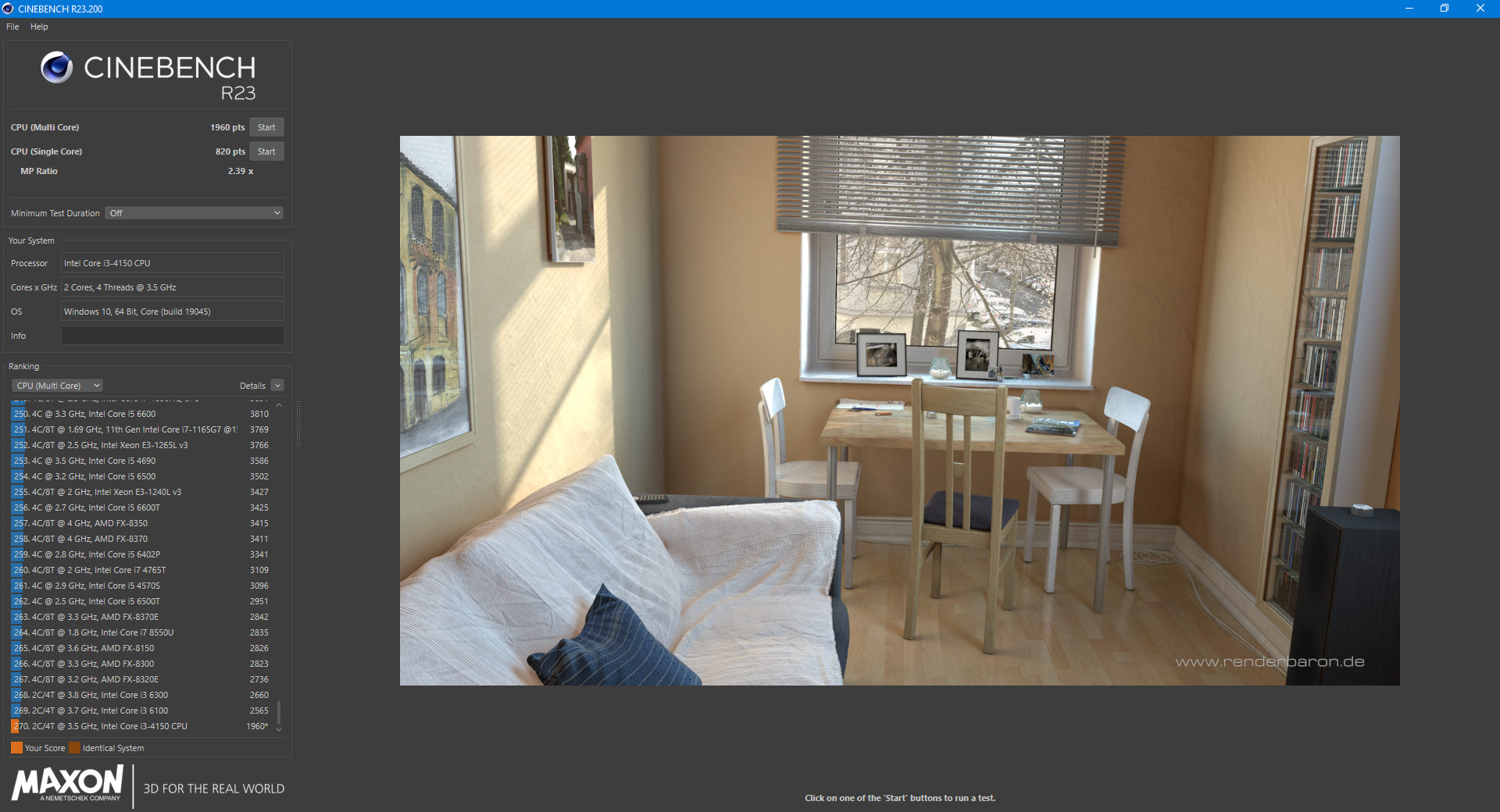
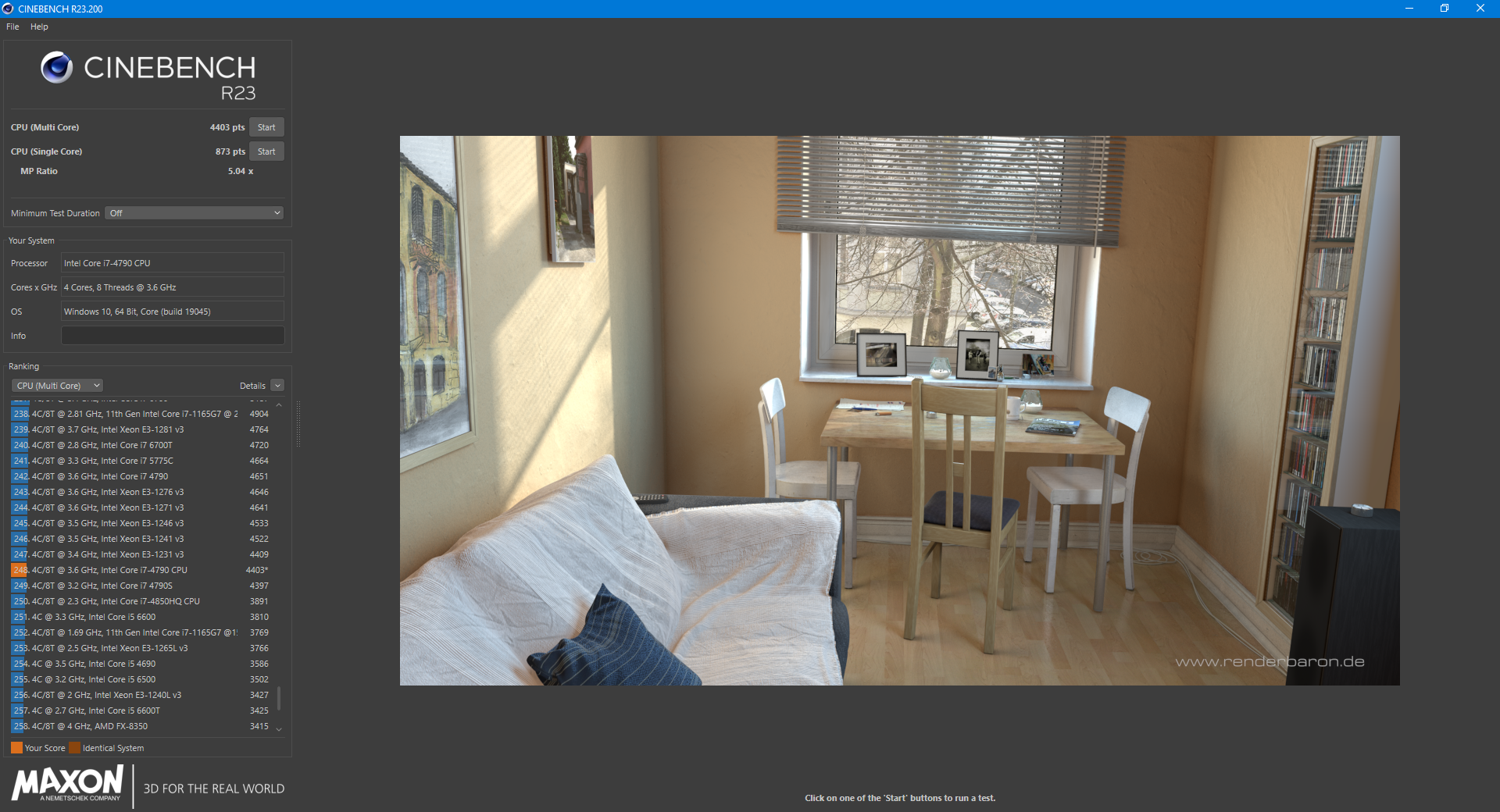
Next, the PassMark results – though, due to a lack of internet connection at the time of testing, these are only available offline:
Last but not least, here is the HWiNFO overview of the respective configuration: