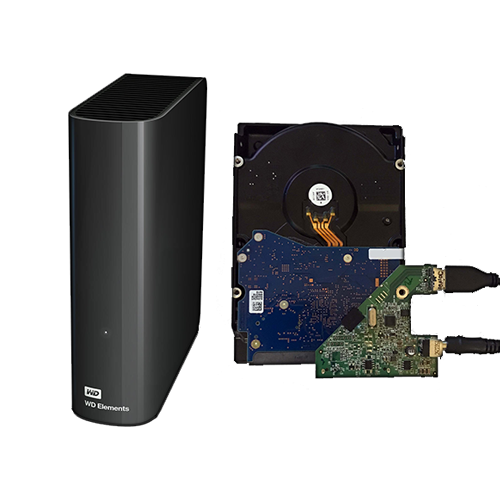
There used to be many hard drive manufacturers, but today there are only a few. Three have survived the flood of solid state drives, which are generally better from a technical standpoint: Western Digital (including the formerly independent manufacturer HGST), Seagate, and Toshiba. My favorites have always been WD and HGST, as these manufacturers have proven to be durable and generally reliable. I have never used Toshiba extensively in the 3.5″ range and therefore have little experience with them. I have had some bad experiences with Seagate, so I avoid products from this company.
In one area, hard drives remain unbeatable compared to SSDs: € per TB of storage capacity. This ratio can and could be improved even further by purchasing external hard drives and “shucking” them—that is, removing the internal 3.5″ standard drive with SATA interface from the respective manufacturer and using it elsewhere, for example in a NAS or storage server. Depending on the purchase price, this is a relatively inexpensive way to obtain new hard drives with large capacities.
The disadvantage is that in the event of a defect, the warranty may not be honored, and external hard drives generally have rather short warranty periods. Almost always, “lower-end” or inferior model variants of retail versions are now installed, often with special, slowing firmware (“white label”).
Nevertheless, the price difference compared to a single hard drive has been so high in some cases, especially in recent years, that it has been possible to overlook this.
What always remains?
Everything except the hard drive itself. So the enclosure, the circuit board to convert SATA to USB, and the 12-volt power supply. If you’ve “shucked” a few hard drives, you’ll accumulate quite a bit over time. I’ve collected various models of external hard drives from WD, 13 enclosures in total.
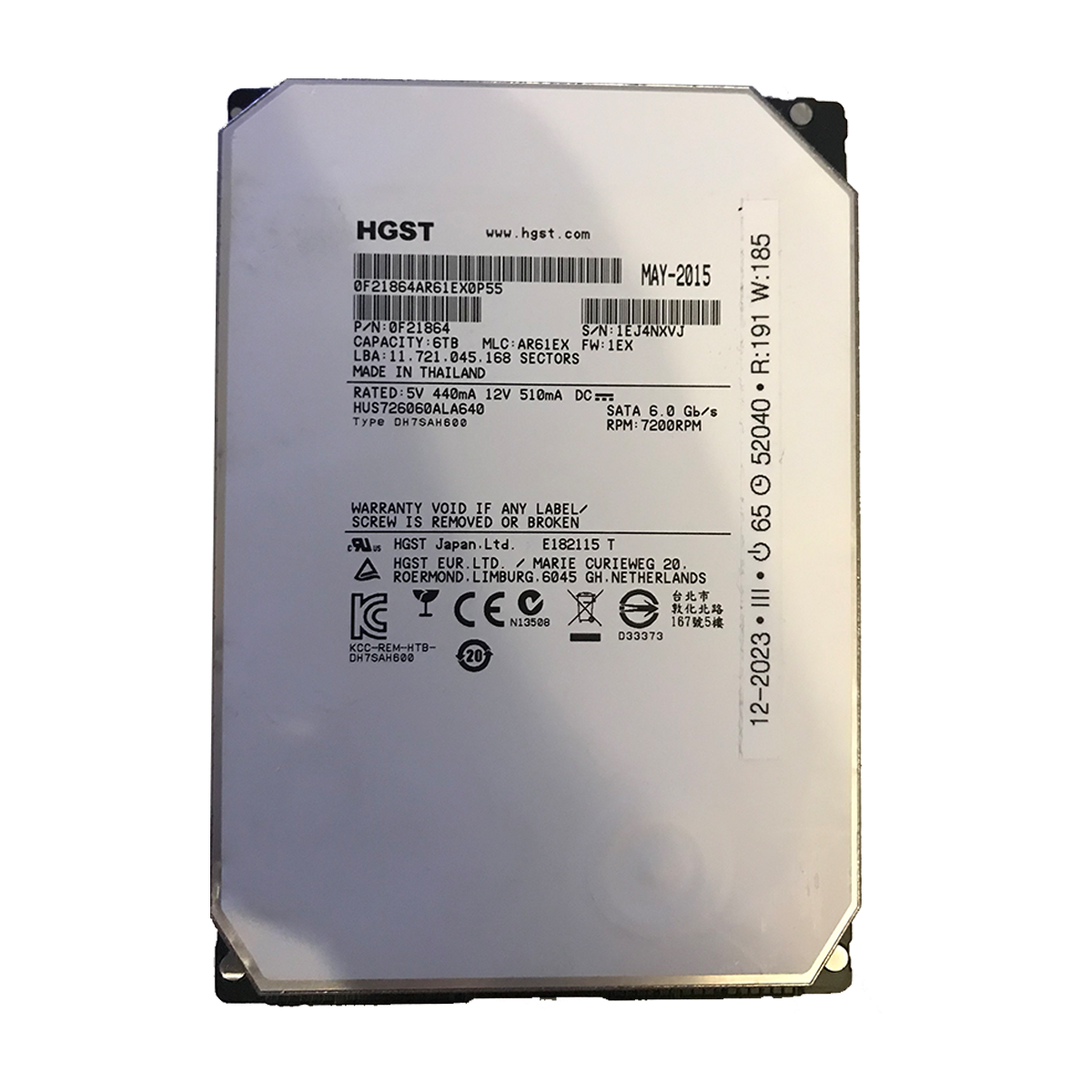
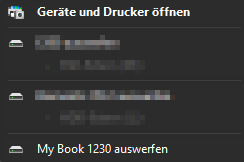
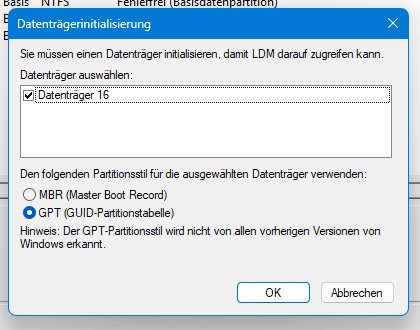
One day, I wanted to reuse one of these enclosures by installing a 6 TB hard drive from HGST*. If you’ve taken these enclosures apart a few times, reassembling them is a breeze. After connecting it to power and a computer, I was disappointed to find that the hard drive wasn’t recognized!
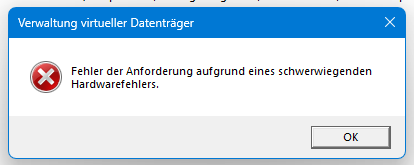
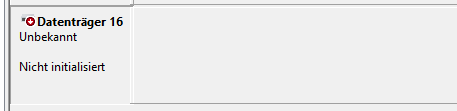

What?!
Yes, seriously. Western Digital has ensured that the actually quite generic controller boards in these enclosures only work with Western Digital hard drives. Especially since HGST has been part of WD for quite some time, not even that works. I tried installing a WD Blue – it worked right away.
After a frustrating search, I found posts from other users who were just as frustrated. But there was light at the end of the tunnel: there are models that work with everything out of the box, then there are those that require a small modification to work, and those that allow you to flash different, open firmware.
And that’s what this post is about – how to ensure that the controller accepts all hard drives. I can speak for three types of external WD hard drive enclosures.
First, the problem I stumbled upon:
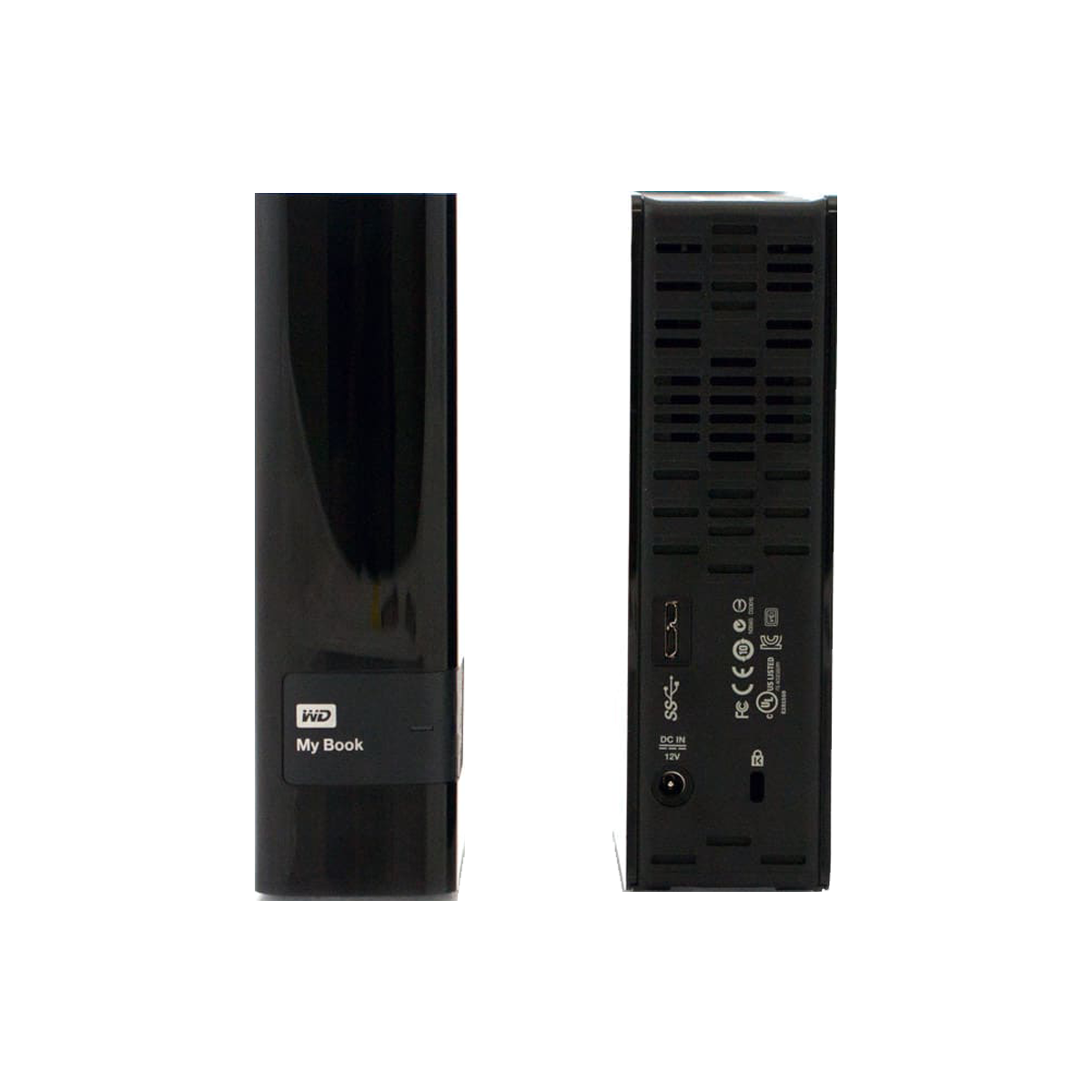
The enclosure was from a 4 TB hard drive, type WD MyBook* – model number “WDBFJK0040HBK-04.” Purchased around 2015, refurbished. After doing some research, I was optimistic that I would be able to make full use of this enclosure.
Western Digital used an ASM1051W from ASMedia (an ASUS subsidiary) as the controller, apparently with a data connection to an external SPI chip from Winbond.
 ⧉ WD
⧉ WD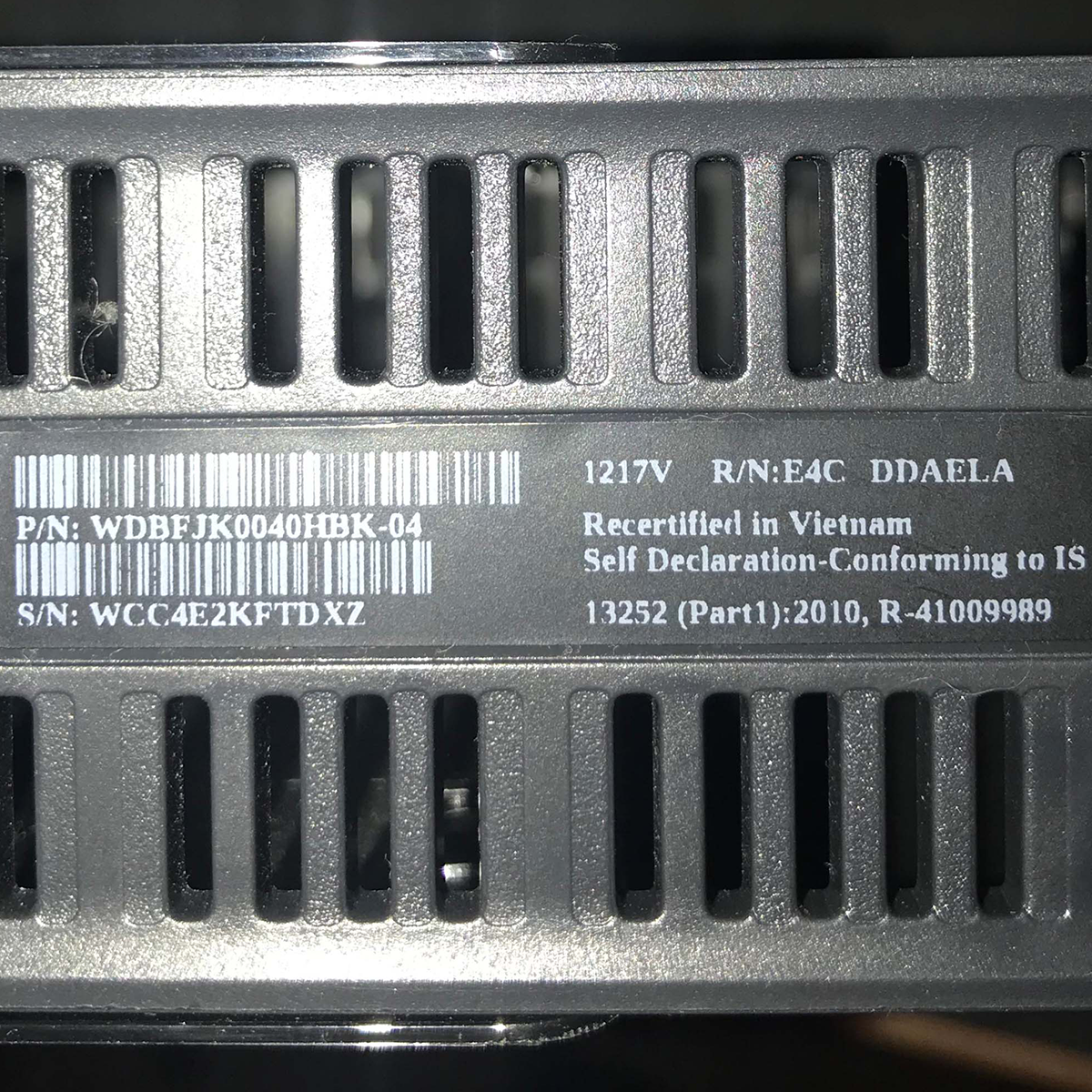
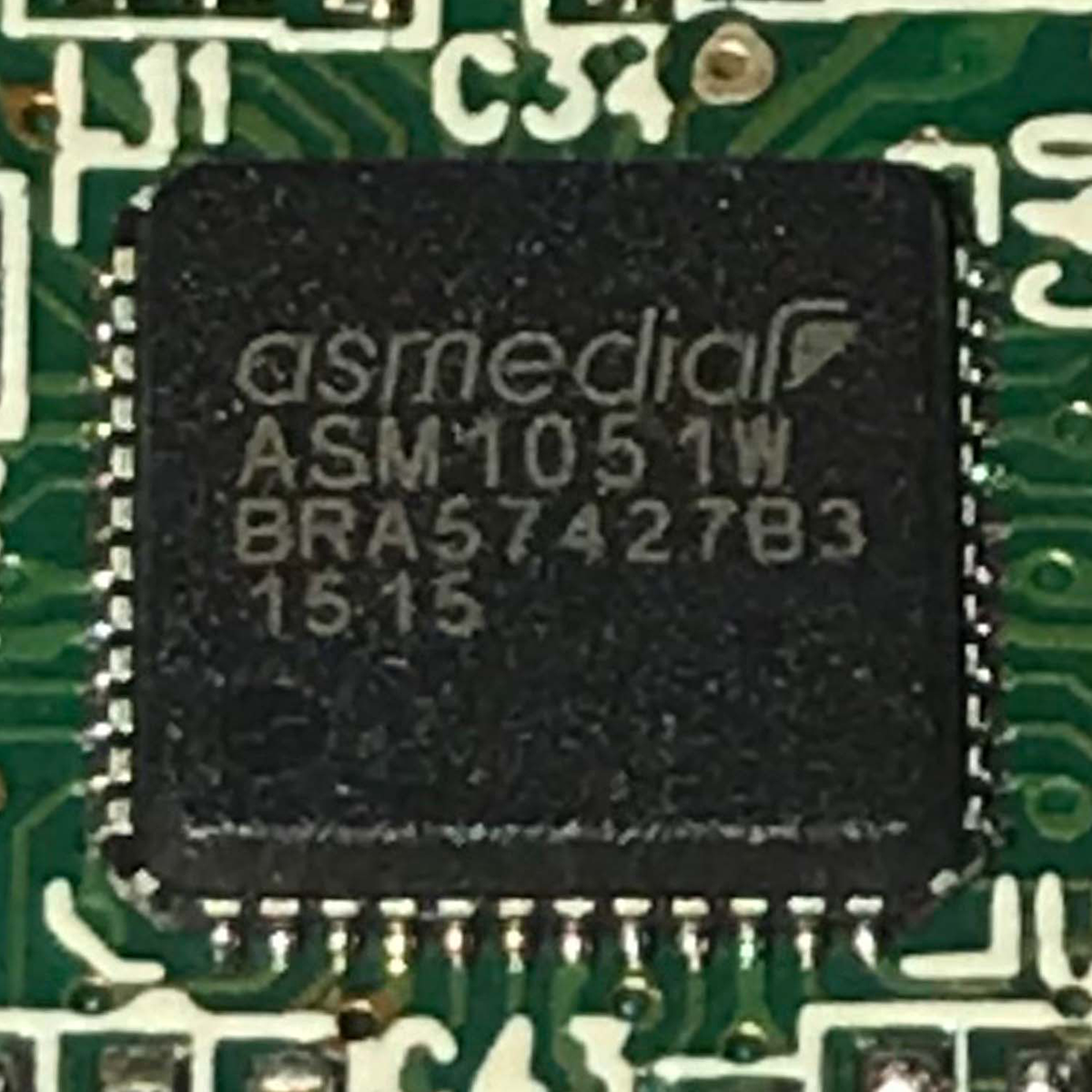
Hobbyists have discovered that if the controller cannot communicate with the SPI flash, it behaves like any other generic ASMedia chip as a fallback. Jackpot.
There is little to lose, so what needs to be done?
Simply cut the connection to the rest of the board at pins 1 and 2 of the Winbond SPI chip. To do this, I carefully cut through the two pins from the side with a pair of electronics side cutters and then used the blade of a utility knife to gently lift the now-separated contacts until I could see a gap with the naked eye. Theoretically, pin 1 would have been sufficient, but this way is safer.
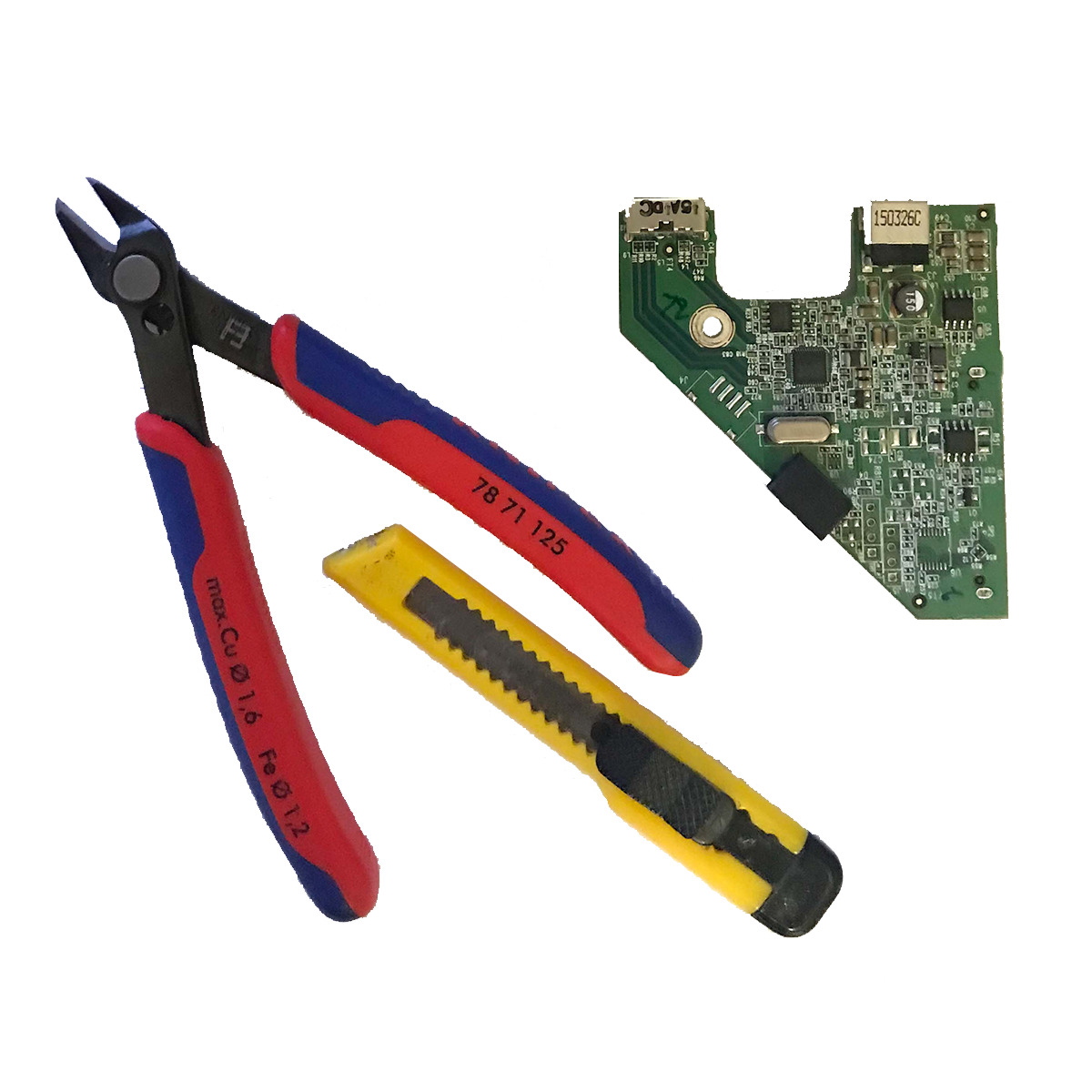
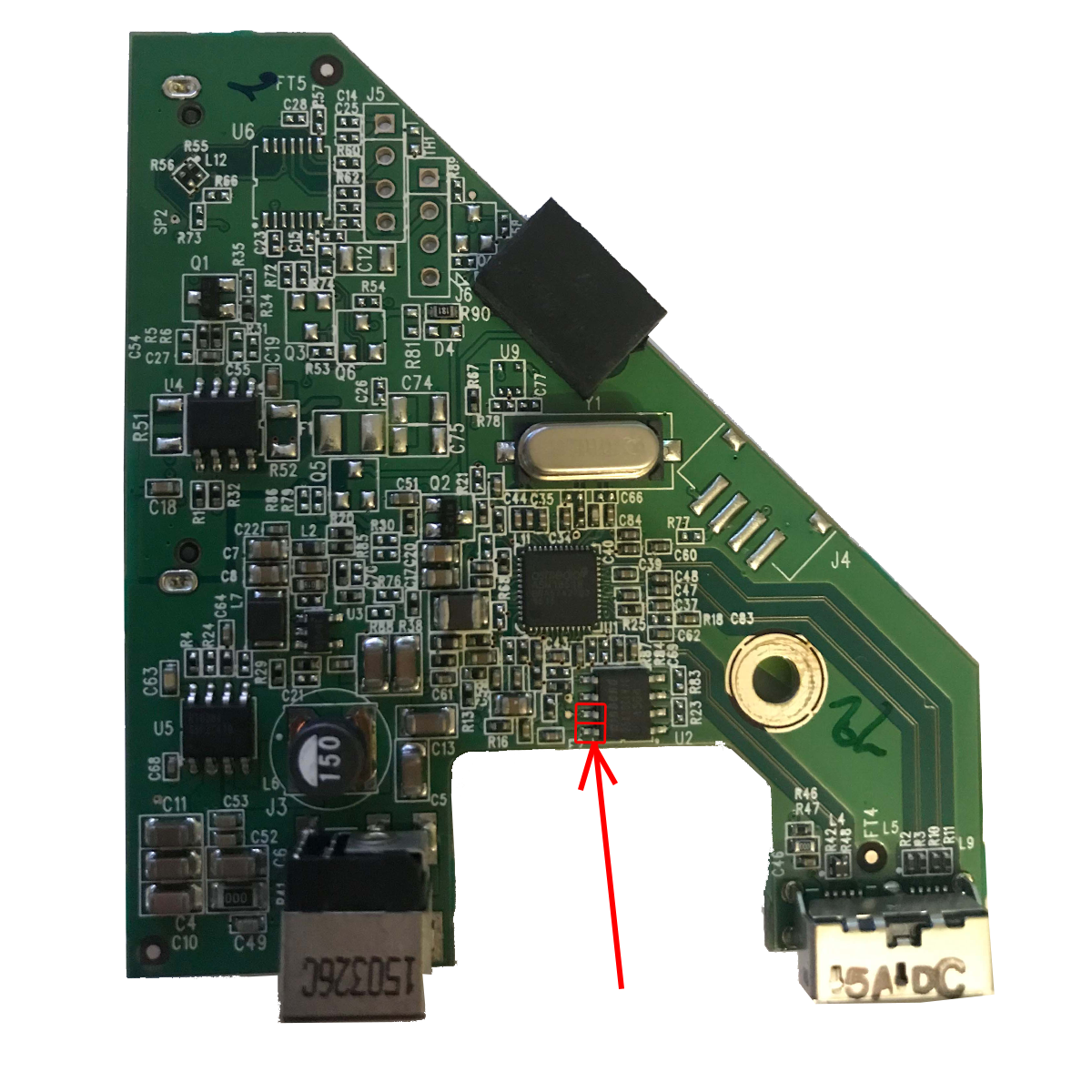
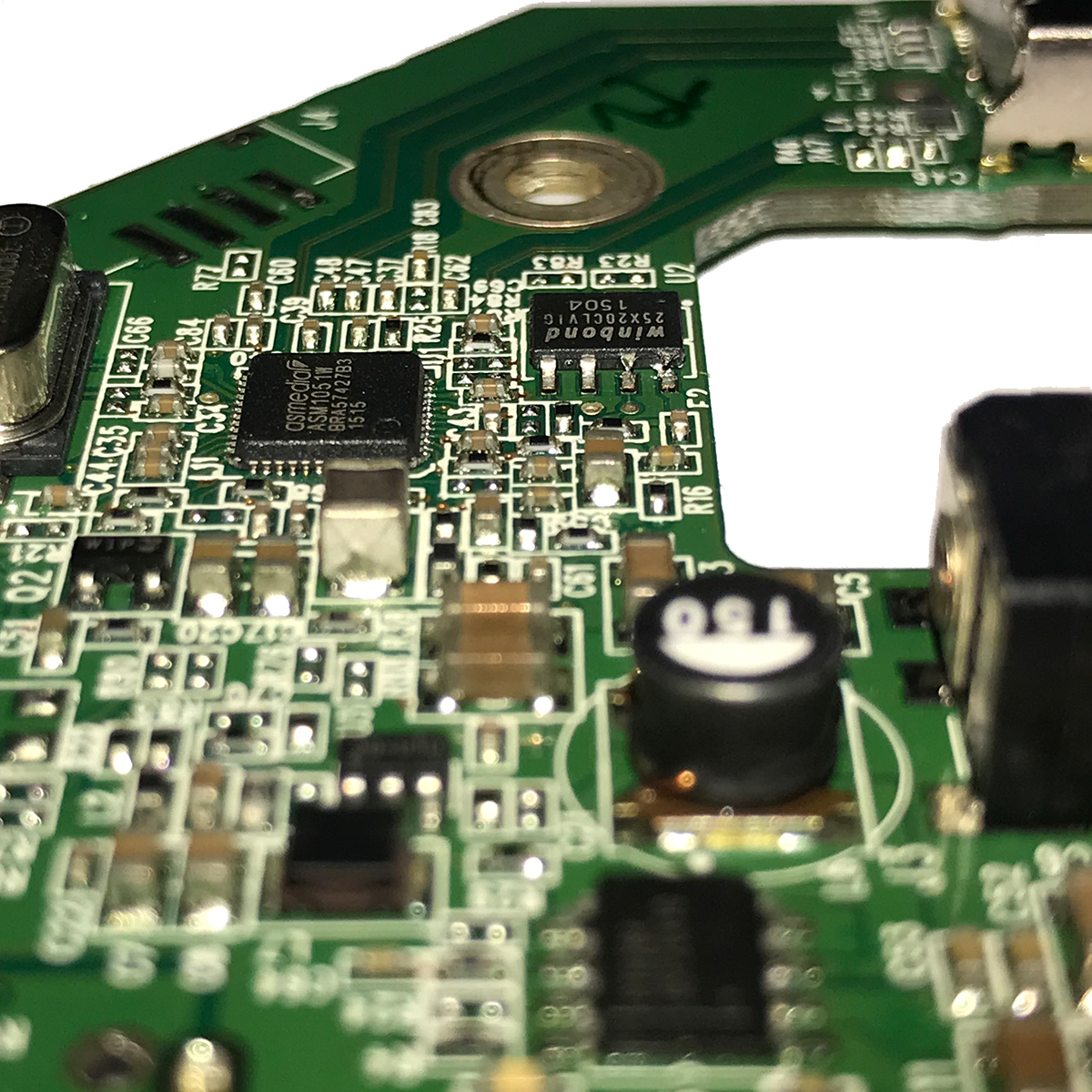
Then I put everything back together again and lo and behold:
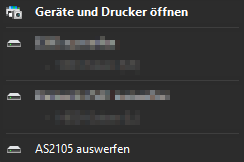



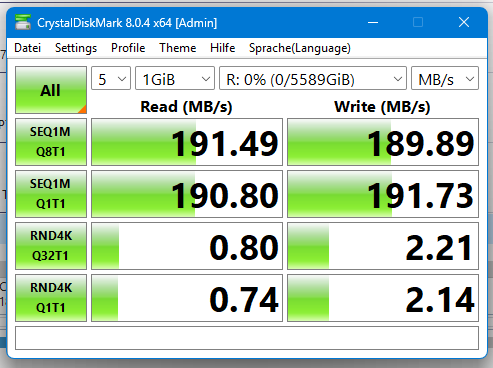
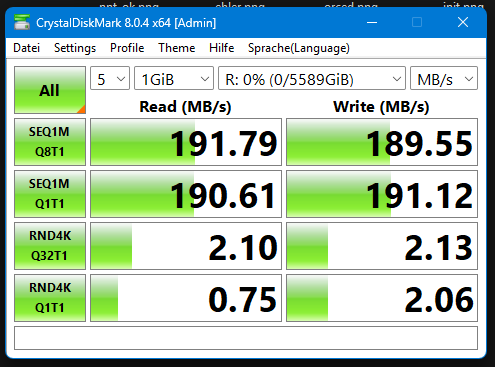
Success. I then ran tests with a Seagate and a Toshiba hard drive, and everything works. I then modified the remaining three cases of this type that I own.
The model that runs by default
There are obviously several revisions of the controller boards in the various models. Next, I disassembled the housing of a WD Elements with the model number “WDBWLG0080HBK-0B” that used to have 8 TB. The controller installed there was a JMicron JMS579 with SPI flash from Winbond. This combination can be problematic or unproblematic. In this model, the hard drive from HGST ran without any modifications.
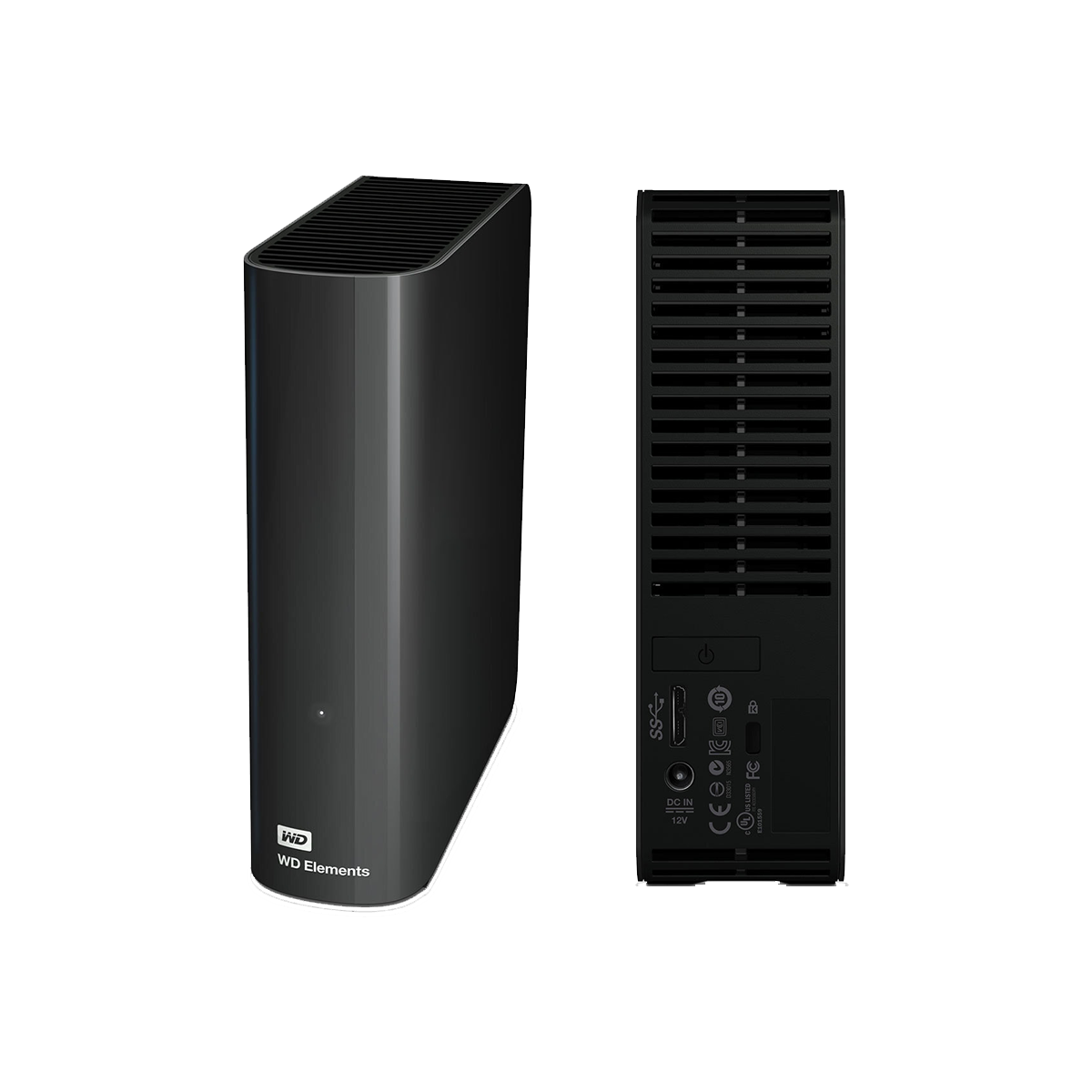 ⧉ WD
⧉ WD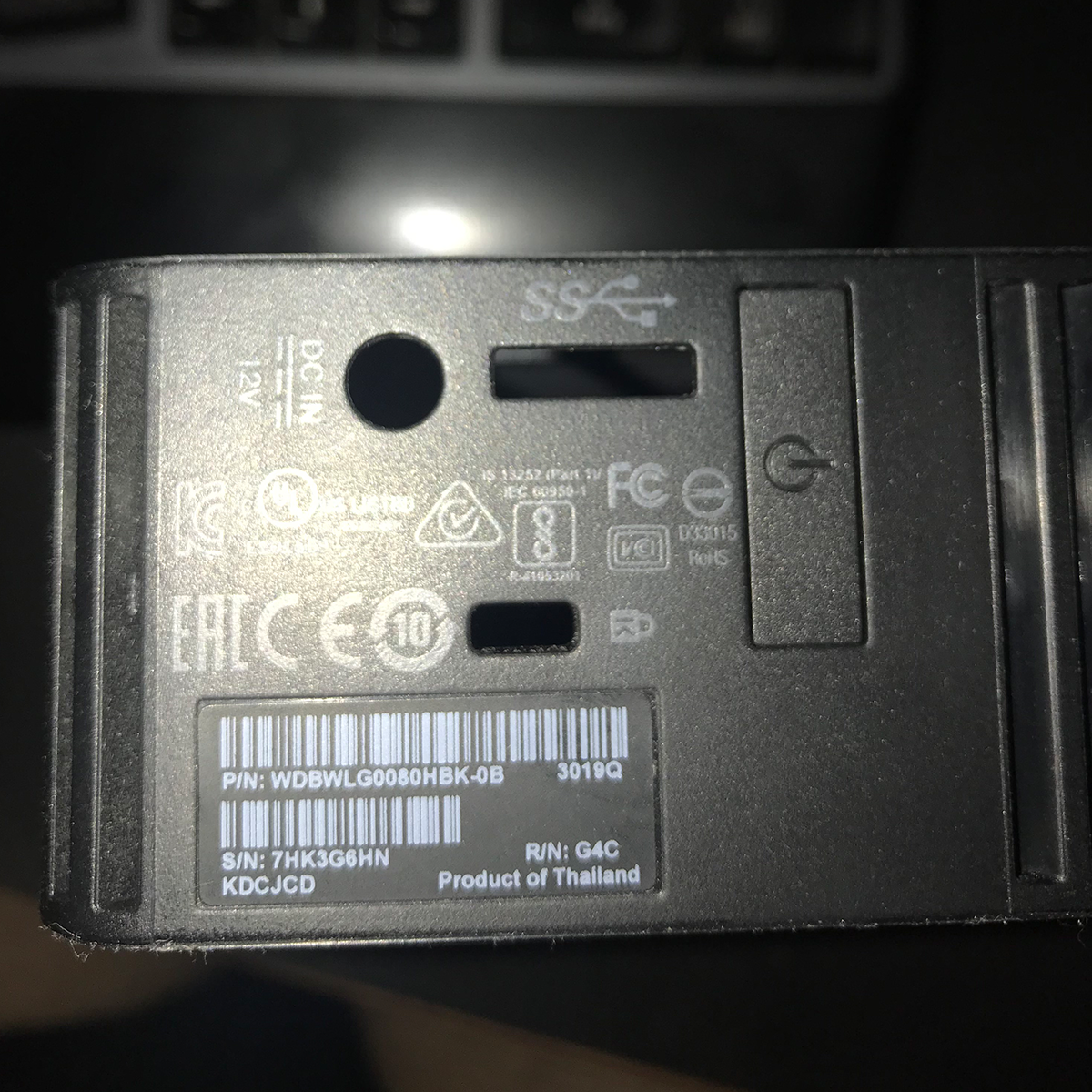
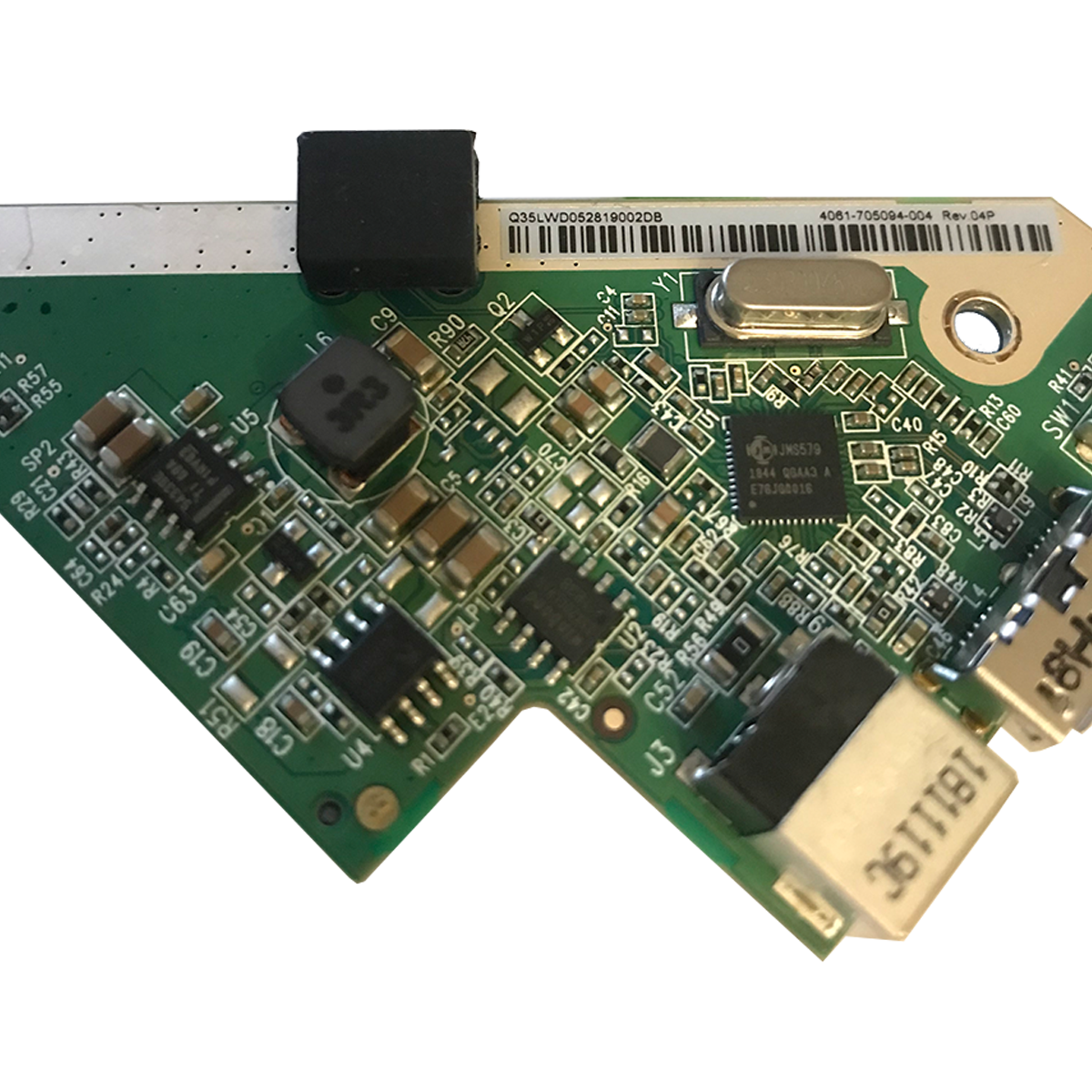
However, there are reports that some versions with this controller do not work. If this specific controller is installed and only WD hard drives are recognized, flashing open firmware should remedy the problem.
JMS579 – Flash firmware
First, I came across this post:
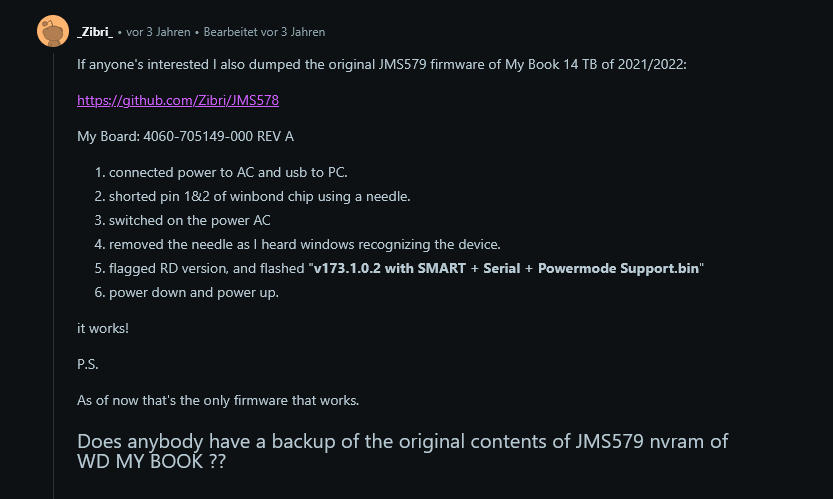
From there, I continued to search until I found a “turnkey solution.” This originally came from a Chinese forum in Chinese and was translated into English by a helpful user.
This archive contains everything you need to reflash a WD enclosure with this controller (the English tutorial is also included as a PDF):
Download at Mediafire
Download at Archive.org
Conclusion
It is truly incomprehensible why the hardware is deliberately turned into potential electronic waste. There must be limits somewhere, and I cannot imagine that Western Digital’s public image is positively influenced in any way by such a design.
I was able to make all of the non-functioning enclosures in my possession workable by flashing the firmware or modifying the SPI flash.
Unfortunately, there are also reports of newer revisions for which there seems to be no solution at the moment. The WD MyBook Duo* enclosures generally do not appear to be modifiable. It’s a shame, as I own several of them – still in operation with WD hard drives.