
There are several manufacturers of ready-made NAS solutions. The best known are probably QNAP and Synology. I’ve been a fan of Synology from the start – “the Apple of NAS systems,” in the best sense of the word.
Easy to maintain, mature, stable. Everything you want in a system that runs 24/7. Synology has always been able to deliver that. Admittedly, it is almost always more expensive than the competition and certainly always has very weak hardware. But it is stable and reliable.
Buckle up, the Prolog:
My personal journey with file servers began with a discarded desktop PC, which initially provided a few directories for other computers. Actually, it was more a collection of leftover components, a graphics card that was as energy-efficient as possible, and all kinds of data storage devices. The operating system was Windows XP, and the year was 2008.
Directories became entire drives, and Windows XP soon became the closely related Windows Server 2003. That ran on and off for some time. After the first hard drive full of data without RAID or backup quit working, it became clear what backups were for.
The hardware of this simple file server was changed again and again, as were the data carriers. Soon, automatic backups were made to external data carriers. It all worked more or less okay. The main problem with the system was maintainability and the pretty high power consumption in every situation. Well, and the fact that Windows isn’t the best of all server operating systems, for various reasons.
The year 2011 came and I read about Synology and its products for the first time. I was immediately interested. However, the Windows server continued to run for the time being. I closely followed Synology’s newly released products and it was clear to me that one day I wanted to venture into the world of NAS with Synology.
The first step…
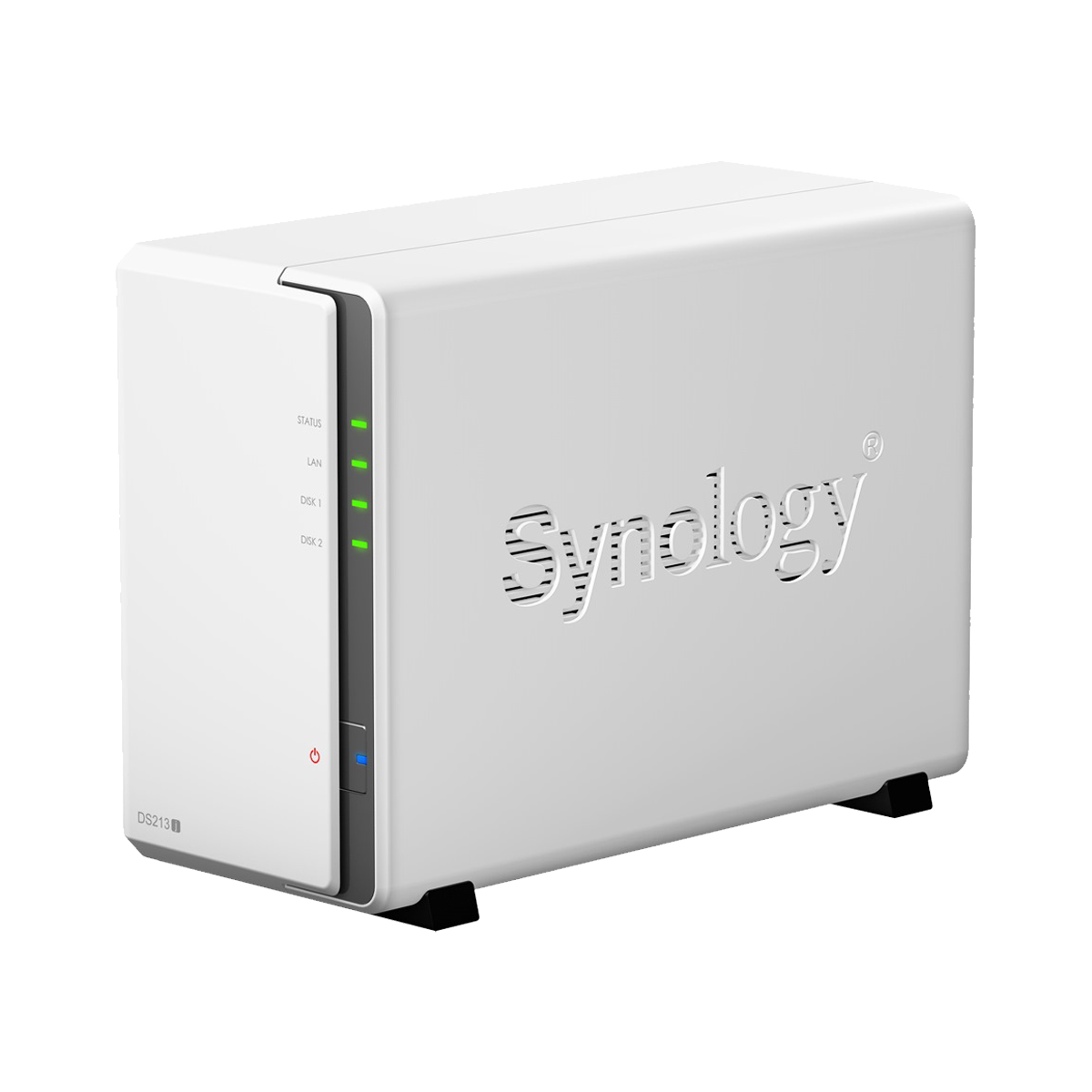
Two years had passed, and it was 2013. Electricity is expensive. Then I came across a good deal: a Synology NAS, model DS213j (Newer model*). I bought it right away. After a little research and based on past experiences and events, it was clear that the two planned hard drives would be from Western Digital. The best choice was the matching “WD Red” series, specifically designed for NAS running 24/7. That’s what I got – two 3.5″ HDDs, WD Red, each with a capacity of 4 TB*.
When the components arrived, my first impression was “not much material for a lot of money.” Synology’s J series is (to this day) the cheapest and least powerful, which I was aware of. But my impression was deceiving: I read the instructions, took apart the case, put in the hard drives, put everything back together, and connected the power supply. After a few minutes, I found the IP address assigned to the new NAS via DHCP in my FritzBox, so I navigated there. Alternatively, I could have gone to https://www.find.synology.com.
At that time, version 4 of Synology’s proprietary operating system DSM (“DiskStation Manager”) was the latest version. The setup wizard was nice, understandable, and fast. After a few more minutes, the “desktop,” i.e., the main screen, was visible. After a few more clicks, both hard drives were configured to RAID-1 and shares were created.
That’s how it should be, I thought to myself at the time.
It happened as it had to happen.
Hard drives are filled, replaced with larger ones, and filled again. And so it goes on. A flashing tree of switches and devices grows. To cut a long story short: this first NAS, the DS213j, is still running as a file server today, 12 years later. Updated to DSM 7 at my own risk. With the original power supply and original fan. The hard drives have, of course, been replaced several times, and today two 10 TB WD Reds* are working away in RAID-1. However, the original 4 TB hard drives still work today and are installed in desktop PCs, with an enormous number of operating hours.
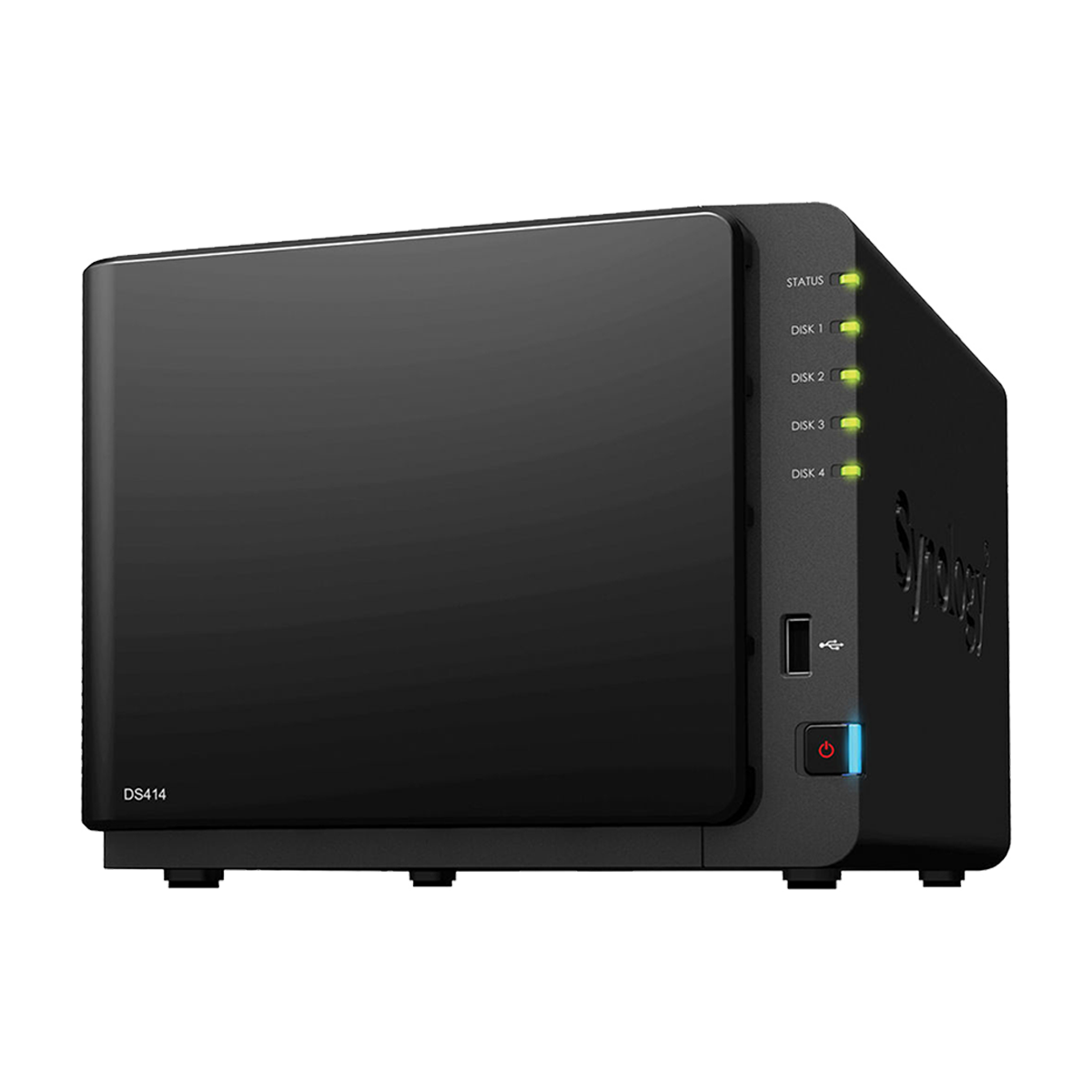
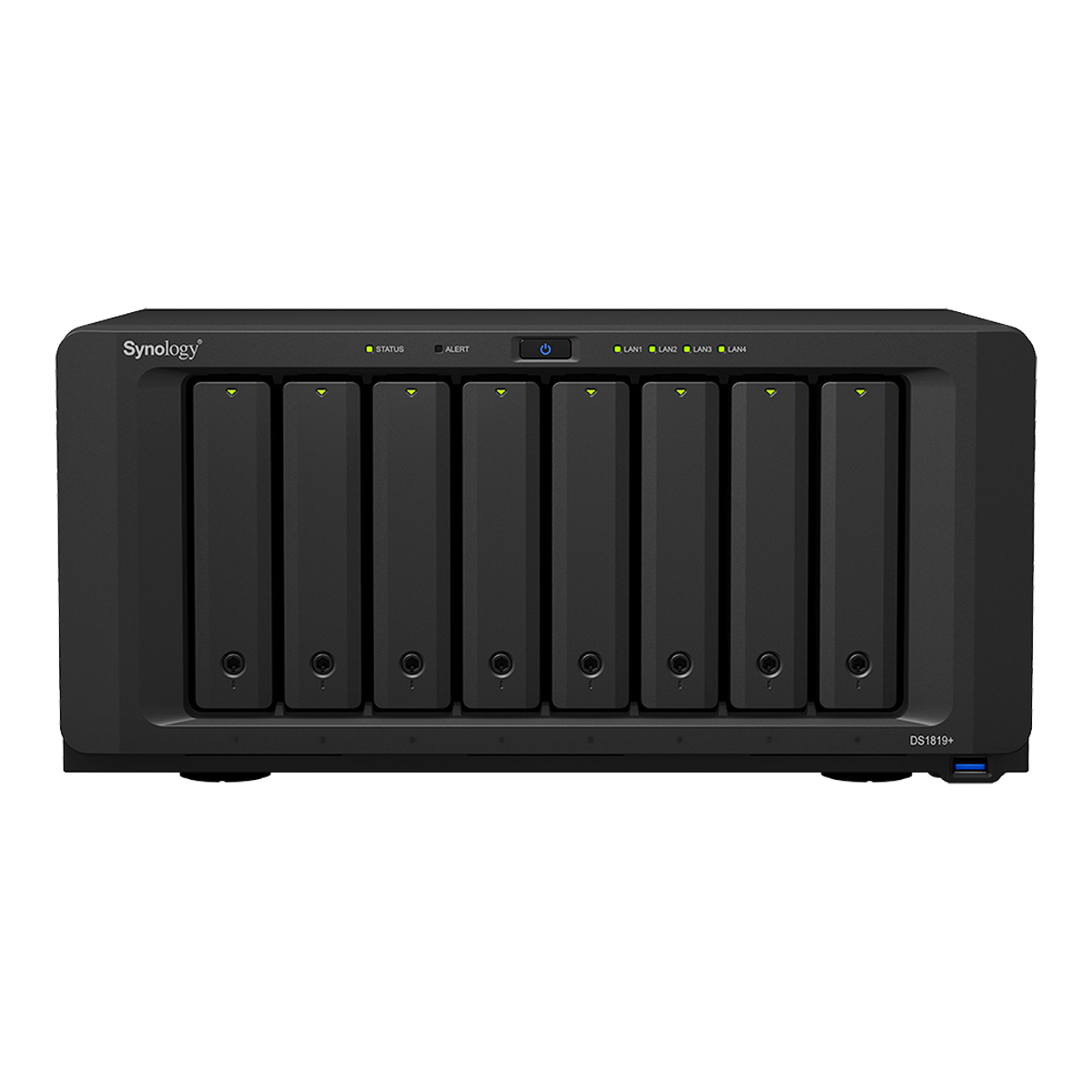
This 2-bay NAS was followed by a second one at the end of 2014, a DS414 with four bays. Demands increased, as did storage space requirements. WD Red hard drives with a capacity of 4 TB each were used again, and thanks to Synology SHR, only one of the four HDDs was lost as data security. Then, in 2018, came the biggest chunk yet: a DS1819+ with an impressive eight bays and a very high purchase price. Eight times 10 TB WD Red, again with SHR. You can see the development clearly: first an inexpensive J model, then a “normal strength” one without a suffix, and now one with a “+”, meaning more power.
All three NAS devices are still running side by side today and serve different purposes. Several WD MyBook Duo RAID enclosures are also connected to the DS414 and DS1819+, which are connected via USB 3.0 and configured as mirrors. So you could definitely say that I was and am very satisfied with the company’s hardware and software, regardless of the higher prices.
Good, long-term software support simply costs money, and very inexpensive hardware usually comes with poor software support. See inexpensive Chinese Android devices in comparison to Apple, for example.
 ⧉ Synology
 ⧉ Synology
 ⧉ Synology
What has changed?
Everything has become increasingly consumer-unfriendly over the years. It’s important to remember that Synology’s focus is and always has been on business applications—yet more and more unpleasant circumstances and issues have crept in. It started with features that were suddenly patched away and outsourced separately for a fee, or even removed without replacement. You could possibly overlook that, as I only ever used the NAS for what they are: maximum energy-saving file servers. That’s OK for smaller services, but it’s always a compromise.
Then, at the beginning of 2021, news broke that Synology would now be offering its own rebranded first-party hard drives. A negative feeling spread. Why was this necessary?
Then came what was unfortunately to be expected: Synology’s greed had obviously eaten their brains, as the saying goes, and it was announced that all new “+” NAS devices from Synology would only be fully functional with Synology’s own storage devices in the future, as was already the case with RackStations.
Very bad. Very, very bad. Dear Synology, I can easily put together a file server or five for much less money and with significantly more computing power. And I’m sure I’m not the only one. What’s more, how many of us started out using Synology NAS systems privately and then took this knowledge to our workplace, which then also opted for this company and its solutions?
Apart from that, I don’t even know how many other people I have recommended Synology to or integrated it myself. There were quite a few, but that’s over now. Again, I don’t think I’m the only one who feels this way. The next setback came with the requirement to only use their own SSDs.
On the software side, there are now extremely good alternatives, such as Unraid or TrueNAS, to name two mature operating systems. In addition, there are all the other ready-made NAS providers, such as QNAP or Asustor. Advanced users simply take standard hardware and install Ubuntu Server, which is the most flexible option. Or they build something nice and optimized for low power consumption with hardware from UGREEN or Orico.
Consumers vote with their wallets.
That’s what happened: sales of Synology NAS systems have apparently plummeted dramatically. In October 2025, they quietly backtracked and started accepting all hard drives again. It’s too late, at least for me. You can only pull a stunt like that once, and after that, no one believes you anymore.
The next NAS will most likely not be from Synology, and the next person who asks me for recommendations will not hear the term Synology. Unless you get the hardware for next to nothing, which is unlikely to happen.
It’s a shame. Whenever something is a good overall package, it gets ruined.
I predict that AVM and Fritz will become just as greedy in the future; since the sale, it’s all about shareholder value. AVM has always produced slightly more expensive but reliable, feature-rich, and long-updated hardware, and I fear that this behavior will now change for the worse.