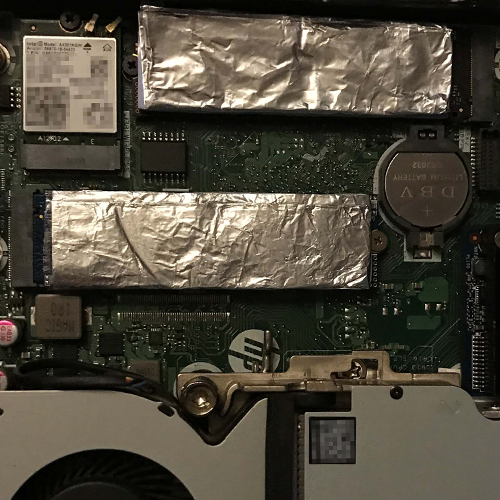
It will also be interesting to see how the temperatures of the installed NVMe SSDs behave. After all, the installation space is very limited, and these SSDs tend to run quite hot.
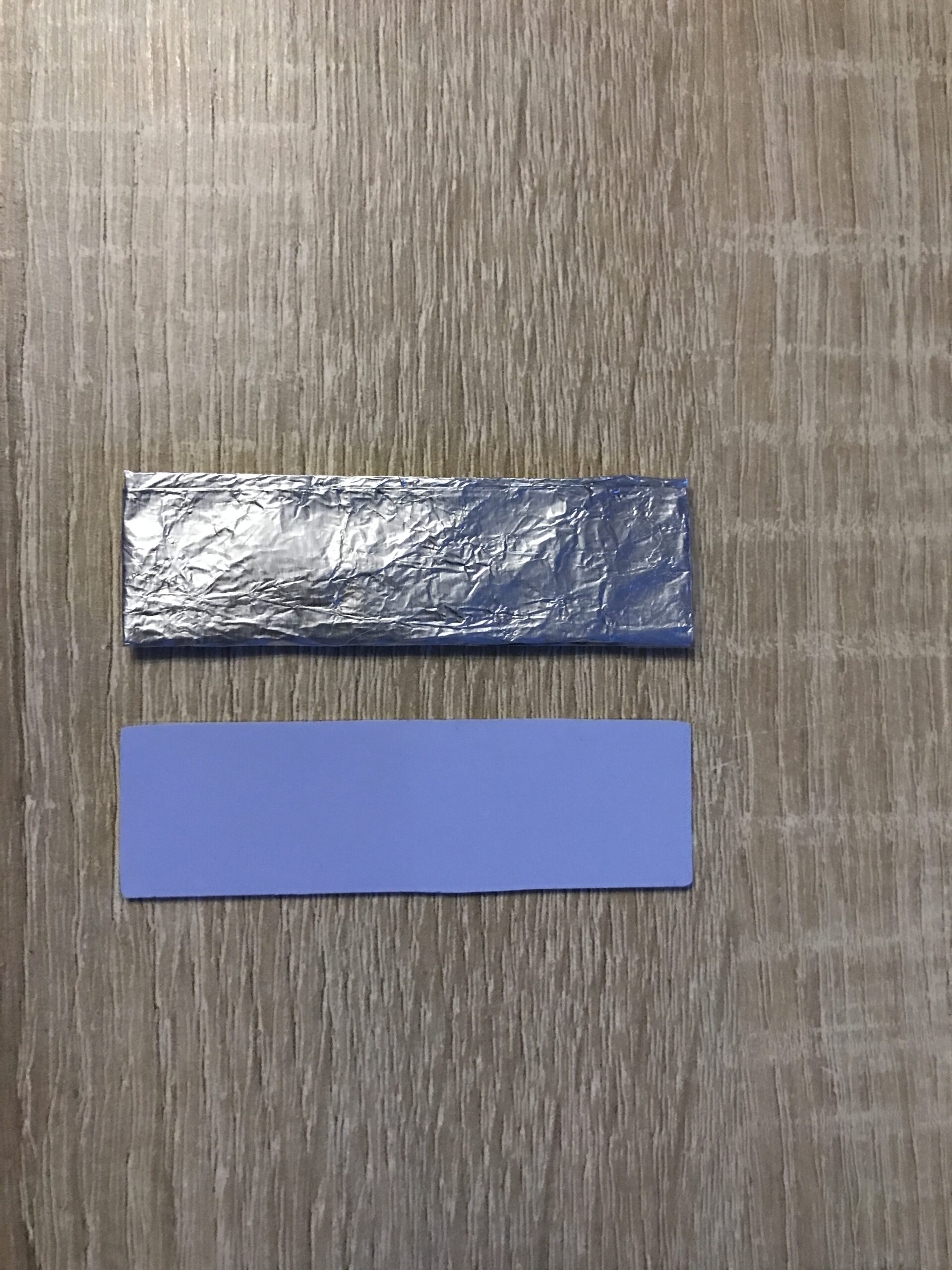
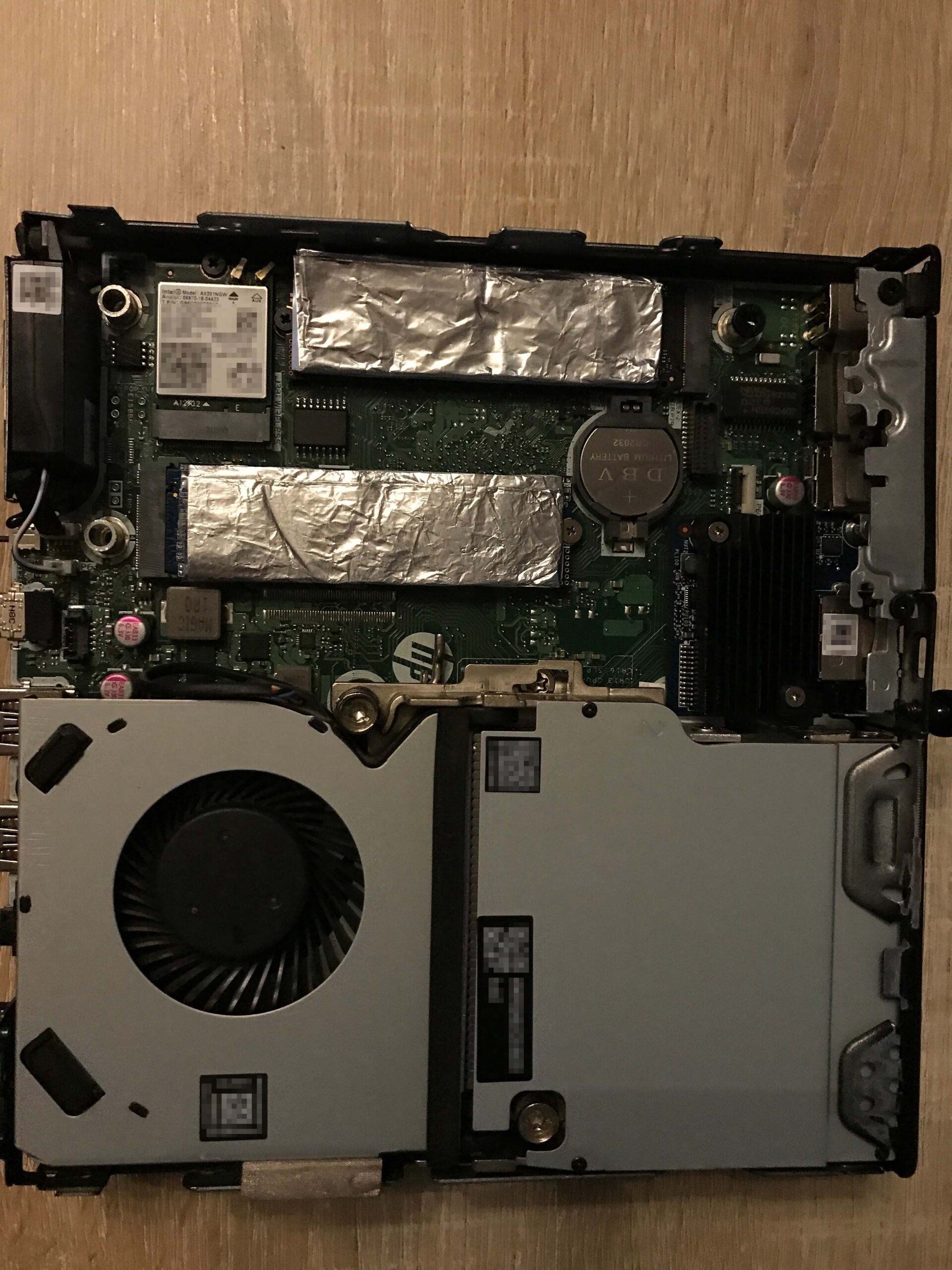
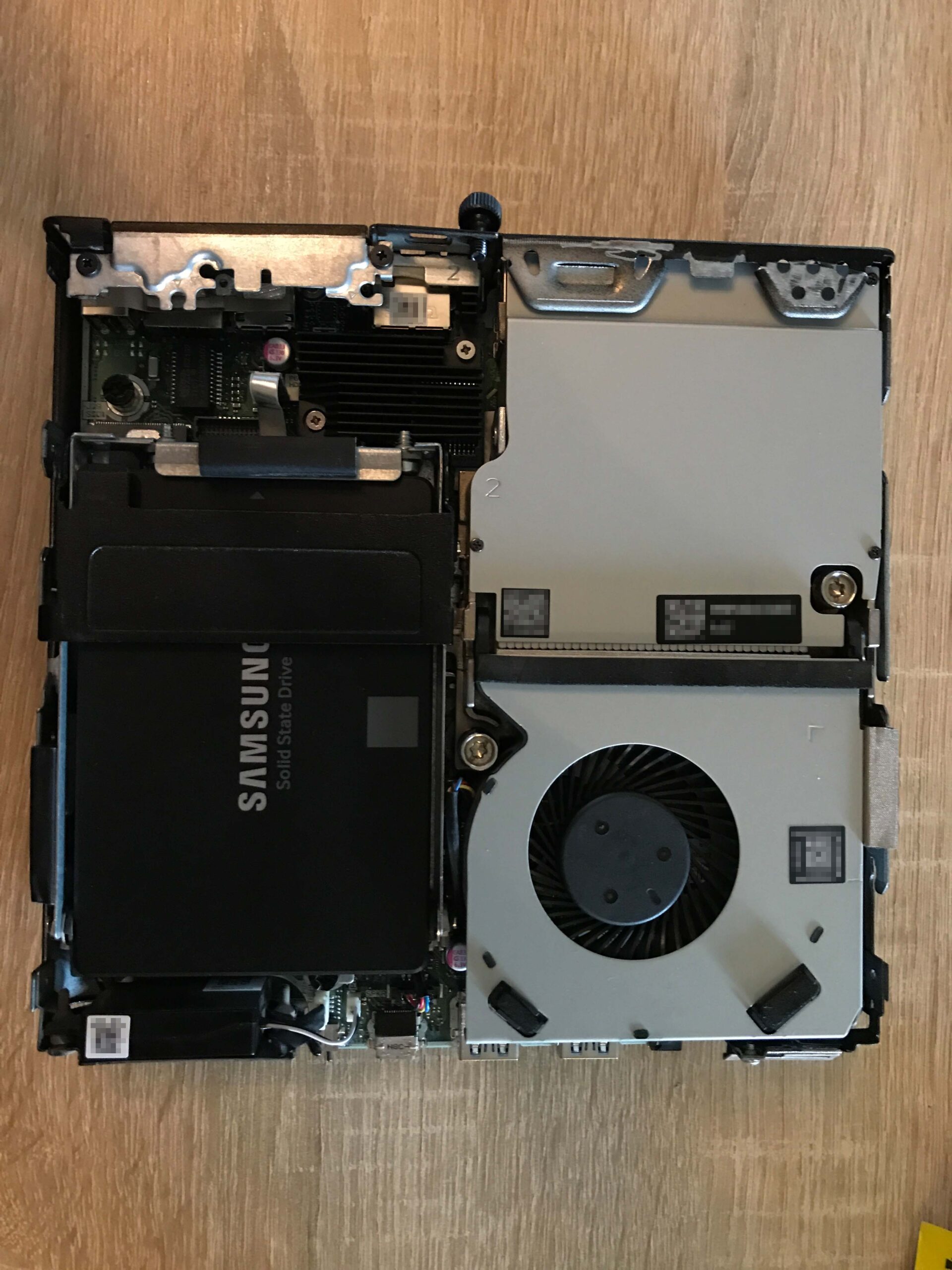
To illustrate the respective changes, I conducted measurements without a SATA caddy (including a fan), with a caddy and fan, and finally with a caddy, fan, and a homemade aluminum passive cooler.
A Mega Fastro MS200 with 2 TB was always installed in M.2 slot #2; this tends to run very hot (especially the controller). A Samsung 970 Evo Plus reaches slightly lower but ultimately similar temperatures. A “Drive Temperature 2” doesn’t seem to exist, which is why it’s missing below.

Laufwerkstemperatur 1
The three values in the table, from left to right, are: Minimum, Maximum, and Average. The values stated are in degrees Celsius.

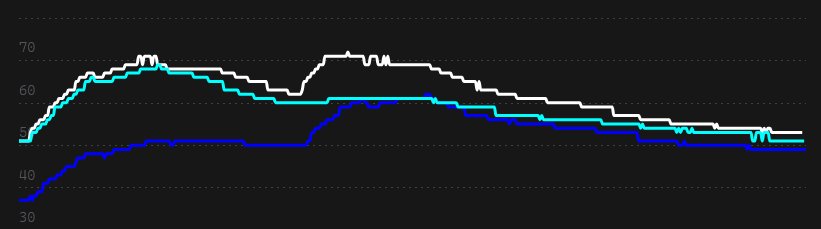
Laufwerkstemperatur 3
The three values in the table, from left to right, are: Minimum, Maximum, and Average. The values stated are in degrees Celsius.

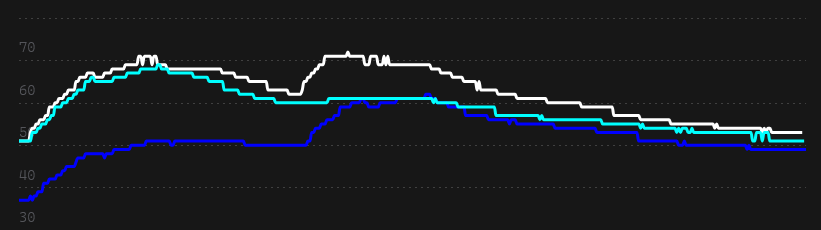
Laufwerkstemperatur 4 (Probably the controller)
The three values in the table, from left to right, are: Minimum, Maximum, and Average. The values stated are in degrees Celsius.

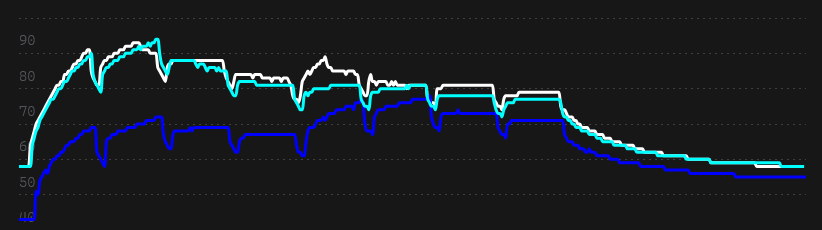
Laufwerkstemperatur 5
The three values in the table, from left to right, are: Minimum, Maximum, and Average. The values stated are in degrees Celsius.

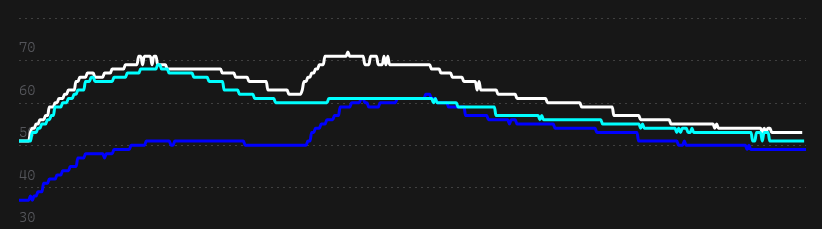
Laufwerkstemperatur 6
The three values in the table, from left to right, are: Minimum, Maximum, and Average. The values stated are in degrees Celsius.

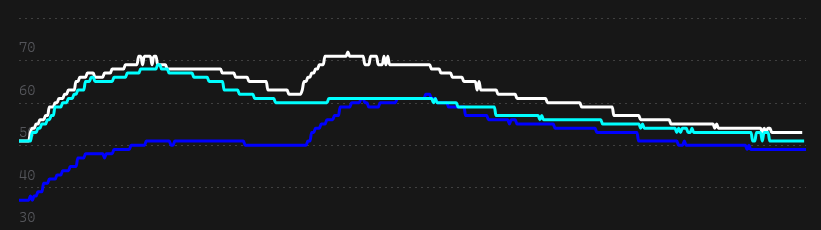
Laufwerkstemperatur 7
The three values in the table, from left to right, are: Minimum, Maximum, and Average. The values stated are in degrees Celsius.

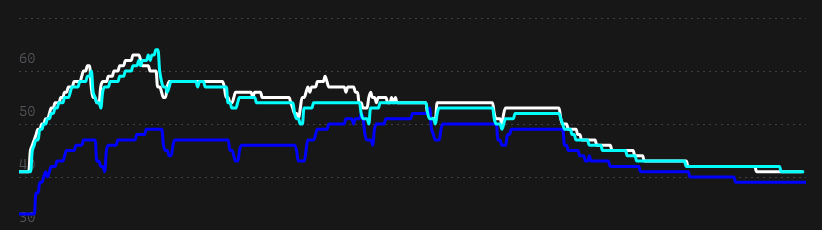
The effectiveness of the thermal pad and aluminum heat sink, in particular, cannot be denied.