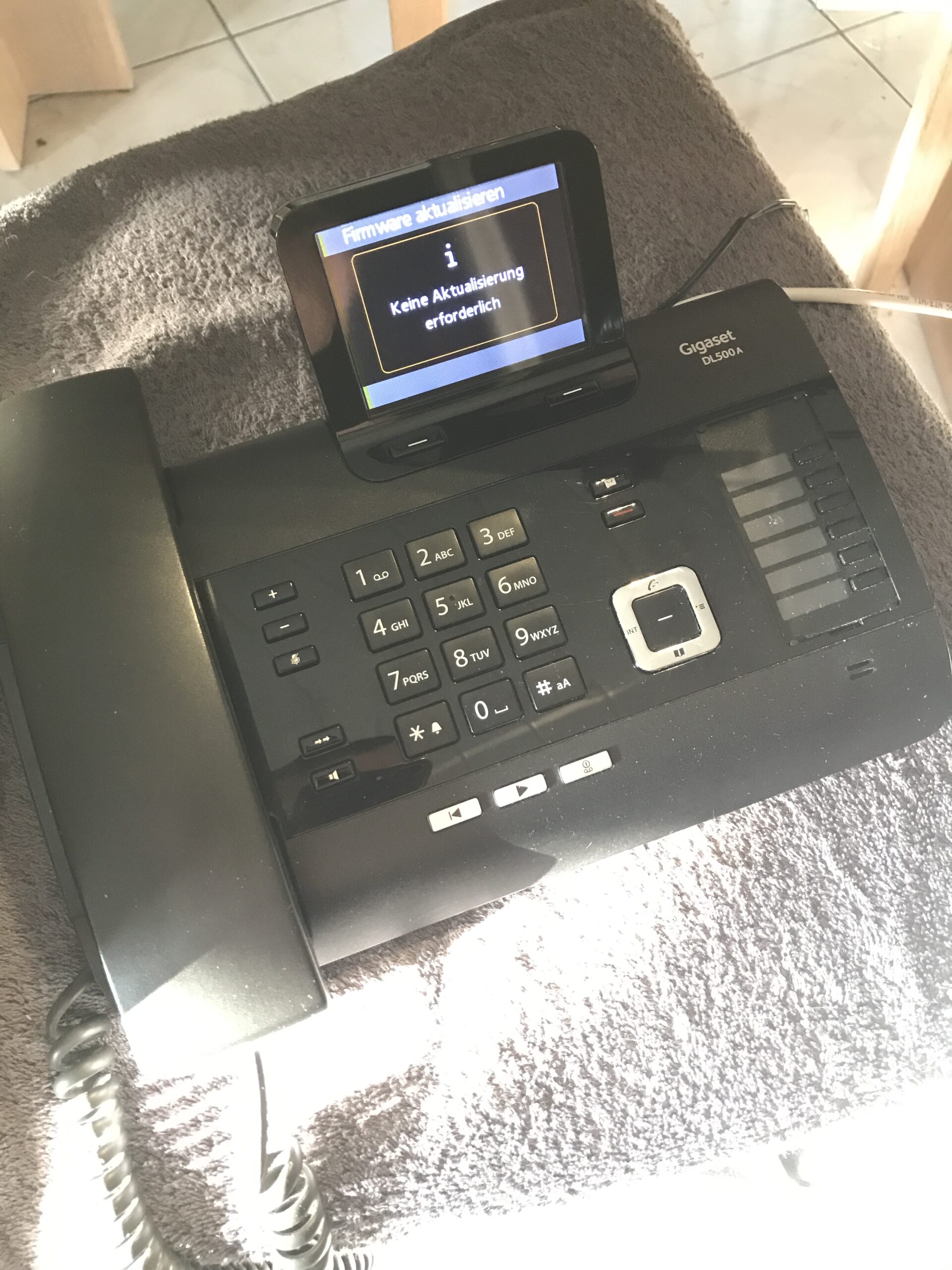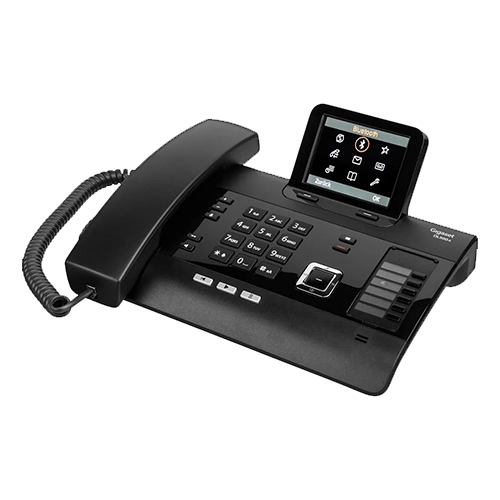
I recently came across this bulky ISDN desk phone. Unfortunately, it can only be used in certain situations, but it has some nice features such as an integrated DECT base station and Bluetooth, as well as a 3.5 mm jack for analog audio. The color TFT display significantly improves usability.
First, I gave the device a thorough cleaning. What’s next?
Connect the power supply and Ethernet cable and see if there is a more recent firmware version available.
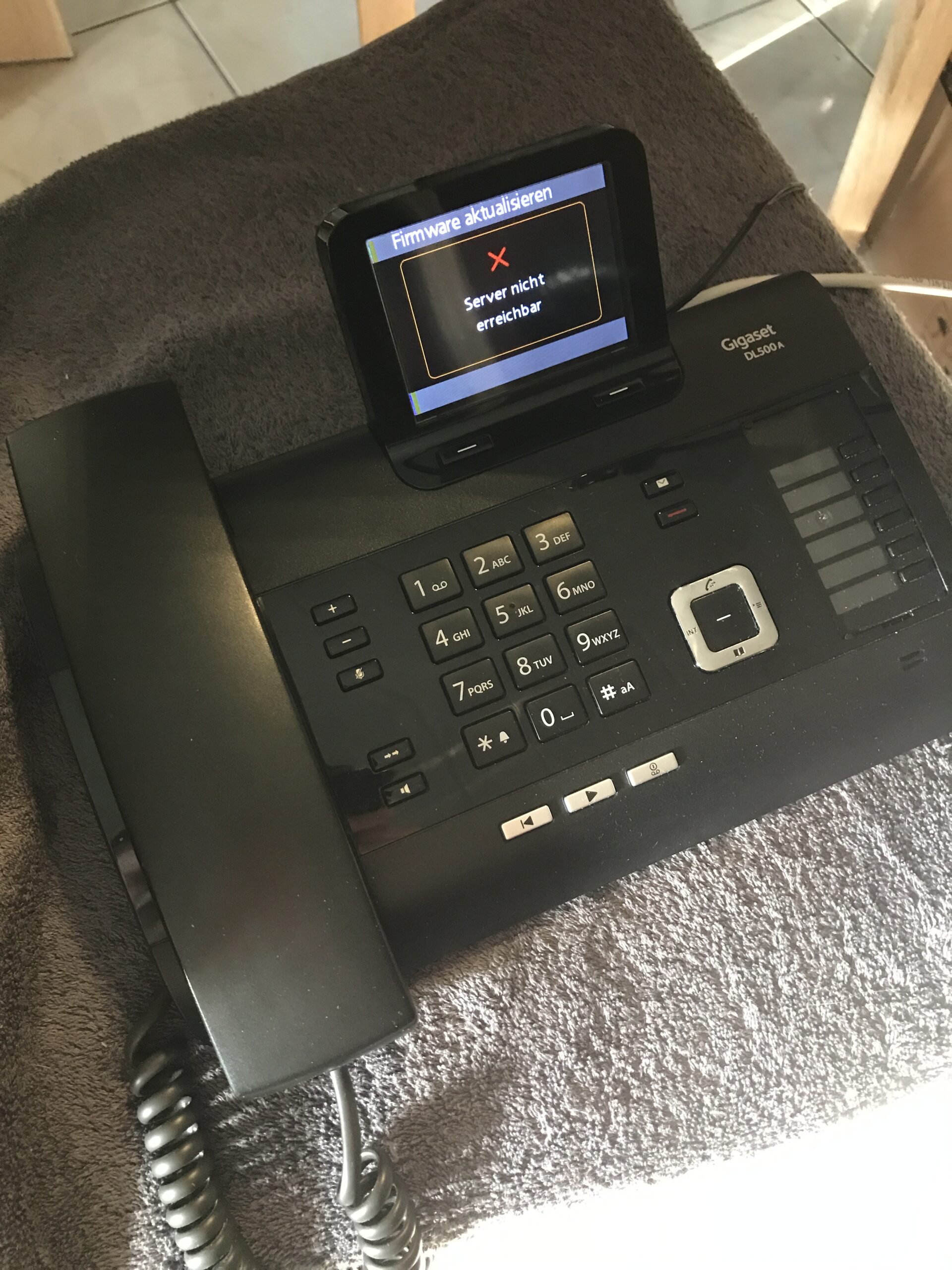
This is where the first problem arises: “Server not available”, despite a successfully assigned IP via DHCP. The device was also correctly registered in the router.

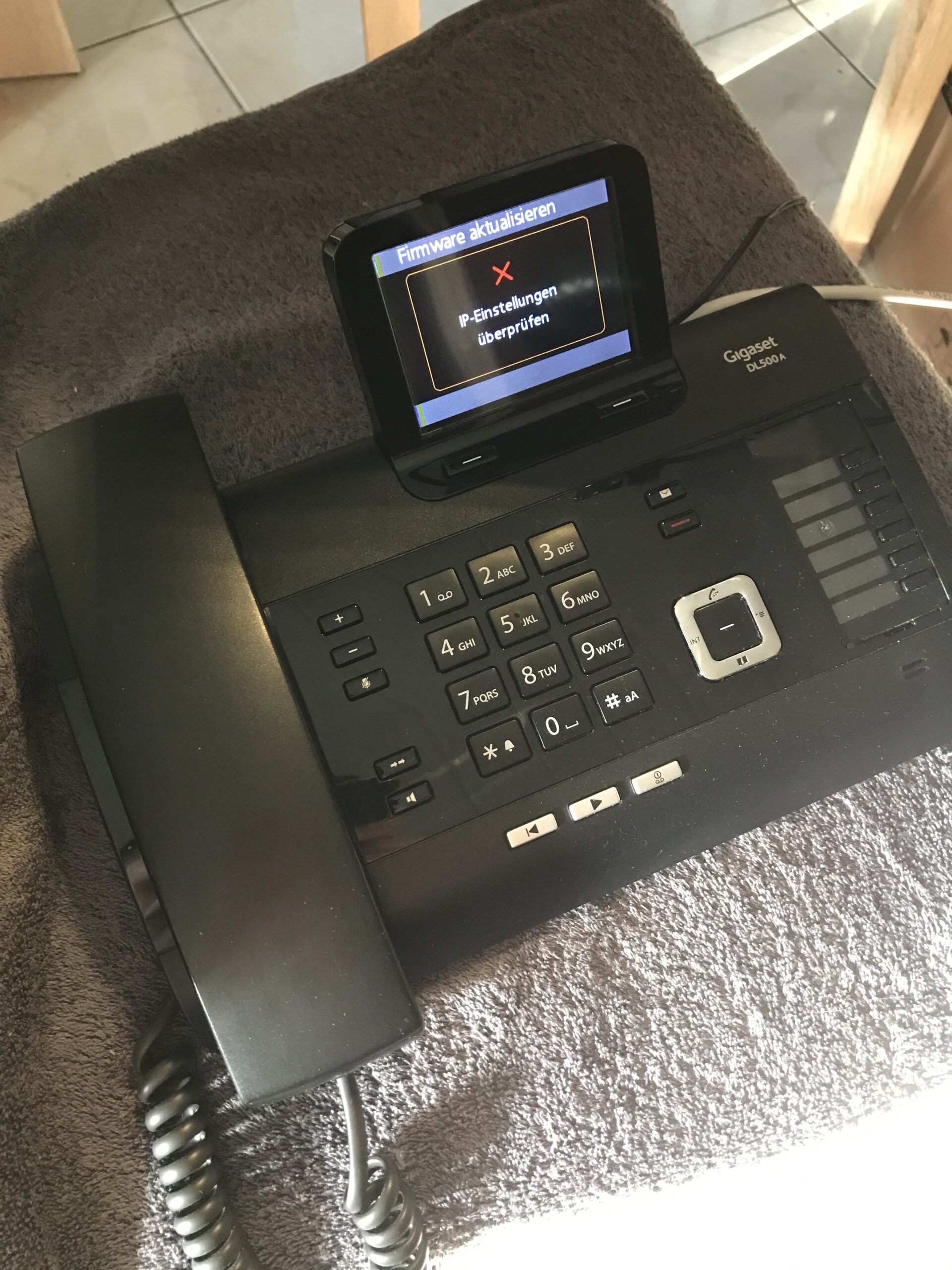
Fortunately, the problem is quickly solved.
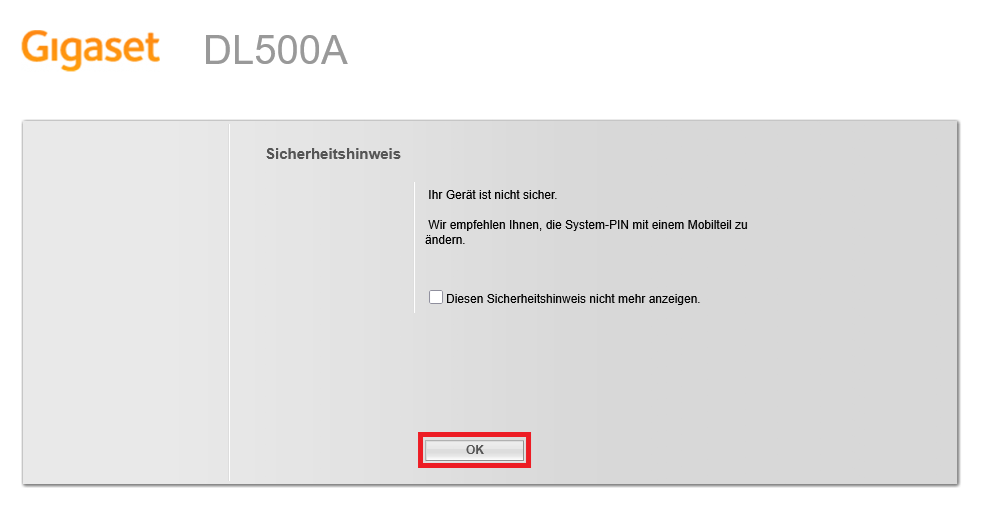
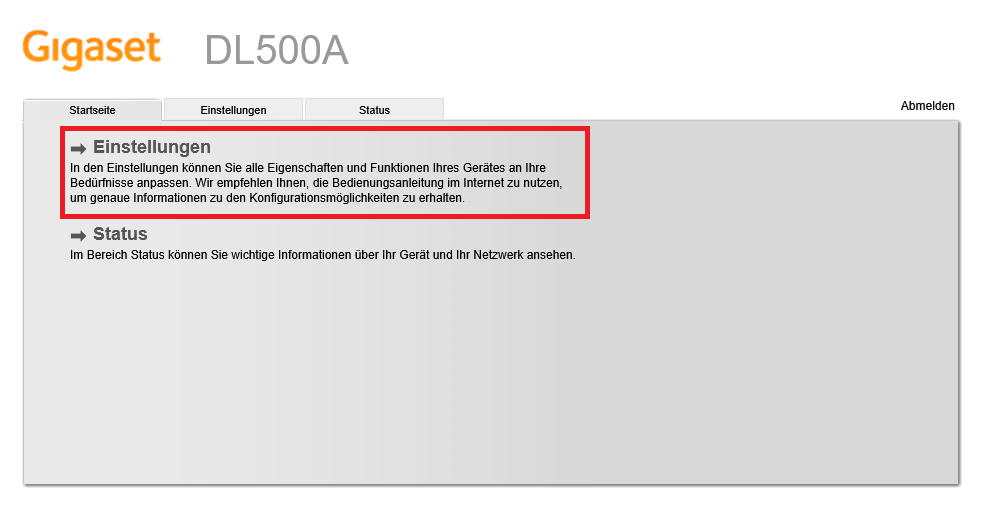
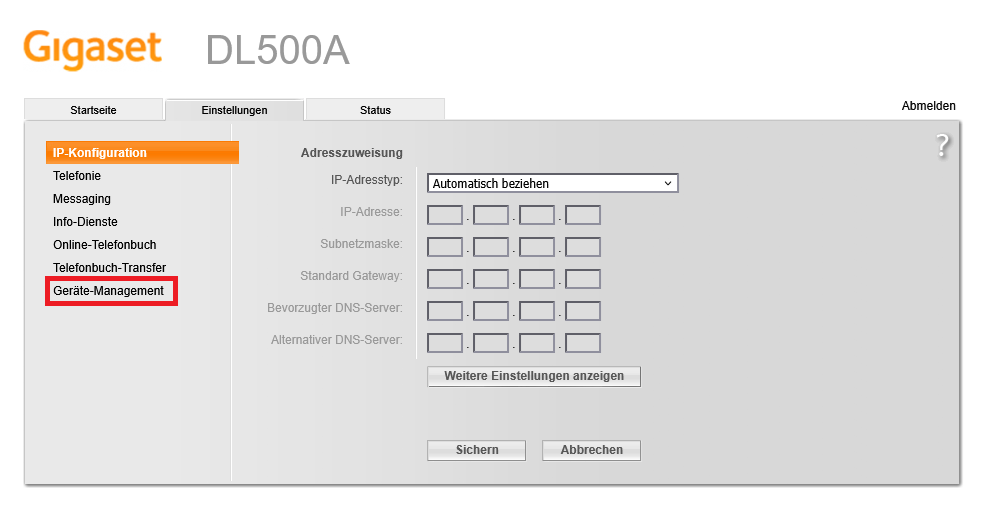
In short: You have to access the phone’s web interface via a browser, authenticate yourself with the (hopefully factory) system PIN “0000” and adjust the “data server,” which Gigaset has apparently changed over time and the old one is no longer accessible.
The current, new URL is:
profile.gigaset.net/device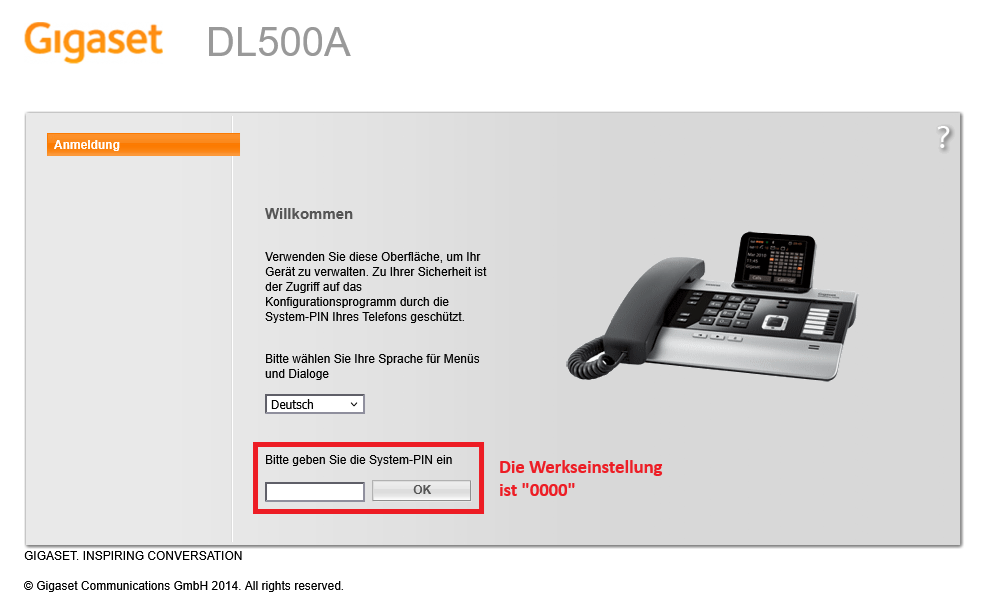
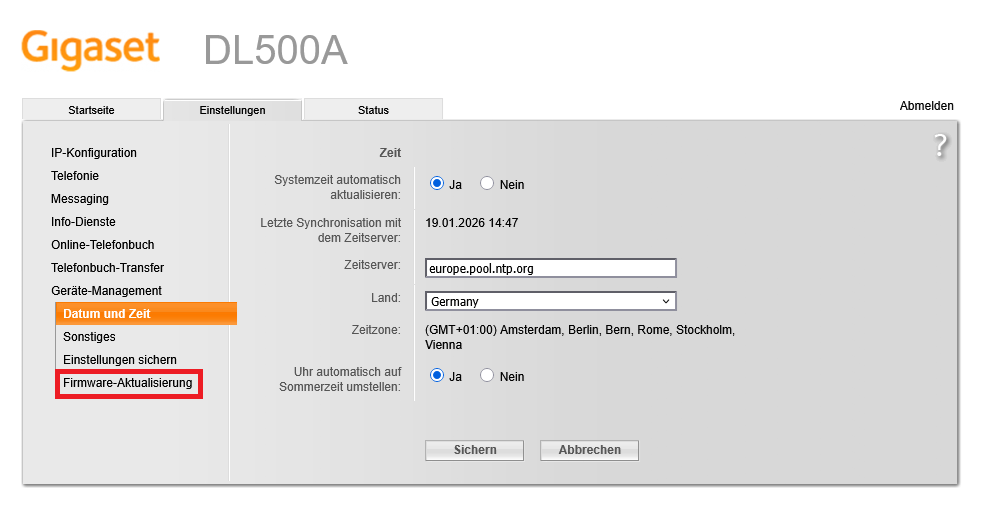
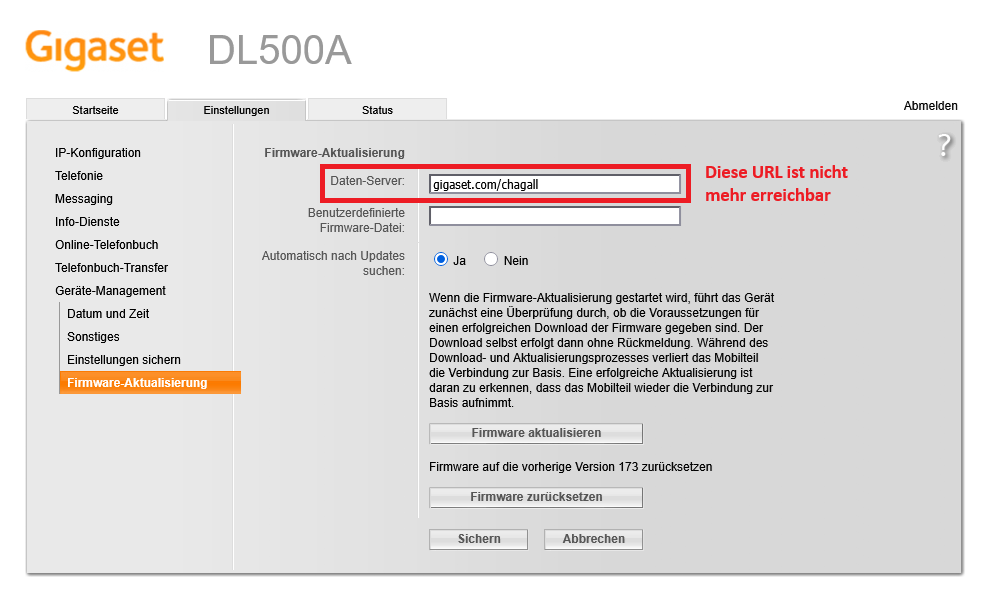
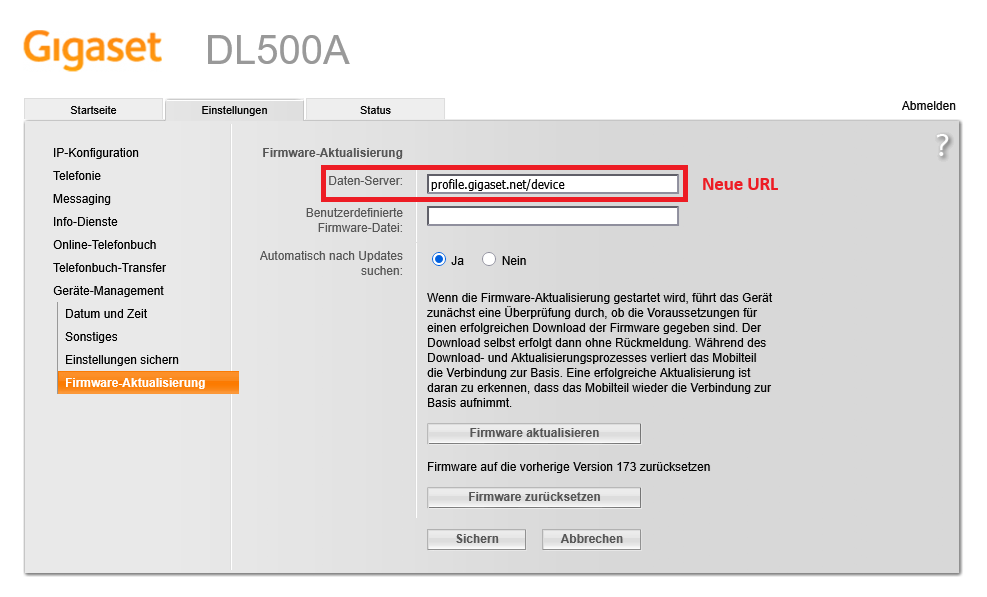
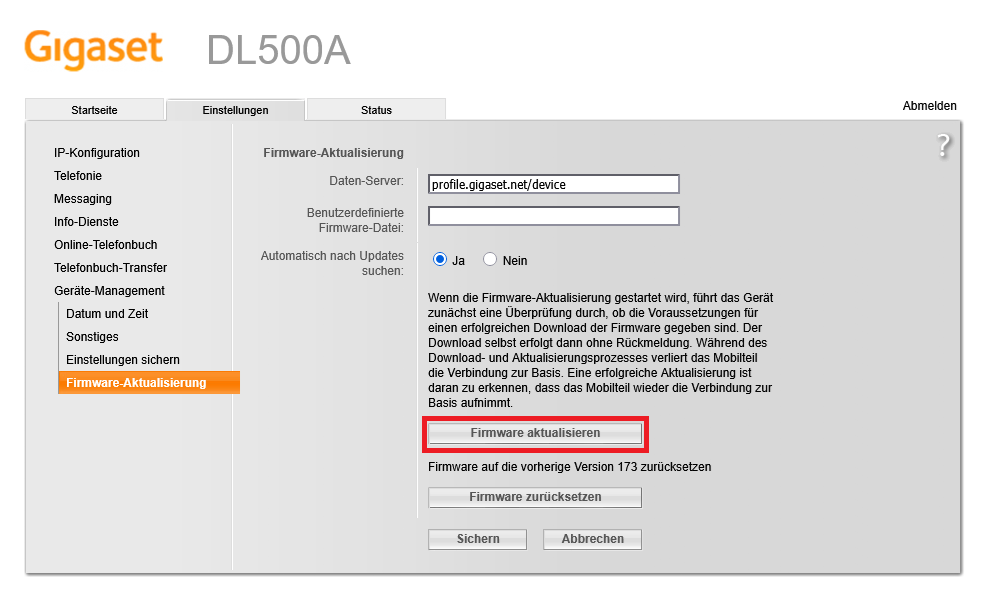
Nice.
The firmware search now also works on the device; in my case, there was no newer version available: