
For me, VMware ESXi was my introduction to the world of virtualization servers a few years ago. This is obvious, as I was and still am an avid user of VMware Workstation on Windows.
When I later read about Proxmox, I was immediately interested:
The lack of restrictions on free use and the developers’ business model are simply better than VMware ESXi. Especially since VMware has since been taken over by Broadcom and the circumstances have deteriorated further. In the end, open source is always the best option.
In order to be independent of the widespread cloud mania, I eventually assembled an “experimental” Proxmox server on my benchtable from discarded components and two identical hard drives, including a boot SSD. Everything worked right away without any problems, even though I had little specific prior knowledge.
After “playing around” a bit, it was clear that I wanted to build and operate a 24/7 Proxmox server.
Which direction should we go in?
Mini PCs, which come in many shapes and designs are among the best hardware for use in a private environment. I recommend refurbished models from Lenovo, Dell, HP, and similar large OEMs. The software support is simply better compared to no-name Far East variants, and the build quality is consistently good. In addition, many of these devices have been running in commercial environments for years, which means that spare parts are readily available.
Why exactly these devices?
- Low power consumption
- Fairly quiet
- Small footprint
- Relatively powerful
- Often socketed CPUs and plugged-in RAM
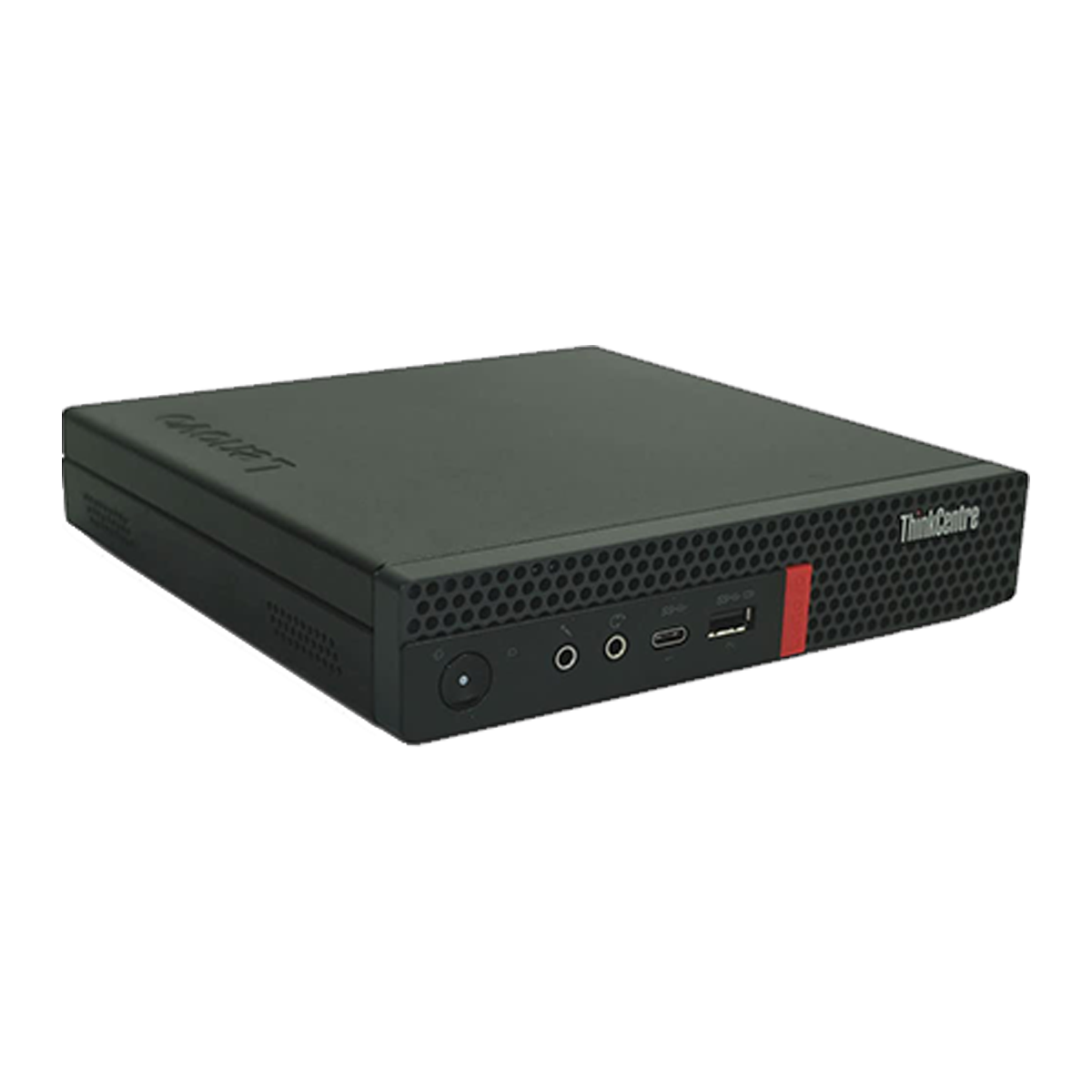 ⧉ Lenovo
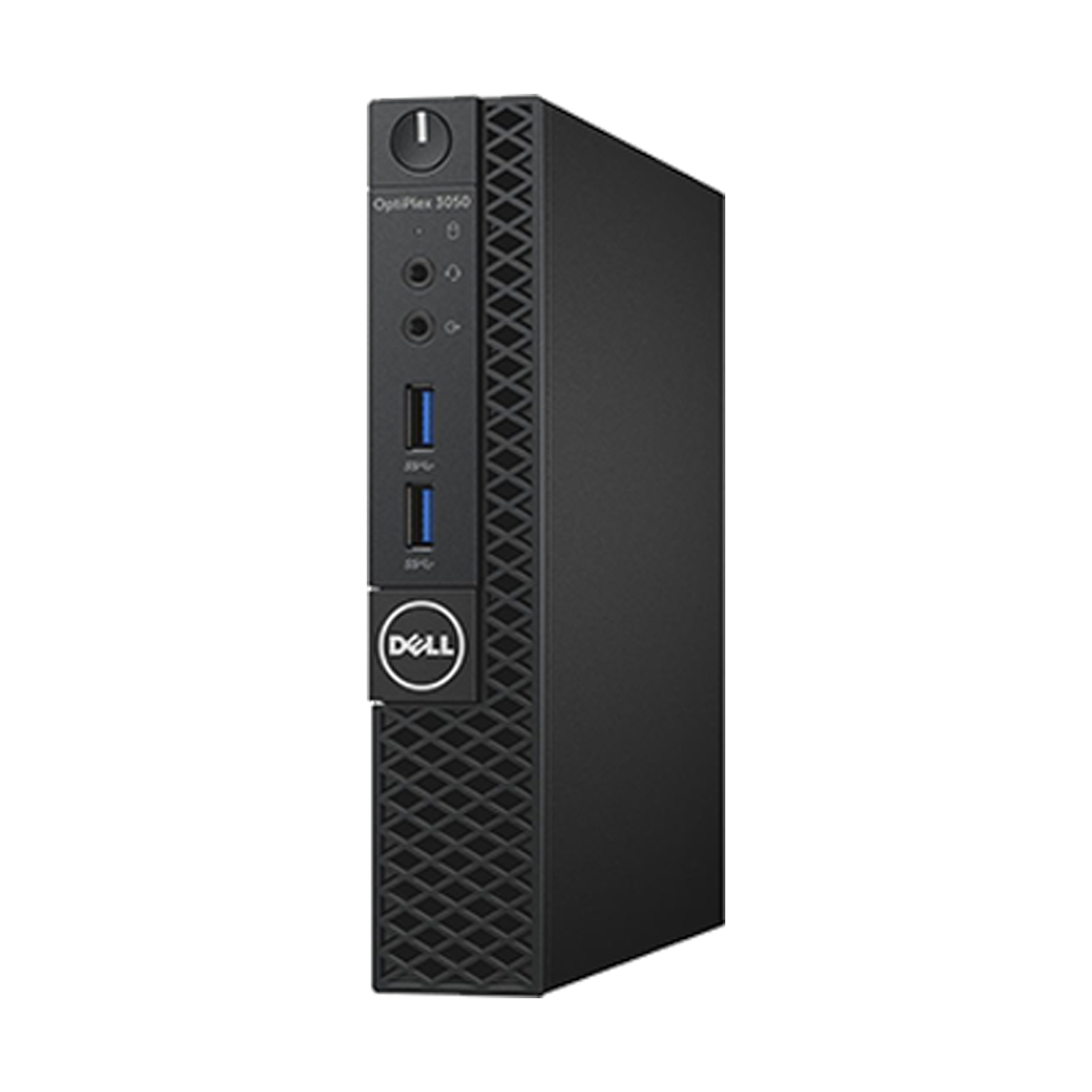 ⧉ NBB
⧉ NBB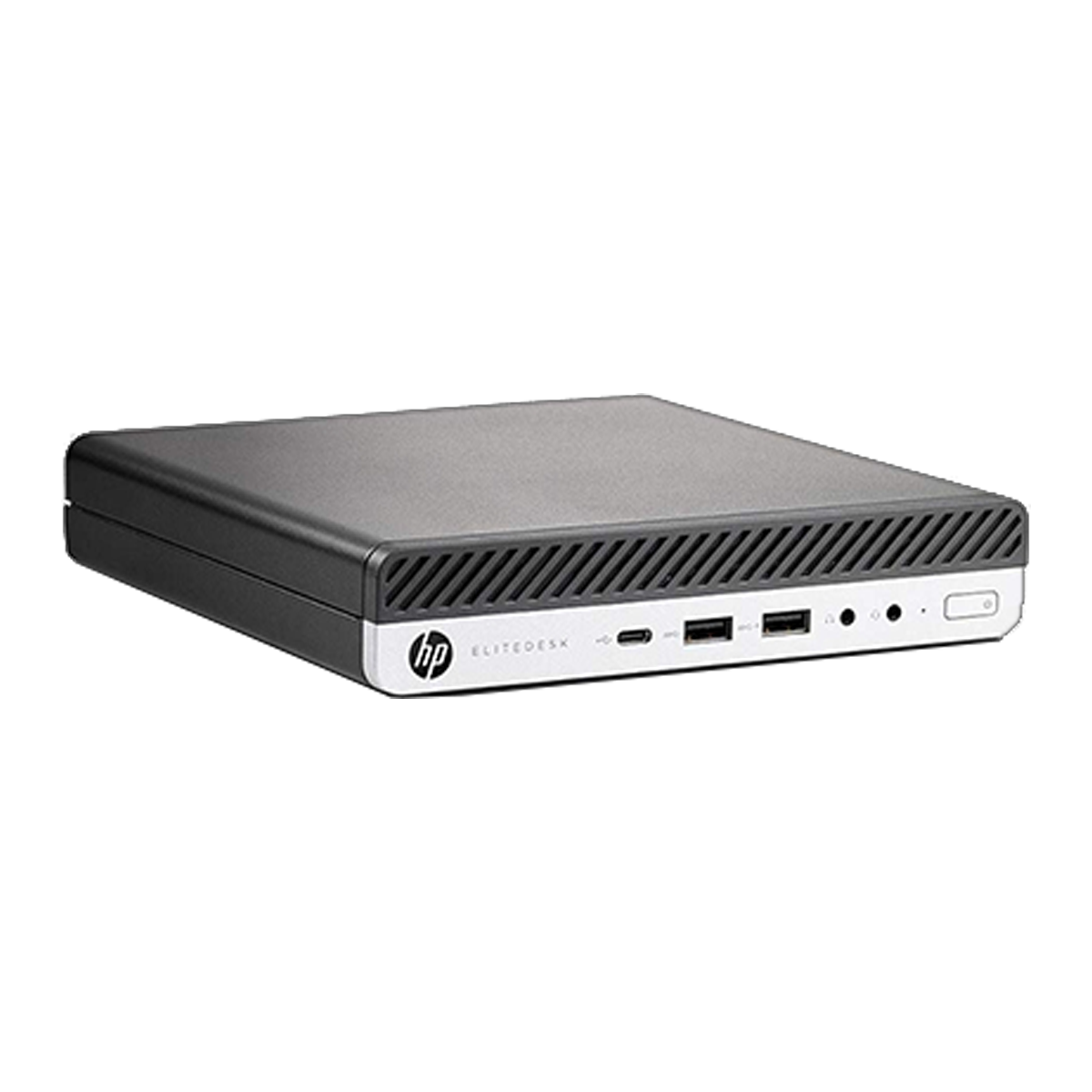 ⧉ HP
⧉ HPOne or more mini PCs.
Not in my case: I ended up with hardware that I also considered suitable. First, I got my hands on a 2016 Dell Latitude E5270 subnotebook with a 12.5″ display. It was a well-made device, but it had one major flaw: during the COVID pandemic, it had been stored in a backpack together with a bottle of disinfectant. Over time, this bottle leaked and the contents got into the notebook, especially the touch display. The adhesive throughout the device dissolved, and the backlight in the display was irreparably damaged. Everything was covered in stains, and adhesive was oozing out everywhere around the edges.
As a recycling measure, this notebook, with its display removed, antennas removed, and without a Wi-Fi card, became our first Proxmox server: The hardware wasn’t very powerful, but it was good enough to enable meaningful continuous operation. Two energy-saving cores with hyperthreading, two slots for RAM, and one SATA and one NVMe slot each sounded usable.
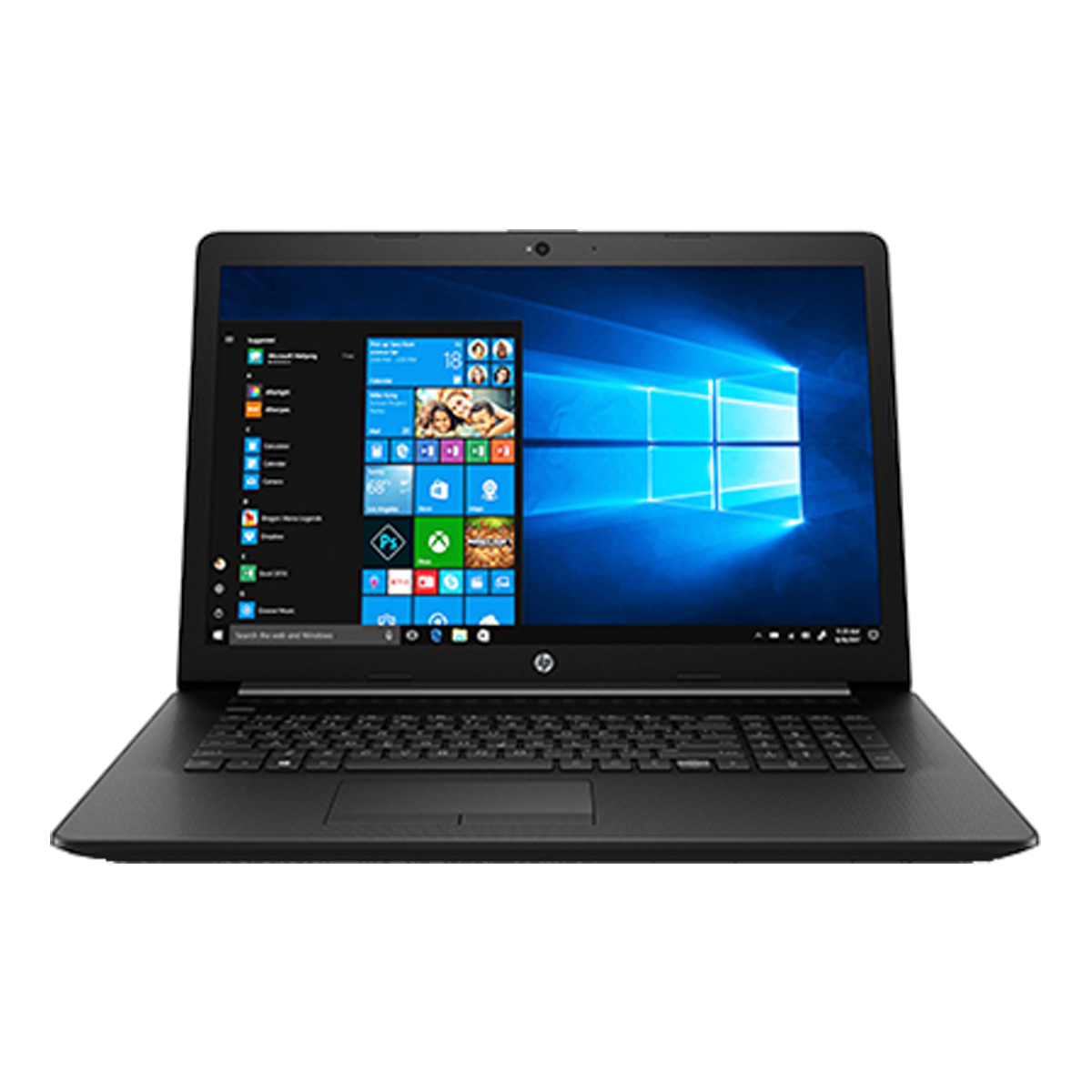
Just a few months later, the next patient came to me. After just under two years, it had developed the “cheap notebook hinge breakage” syndrome. An HP 17-by2132ng from 2019. Good specifications on the data sheet, really bad design. Both the workmanship and the layout of everything is not up to par. Unfortunately, this has become increasingly common in recent years.
Here, too, I removed the device’s screen, removed the Wi-Fi and Bluetooth, and installed Proxmox. It was also worth buying a lot of RAM*, which I purchased separately.
Both basic devices were therefore free for me and, as such, made more sense than purchasing mini PCs. Especially since the CPUs in these notebooks only have a TDP of 15 watts each, which is very economical.
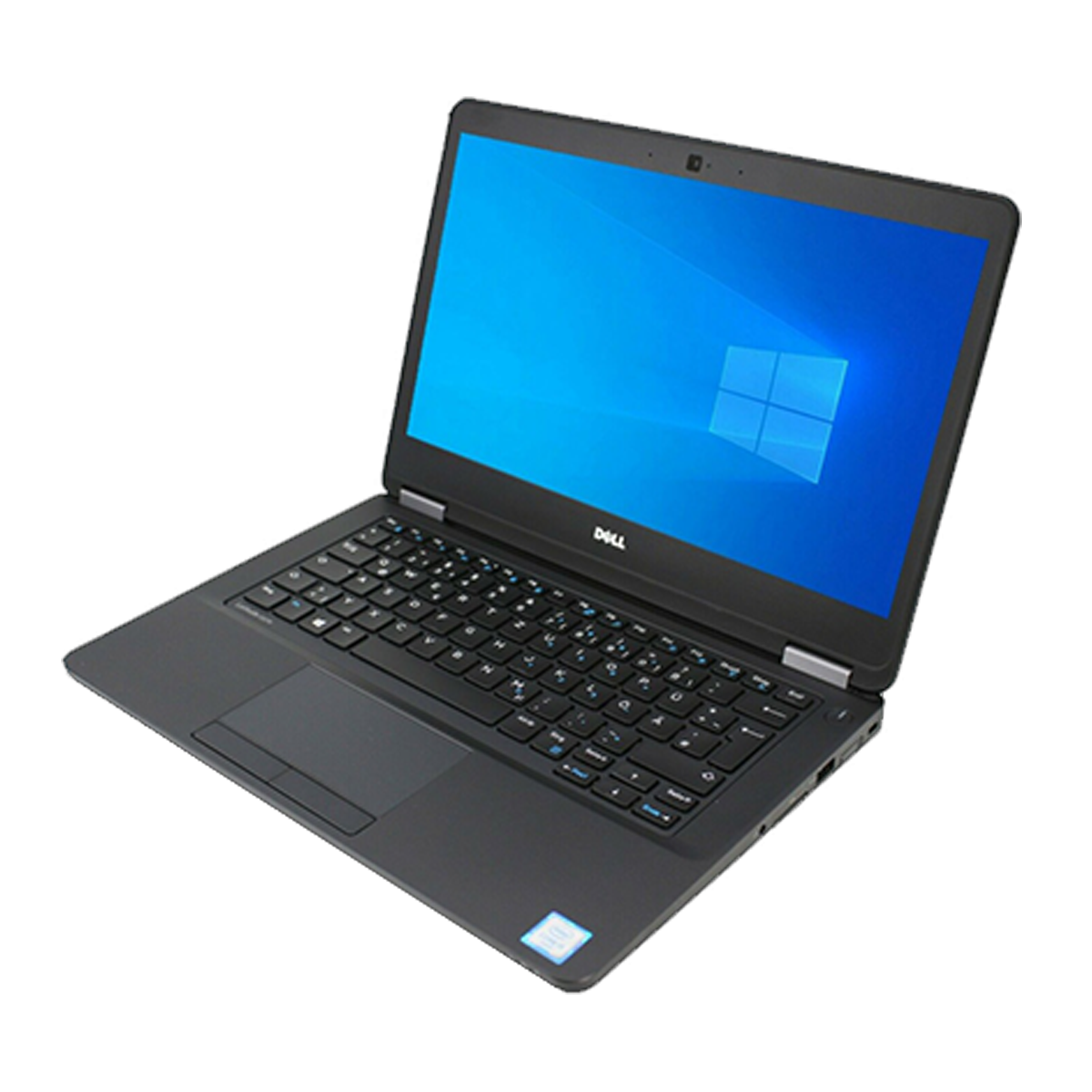 ⧉ Laptop Markt
 ⧉ NBB
⧉ NBBApplications
At this stage, I had the Dell U dual-core, which is quite weak but still manages to do an amazing amount, and the HP, which is a low-energy quad-core. The more demanding tasks run on this one.
Both “former” notebooks were too weak to virtualize entire Windows environments. I then decided to divide the tasks:
- The Dell notebook will be an “ultra low power server,” with low computing power and low power consumption. The services running on it are mainly for 24/7 monitoring.
- The HP will be the “low power server” to provide all the services I want. Everything that is Linux-based will run here 24/7.
- A thick server with as many PCI Express lanes as possible—to achieve Windows virtualization with good performance, including PCIe passthrough and vGPU. This will only run when needed, as its power consumption is significantly higher than the other two.
I built this high-performance server, how and why is documented in the following posts.