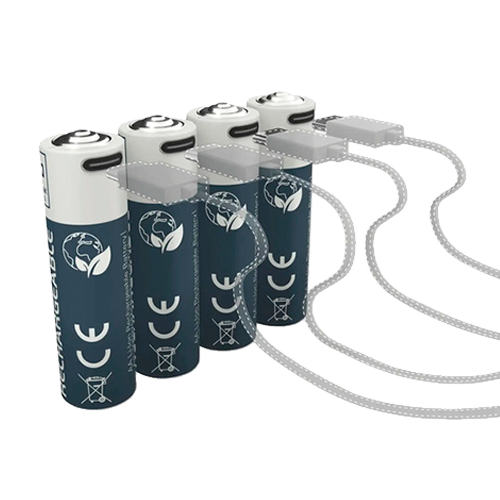
We’ve all been there: the moment you need a device, the batteries are dead. Or how often do we throw away alkaline AA or AAA batteries, especially in […]
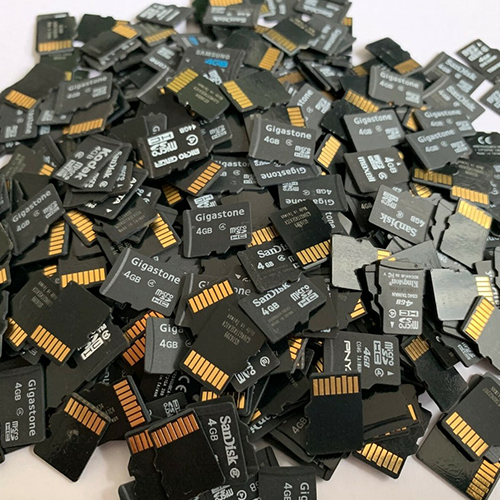
Performance reference:
Memory cards
For reference and comparison purposes only, I try to test all Secure Digital memory cards (SD / SDHC / SDXC, including Mini and Micro) that come my way […]
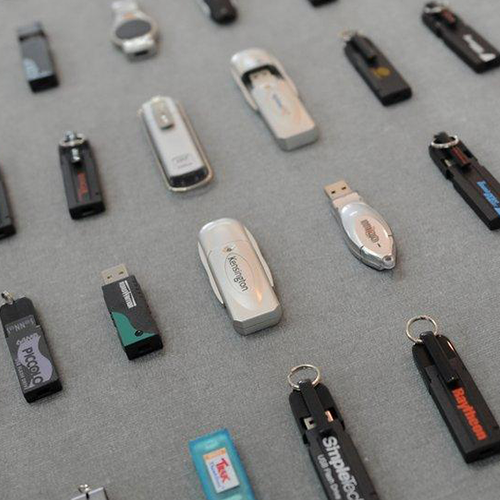
Performance reference:
USB flash drives
For reference and comparison purposes only, I try to test all USB sticks that come my way using CrystalDiskMark v9.0.1 (64-bit) with default settings and collect the results, […]
iPhone/iPad: Create your own ringtones in Windows
The method Apple has long promoted for creating your own ringtones is to use an in-house app called “GarageBand” – which is well described by the manufacturer. Nevertheless, […]
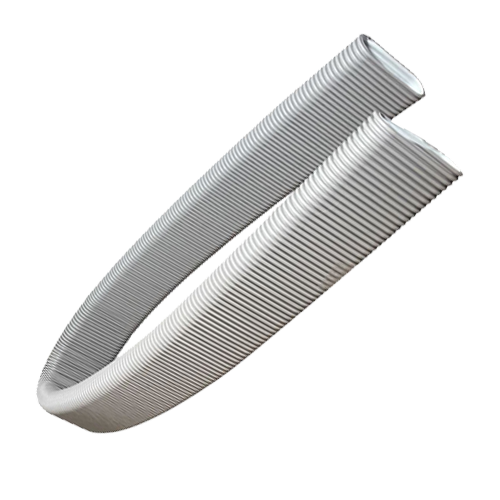
Flush-mounted multimedia channel, but good and inexpensive
There will be several places in our house where it would make sense to install a flush-mounted multimedia channel*. We are planning to install channels measuring 1.5 to […]
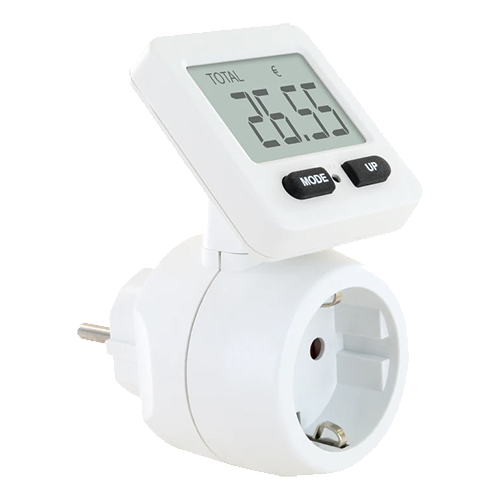
Energy cost/feed-in meters: It doesn’t always have to be smart
Smart sockets that can not only be switched via software but also measure consumption are very useful aids. Especially in conjunction with photovoltaics, and even if it is […]

MP3 audio files cannot be played correctly
This is a problem that has been around for a long time:If the playback device is either old or the MP3 decoding is poorly implemented, noise, stuttering, interruptions, […]

Store iTunes backups centrally on a network drive
It is widely recommended and makes a lot of sense to back up your smartphone or tablet more often than not. The easiest but also most expensive way […]
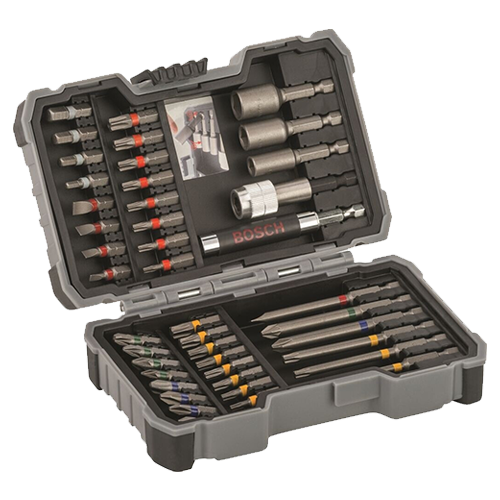
What a great bit set!
Bits are everywhere. In toolboxes, with cordless screwdrivers, as promotional items, as extras with spare parts…What do many of these bits have in common? That’s right, poor quality. […]