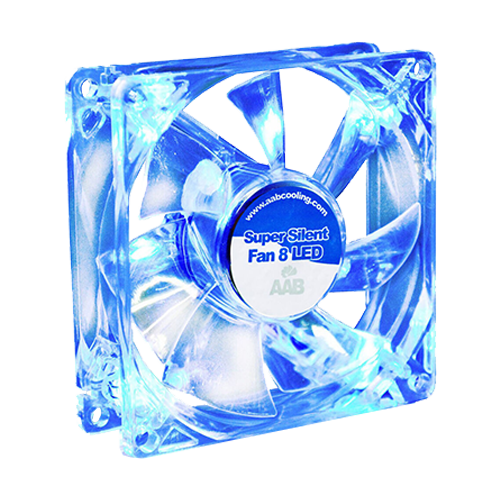
After installing Windows XP with minimal drivers on a 40 GB PATA hard drive from Seagate to perform some hardware tests, I noticed the following: Spare parts are […]
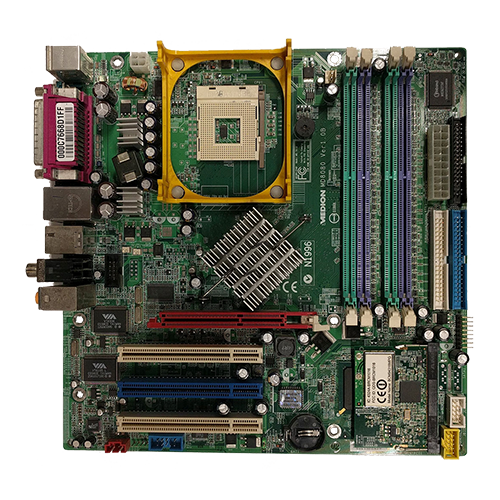
Medion PC-MT6 #3:
Hardware and Possibilities
As mentioned earlier, both models share some components: The motherboard is based on the Intel 865PE chipset with ICH5 and is equipped with a PGA 478 socket. DDR […]
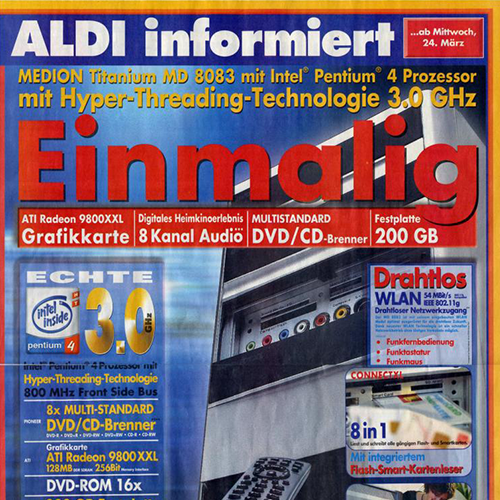
Medion PC-MT6 #2:
The era of Aldi PCs
“Those were the days,” some people say. In the case of the hype surrounding affordable home computers in the early 2000s, this phrase really fits well. People camped […]
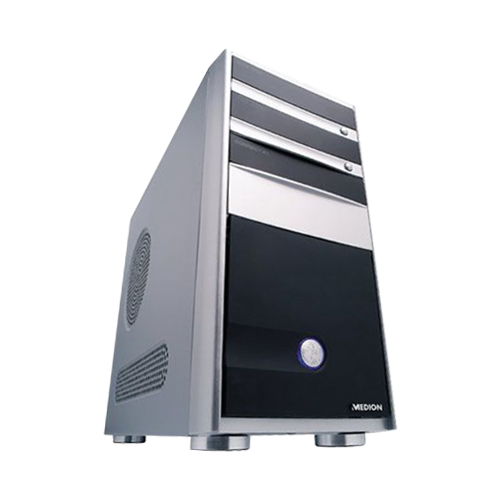
Medion PC-MT6 #1:
When it has to be antique because retro isn’t old enough
This PC project took a completely unplanned course:A few years ago, I acquired a “Medion PC-MT6, MD 8030” to cannibalize for parts, as it had been replaced by […]
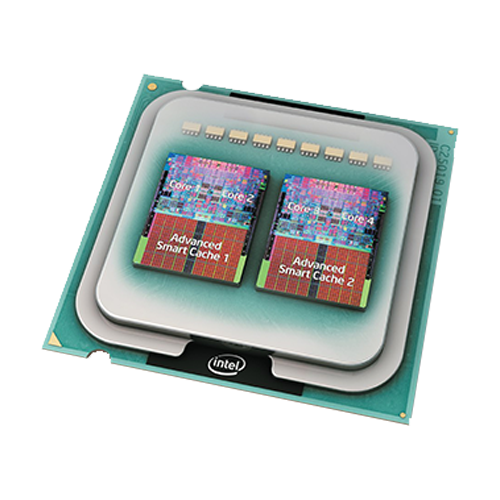
The first desktop quad-core processors: OC legends
After acquiring one of these desktop processors from Intel a long time ago, I came across the bundle consisting of a motherboard and CPU again while rearranging other […]

Set up a simple network drive with FRITZ!NAS
I am writing this post to let everyone who uses a Fritzbox from AVM* know that the USB port integrated into most models can be used for very […]
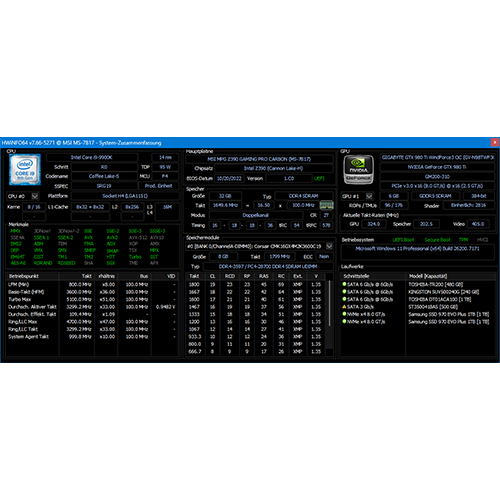
Setup:
Gast-PC
Revision 1.1 (01/2026) | Revision 1 (11/2025) If you just pack salvaged components into boxes and shelves, you don’t get anything out of them. That’s why we have this “guest […]
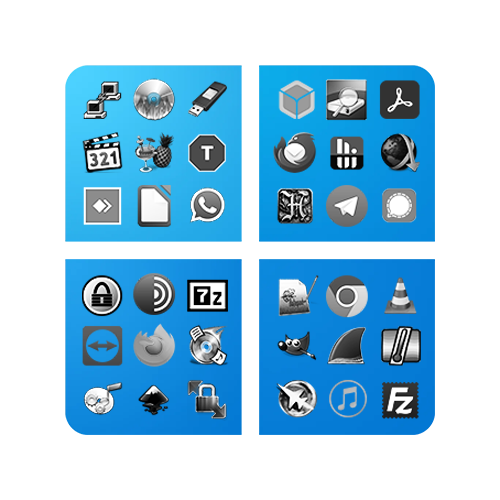
Recommended free software for Windows
Over the years and through numerous new installations of Windows in all editions, versions, and variants, I have established a selection of free standard software. Much of it […]
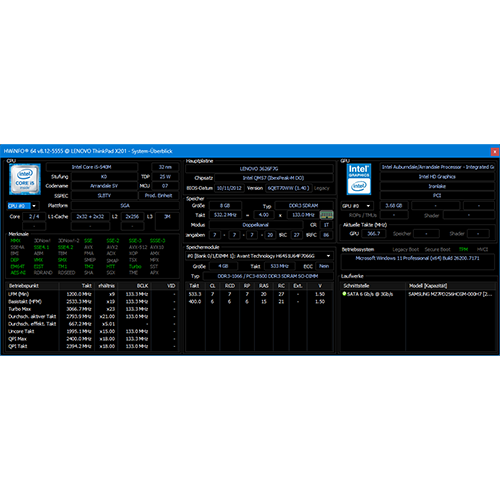
Setup:
Lenovo ThinkPad X201
This subnotebook from a bygone era lay unnoticed on my “notebook mountain” for years: It was originally purchased by my brother as a highly mobile travel device with […]