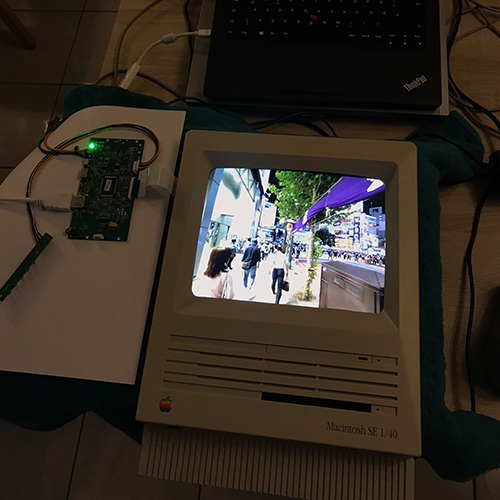
A few years ago, I came across a Macintosh SE 1/40. After a quick inspection, it was clear that at least the motherboard was beyond repair due to moisture damage. The battery had also leaked, causing half of the motherboard to oxidize. This model then sat around in storage for years.
This Macintosh had been used regularly and enjoyed by the person who gave it to me during my student days, so it holds a lot of memories. That was the basis for turning this defective and unusable computer into a kind of time capsule. It was the original owner’s 60th birthday, so it was the perfect gift.
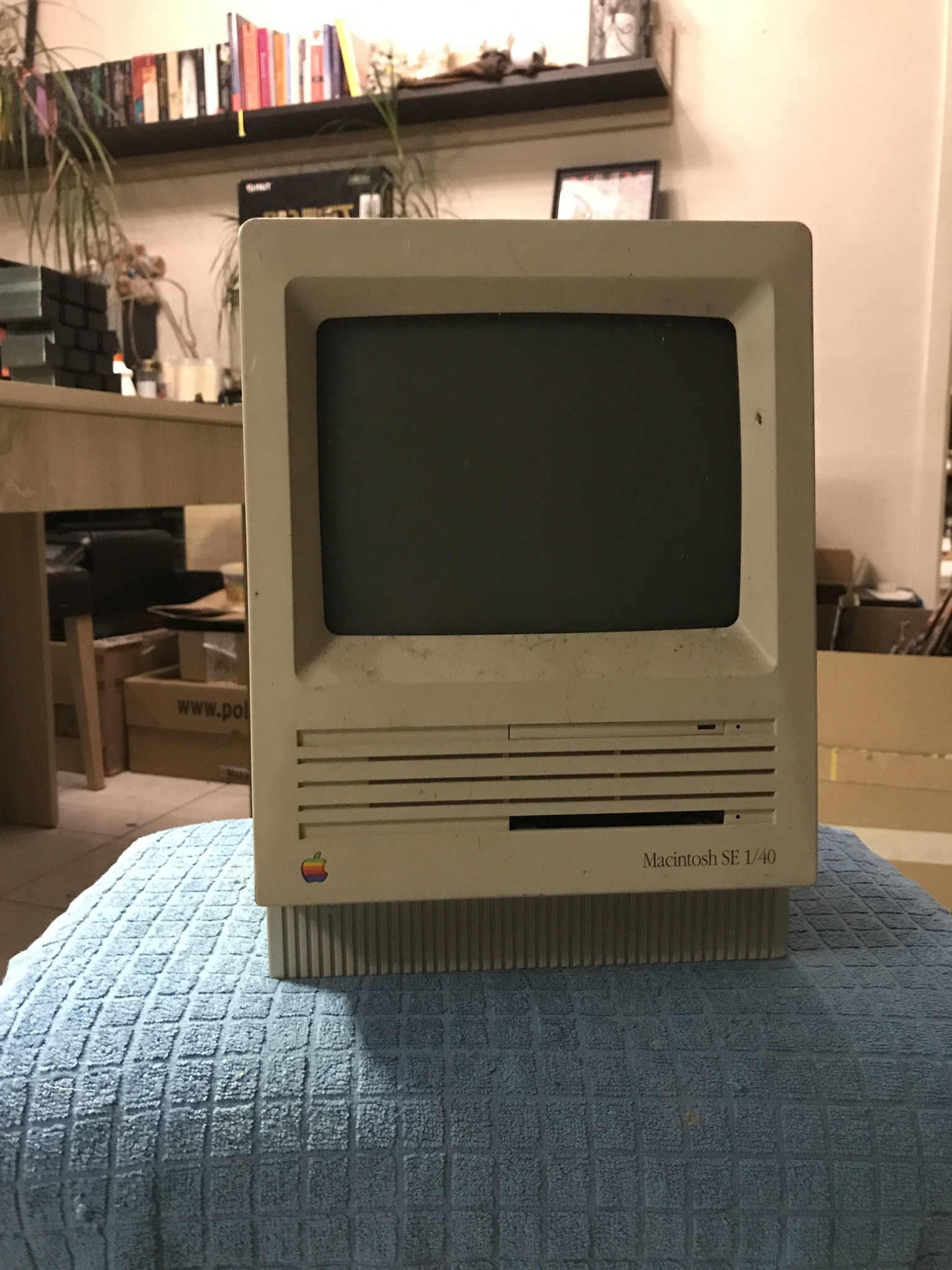
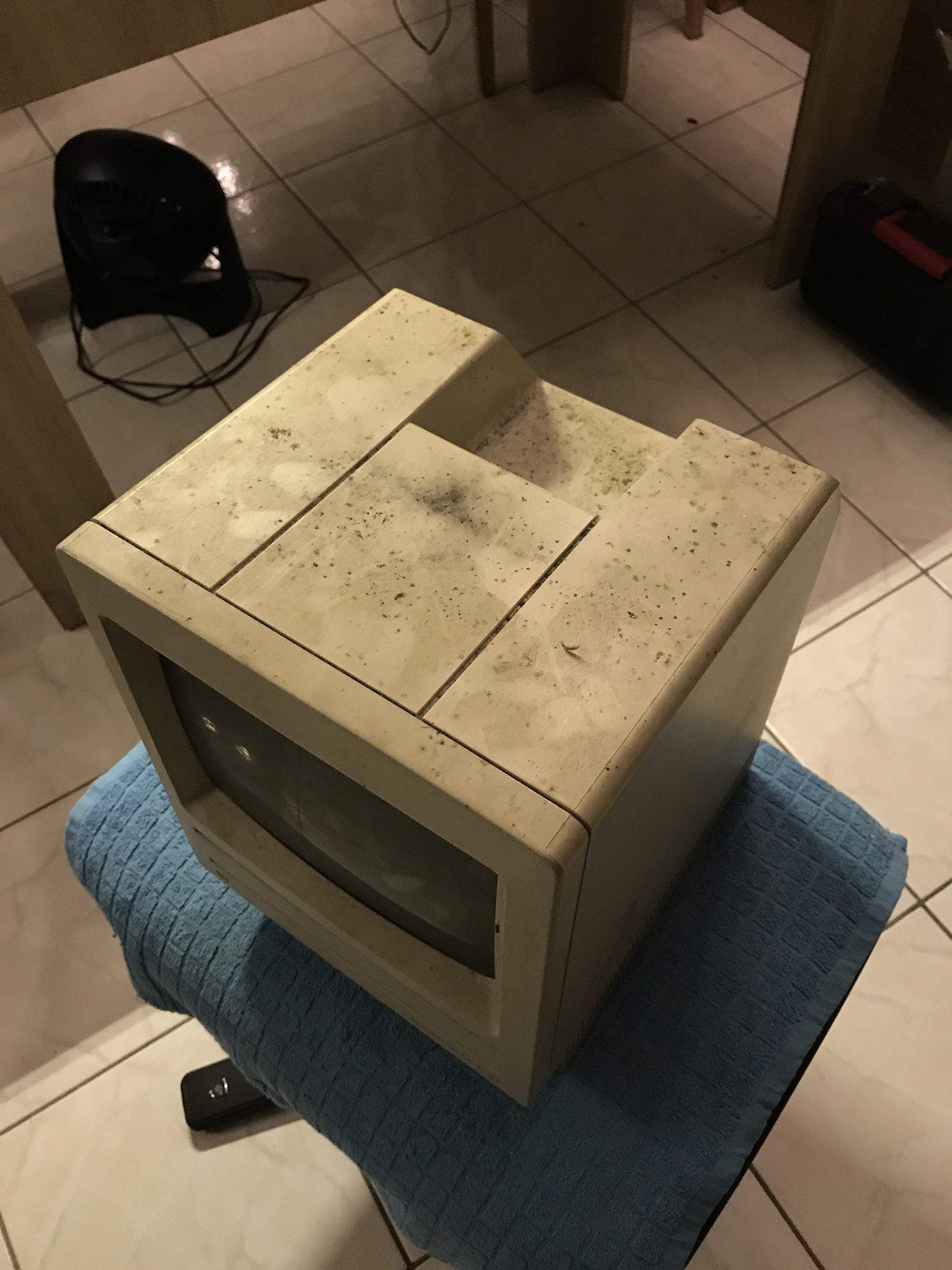
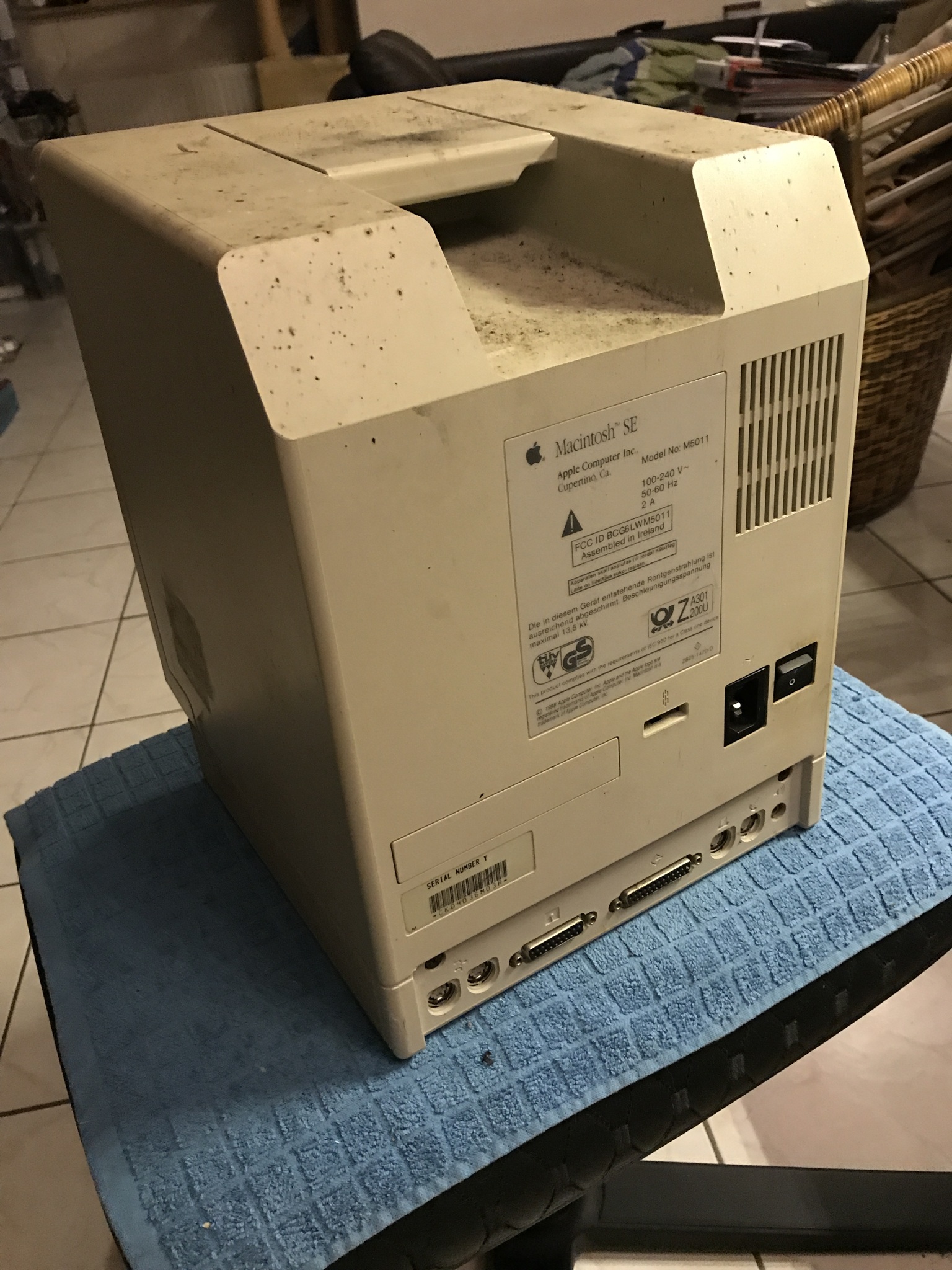
Condition
First, I took the entire computer apart to see what would fit and to assess the space available:
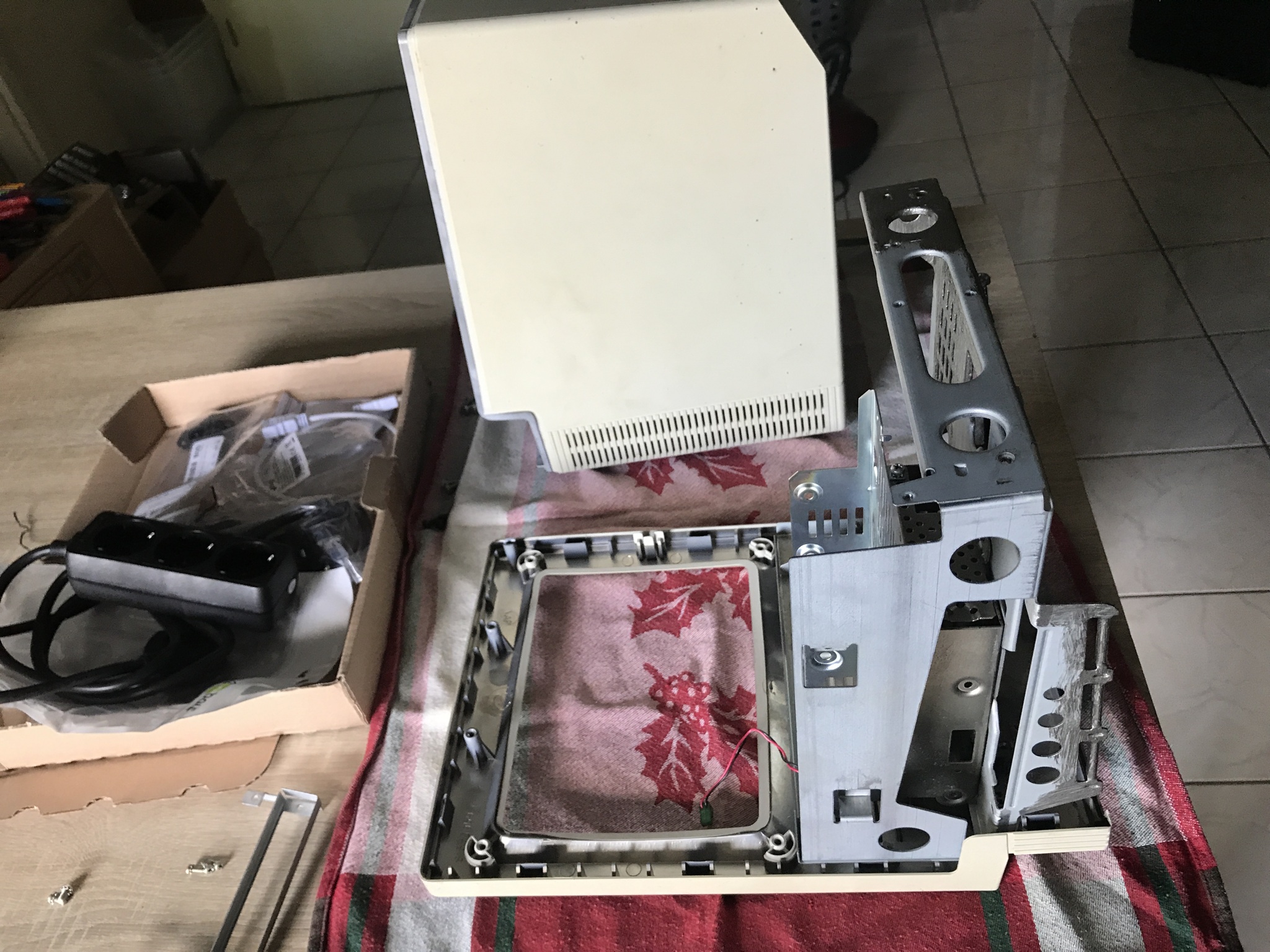
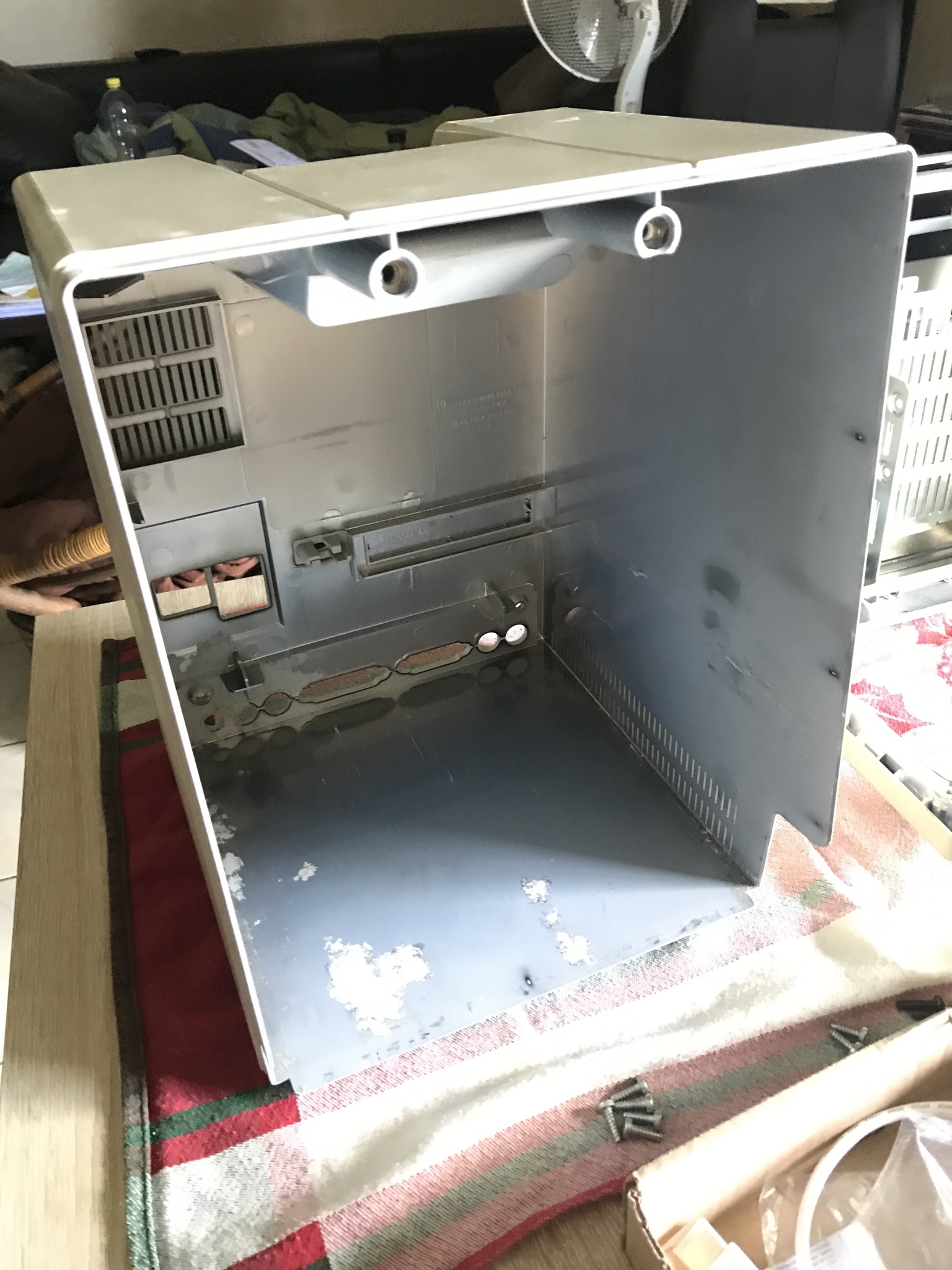
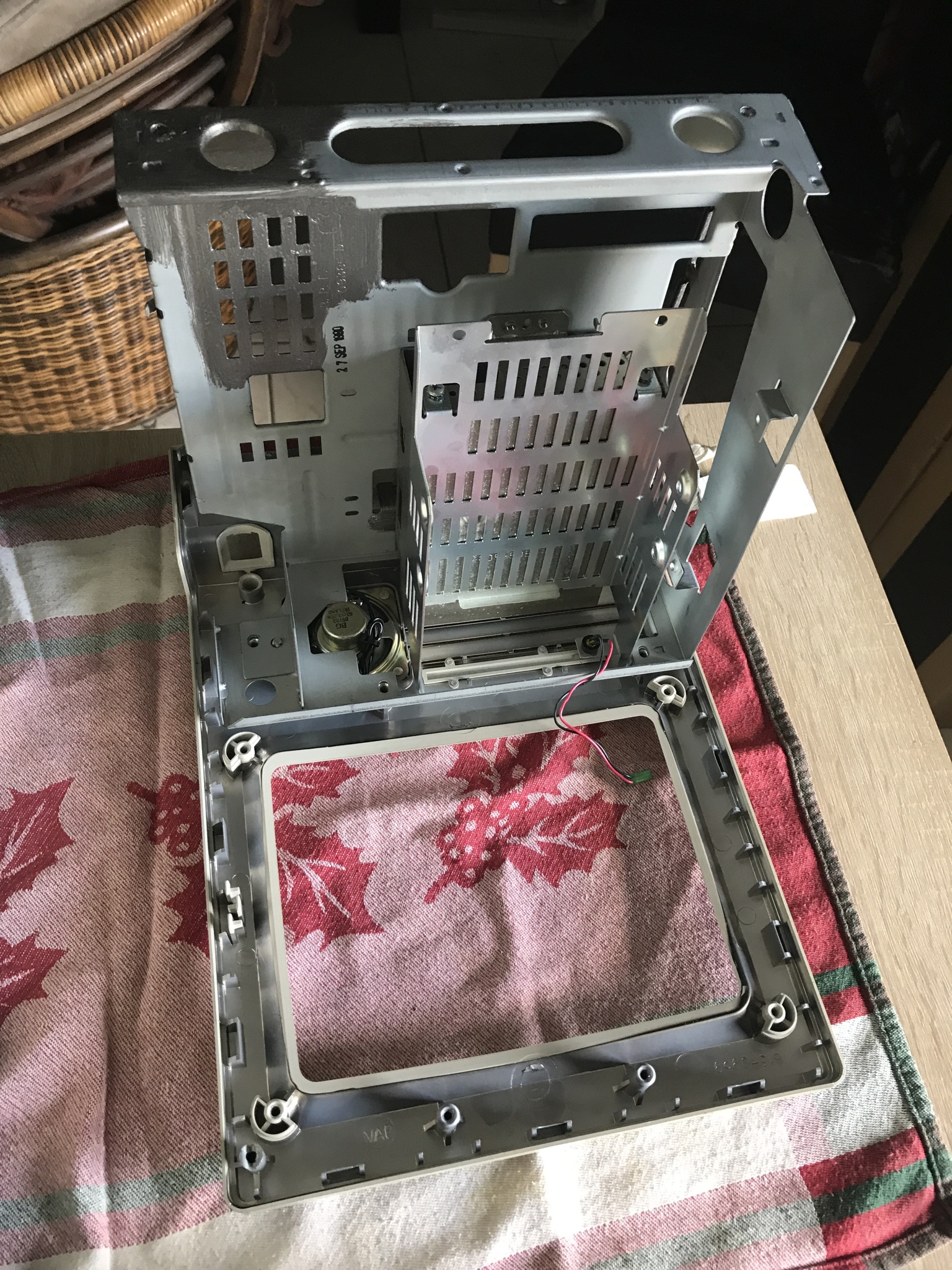
This should be workable!
The base
What is the most important thing about a digital picture frame?
That’s right – the image quality.
It doesn’t get any cooler than using components from much newer Apple products:
I opted for a complete set from China* based on an iPad 3 Retina display.
The technical specifications are almost exactly what I had in mind:
- 9.7″
- Aspect ratio 4:3, perfect for the screen opening in the Macintosh SE case
- 2048 x 1536 pixels at 60 Hz
- 264 ppi
- IPS panel, 440 nits brightness
- Signal via HDMI
The project needs to be capable of continuous operation, so an IPS panel with LED backlighting based on E-Ink technology is essentially the best option. Excellent, so the most important component is clear.
I attached the panel with 3D-printed adapters that fit the original hole pattern. I elegantly compensated for the round shape of the former CRT screen with Kompriband, which has several advantages:
Soft, self-adjusting, and rather matte, it nicely conceals the gap.
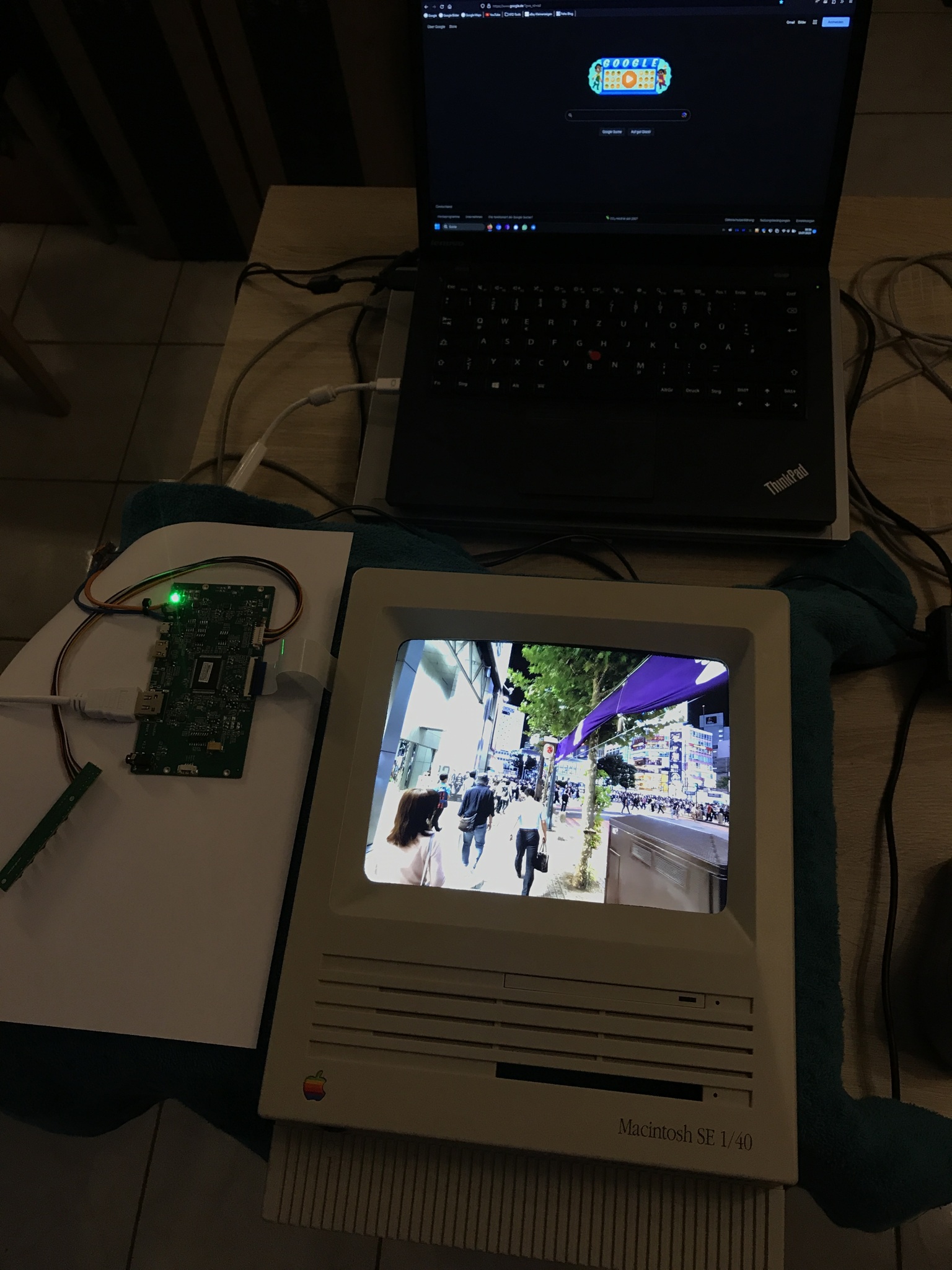
The display is controlled via Raspberry Pi 3 B+* using the HDMI output.
The structure
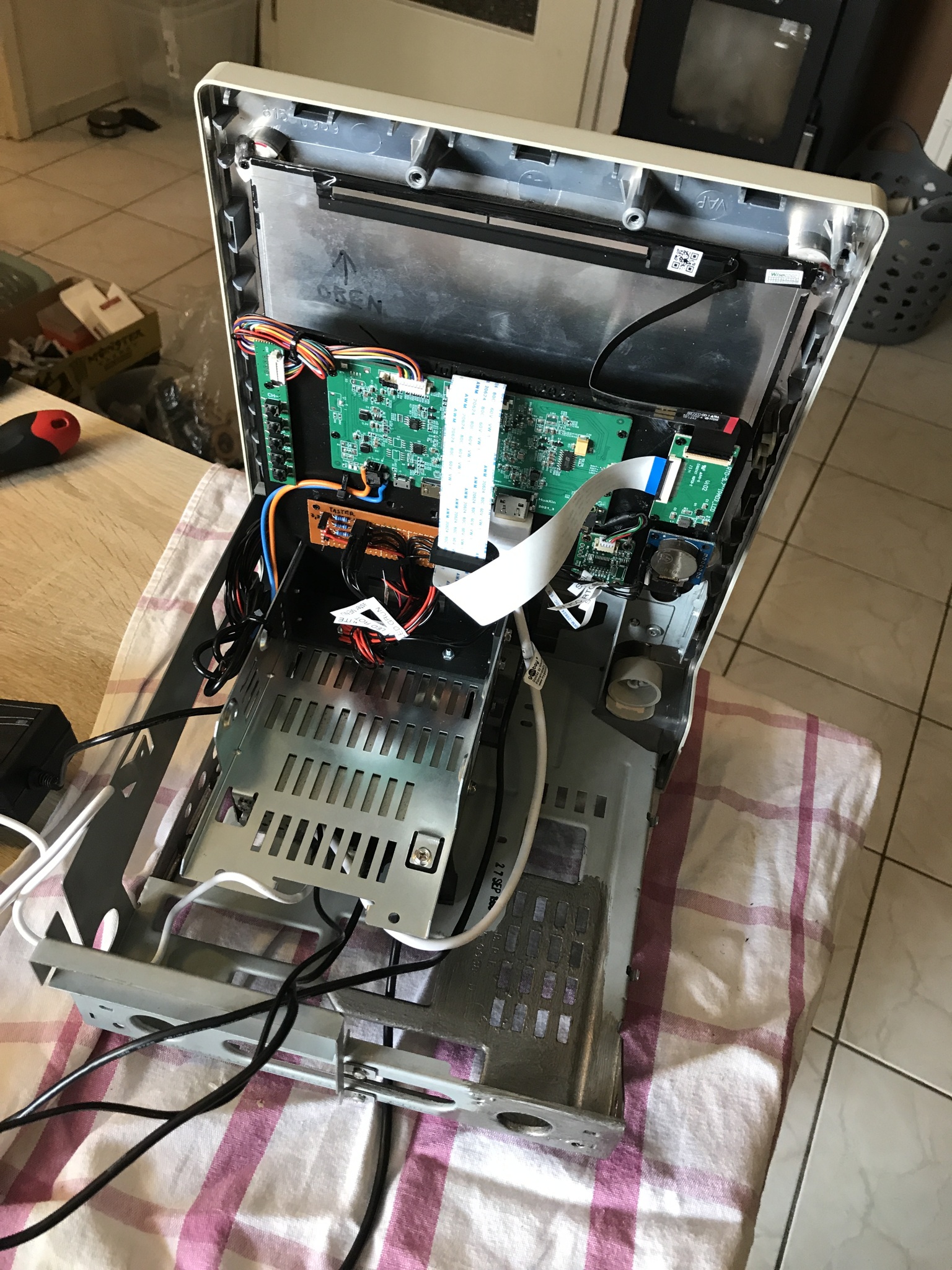
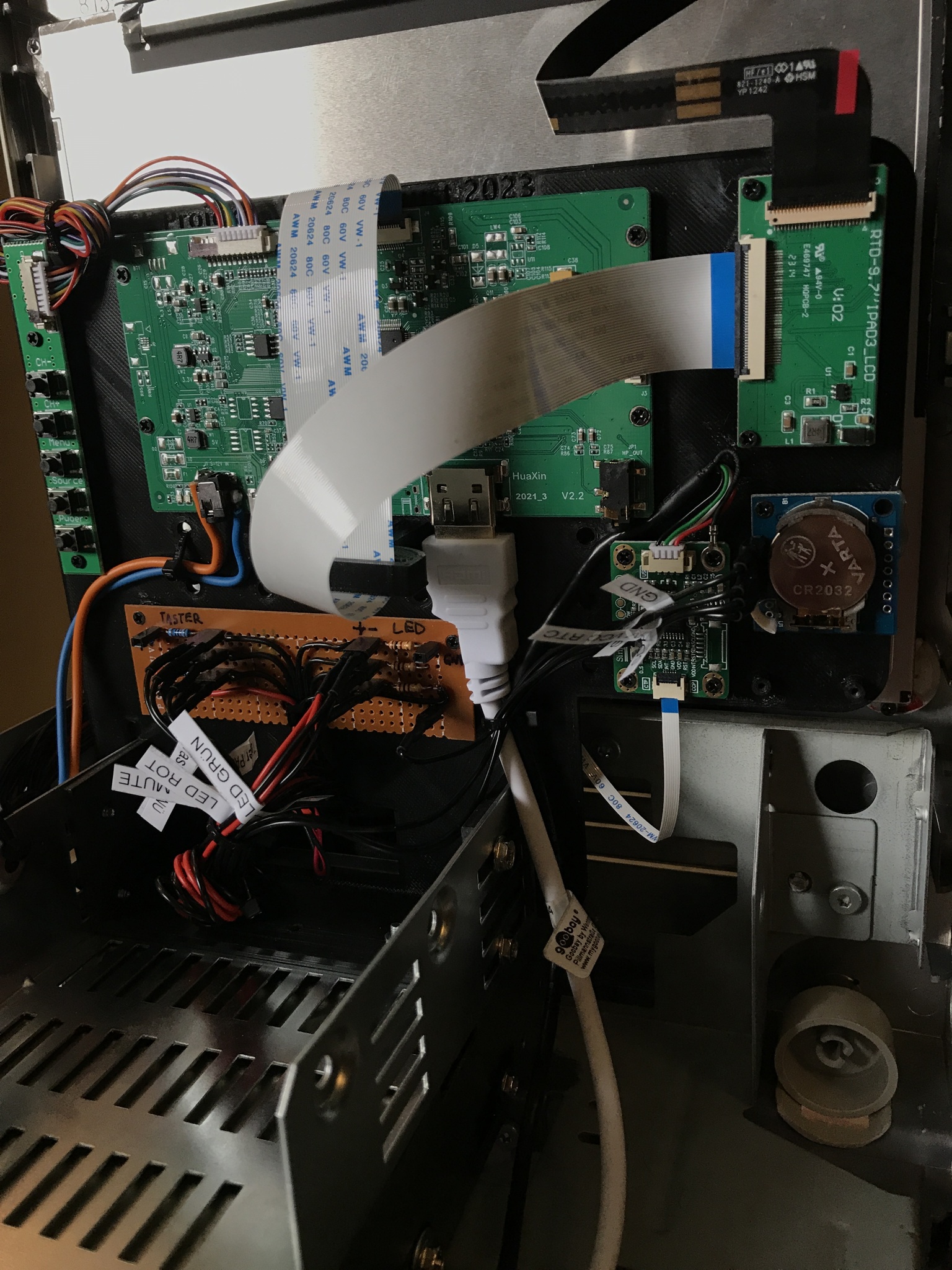
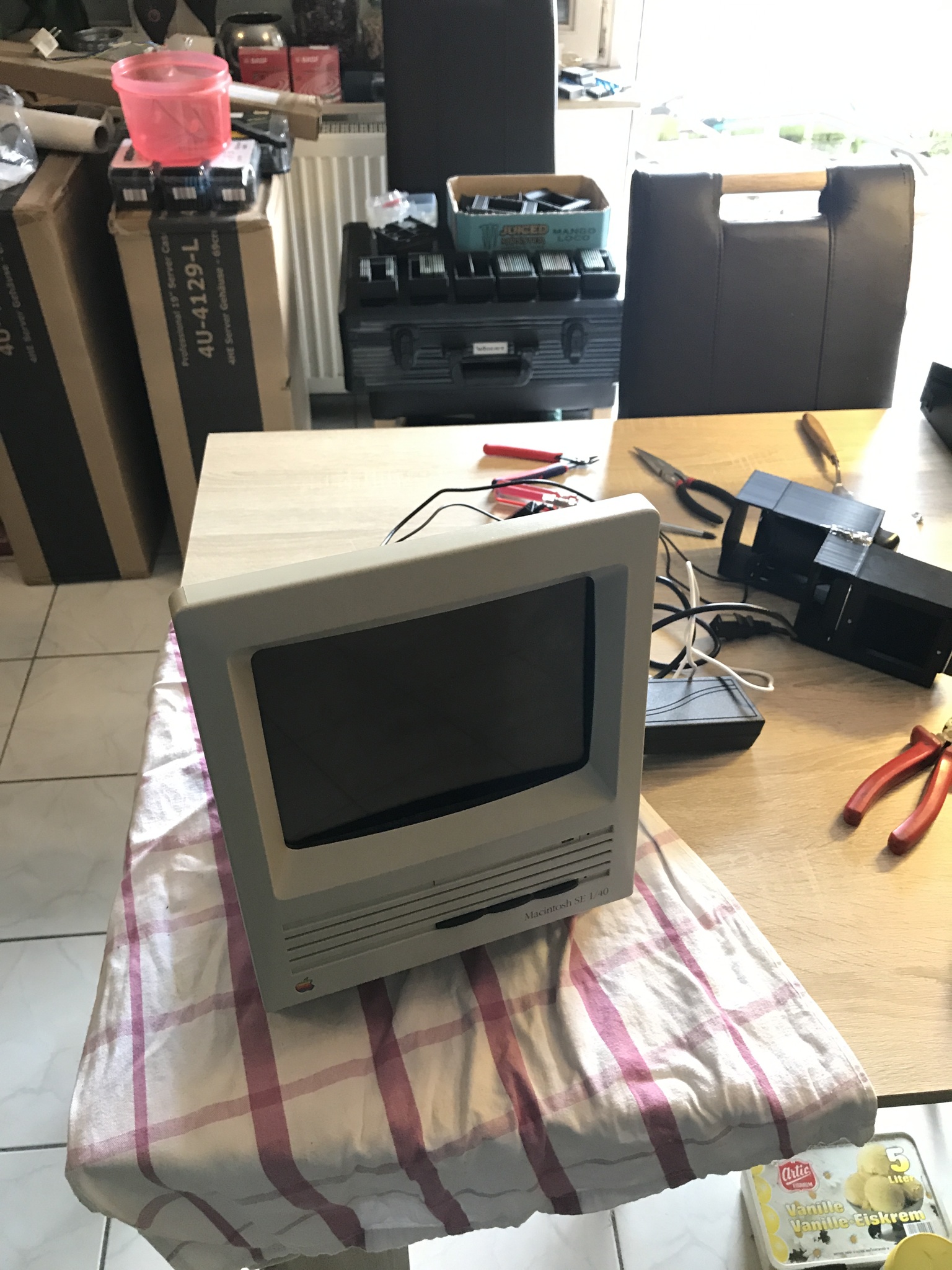
The device is primarily operated by touch, but I have implemented three functions as buttons—these can be seen in the third photo, protruding from the slot of the former floppy disk drive. They are stylishly designed in black, resembling floppy disks.
In addition, the original LEDs are used to indicate the status of various functions. Both buttons and LEDs are controlled via the GPIOs of the Raspberry Pi used.
Sound comes from two simple 5-watt RMS speakers powered by USB*, which are connected to the Raspberry via a 3.5 mm jack. The system and software are stored on a 32 GB MicroSD card (SanDisk Ultra*), while the actual data (sounds, music, and especially photos and videos) are stored on a 128 GB USB 2.0 stick (SanDisk Cruzer Blade*).
In addition to the “permanently installed” data, there is a USB 2.0 port on the back of the Macintosh, next to the IEC connector* and power switch, which can be used to add new photos externally (there is a separate menu item for this purpose).
An RTC* is also installed so that special actions can be performed once a year on the recipient’s birthday (this requires the date and time to be stored).
Software
Unfortunately, I can’t go into much detail about the software I created, as it contains personal information about the “target person.” The actual slideshow is based on “Picframe”, partly because of its really nice animation options and good performance.
I programmed the entire control system and GUI with Lazarus in Object Pascal, also on a Raspberry 3 B+. Pascal is my favorite programming language, along with C#. After HTML, Pascal and C++ were my introduction to the world of scripting and programming as a child, and I have largely stuck with them to this day (Borland Delphi, Embarcadero RAD Studio, Lazarus, Visual Studio, VSCode). Lazarus in particular is a very underrated IDE due to its cross-platform capabilities.
Subfunctions are outsourced as scripts, then in Bash.
The three buttons, which are visually hidden in the disk drive, have the following functions:
Left:
MENÜ – Essentially the “Home” button
Middle:
PAUSE – Pause slideshow (yellow LED flashes when paused)
Right:
MUTE – Mute sound, press and hold for music information (red LED lights up when muted)
The main menu has a very specific geometric design and includes Easter eggs and hidden functions. Since the recipient is a fan of Udo Lindenberg*, music by this artist plays continuously in the background in shuffle mode. The volume can be controlled centrally via software, and playback is handled by “mpg123”.
Videos are downsampled to 720p, as playback was otherwise jerky, and are played via “cvlc”. Every keystroke or touchscreen touch is acknowledged by sound effects. However, the photos and graphics were created in the very high native resolution of the display via Photoshop template as JPG or PNG respectively and look very good in terms of quality.
There is a “startup animation” and the Rasbian boot is set to verbose for the “fancy computer look”. The main program ended up with just over 2,000 lines of code.
Thoughts on the project
Since the entire project was developed under significant time pressure, there are (unfortunately) only a few photos. I really enjoyed the implementation, and it was another opportunity to test and expand my limits.
I had hardly any experience with GPIO and ARM programming, and then to dive right in like this – well. It was frustrating at times, with several nights spent programming and designing, making many mistakes and ironing them out. Being a perfectionist did more harm than good, but at least the quality level I aimed for and achieved is high.
Despite the circumstances, the result is impressive. All things considered, you couldn’t build a more personalized picture frame—it’s bursting with memories, little gimmicks, and references. I would build something like this again in the future.