There are many reasons to use the desktop versions of popular messaging apps. For us, WhatsApp, Telegram, and Signal are standard on all our computers. The desktop versions make it much easier to work with, format, and send PC setups, graphics or simply large amounts of data.
For several weeks or months now, however, WhatsApp Desktop has stopped working on all the Windows 11 computers we use. It couldn’t be due to firewall settings, as we have PCs in use both with and without firewalls. The logs also show nothing unusual.
After some research, it turns out that Meta switched the desktop version to Microsoft Edge WebView2 in one of the updates rolled out recently and this is now causing problems.
Symptoms
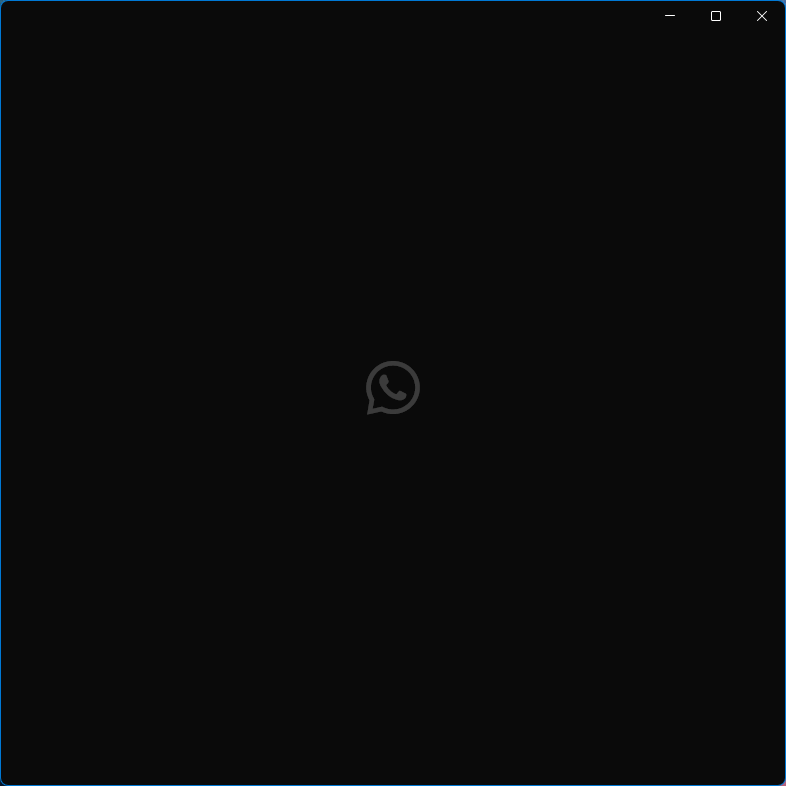
In all problematic instances, the behavior was the same: The app launches, but nothing appears except the tray icon – no window. When I click the tray icon, a window opens with a splash screen (a small, gray WhatsApp logo) and nothing happens. No error message, no attempt to access the network, nothing.
All computers were running the latest version of Windows 11 Professional, 25H2 (x64), at the time of the issue.
The solution
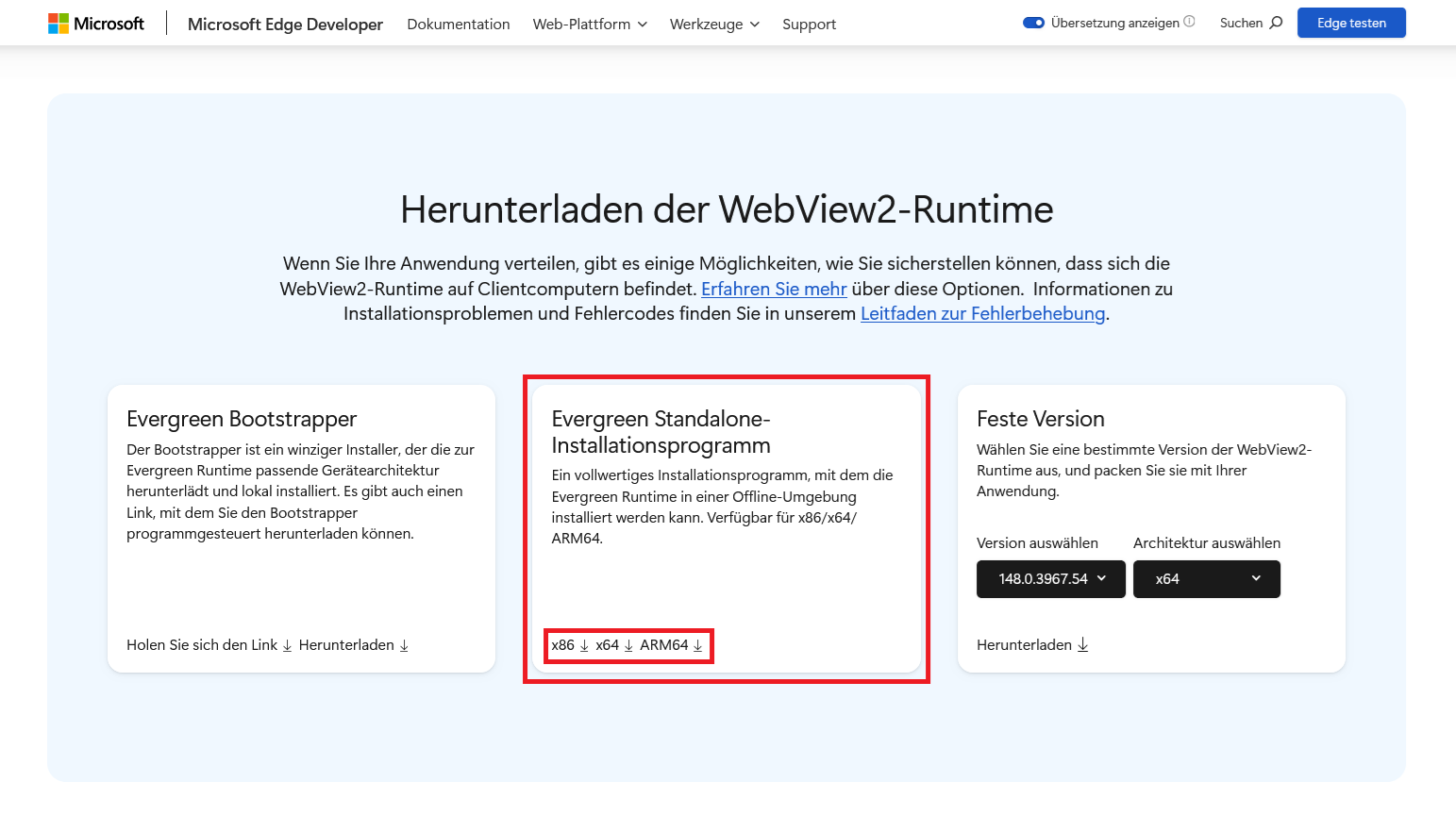
In our case, installing the standalone version of the Microsoft Edge WebView2 Runtime (“Evergreen Standalone Installer”) with administrator privileges solved the problem.
You can download the version for x86, x64 or ARM systems here.
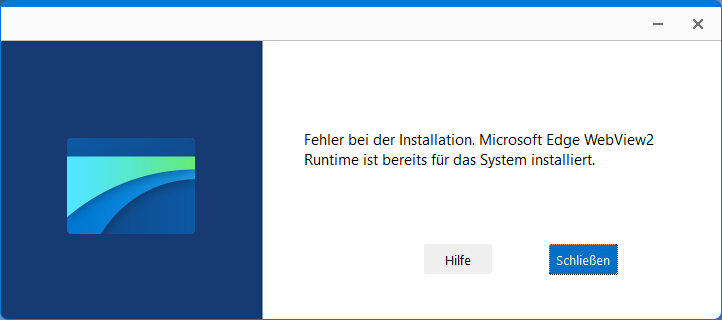
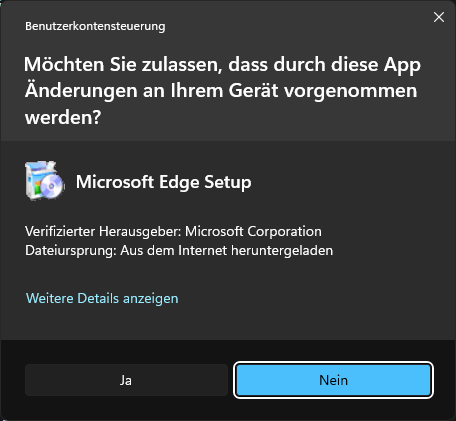
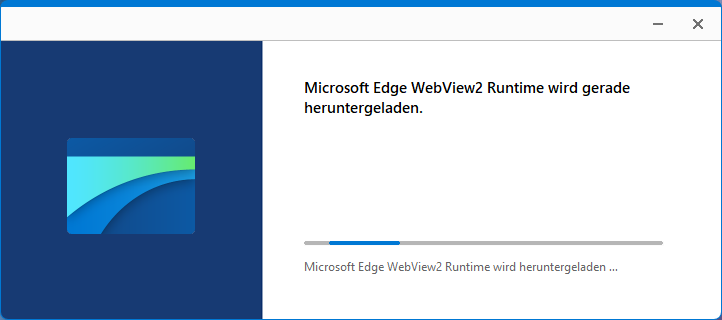
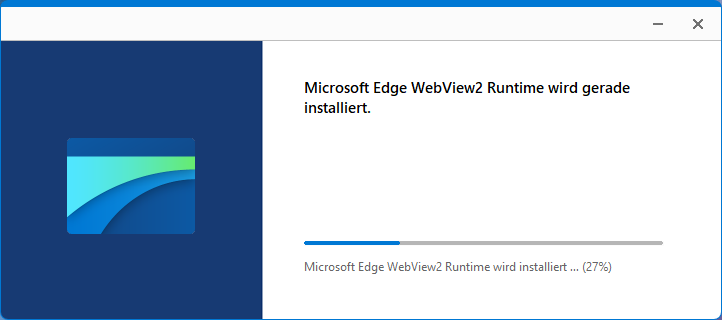
It is important to install it with administrator privileges – without them, the setup will not work and will report that the runtime is already installed (see screenshots below).
Once the setup is complete, the wizard closes automatically. After installation, you should restart your computer. And lo and behold: WhatsApp Desktop works again!