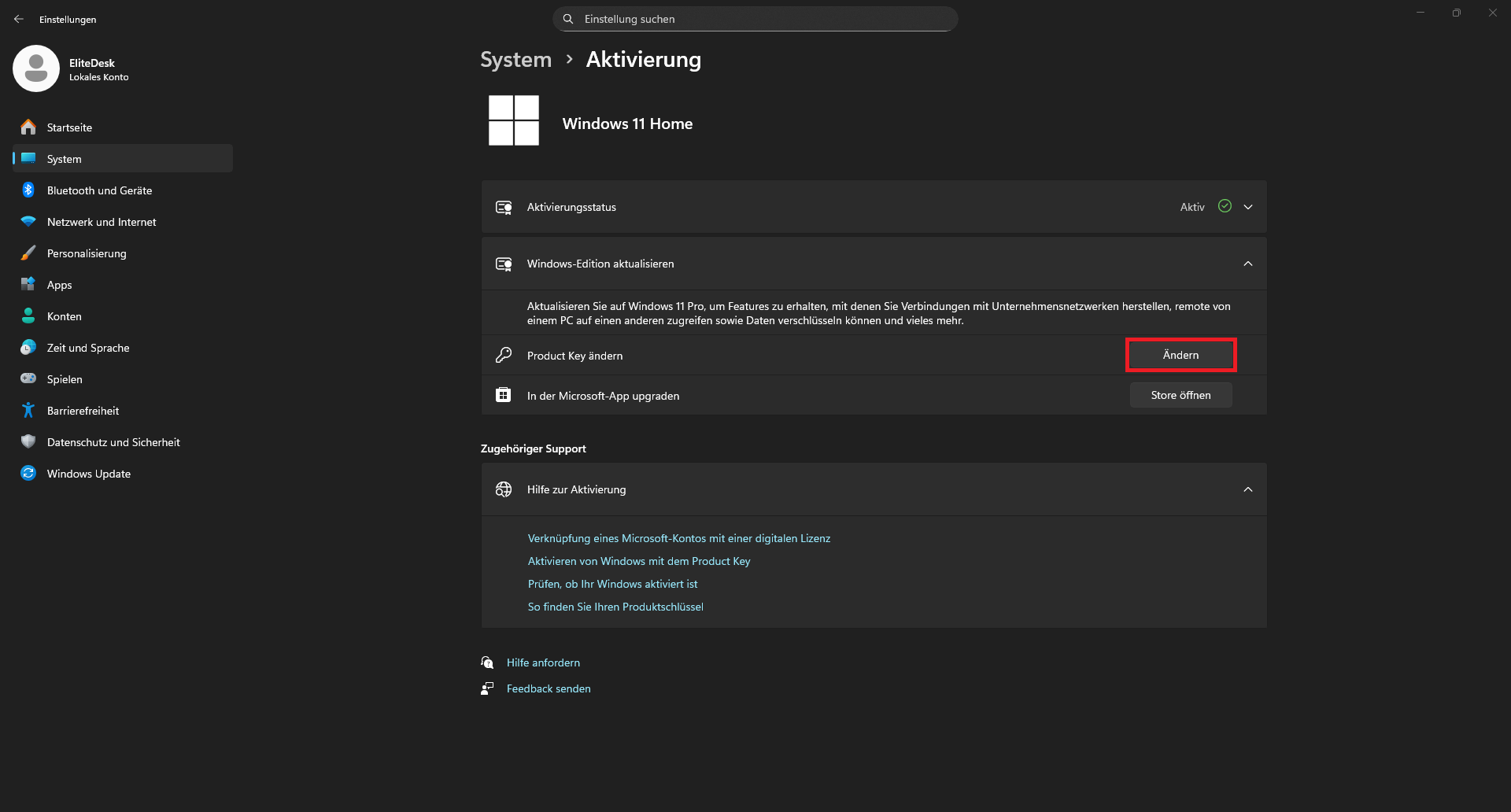
This issue comes up particularly often with devices that come with Windows 11 preinstalled (as was the case before, for example, with Windows 10): The Home edition is installed, but you want a different edition, usually Professional. If you have a product key for the Professional edition, it’s no problem – just enter the key like so:
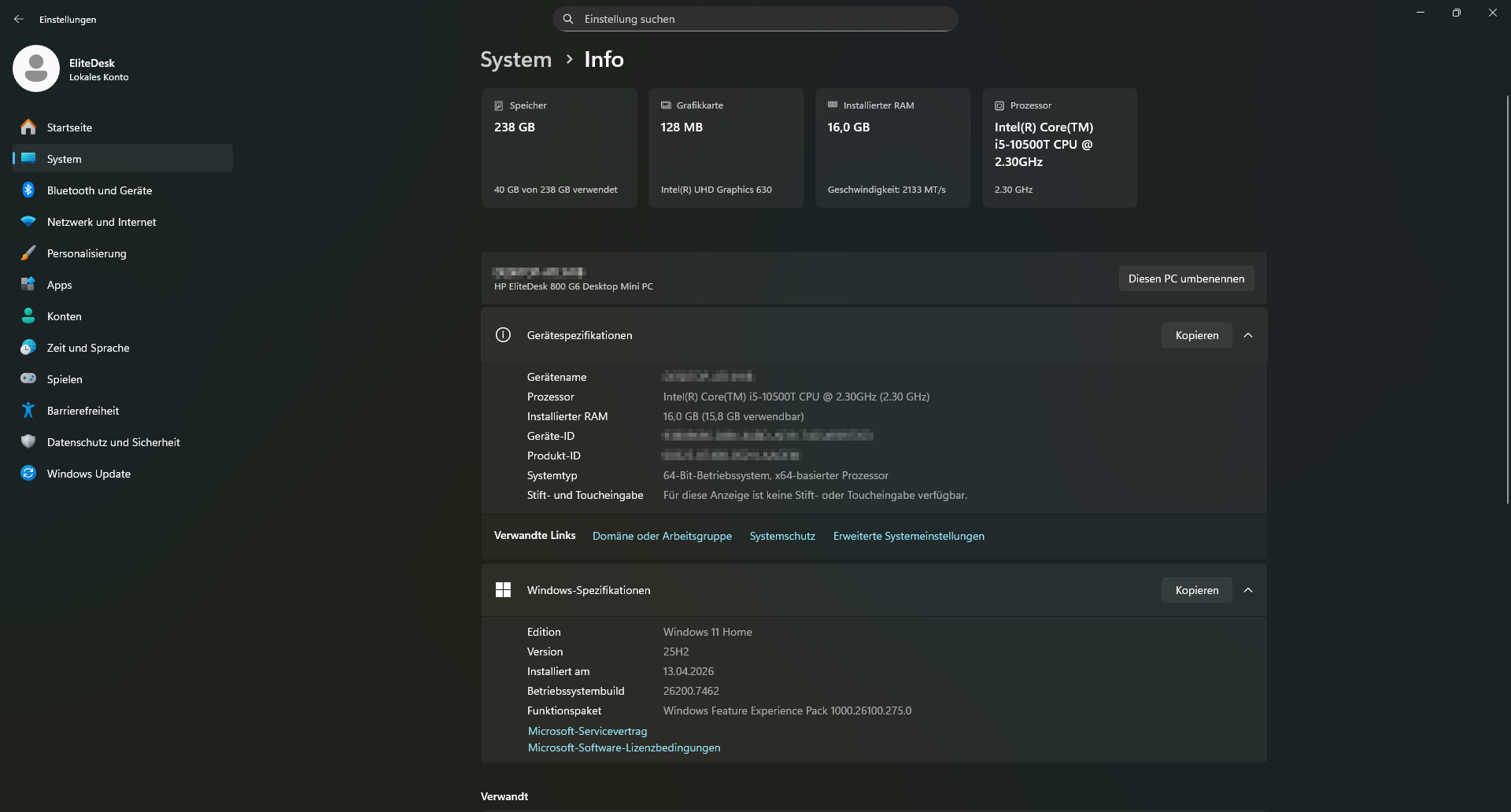
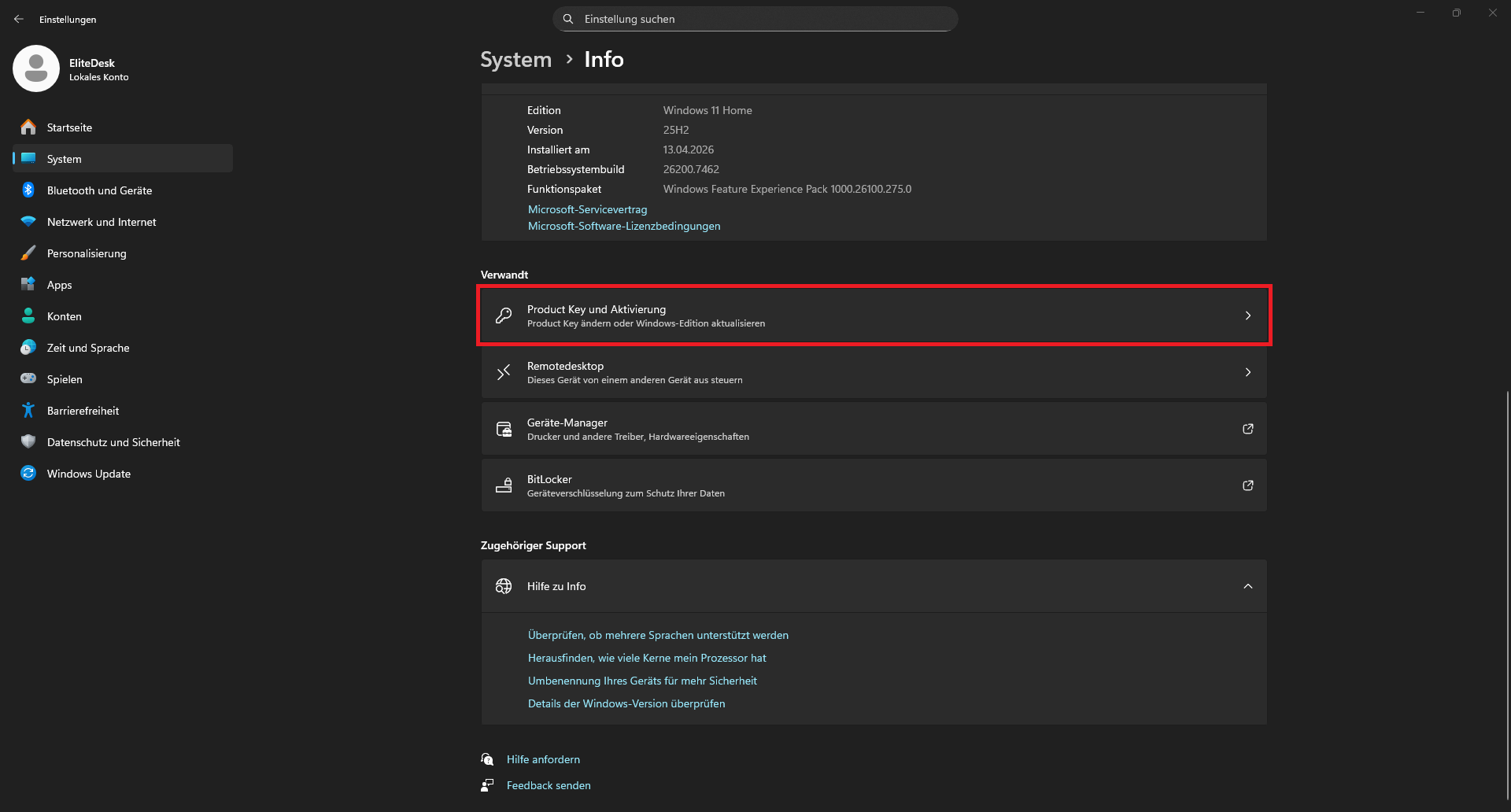
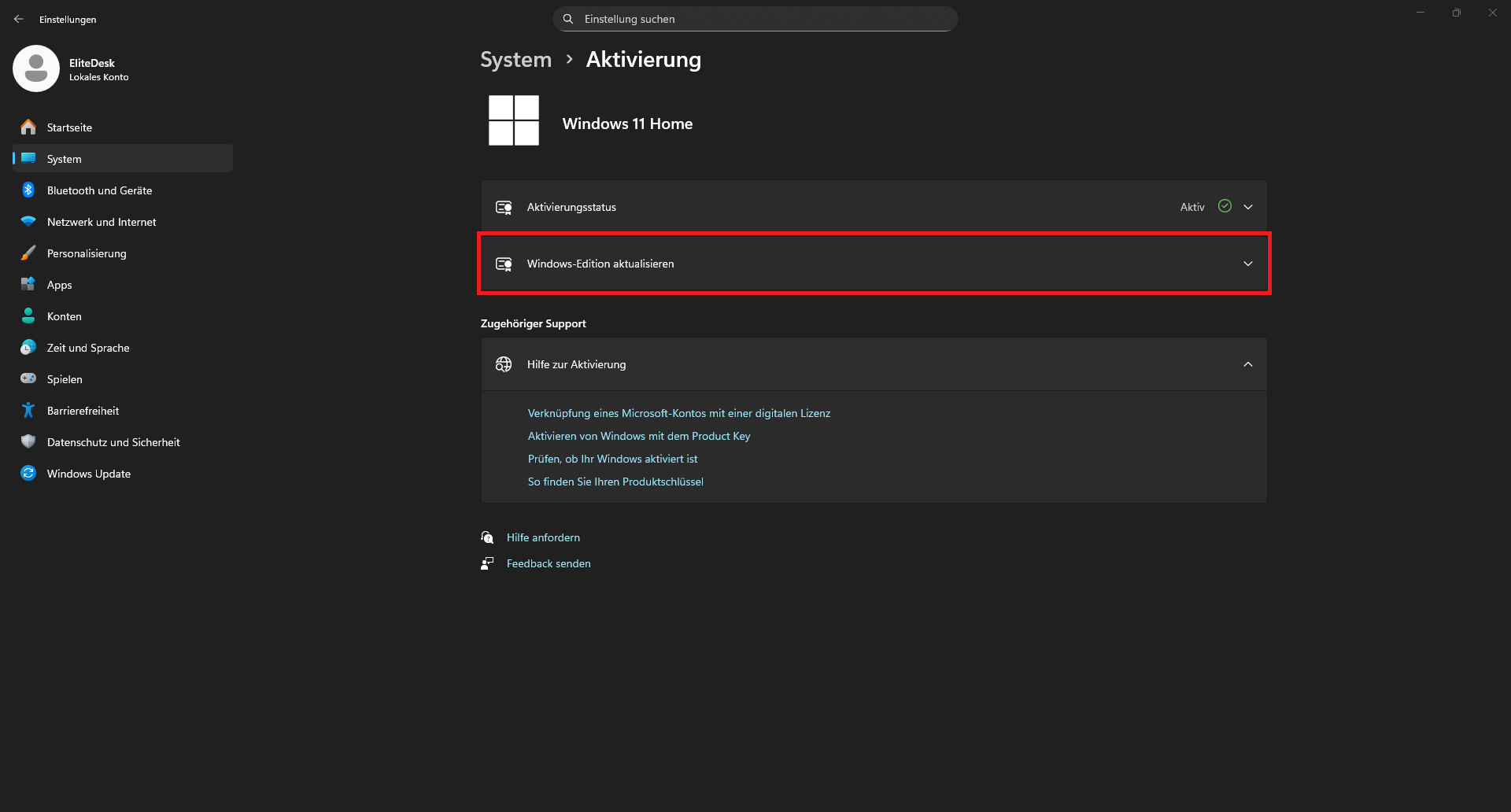
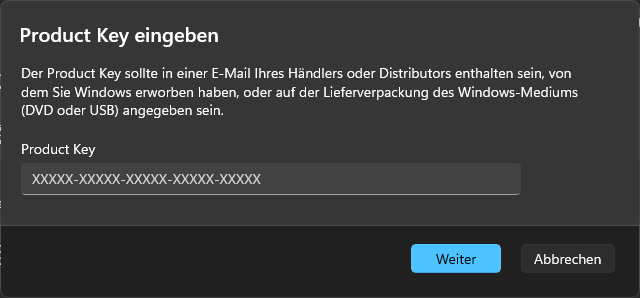
The target edition is identified using the key and the feature installation or removal begins once the process is running:
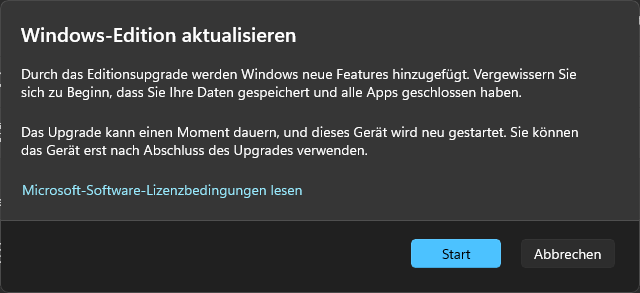
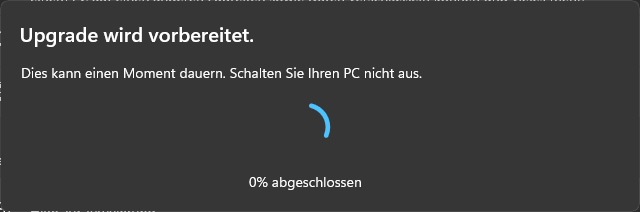
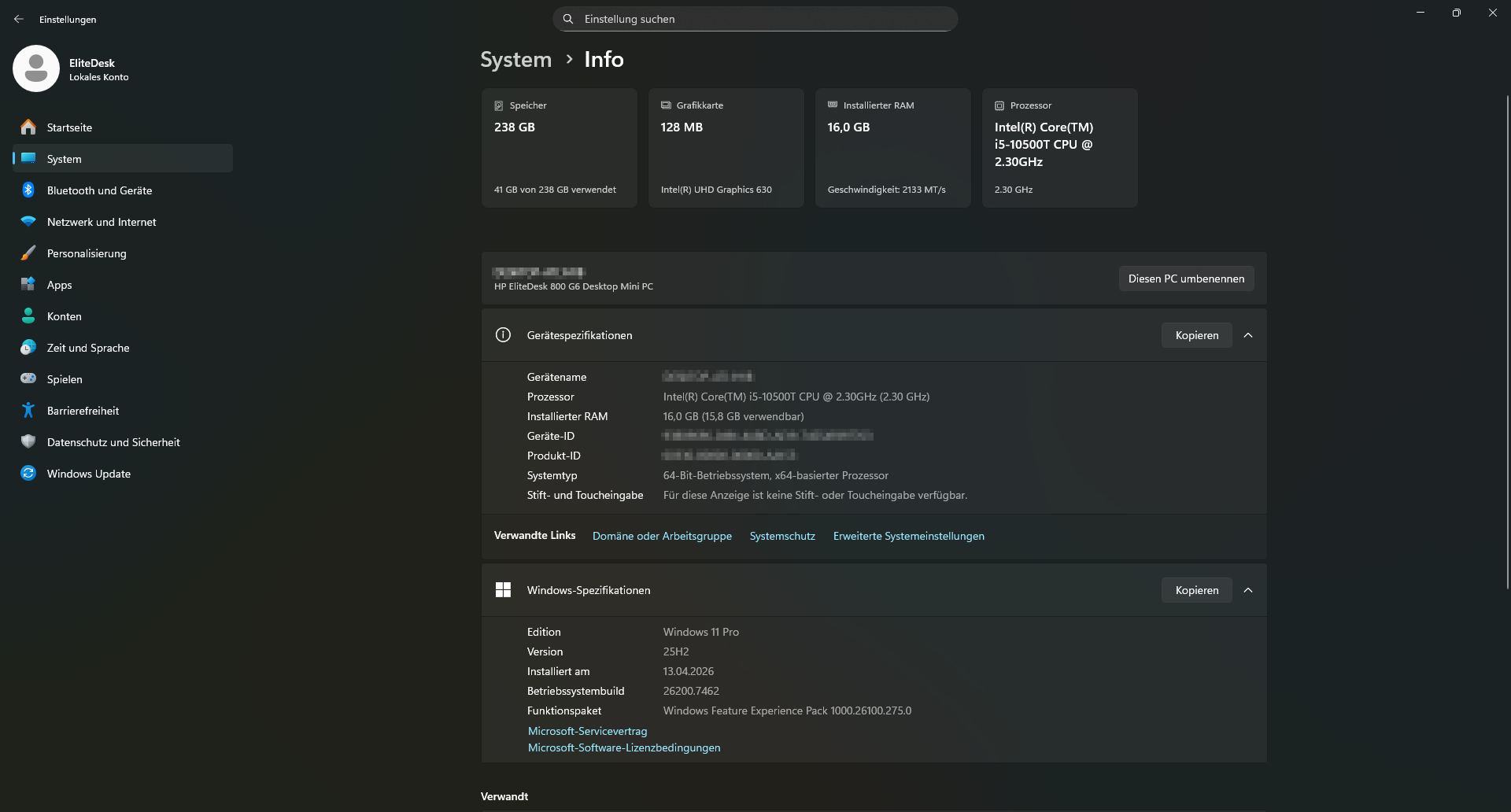
The system will restart and you should be switched to the target edition. If the process fails, try it several times. A “clean” restart can also help; for me, it doesn’t always work right away either. After the switch, Windows 11 Professional will run successfully in this case:
But what if you want to switch to a different edition but don’t have a key for it (yet) or if the PC has already been digitally activated in the past?
There is a solution for this: generic product keys, officially provided by Microsoft. They aren’t suitable for activation, but they’re very useful for installation and migration. I’ve summarized the most important ones in the table below:
| Windows 11 Edition | Description | Generic Key |
|---|---|---|
| Home | Basic version for personal use | YTMG3-N6DKC-DKB77-7M9GH-8HVX7 |
| Home N | The N version includes the same features as the standard version without the N, with the exception that third-party software is required for video and music playback and video chat | 4CPRK-NM3K3-X6XXQ-RXX86-WXCHW |
| Pro | A more feature-rich version for home and business users | VK7JG-NPHTM-C97JM-9MPGT-3V66T |
| Pro N | The N version includes the same features as the standard version without the N, with the exception that third-party software is required for video and music playback and video chat | 2B87N-8KFHP-DKV6R-Y2C8J-PKCKT |
| Pro for Workstations | For professional users with advanced hardware support | DXG7C-N36C4-C4HTG-X4T3X-2YV77 |
| Pro N for Workstations | The N version includes the same features as the standard version without the N, with the exception that third-party software is required for video and music playback and video chat | WYPNQ-8C467-V2W6J-TX4WX-WT2RQ |
| Pro Education | A more feature-rich version for educational institutions | 8PTT6-RNW4C-6V7J2-C2D3X-MHBPB |
| Pro Education N | The N version includes the same features as the standard version without the N, with the exception that third-party software is required for video and music playback and video chat | GJTYN-HDMQY-FRR76-HVGC7-QPF8P |
| Education | Basic version for educational institutions | YNMGQ-8RYV3-4PGQ3-C8XTP-7CFBY |
| Education N | The N version includes the same features as the standard version without the N, with the exception that third-party software is required for video and music playback and video chat | 84NGF-MHBT6-FXBX8-QWJK7-DRR8H |
| Enterprise | For use in (large) companies | XGVPP-NMH47-7TTHJ-W3FW7-8HV2C |
| Enterprise N | The N version includes the same features as the standard version without the N, with the exception that third-party software is required for video and music playback and video chat | WGGHN-J84D6-QYCPR-T7PJ7-X766F |
| Enterprise LTSC 2024 | For use in (large) companies, with long-term update support | M7XTQ-FN8P6-TTKYV-9D4CC-J462D |
| Enterprise N LTSC 2024 | The N version includes the same features as the standard version without the N, with the exception that third-party software is required for video and music playback and video chat | 92NFX-8DJQP-P6BBQ-THF9C-7CG2H |
| IoT Enterprise LTSC 2024 | For use in (large) enterprises requiring maximum update support, including for embedded systems | CGK42-GYN6Y-VD22B-BX98W-J8JXD |
Usage
Just paste the correct product key for the version of Windows 11 you want into the product key change dialog shown above (use the right-click menu to copy and paste -> CTRL+C / CTRL+V never worked for me there) and it’ll be updated right away!
Deskmodder has a few more, including some for rare editions and server versions.